Home›Support›English Support›[Resolved] Completed translations in translation editor registered as completed in the Translations panel not d...
[Resolved] Completed translations in translation editor registered as completed in the Translations panel not d...
This thread is resolved. Here is a description of the problem and solution.
Problem: The client has completed translations for pages using the translation editor, and these are registered as completed in the Translations panel. However, the translations are not displaying on the frontend. The client recently switched from using Bakery builder to Elementor Pro and updated to the Hello Elementor child theme. Solution: If you're experiencing this issue, we recommend you try the following steps: 1. Edit the page in the default language. 2. Add "V2" to the title and update the page. 3. Delete the "V2" from the title and update the page again. 4. Update the page's translation. After completing these steps, please check if the translated page is now visible on the frontend.
This solution might be irrelevant if it's outdated or not applicable to your case. We highly recommend checking related known issues at https://wpml.org/known-issues/, verifying the version of the permanent fix, and confirming that you have installed the latest versions of themes and plugins. If the issue persists, please open a new support ticket at WPML support forum.
This is the technical support forum for WPML - the multilingual WordPress plugin.
Everyone can read, but only WPML clients can post here. WPML team is replying on the forum 6 days per week, 22 hours per day.
Background of the issue:
I have completed translations for the Pages using the translation editor, and they are registered as completed in the Translations panel. The site previously used an outdated theme and was built with Bakery builder. It now uses the Hello Elementor child theme and Elementor Pro. There were no translations to the pages before, which I have now translated.
Symptoms:
Completed translations in the translation editor are registered as completed in the Translations panel but are not displayed in the frontend.
Questions:
Why are the completed translations not displaying on the frontend?
Could the change from Bakery builder to Elementor Pro be affecting the translations?
Is there a compatibility issue with the Hello Elementor child theme and WPML?
Thanks for contacting WPML forums support. I'll be glad to help you today.
Please try the following steps:
1- Edit this page in the default language
2- Add "V2" to the title and update the page
3- Delete the "V2" and update the page
4- Update the page's translation
After that, please check the translated page on the front end.
Sorry for omitting certain details, however the default language is Macedonian. I went over 20 pages yesterday using the advanced translator for all and translating 2 languages per page and using credits for some(not all) of those pages. Your suggestion worked however it again requested that I use credits for translation. Is there no way to use some of the troubleshooting options to fix these issues, or I'll need to again spend credits to fix this?
It is regarding previously translated pages of course. I tested out different previously translated pages with changing the Title to V2, which is working fine. However, when I am trying to edit and translate the page in the Translations panel that was already translated, it's either completely empty so I should re-translate it, or parts are missing that I need to re-translate.
I would need to look closely at your site, so I would need to request temporary access (WP-Admin and FTP) Preferably to a test site where the problem has been replicated.
Your answer will be private, meaning only you and I can access it.
❌ Please backup your database and website ❌
✙ I need your permission to deactivate and reactivate the plugins and themes and change site configurations. This is also why the backup is critical.
✙ I also need your permission to take a local copy of your site to debug the issue without affecting your live site.
Thanks for the access details. Before making any changes, I opened the translation editor, applied the steps to the home page, and opened it again to check for untranslated segments. The editor didn't have any untranslated segments.
Kindly check this hidden link and let me know if I missed any steps to reproduce the issue.
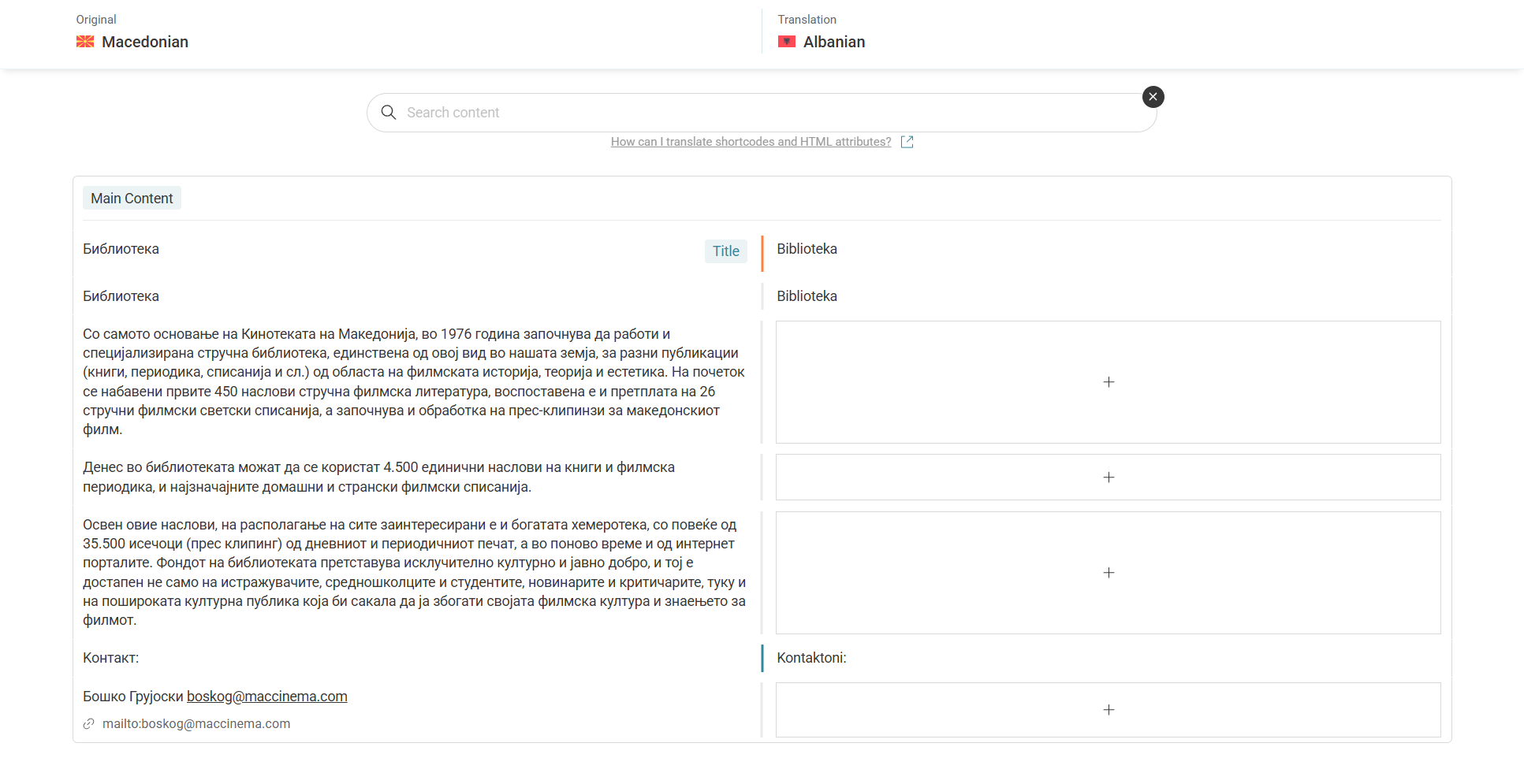
Here is one example page(images provided), that I translated manually in the advanced translator, and the translations are present in the frontend, but not when I attempt to do the V2 steps and then to re-save the translations in the Translations dashboard.
Also, will I need to do this on all the already translated posts as well?
On another note, if I use Cyr-to-Lat plugin to convert Cyrillic to Latin slugs, will that mess with WPML translations?
Will all these affect the translations when migrating to a live site?
1) I checked some other pages, which are not translated on the front end. For example: (hidden link).
Please let me know if you translated this page using ATE before.
2) We try to keep one issue per ticket in our forum. Continuing with one ticket per issue helps supporters focus on one issue at once and enables other users to find solutions to their questions faster.
Please open a new ticket for the (Cyr-to-Lat plugin) question.
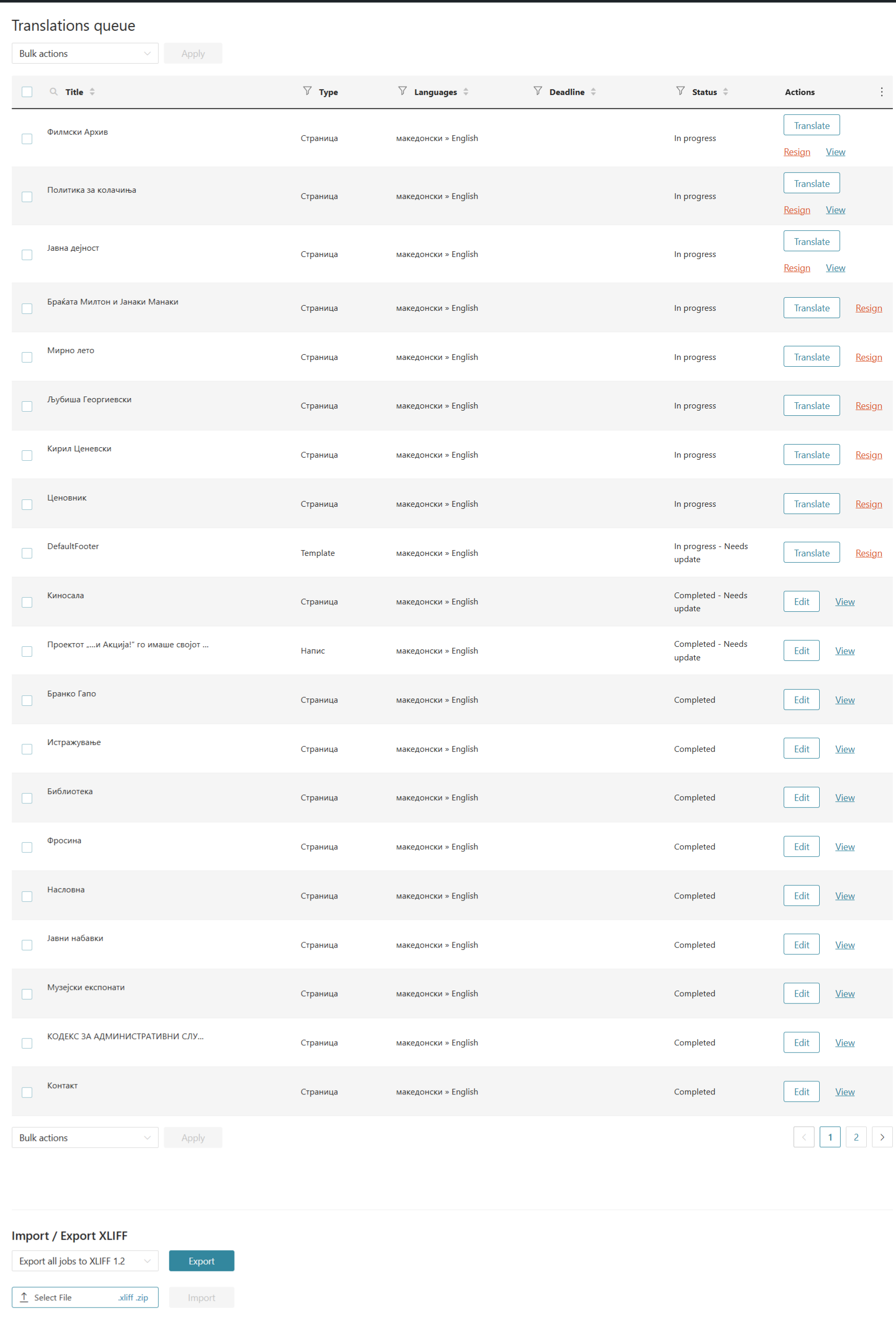
I am also not sure why the translation queue is currently only English available and not the other language, previously it was the other language, and I couldn't open/find the English queue.
Our ATE checked the issue with your example (hidden link) and found that this page was not automatically translated. It was initially translated automatically, but it seems you clicked the "Undo" button. (Kindly check this hidden link; you will see that the job didn't use credits)
Please let me know if you translated these pages using translation management or the translate editor automatically button.
Yes, sorry. After going through the csv report on credits usage, I see that you are correct. I did spend the 2000 monthly assigned credits testing the auto translator, however I can't seem to figure out on which pages.
I can't upload the report here, not sure if there is such option.
I assume the translator queue goes under a different topic?