
This is the technical support forum for WPML - the multilingual WordPress plugin.
Everyone can read, but only WPML clients can post here. WPML team is replying on the forum 6 days per week, 22 hours per day.
| Sun | Mon | Tue | Wed | Thu | Fri | Sat |
|---|---|---|---|---|---|---|
| - | 10:00 – 17:00 | 10:00 – 17:00 | 10:00 – 17:00 | 10:00 – 17:00 | 10:00 – 17:00 | - |
| - | 18:00 – 19:00 | 18:00 – 19:00 | 18:00 – 19:00 | 18:00 – 19:00 | 18:00 – 19:00 | - |
Supporter timezone: Asia/Kathmandu (GMT+05:45)
This topic contains 32 replies, has 1 voice.
Last updated by Shekhar Bhandari 2 weeks, 4 days ago.
Assisted by: Shekhar Bhandari.
| Author | Posts |
|---|---|
| December 10, 2025 at 2:49 pm #17652790 | |
 helleF |
Just for your information: Villafliser.dk has been working until monday. That was when I changed the URL address in settings - general til villafliser.dk. Somehow that changed everything - and off course I am anxious about if this will happen again once I change it again, when the danish site has finished. |
| December 10, 2025 at 2:56 pm #17652874 | |
|
helleF |
If SSL encrypting is not working anymore. Please give me a message about that. |
| December 10, 2025 at 4:37 pm #17653269 | |
 Shekhar Bhandari WPML Supporter since 03/2015 Languages: English (English ) Timezone: Asia/Kathmandu (GMT+05:45) |
Hello there, I went to WPML->Language->Language URL Format and changed the settings to use different domains per language, please check the issue now. Thanks |
| December 10, 2025 at 5:58 pm #17653579 | |
|
helleF |
Hi, |
| December 10, 2025 at 6:08 pm #17653584 | |
|
Shekhar Bhandari WPML Supporter since 03/2015 Languages: English (English ) Timezone: Asia/Kathmandu (GMT+05:45) |
Hello there, I would suggest you to use WPML editors to translate the header templates, can you try this method and see if it helps. More detailed details with video help: https://wpml.org/changelog/2022/01/wpml-4-5-3-compatibility-with-wordpress-5-9-and-full-site-editing/ Let me know if this helps. Thanks |
| December 10, 2025 at 9:23 pm #17653895 | |
|
helleF |
Hi, 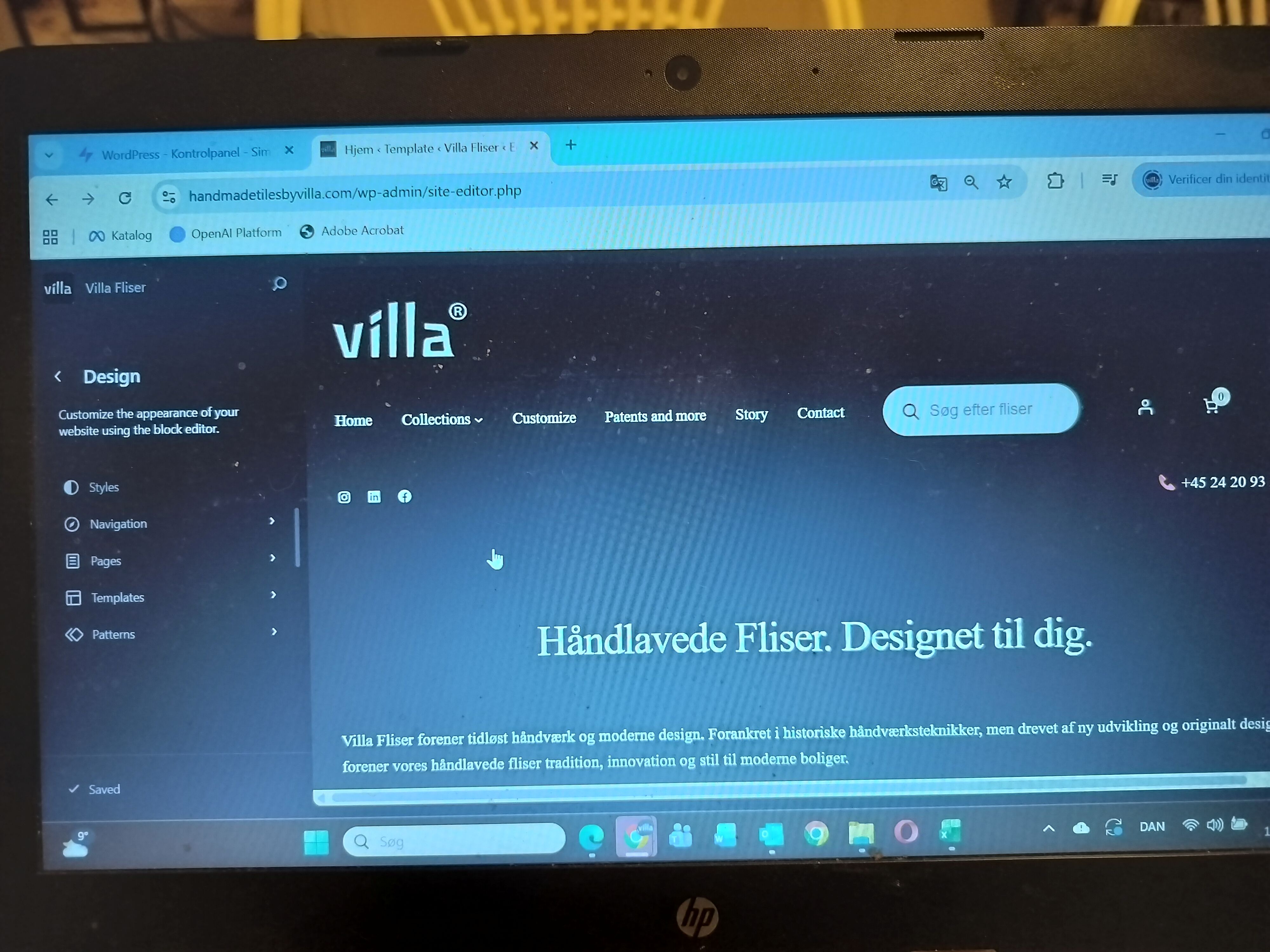 |
| December 11, 2025 at 4:38 am #17654188 | |
|
Shekhar Bhandari WPML Supporter since 03/2015 Languages: English (English ) Timezone: Asia/Kathmandu (GMT+05:45) |
Hi there, Sorry for the confusion. I thought it was about translations, so I suggested the recommended way to translate the template. It’s not usually suggested to translate or modify the content manually. I’ve fixed the issue for now, but could you please check it and see if it works? The problem was: Let me know if everything is fixed now. If not, I’d suggest you take a few screenshots so I can quickly check it further. Looking forward to your reply! Thanks |
| December 11, 2025 at 11:10 am #17655574 | |
|
helleF |
Hi, I have myself tried to change a bit back and forth in the header menue - just to make sure it works. It is working. I understand, that the duplicated header, somehow had changed connection after my change of the site to show villafliser.dk in stead of handmadetilesbyvilla.com in setting - general: wordpress adress and site adress. Further question: when changing the settings to actually show villafliser.dk (when entering villafliser.dk in url frontend) - should I then change in both WordPress Adress and Site Adress (settings - general in Danish Admin)? Or only one of them - which one in that case? Please get back to me on these 3 questions. Thank you. |
| December 12, 2025 at 7:12 am #17657913 | |
|
Shekhar Bhandari WPML Supporter since 03/2015 Languages: English (English ) Timezone: Asia/Kathmandu (GMT+05:45) |
Hello there, To customize the spacing, you can use custom CSS. Here’s some sample CSS that might help. You can add this CSS to the child theme’s style.css file.
header .wp-block-woocommerce-customer-account {
    margin-right: -30px;
}
somehow had changed connection after my change of the site to show villafliser.dk in stead of handmadetilesbyvilla.com in setting - general: wordpress adress and site adress. I don’t think you’ll need to change the settings here, but I’m not entirely sure what you’re trying to accomplish. Could you please explain why you want to change the settings here? Further question: when changing the settings to actually show villafliser.dk (when entering villafliser.dk in url frontend) - should I then change in both WordPress Adress and Site Adress (settings - general in Danish Admin)? Or only one of them - which one in that case? No need to set anything up. If you’re not logged in, it works perfectly fine. For logged-in users, it seems like the redirect is being served from the disk cache. You can try visiting villafliser.dk/?c=1. I also suggest clearing all caches from the site and the server and giving it another try. Look forward to your reply. Thanks |
| December 12, 2025 at 12:58 pm #17659275 | |
|
helleF |
Hi again, Again. You should read my questions again and have a look at the settings in the English Admin and the Danish Admin. And you should have a look at the frontend when entering villafliser.dk. Right now I do not think that your questions to me make any sense in the context of the problems - and the settings in my Admin - in Danish and in English. Ref. your answer 1) I can try that Ref. your answer/question 2) I do not understand why you question this issue. That is what we have been talking about for 5 days. Ref your answer/question 3) I don´t understand what you are writing here. Off course I need to change the settings. There is no idea in having a Danish website - that nobody can see. So I have to change the settings to villafliser.dk in the admin. when I have finished the Danish webpage. It seems like you do not understand that the Danish website is not visible yet on the frontend. |
| December 12, 2025 at 1:14 pm #17659351 | |
|
Shekhar Bhandari WPML Supporter since 03/2015 Languages: English (English ) Timezone: Asia/Kathmandu (GMT+05:45) |
Hello there, If you’re using WPML with different domains for each language, you don’t need to change the WordPress general settings (like the WordPress URL and site URL) for each language. WPML takes care of that for you. You can add the default languages website settings and leave them as they are. Users can currently view villafliser.dk without any issues, I just tried with non-logged setup and it works properly, if you want this to be disabled for users, you can disable the languages from WPML->Languages->Hide Languages Let me know if this is clear. Thanks |
| December 12, 2025 at 2:09 pm #17659562 | |
|
helleF |
Hi, |
| December 12, 2025 at 2:14 pm #17659583 | |
|
Shekhar Bhandari WPML Supporter since 03/2015 Languages: English (English ) Timezone: Asia/Kathmandu (GMT+05:45) |
Hello there, Please check this video from my end: hidden link As I mentioned earlier, it may be due to cache on your end, I suggest you to try with hidden link Thanks |
| December 12, 2025 at 2:32 pm #17659619 | |
|
helleF |
Ok, I asked a friend to try it out on a completely different device without any history. It works. So it must be due to some sort of cache - although I have cleared for cache on my pc. |
| December 12, 2025 at 5:55 pm #17660518 | |
|
helleF |
Hi, |






The topic ‘[Closed] “credits as I go”’ is closed to new replies.