This thread is resolved. Here is a description of the problem and solution.
Problem:
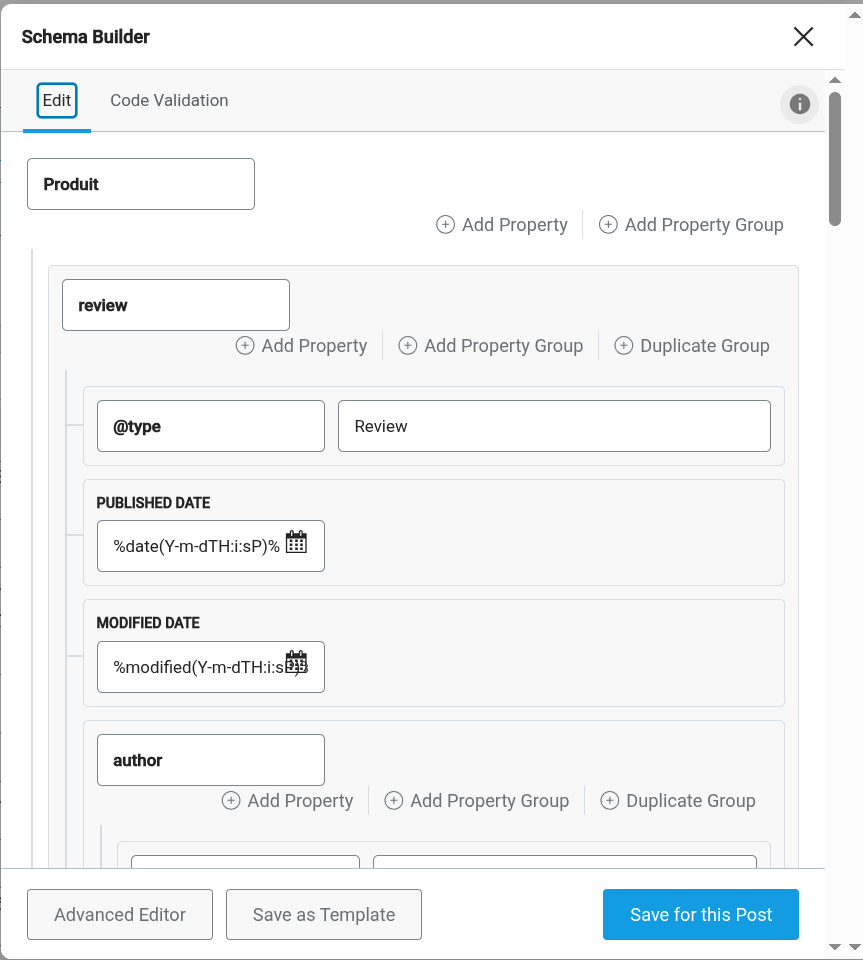
The client noticed that Rank Math rich snippets schemas were not being translated correctly anymore, causing issues like the translation of important attributes such as @Type, which breaks the schema and the page.
Solution:
If you're experiencing this issue, we recommend setting the fields to 'Copy' instead of 'Translate' to ensure their values are automatically copied to the translations without alteration. Here are the steps to follow:
1. Go to WPML → Settings → Custom Fields Translation
2. Search for fields starting with
rank_math_schema_
3. Set the relevant fields based on your needs:
- Copy – values will be copied to translations
- Translate – values will be available in the Translation Editor
- Do not translate – fields will be ignored
This solution might be irrelevant if it's outdated or not applicable to your case. We highly recommend checking related known issues at https://wpml.org/known-issues/, verifying the version of the permanent fix, and confirming that you have installed the latest versions of themes and plugins. If the issue persists, please open a new support ticket at WPML support forum.
This is the technical support forum for WPML - the multilingual WordPress plugin.
Everyone can read, but only WPML clients can post here. WPML team is replying on the forum 6 days per week, 22 hours per day.