[Resolved] loop dosnt appear in the other lnguages
This thread is resolved. Here is a description of the problem and solution.
Problem: You are experiencing an issue where loops are not appearing in other languages on your multilingual site, despite using 'pay-as-you-go' for translations and keeping the same category names. Solution: We recommend you navigate to WPML-> Settings-> Post Type Translation, and set the templates to
Translatable - use translation if available or fallback to default language
. After adjusting this setting, ensure to uncheck the automatic translation toggle.
If this solution does not resolve your issue, or if it seems outdated or irrelevant to your specific case, we highly recommend checking related known issues at https://wpml.org/known-issues/, verifying the version of the permanent fix, and confirming that you have installed the latest versions of themes and plugins. Additionally, if you need further assistance, please do not hesitate to open a new support ticket at WPML support forum.
This is the technical support forum for WPML - the multilingual WordPress plugin.
Everyone can read, but only WPML clients can post here. WPML team is replying on the forum 6 days per week, 22 hours per day.
Background of the issue:
I am trying to understand why the loops aren't appearing in the other languages on my site hidden link. I am translating with 'pay-as-you-go'. Here is an example: hidden link
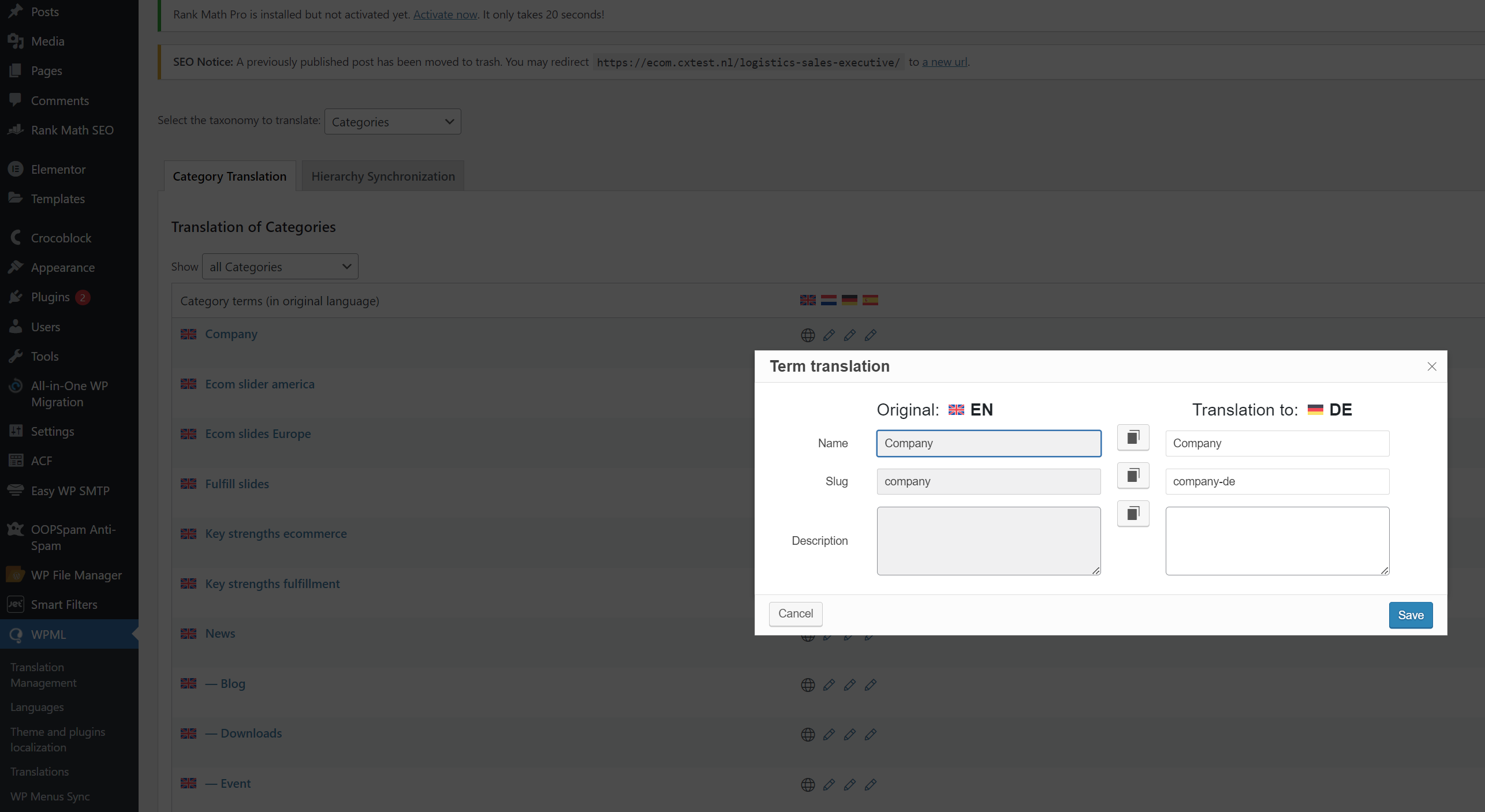
I have keep the same categories namesa according your suggessions (screenshot attached).
Symptoms:
The loops do not appear in the other languages.
Questions:
Why aren't the loops appearing in the other languages?
How can I make the loops appear in the other languages?
So, inside the elementor editor, I featch the 'News loop' template (that I created in the 'Theme Builder') inside the 'posts' element. The problem is that, with automatic translation the names of the templates changed and now in the other languages I need to featch manually the translated templates (is not called 'News loop' anymore in the other languages).
My questions are:
How can I set up the names of the templates to not get translated but theiur content to get?
How can I fix this now?
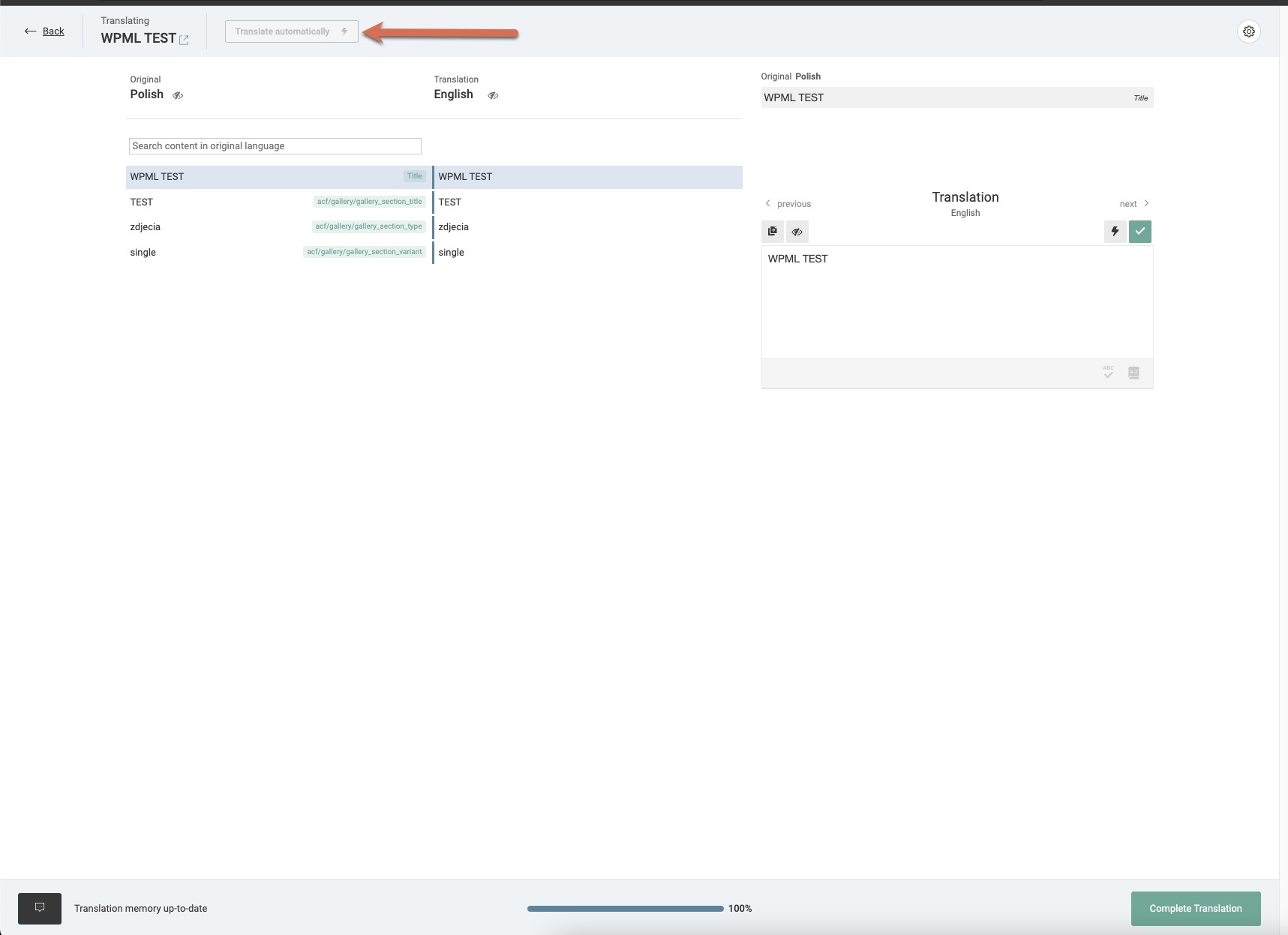
You can turn off automatic translation for the templates. After that, in the translation editor, you can copy the title and click the automatic translation button. (Kindly check the attached screenshot)
Please go to WPML-> Settings-> Post Type Translation, set the templates to "Translatable - use translation if available or fallback to default language", and save.
After that, please uncheck the automatic translation toggle.