Background of the issue:
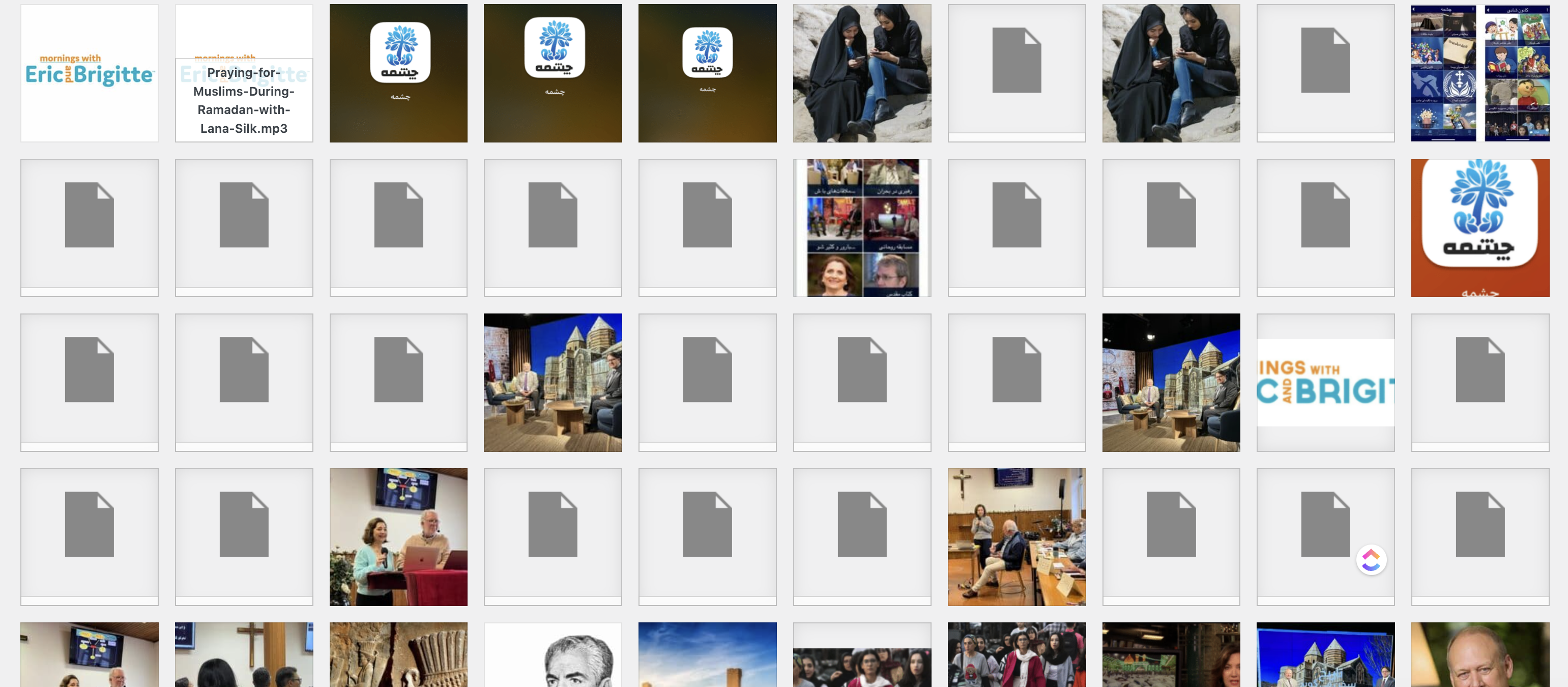
I have been managing translations for an English language site into Dutch and German successfully. Recently, I added Swedish, Spanish, Finnish, and French translations. Initially, the translations appeared successful, but issues arose the following day with 500 errors on the Swedish, French, and Finnish pages. The media library also unexpectedly increased from 400-500 items to 1218 due to
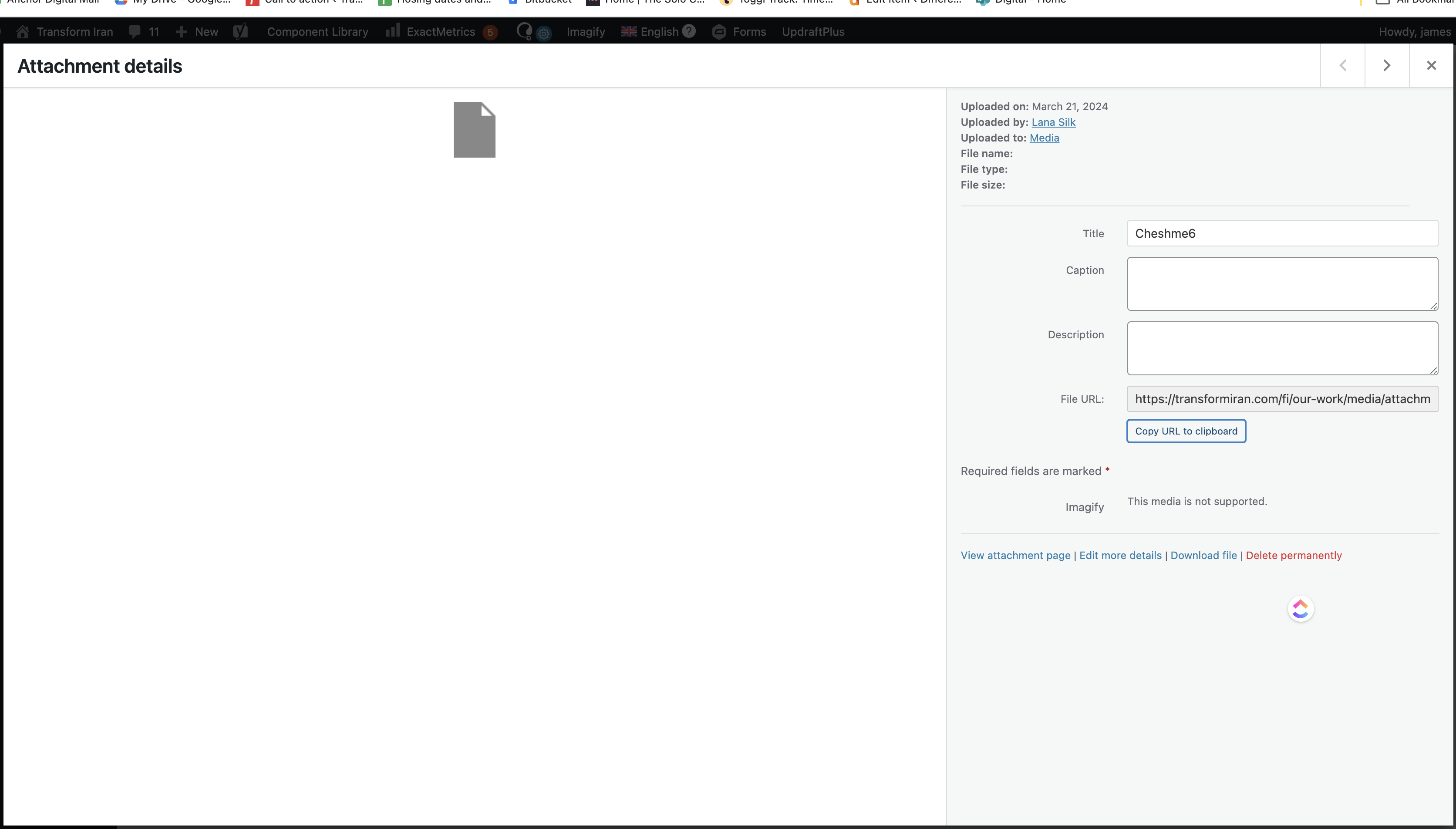
errored duplicated media items, that are not actually images at all and have strange File URLs like:hidden link . Link to a page where the issue can be seen: hidden link
Symptoms:
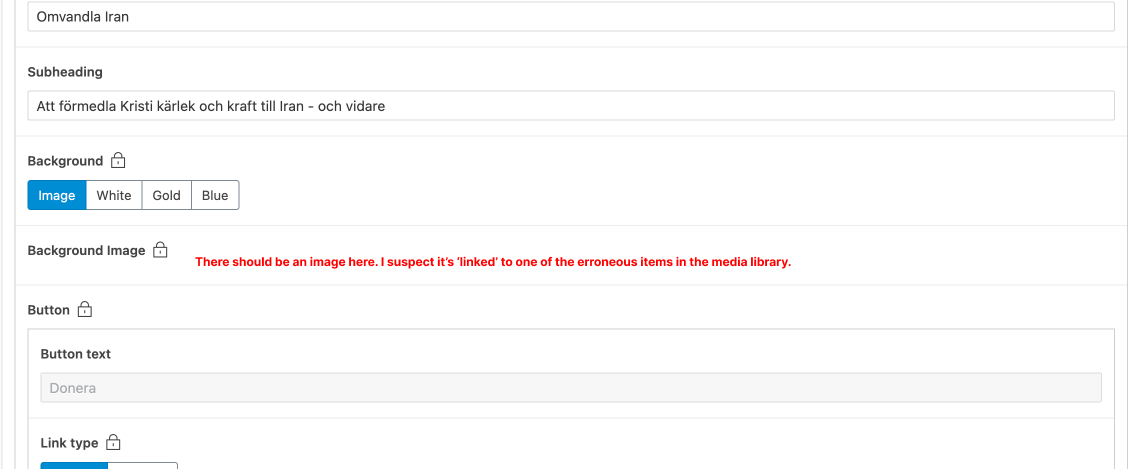
The Swedish, French, and Finnish pages are showing 500 errors, which I traced back to a media error. These languages no longer have images assigned to ACF fields as expected. The media library contains many new media items that are not images, with strange file URLs, indicating a duplication issue. The automatic translation feature may have incorrectly tried to translate these media items, causing the errors.
Questions:
How can I restore the media library to its correct state?
How can I ensure media items are correctly assigned to the translated pages?
As discussed, could you please provide me with an admin access to your staging site where the issue has been replicated – so I can further investigate.
I will activate a private field for your next answer where you can provide that information safely (this field is only visible by you and the support team). Don't share your own admin account, create a new one that you will delete when we finish troubleshooting.
Don't forget to install WP File Manager to allow us to access your WP files and activate WP_DEBUG.
I spent quite some time on the site and couldn't find the root cause. I think it could be related to the fact that you are using a custom folder app/uploads (instead of /wp-content/uploads) for your medias.
But your staging copy doesn't give me access to most of your files (htaccess, wp-config.php or even wp-content), so I couldn't check this point.
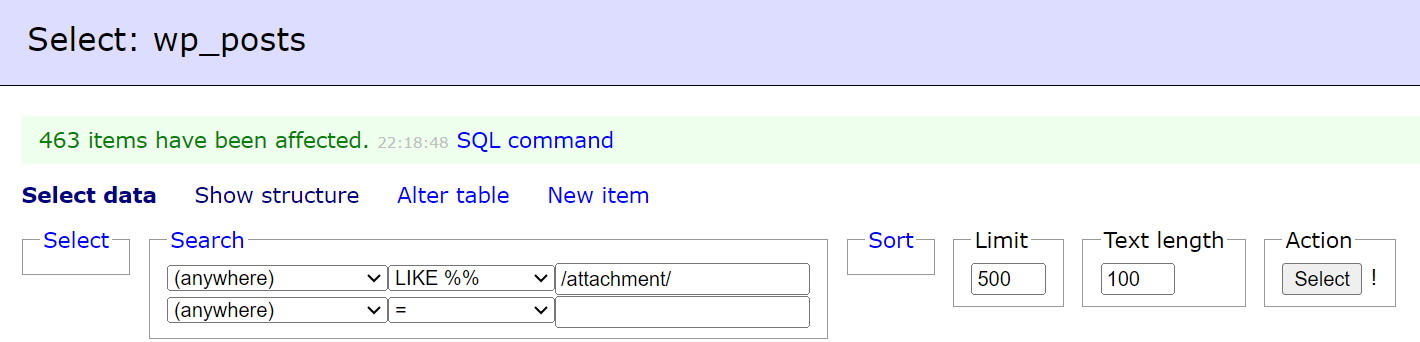
What I ended up doing is deleting all those wrong image paths from your DB.
- Make a full backup of your database
- Open the wp_posts table
- Search For: "Anywhere" Like %% "/attachment/" and display 500 results per page
- Delete all 500 elements and repeat until delete everything
(see screenshot)
---
After that you can update your translations (simply open them and re-save them) page per page
---
Regarding the notifications, we can't add emails ourselves but you can add a user under your client's account with a "developer" role and open tickets with that new user.
If it was to do with the media directory wouldn't it be having this issue for all the languages though, not just half of them?
I can see the homepage for Sweden works now on staging which is great, and I managed to get another page to work by doing what you said and opening and resaving the translation.
Just a couple of questions:
1) Is there a way to automatically do that step? It's going to take quite a long time to do that manually.
2) Have you changed anything in ACF? When I went to update the translation it was asking for new translations of some of the ACF labels ('Add row' etc). While this probably isn't an issue overall, it's another step which is going to make this a slow process if I have to do that on every page.
3) Is there anything else you've changed on the website or WPML settings while working on this?
1) We don't have an automatic way to update translation but you can try the following:
- Use the quick edit option from WordPress in "Pages"
- Try to resend all pages to translation in "WPML > Translation Management"
3) Apart from updated all our plugins to the latest version
- I added WP File Manager to access your files but as I mentioned they are not accessible on your staging version
- I added WP Adminer to get access to the DB but I would recommend you to do it from your serveur Cpanel for your production site
The topic ‘[Closed] Media duplication/translation issue’ is closed to new replies.