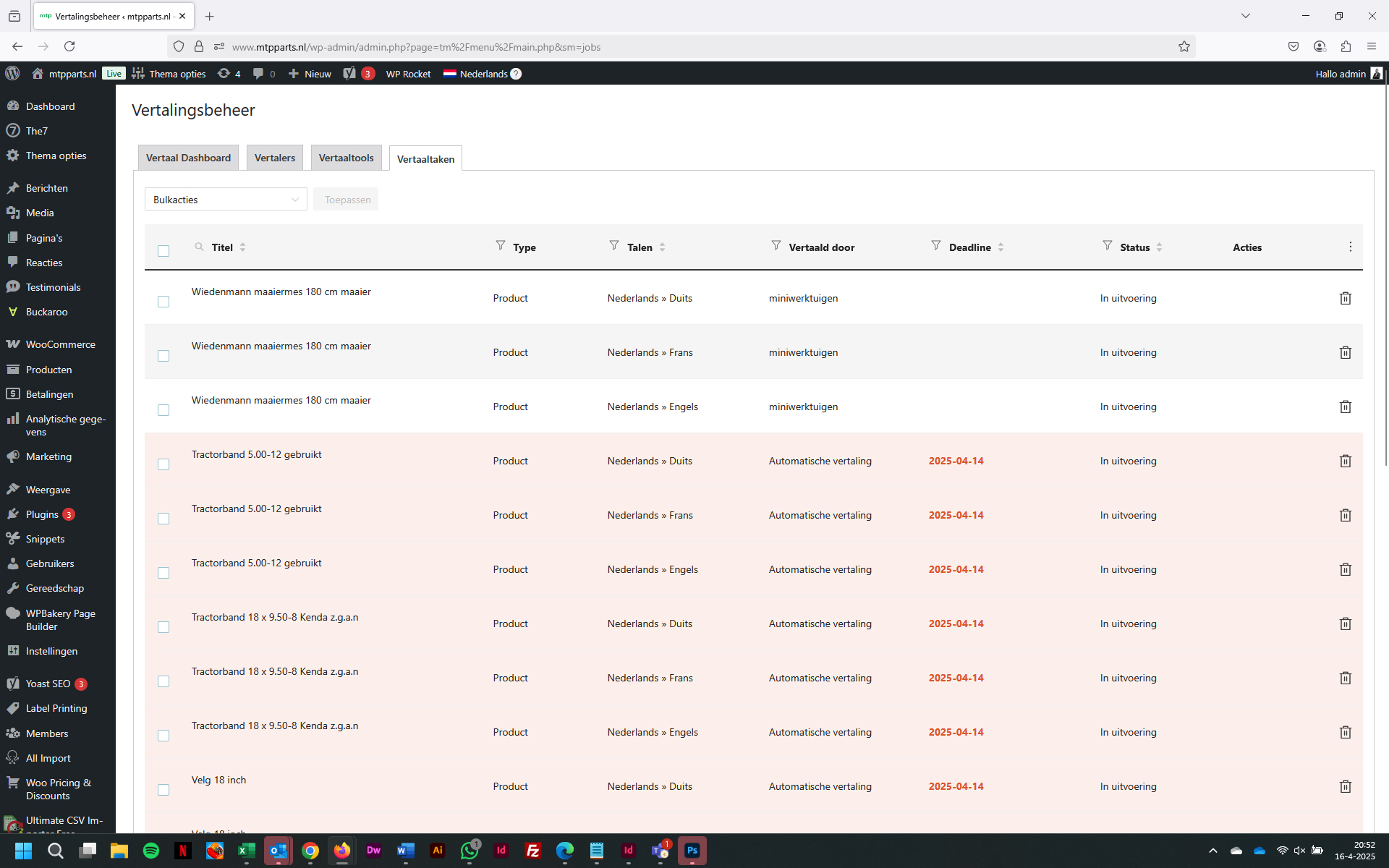
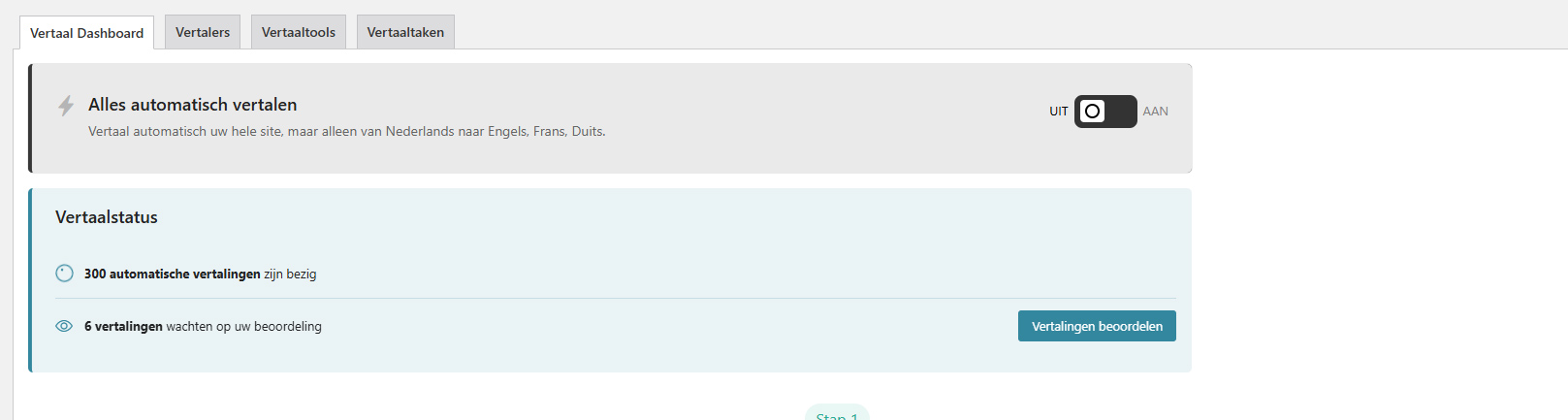
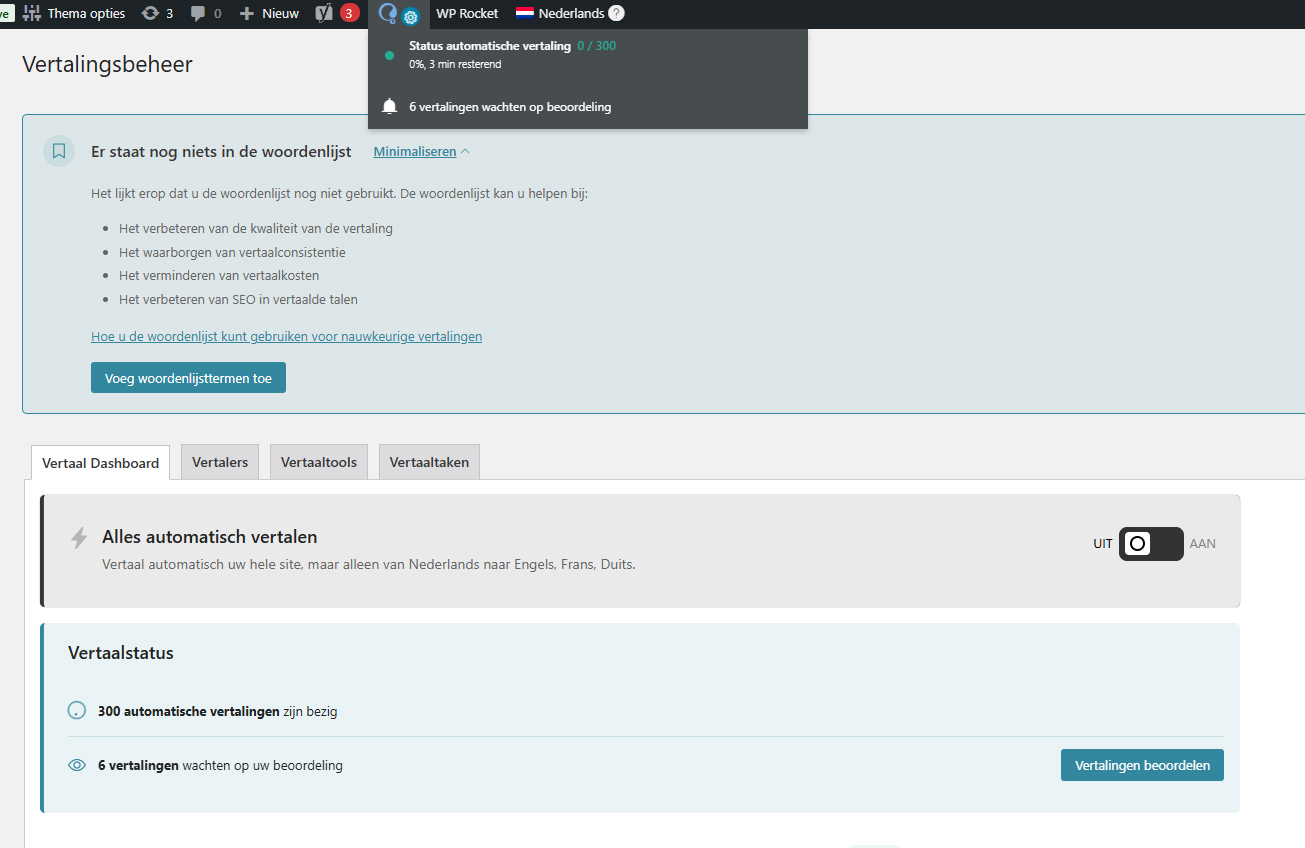
This thread is resolved. Here is a description of the problem and solution.
Problem: You are trying to translate products on your site using WPML, but the products seem to be stuck in a queue and are not being translated. Solution: First, ensure that there are no security modules on your website that might be blocking requests. Then, we recommend you whitelist the following domains with your hosting provider:
If this solution does not resolve your issue or seems irrelevant due to being outdated or not applicable to your case, we highly recommend checking related known issues at https://wpml.org/known-issues/, verifying the version of the permanent fix, and confirming that you have installed the latest versions of themes and plugins. If you still need assistance, please open a new support ticket at WPML support forum.
This is the technical support forum for WPML - the multilingual WordPress plugin.
Everyone can read, but only WPML clients can post here. WPML team is replying on the forum 6 days per week, 22 hours per day.
I would like to request temporary access (wp-admin and FTP) to your site to take better look at the issue. You will find the needed fields for this below the comment area when you log in to leave your next reply. The information you will enter is private which means only you and I can see and have access to it.
Our Debugging Procedures
I will be checking various settings in the backend to see if the issue can be resolved. Although I won't be making changes that affect the live site, it is still good practice to backup the site before providing us access. In the event that we do need to debug the site further, I will duplicate the site and work in a separate, local development environment to avoid affecting the live site.
- Please make a backup of site files and database before providing us access.
- If you do not see the wp-admin/FTP fields this means your post & website login details will be made PUBLIC. DO NOT post your website details unless you see the required wp-admin/FTP fields. If you do not, please ask me to enable the private box. The private box looks like this: hidden link
I temporarily enabled the debug log (and have sinced disabled it). What I found is the following error message: Function _load_textdomain_just_in_time was called incorrectly. Translation loading for the
js_composer
domain was triggered too early. This is usually an indicator for some code in the plugin or theme running too early. Translations should be loaded at the
This typically comes from a conflict with another plugin/theme, so we will need to test your site in minimal settings (only WPML and a default theme). Do you have a staging site where we can test that? If not, you can set one up using something like WP Staging or your hosting provider can create one. If not, let me know and I can send instructions for migrating a copy of your site to our servers.
Hello Lauren, we created a development site int ontwikkel.mtpparts.nl with the same login credentials for you. On the development site the automatic translation is working. We have tested on our site with the same plug-ins active but ut doesn’t work. The only difference is that the development site is on WP 6.7 instead of 6.8. Best regards, Bob van Dijk
Then, go to Plugins -> Add New -> Commercial and click the link to unregister WPML from your site. You will then see the field where you can enter the new site key to re-register the new key. After this does the translation work?
If not, try updating your test site to 6.8 and see if the same issue happens there.
Hello Lauren,
I did the above action but the problem still remaines.
Al the plug-ins are similar on the test and production site.
The plug-ins causing the problem _load_textdomain_just_in_time where deactivated.
But the problem still remaines.
What could we do next?
Best regards, Bob van Dijk
1. Since the staging works and live does not, is it possible to push the staging site to live and see if the issue is resolved?
2. Is it possible to restore a backup from when you had the previous version of WordPress, or downgrade to 6.7 just to see if that resolves it on your live site? It's not a general bug because it's not happening in all sites that have WP 6.8, just wondering if it could be something specific to your site.
3. Are there any new errors in WPML -> Support -> Advanced Translation Error log, or in the debug log?
4. Are both live site and staging site on the same servers? If not, it is possible something on the live site is blocked by a firewall and some domains may need to be whitelisted.
Hello Lauren,
1 That is not possible because a lot of product descriptions are edited
2 The site is downgraded to WP 6.7. But no difference.
3 No new errors
4 live and stage are on the same server.
I used WP ALL IMPORT to update the product descriptions of the Dutch translations. Could that be the problem?
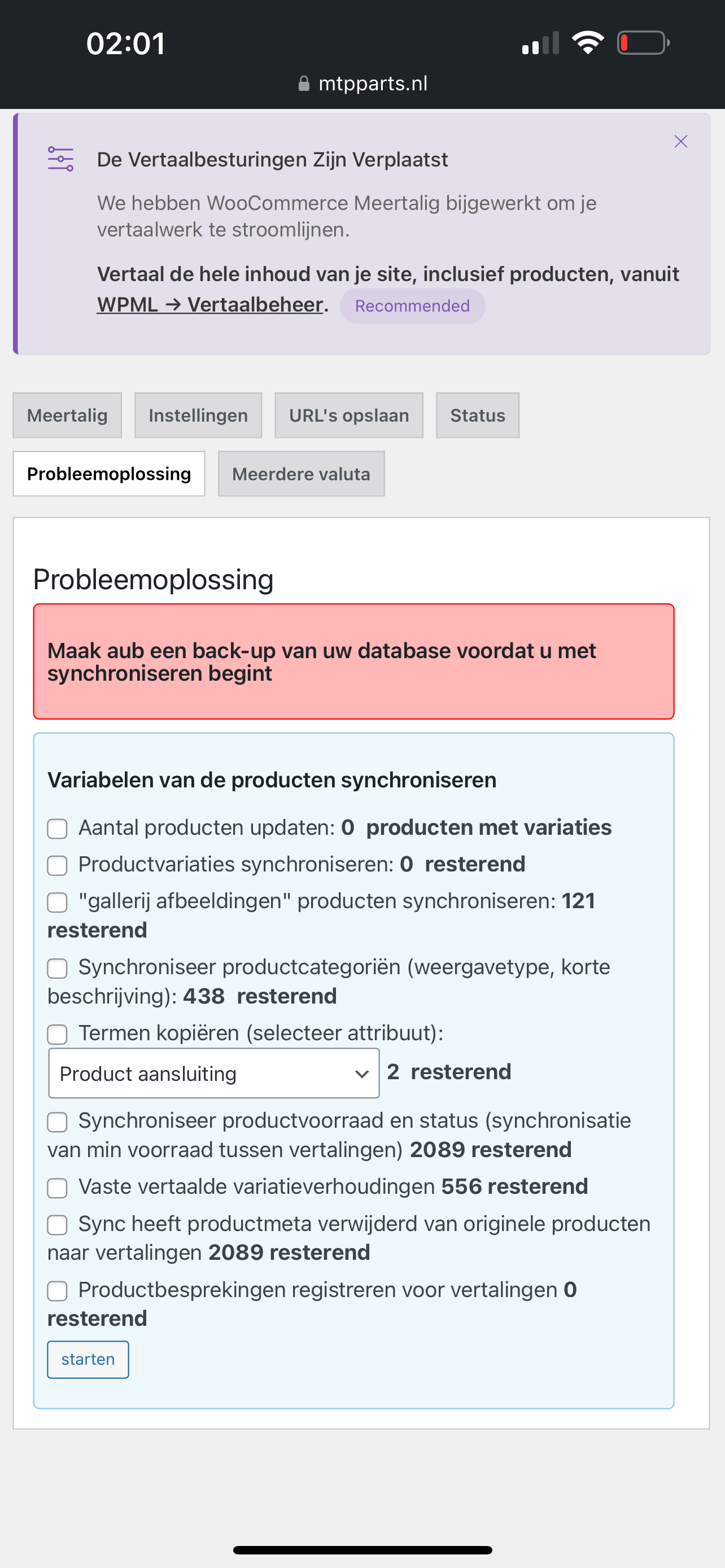
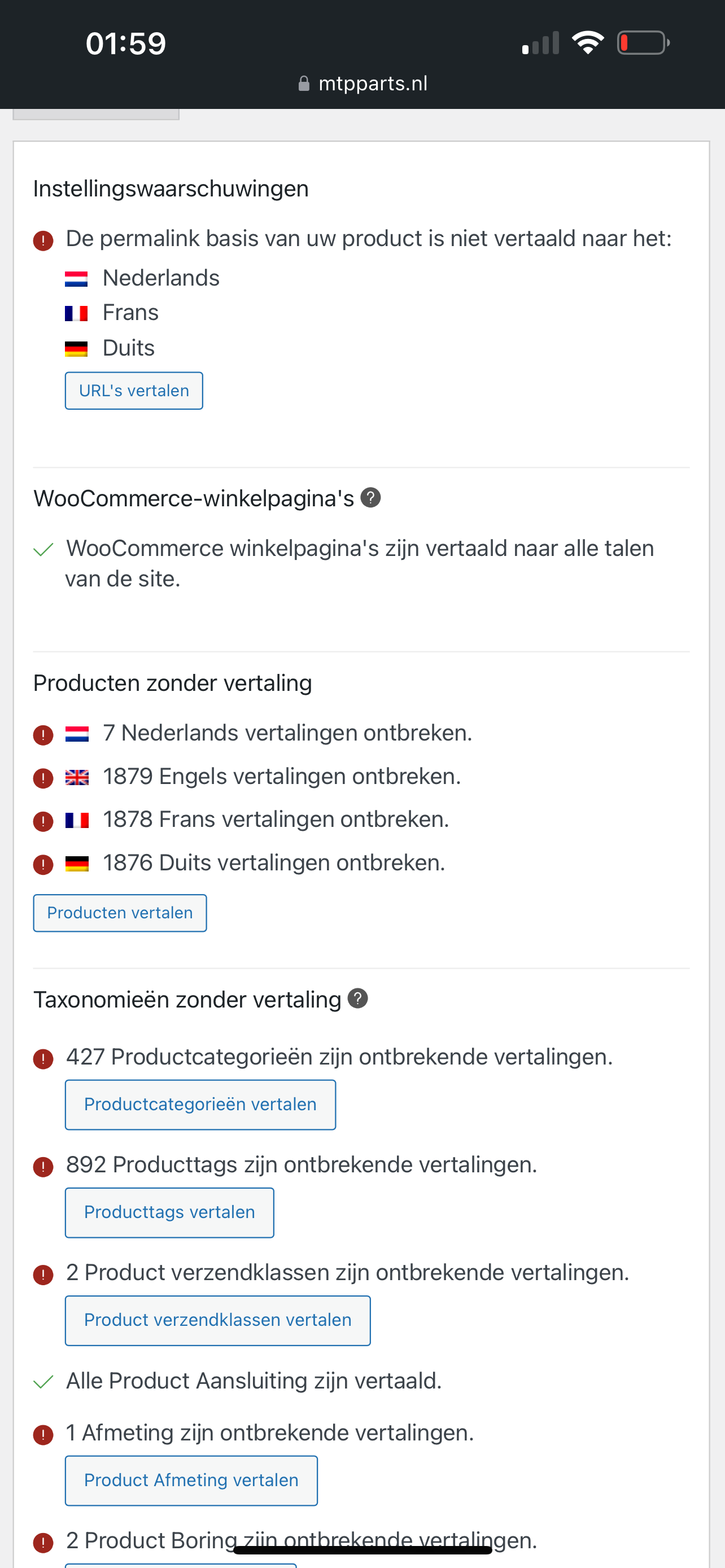
On WooCommerce Multilingual & Multicurrency > Troubleshooting it says that a lot has to be synchronised. See attached printscreen.
On WooCommerce Multilingual & Multicurrency > Status it says that none of the products are translated. See attached printscreen.
What should I do? Can I synchronize without getting more problems?
Hope to hear from you soon. Best regards, Bob van Dijk
Do you have a staging site where you can test synchronizing in minimal settings? Meaning only WPML and WooCommerce active with a default theme? If not, you can create one with something like WP Staging, or your hosting provider may be able to set one up. If not, let me know and I can set up one and send the instructions for migration.
I have tested synchronizing with all plugins disabled exept WPML and Woocommerce in default theme but syncing didn't work. Could you please provide me with a staging site? Could you please send me the instructions for migration?