[Resolved] No translation on content on higher z index
This thread is resolved. Here is a description of the problem and solution.
Problem: The client changed the z-index of some content to make a panel overlap, but afterward, the content disappeared from the translation manager. The content was part of a global element in Divi, which caused issues with WPML. Solution: We recommended the client to provide more details about how the panel and text were added, such as whether it was through a page builder, theme options, or custom code. We also suggested temporarily removing any customizations to see if the content becomes translated again. Ultimately, the client discovered that disabling the 'global element' setting in Divi resolved the issue, allowing the translation to appear again.
If this solution does not apply to your case, or if it seems outdated, we highly recommend checking related known issues at https://wpml.org/known-issues/, verifying the version of the permanent fix, and confirming that you have installed the latest versions of themes and plugins. If issues persist, please open a new support ticket at WPML support forum for further assistance.
This is the technical support forum for WPML - the multilingual WordPress plugin.
Everyone can read, but only WPML clients can post here. WPML team is replying on the forum 6 days per week, 22 hours per day.
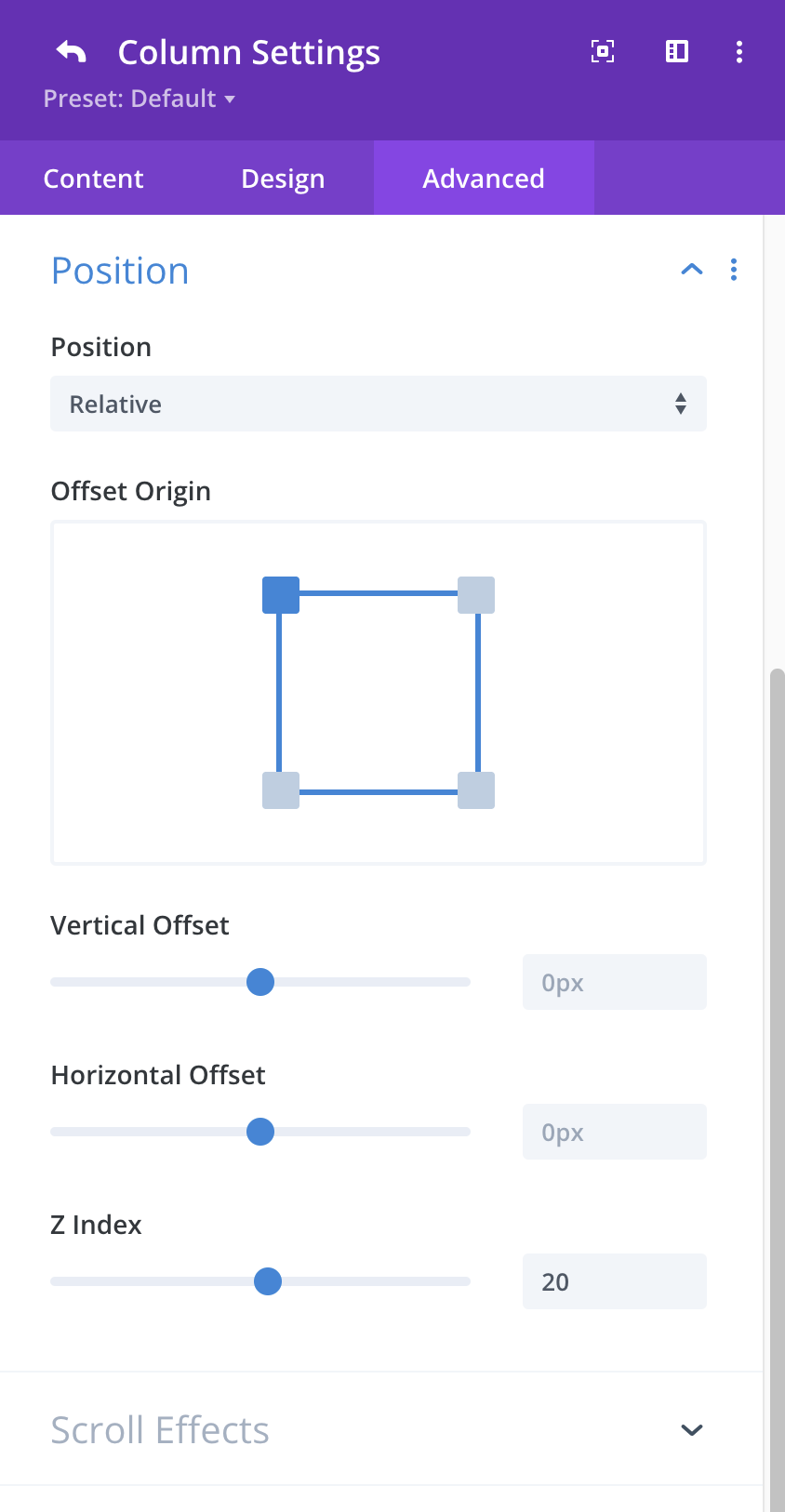
I changed some content to be on a higher z-index. so the panel would overlap.
This content has now disappeared from the translation manager.
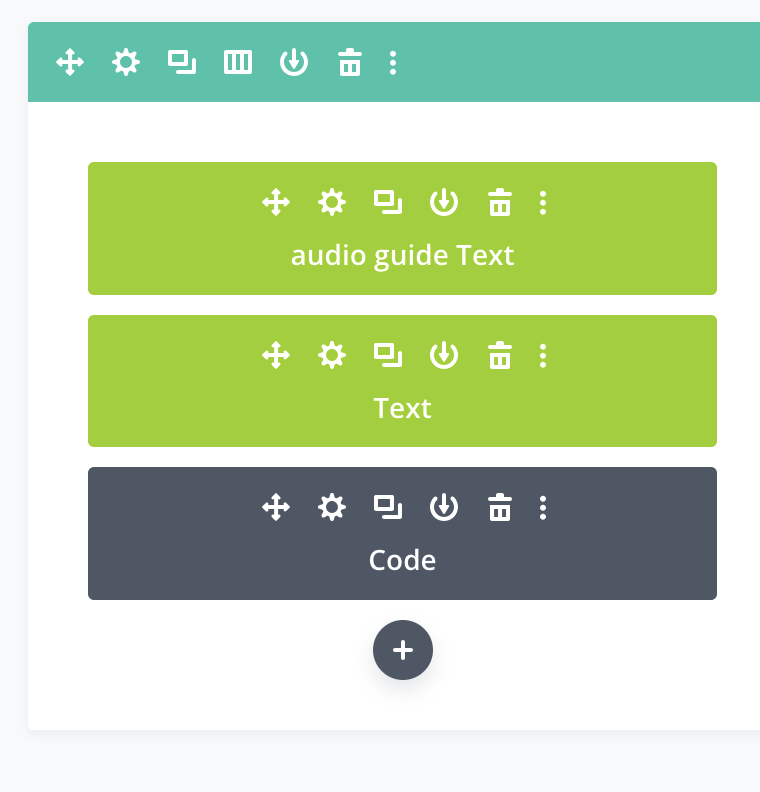
You can see the 2nd panel (attached) on the left on this page which is still in english, title 'digital Audio Guide' hidden link
thanks for your help.
Could you please provide more information about how this panel and the text were added? For example, was it done via a page builder, theme options, or custom code?
Also, could you try temporarily removing any customizations and check whether the content becomes translated?
Please include more details about:
• What changes were made
• Where exactly they were applied
This will help me better understand the issue and assist you more effectively.
I need to request temporary access (wp-admin and FTP) to your site—preferably to a test site where the problem has been replicated if possible—in order to be of better help. When you log in to leave your next reply, you will find the needed fields below the comment area. The information you will enter is private, meaning only you and I can see and access it.
Could you please share screenshots showing where you adjusted the z-index?
You’re correct—the widget content is not appearing in the Translation Editor, which is likely why it isn’t being translated.
As a test, could you please try the following:
• Temporarily remove any customizations you’ve added
• Make a small change to the original page (for example, add a letter to the title), update the page, then revert the change and update again
• Check whether the content now appears in the Translation Editor
yes this can work for me as it's a small site. however, it would be good to resolve this issue in the future, for large sites, the global element is essential.
thanks