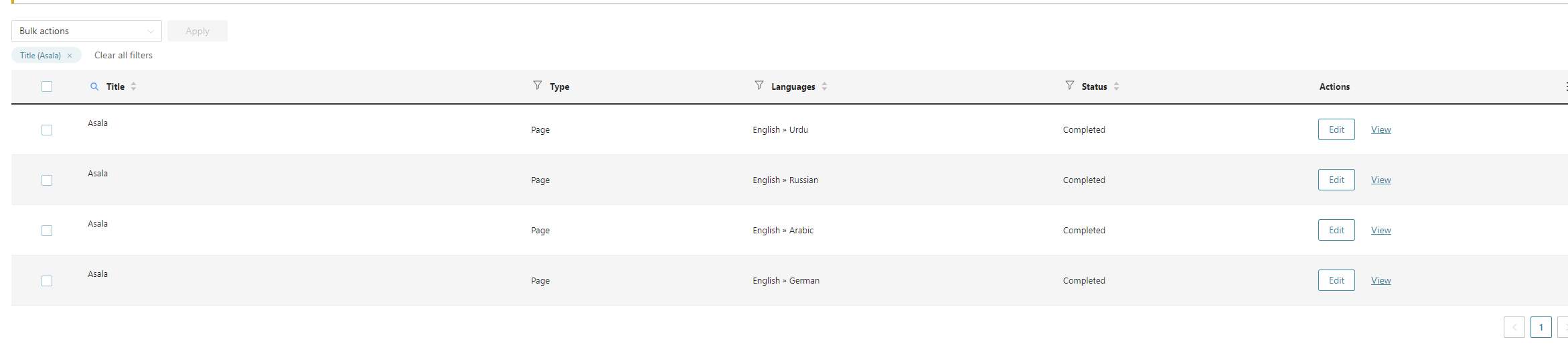
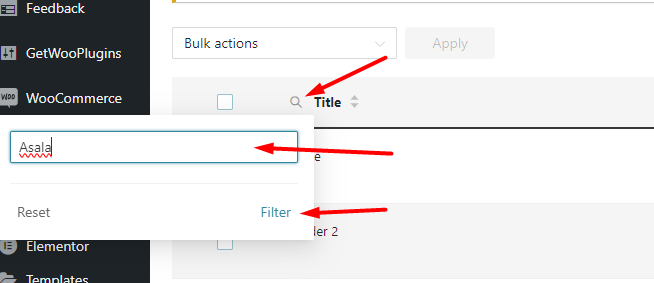
[24-Feb-2024 06:39:37 UTC] PHP Fatal error:  Uncaught InvalidArgumentException: item should be a Collection or an array or an object in ............../wp-content/plugins/sitepress-multilingual-cms/vendor/wpml/fp/core/Obj.php:112
Stack trace:
This could be due to a bad record in the DB. Our developers are still investigating the issue, could you please tell us if you have a staging site with the same issue where we can check the database?
If not, we need your permission to install plugins like the Adminer plugin to check the database.
It would be also better if you can provide working FTP credentials, I've enabled the private reply.
Hi,
I realized issue is solved
Thanks a a lot for assisting me....
but I could realize when I press request button for product .... Contact form didn't translate to any language
Is there certain setting enable it to be translated...
the second question for me ... if I want to change the content of English page...Do I need to make translate again?
thanks...
New threads created by Mohamed Sayed and linked to this one are listed below:
Regarding the second question, when you make any update to the original page you'll need to update the translation.
When you go to Pages > All Pages, you'll see circular arrows under the translations for the page indicating that the translation needs to be updated. Click the circular icon and it will take you to the WPML editor where you can update and complete the translation again.
I converted the duplicate to a translation and then edited it with the advanced translation editor. I see the German translation is already saved in the translation memory but two segments were not translated hidden link
Please edit the German translation and translate those texts then complete the translation and check if the issue is resolved.