This thread is resolved. Here is a description of the problem and solution.
Problem: Some pages on the Danish site were not displaying after publishing translations. The affected pages were linked from the menu items 'Danske designfliser' and 'Klassiske cementfliser'. Solution: We found that the URLs in the menu links were incorrect. Here are the corrections: - For 'Danske designfliser', change the URL from
https://villafliser.dk/danske-design-fliser
to
https://villafliser.dk/danske-designfliser/
- For 'Klassiske cementfliser', change the URL from
Instead of using custom links in the menu, we recommend adding the pages directly and updating the translations. This should correct the links automatically.
If this solution does not resolve your issue or seems outdated, please check the related known issues and confirm that you have installed the latest versions of themes and plugins. If necessary, do not hesitate to open a new support ticket.
This is the technical support forum for WPML - the multilingual WordPress plugin.
Everyone can read, but only WPML clients can post here. WPML team is replying on the forum 6 days per week, 22 hours per day.
At the same time some of the pages went down. They are not showing.
That goes for two pages on the Danish site. From one minute to another. (menu: Cast collection - Danish design tiles - and heritage line. But only on the Danish page: Flisekollektioner - cementflise kollektioner - Danske designfliser - and the other one: klassiske cementfliser
These two problems accured while I was reviewing some translations and I published them. Otherwise I was not changing anything. Same time as the problem with the tax.
The links in the menus are incorrect from what I see
Current URL: hidden link
Correct URL: hidden link
Current URL: hidden link
Correct URL: hidden link
I also see that the menus are added using custom links, instead of custom links can you add pages itself and update the translations, this should update the links accordingly.
Ah, I see.
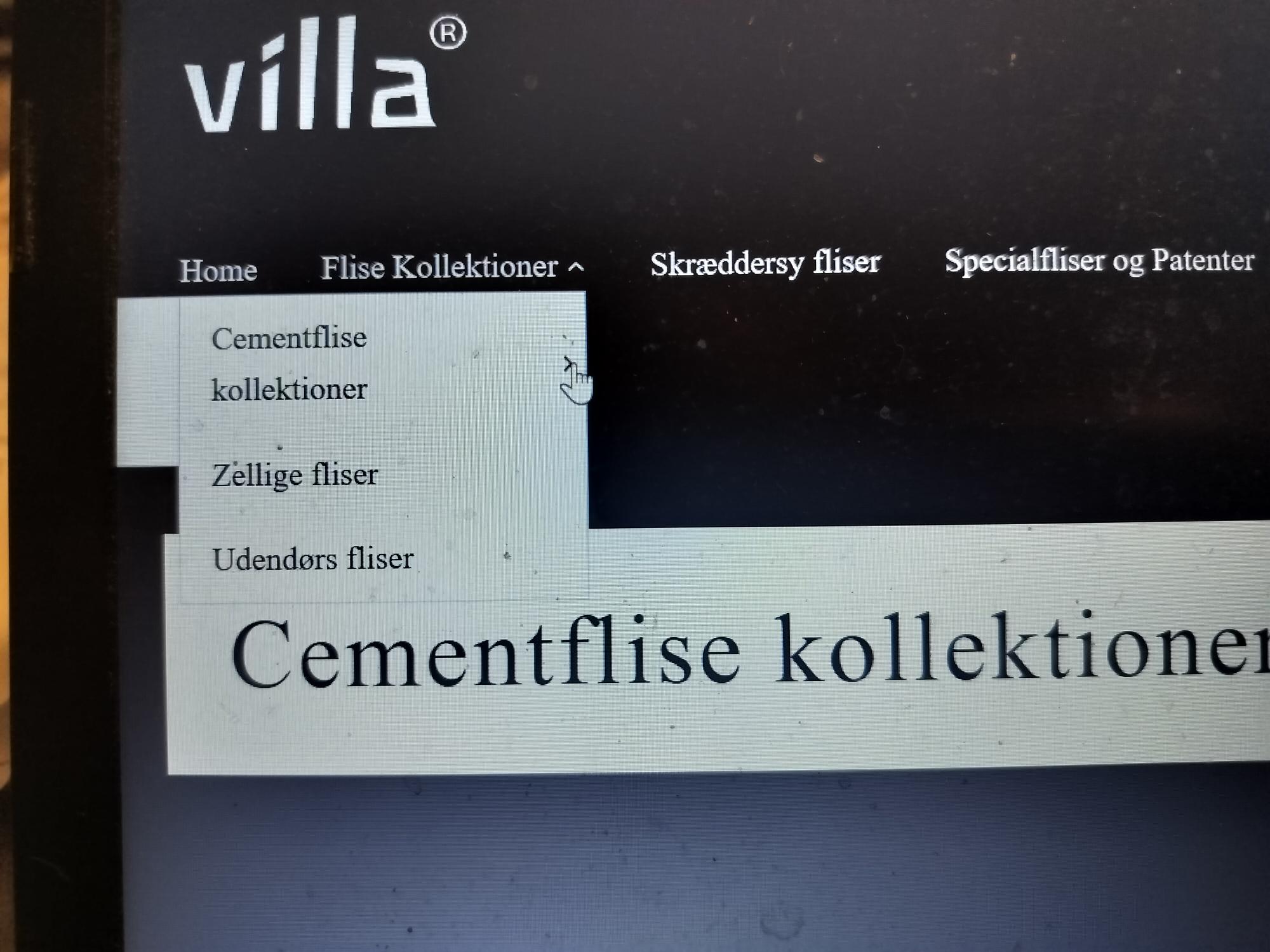
It was a problem because I added the wrong links in the header menue, which I can only see on a small device. Sitting at my pc I did not notice, because I cannot activate the submenue via the header menue to check. Have a look at how it looks when I try to klick the submenue (image attached). That is not possible. Is there a quick way to fix that?
Or is the best solution to rearrange the menue to get more space, so that it can unfold?
Hi again,
Yours is a much wider screen. Mine is a relatively small device.
That means that most people will not have the same problem. Nevertheless, I changed a bit in the menue to make more space for the submenue.
So no big deal-:)
What I noticed though, is that the page is not showing on your screen - it says "page not found". After changing the links in the header menue, they show all right here with me.
Could you check if the subpages "danske design fliser" and "klassiske cementfliser" are appearing? Thanks a lot.
If that is ok, this issue should be settled.
Hi again,
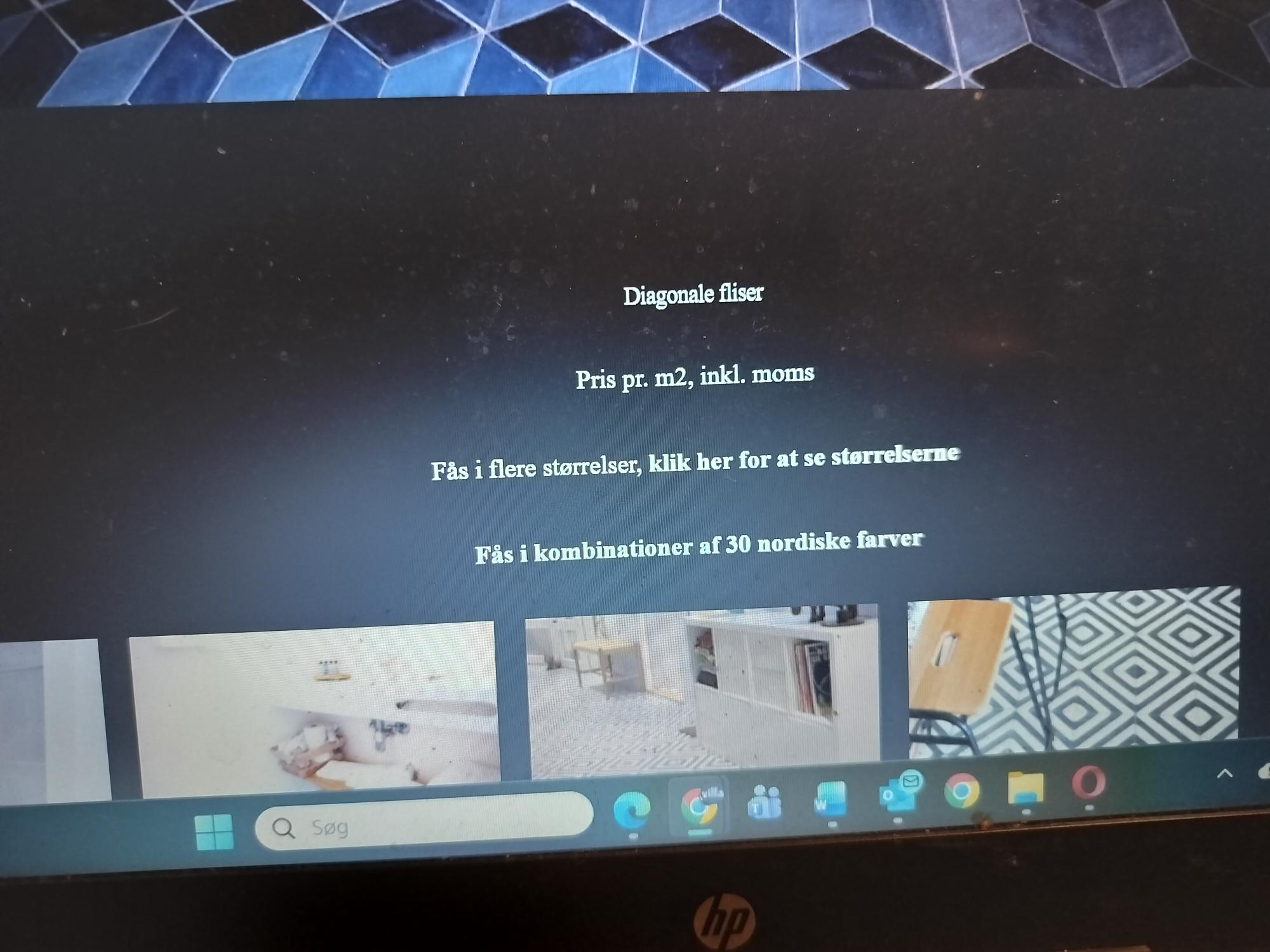
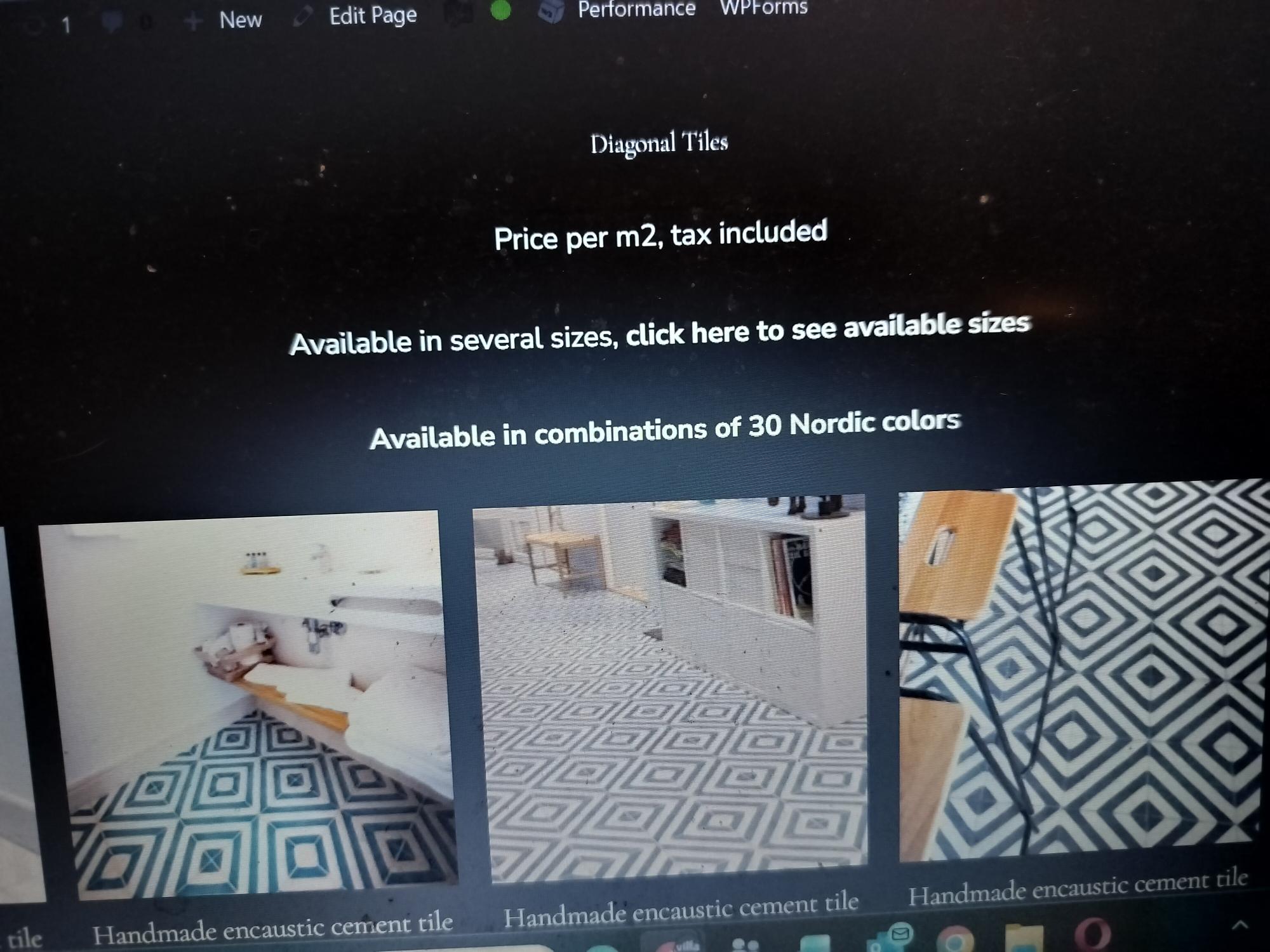
After the translation of the categories - all headlines for Categories are suddenly "small" - much smaller than before. And smaller than the text beneath. Why is that ? - How do I get the headline size back in an easy way?
One click method - thanks.
Have a look at the images attached.
New threads created by Shekhar Bhandari and linked to this one are listed below: