Skip to content Skip to sidebar

This thread is resolved. Here is a description of the problem and solution.

Problem:
If you're experiencing issues when switching your website to English, such as missing parts of blocks on your homepage or changes in the menu width, it might be due to how certain fields are handled in your theme's code. Specifically, the

$person_image

field in the

wp-content/themes/hostal/pages/home.php

file may not be correctly set up for translations, leading to errors.
Solution:
We recommend the following steps to address this issue:
1. Adjust the Advanced Custom Fields (ACF) to ensure the field returns an image array for translations. This might require updating the translations.
2. Remove improperly set integer values in translations via SQL:

SELECT * FROM `wp_postmeta` WHERE `post_id` IN (512,459,513,456) AND `meta_key` = 'person_image';

3. Improve handling in your theme by adding code to manage different types of

$person_image

values:

if (is_int($person_image)) {<br />    $person_image['url'] = wp_get_attachment_image_url($person_image);<br />} elseif (is_string($person_image)) {<br />    $test = $person_image;<br />    $person_image = array();<br />    $person_image['url'] = $test;<br />}

Insert this code after:

$featured_image_url = get_the_post_thumbnail_url(get_the_ID(), 'full');

If these steps do not resolve your issue, or if your theme has other similar issues, we highly recommend consulting with a professional developer. You can find qualified contractors who are familiar with WPML at https://wpml.org/contractors/.

Please note that this solution might be irrelevant if it's outdated or not applicable to your case. We highly recommend checking related known issues at https://wpml.org/known-issues/, verifying the version of the permanent fix, and confirming that you have installed the latest versions of themes and plugins. If the issue persists, please open a new support ticket for further assistance.

This is the technical support forum for WPML - the multilingual WordPress plugin.

Everyone can read, but only WPML clients can post here. WPML team is replying on the forum 6 days per week, 22 hours per day.

Tagged: 

This topic contains 7 replies, has 2 voices.

Last updated by Bruno Kos 1 year, 8 months ago.

Assisted by: Bruno Kos.

Author Posts
July 24, 2024 at 12:09 pm #15998275

new-venturesS

Background of the issue:
I am trying to switch my website to English. My site is hidden link. I have duplicated all parts from pages and menus as well.

Symptoms:
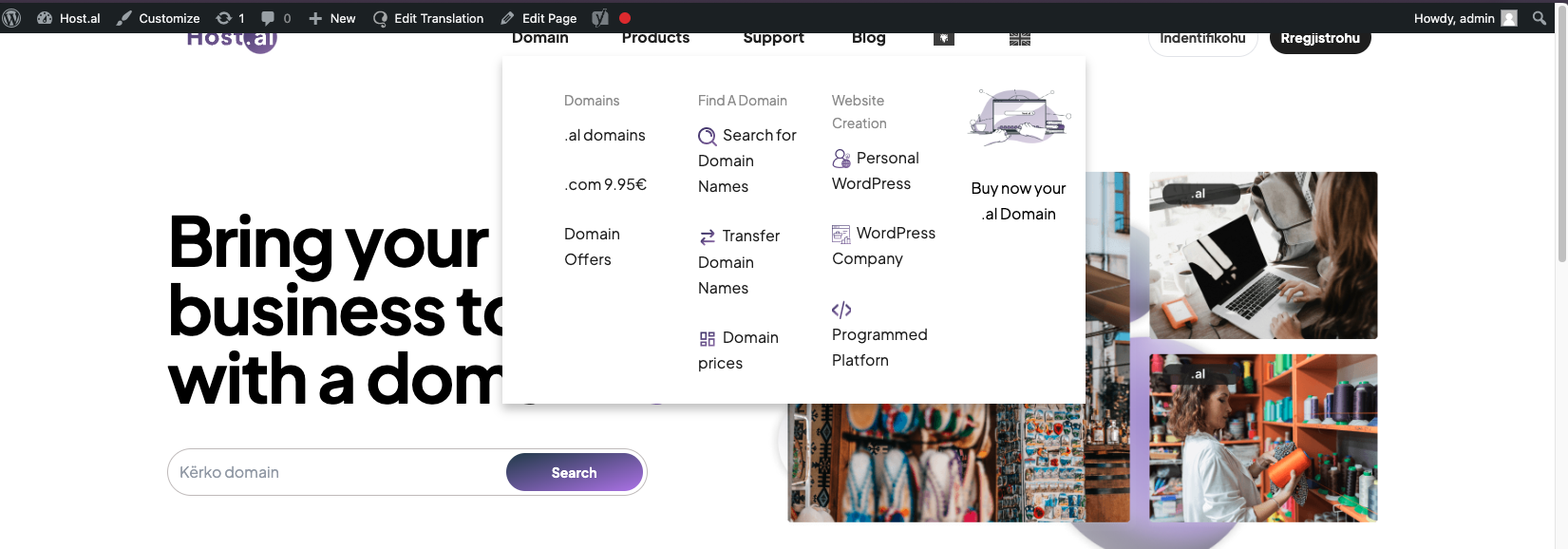
When I switch to English, it removes some parts of blocks on my home page and changes the width of the menu. In the main language, everything is okay.

Questions:
Why does switching to English remove some parts of blocks on my home page?
Why does the menu width change when switching to English?

July 25, 2024 at 6:02 am #16001384

Bruno Kos
WPML Supporter since 12/2018

Languages: English (English ) German (Deutsch ) French (Français )

Timezone: Europe/Zagreb (GMT+02:00)

To troubleshoot this problem, I'll install the Duplicator plugin and generate packages for further debugging purposes. I'll ensure to exclude all media files to maintain a minimal package size. You can find more information about the process here: [link](https://wpml.org/faq/provide-supporters-copy-site/). Please confirm if this approach is acceptable to you.

July 25, 2024 at 7:02 am #16001620

new-venturesS

Yes feel free to do it. We need to have a solving for this problem.
Thank you.

July 25, 2024 at 7:20 am #16001671

Bruno Kos
WPML Supporter since 12/2018

Languages: English (English ) German (Deutsch ) French (Français )

Timezone: Europe/Zagreb (GMT+02:00)

I am unable to install anything because it asks me for FTP credentials.

Can you provide these as well?

July 25, 2024 at 8:52 am #16002369

Bruno Kos
WPML Supporter since 12/2018

Languages: English (English ) German (Deutsch ) French (Français )

Timezone: Europe/Zagreb (GMT+02:00)

This is escalated to our 2nd tier team and may take some debugging time, I'll get back to you as soon as I have any news or questions for you.

July 25, 2024 at 2:09 pm #16004023

new-venturesS

Okay waiting for your message . Thanks

July 26, 2024 at 2:02 pm #16008965

new-venturesS

Hey Bruno , any update?

July 29, 2024 at 5:49 am #16013626

Bruno Kos
WPML Supporter since 12/2018

Languages: English (English ) German (Deutsch ) French (Français )

Timezone: Europe/Zagreb (GMT+02:00)

For the footer problem, the issue arises from the handling of the `$person_image` field in the `wp-content/themes/hostal/pages/home.php` file. Specifically, the `$person_image` field is empty for original posts but contains an attachment ID for translations. This discrepancy causes errors when attempting to use `$person_image['url']` on a simple integer, as no such offset is initialized.

**Code Snippet Causing the Issue:**

<div class="grid grid-cols-1 md:grid-cols-3 gap-8">
  <?php
  $counter = 0;
  while ($testimonial_query->have_posts()):
    $testimonial_query->the_post();
    $person_image = get_field("person_image");
    
    <div class="flex items-center">
      <img src="<?php echo esc_url($person_image['url']); ?>" alt="Reviewer Image">
  ?>
</div>

**Suggested Fixes:**

1. **Adjust the ACF Field:**
- Ensure the field contains an attachment with a URL for translations by setting the ACF field to return an image array. This requires updating the translations (re-translation).

2. **Remove Improperly Set Values:**
- Delete incorrect values in translations that are set as integers. This can be done via SQL:

   SELECT * FROM `wp_postmeta` WHERE `post_id` IN (512,459,513,456) AND `meta_key` = 'person_image';

- Remove the necessary values to resolve the issue.

3. **Better Handling in User Theme:**

- Add the following code in `wp-content/themes/hostal/pages/home.php` to handle different types of `$person_image` values:

     if (is_int($person_image)) {
         $person_image['url'] = wp_get_attachment_image_url($person_image);
     } elseif (is_string($person_image)) {
         $test = $person_image;
         $person_image = array();
         $person_image['url'] = $test;
     }

- Insert this code after:

     $featured_image_url = get_the_post_thumbnail_url(get_the_ID(), 'full'); // Get the featured image URL

But there may be more issues like this one and we can't handle them all as this is a custom theme, so we suggest you reach out our https://wpml.org/contractors/ for further help.

July 30, 2024 at 7:16 am #16018868

new-venturesS

Thank you for solving my issue