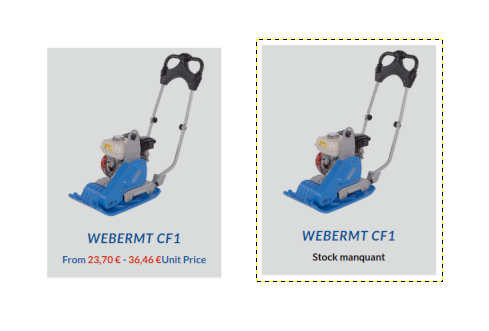
Background of the issue:
I am trying to translate products and ensure they have the correct inventory.
Advise from Noman not working:
1. Take a backup of your site first for safety reasons.
2. Please go to WPML >> Support >> Troubleshooting page and press the below buttons:
- Clear the cache in WPML
- [Products] Synchronize posts taxonomies
- Remove ghost entries from the translation tables
- Synchronize local job ids with ATE jobs
- Synchronize translators and translation managers with ATE
- Assign translation status to duplicated content
- Fix post type assignment for translations
- Set language information
3. Go to the WooCommerce >> WooCommerce Multilingual & Multicurrency > Settings > Troubleshooting page, choose the “Synchronize stock for products and product variations” option and press the “Run the selected tools” button.
Symptoms:
Translated products have no inventory.
Questions:
Why do translated products not show inventory?
How can I ensure inventory is translated correctly?