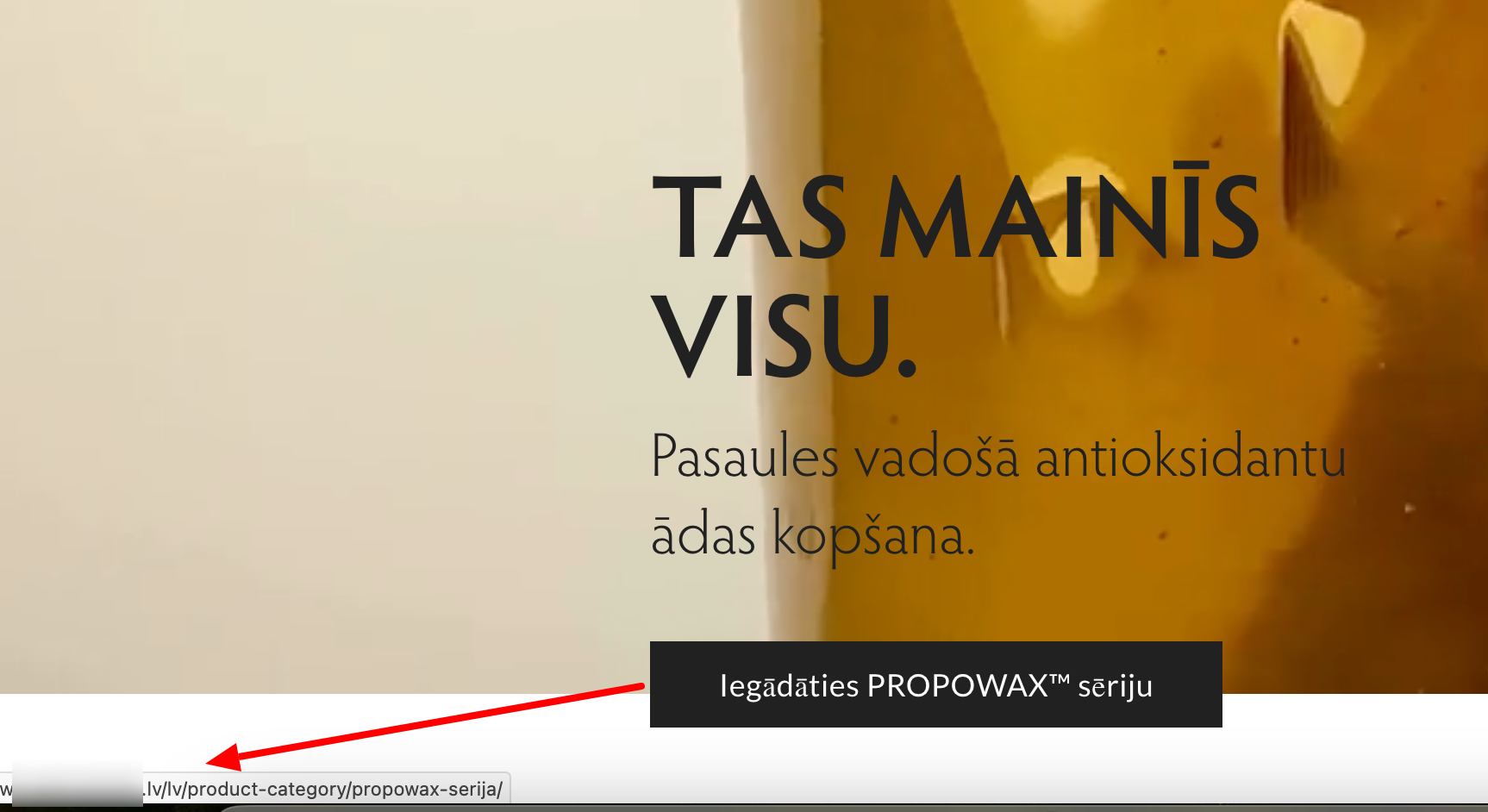
When I click the black menu item on the homepage, it leads to this URL: hidden link
This results in a 404 error, which is expected, because the link does not match your current URL structure.
The correct URL for this product category is: hidden link
This link loads correctly.
The mismatch is because the first link uses the /lv/ language directory format, which is used when your site is configured with “Different languages in directories.”
However, your site is currently using the “Language name added as a parameter” format — ?lang=lv.
To fix this, you have two options:
Option 1 — Update the menu link
Adjust the black menu item link to: hidden link
Option 2 — Change the URL structure
Switch your site to “Different languages in directories” in:
WPML → Languages → Language URL format
This will make URLs like /lv/... valid again.
Please choose the option that best fits your preferred URL structure.
after performing the above steps, the problem did not disappear, and in addition the shop link stopped working. So, this solution did not work. I can see for myself that the link is wrong, the question is, where to fix it?
Have you tried checking the page translation itself?
Please follow these steps:
1.Make a small change to the original page (for example, add a space or a character) and update it.
2. Open the translation — this will launch the Advanced Translation Editor.
3. Look for the link. If needed, use the search field in the editor to look for the link.
4. If the link appears in the translation, update it accordingly and complete the translation.