Skip to content Skip to sidebar

This thread is resolved. Here is a description of the problem and solution.

Problem:
The client was experiencing an issue where the Dutch version of a page was not displaying correctly when accessed from the menu, despite the page existing in Dutch. The issue persisted even after creating additional pages and attempting translations. The client suspected a compatibility issue with the Divi theme or a misconfiguration.

Solution:
We recommended the following steps to resolve the issue:
1. Verify that the Divi theme version matches the one used in our sandbox environment. If not, update Divi to the latest version.
2. Remove the current custom XML configuration in WPML->Settings->Custom XML configuration and replace it with a new configuration that ensures proper handling of shortcodes and attributes related to the Divi theme.
3. Ensure all URLs include 'www.' to facilitate correct automatic translation of URLs.
4. Update and save the default language page for the payment methods, then access the translation to check if the links are now visible and correctly translated.

If these steps do not resolve the issue or if the solution seems outdated or irrelevant to your specific case, we highly recommend checking related known issues at https://wpml.org/known-issues/, verifying the version of the permanent fix, and confirming that you have installed the latest versions of themes and plugins. If the problem persists, please open a new support ticket at WPML support forum for further assistance.

This is the technical support forum for WPML - the multilingual WordPress plugin.

Everyone can read, but only WPML clients can post here. WPML team is replying on the forum 6 days per week, 22 hours per day.

Tagged: 

This topic contains 15 replies, has 2 voices.

Last updated by Bobby 1 year, 9 months ago.

Assisted by: Bobby.

Author Posts
April 22, 2024 at 7:28 pm #15552939

ramonH-6

Hi Bobby,

1. Yes, this happens on all pages, also the new ones.

2. I have tried this for instance on this page: hidden link
Still when you go to this page from the menu in Dutch, it shows the English content.
Please see the print screen that shows that the Dutch page does exist, it's just not showing when you go there from the menu.
PS: I created 60 additional pages in English recently. These all need to be translated to Dutch, French and German. So I hope that we can fix this.

Kind regards
Ramon

April 22, 2024 at 9:03 pm #15553110

Bobby
WPML Supporter since 04/2015

Languages: English (English )

Timezone: America/Los_Angeles (GMT-07:00)

Hi,

I was able to reproduce the issue you are experiencing with the links.

After running some troubleshooting actions, I believe it's best if we try to reproduce this on a clean environment to check for a potential compatibility issue with this specific module.

Please access the sandbox I created for us here:
hidden link

Install Divi -> create a page and add the image module -> set a link URL to "test link page"

Does it work as expected on the sandbox?

April 23, 2024 at 9:00 am #15554463

ramonH-6

Hi Bobby,

I have created the page and added your test page to a menu in order to simulate the actual situation.

Then I went to wpml to translate.

Please see the attached print screen to see the result. I believe it didn't translate.

Screenshot 2024-04-23 at 10.56.55.png
April 23, 2024 at 10:28 pm #15558397

Bobby
WPML Supporter since 04/2015

Languages: English (English )

Timezone: America/Los_Angeles (GMT-07:00)

Hi there,

I just did a test and it looks like it is working as expected.

hidden link

this makes me believe a third party plugin or a misconfiguration might be causing this behavior on your environment.

Is the Divi theme the same version in your live site as our sandbox?

April 24, 2024 at 8:14 am #15559227

ramonH-6

Hi Bobby, thanks for your message.

Could you let me know how you have been able to conclude that wpml is working correctly please?

I'm asking because when I check the text "this is a test NL" , it has not been translated to Dutch when switching to Dutch language on the sandbox site. Please see the print screen attached. Divi version is the latest.

Also, I have recorded the behaviour of the live site which could help you getting this resolved. Please find a link to google drive here:
hidden link

Screenshot 2024-04-24 at 09.48.11.png
April 24, 2024 at 9:59 pm #15562844

Bobby
WPML Supporter since 04/2015

Languages: English (English )

Timezone: America/Los_Angeles (GMT-07:00)

Hey there,

Just a heads up, the "NL" suffix was added because I hadn't completed a full translation for Dutch.

If you check the URLs, you'll notice that the EN version directs to EN, while NL points to NL. You can also take a look at this screencast for further clarification 🙂 :
hidden link

However, despite these settings, it seems like the issue persists on your site. This leads me to suspect that a third-party plugin might be causing it.

To troubleshoot further, could you try testing this in a minimal environment? This involves enabling only WPML and Divi-required plugins, creating a test page, adding an image and a link, and then adding the translation.

If setting up a staging site isn't feasible, we can migrate a copy of your site to our staging environment on Cloudways. Let me know how you'd like to proceed or ypir results

April 24, 2024 at 11:27 pm #15562874

Bobby
WPML Supporter since 04/2015

Languages: English (English )

Timezone: America/Los_Angeles (GMT-07:00)

I observed that the latest version of Divi (4.25) is being used on our sandbox, but in your environment, it's still on 4.24.3.

Update Divi to the latest version and let me know your results, please.

April 25, 2024 at 9:09 am #15564320

ramonH-6

Hi Bobby,

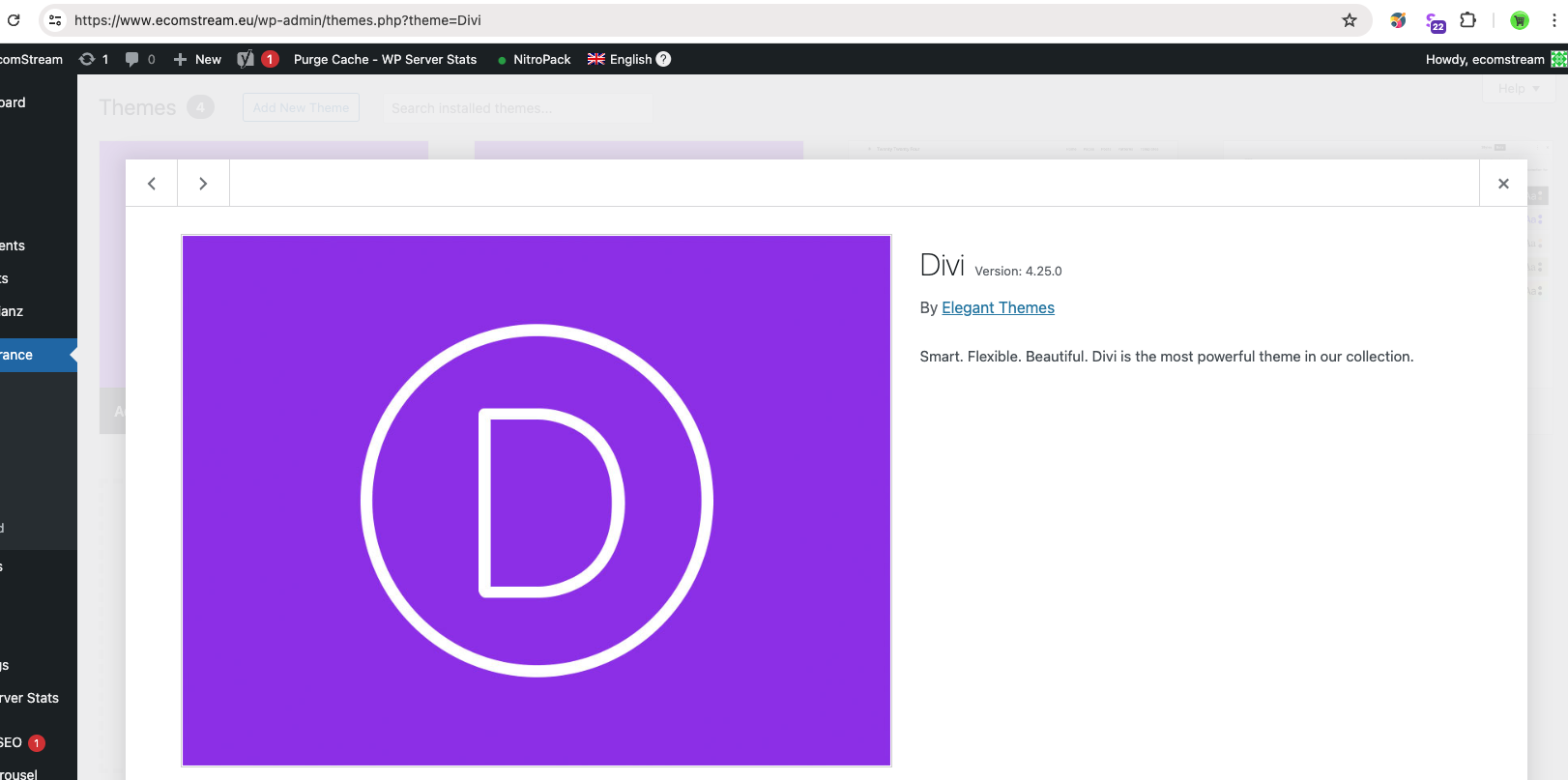
I checked the Divi version, it's 4.25.0. Please see the attached screen shot.

I disabled the plugins and checked again, unfortunately it didn't help. Please see this clip:

hidden link

Screenshot 2024-04-25 at 10.50.34.png
April 30, 2024 at 6:16 am #15579297

Bobby
WPML Supporter since 04/2015

Languages: English (English )

Timezone: America/Los_Angeles (GMT-07:00)

Hello,

Thank you for the additional information,

I escalated this thread to our 2nd tier support and they will take a look at this issue.

You will be notified as soon as new information is available.

Thank you,
Bobby

May 3, 2024 at 8:40 am #15590228

ramonH-6

Hi Bobby, I received an email notification that this issue will be closed soon, while I'm awaiting a reply from wpml 2nd tier support on this matter still.

I'm looking forward to wpml follow-up on this.

Thank you!

May 6, 2024 at 5:36 pm #15598902

Bobby
WPML Supporter since 04/2015

Languages: English (English )

Timezone: America/Los_Angeles (GMT-07:00)

Hi there,

no need to worry the ticket has been escalated to our second-tier support and should not be automatically closed.

Once I have some feedback I will update you here.

May 8, 2024 at 8:24 am #15604813

ramonH-6

Hi Bobby, thanks for the heads up.

Any update from 2nd tier support please? It has been with them for over a week now.

Thank you!
Ramon

May 8, 2024 at 6:22 pm #15607542

Bobby
WPML Supporter since 04/2015

Languages: English (English )

Timezone: America/Los_Angeles (GMT-07:00)

At the moment we are still reviewing this and will be updating you the moment I have news, thank you for your patience

May 14, 2024 at 5:52 pm #15626725

Bobby
WPML Supporter since 04/2015

Languages: English (English )

Timezone: America/Los_Angeles (GMT-07:00)

Hi there,

The access to the site is no longer working, if possible, please try the following to resolve this issue.

1. Go to WPML->Settings->Custom XML configuration and remove the current code
2. Add the following and save

<wpml-config>
‹shortcodes>
‹shortcode>
<tag›et pb blurb</tag>
attributes>
<attribute›title</attribute›
</attributes>
</shortcode>
‹shortcode>
‹tag›et_pb_image</tag›
attributes>
‹attribute type="media-url"›src__hover</attribute>
</attributes>
</shortcode>
‹shortcode>
‹tag›dizo_image_hover</tag›
‹attributes>
‹attribute›image_alt</attribute›
‹attribute›t_prefix</attribute›
‹attribute›content_text‹/attribute›
</attributes>
</shortcode>
</shortcodes>
</wpml-config>

3. Edit the page for the payment methods in the default language and update it

4. Access the translation again and you should be able to now see the links translated.

NOTE: Verify that all links have www. included as that is required for the automatic translation of URLs

e.g. hidden link
this should be hidden link

Let me know your results, please.

May 15, 2024 at 8:11 am #15628168

ramonH-6

Hi Bobby, thanks for your message.

I have changed the code as requested.

I have added www in the link. It now says: hidden link (please see the attached screenshot).

The problem is unfortunately still there.

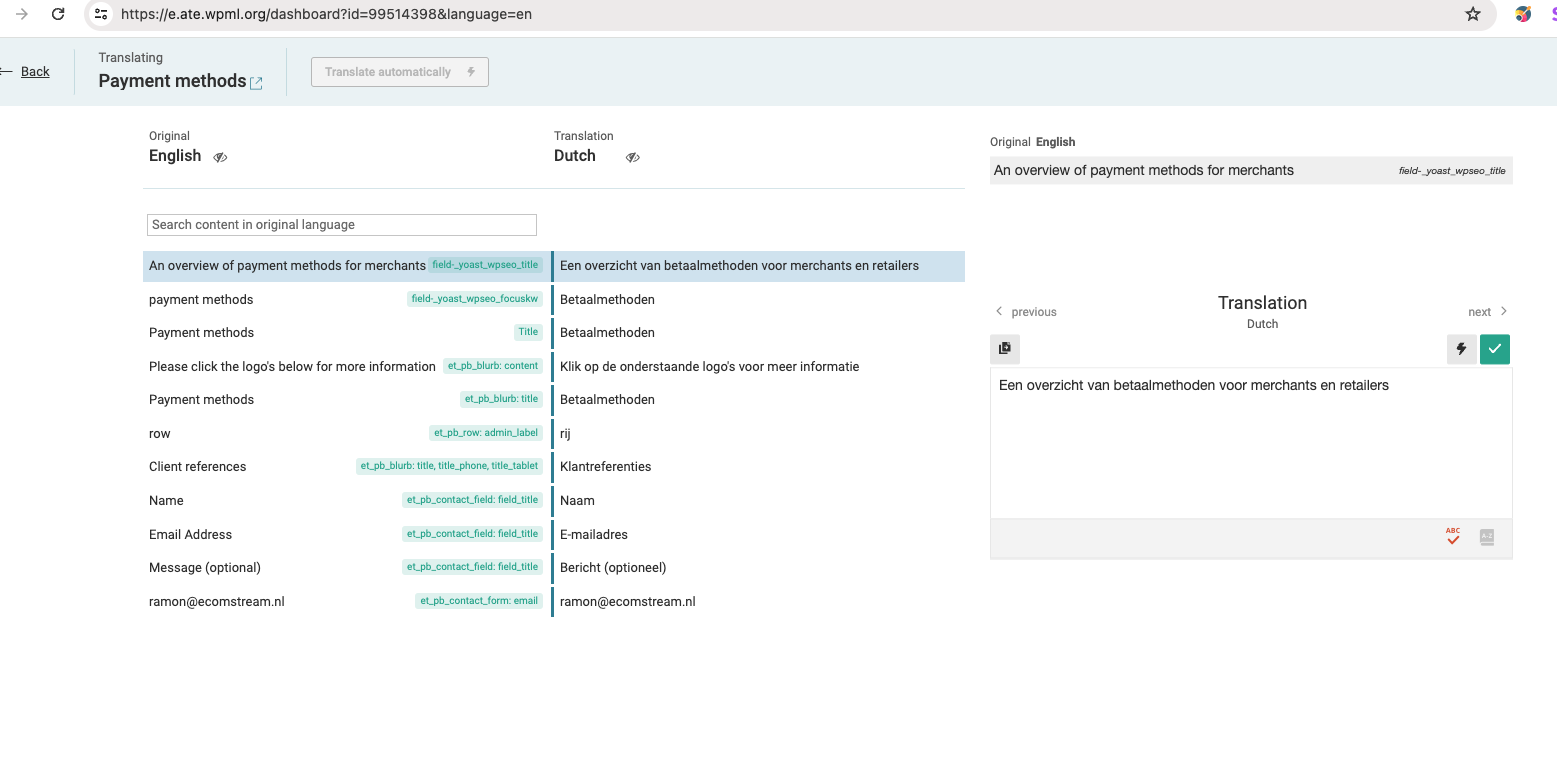
When I go to the "Payment methods" page and click on the "wpml pencil" for Dutch language, then I do get to page with translated text to Dutch, but it doesn't show any of the 60 links that are on this page. (please see screenshot attached).

I have disabled the 2FA on the site so you access.

Kind regards,
Ramon

Screenshot 2024-05-15 at 10.03.33.png
Screenshot 2024-05-15 at 10.05.30.png