This thread is resolved. Here is a description of the problem and solution.
Problem:
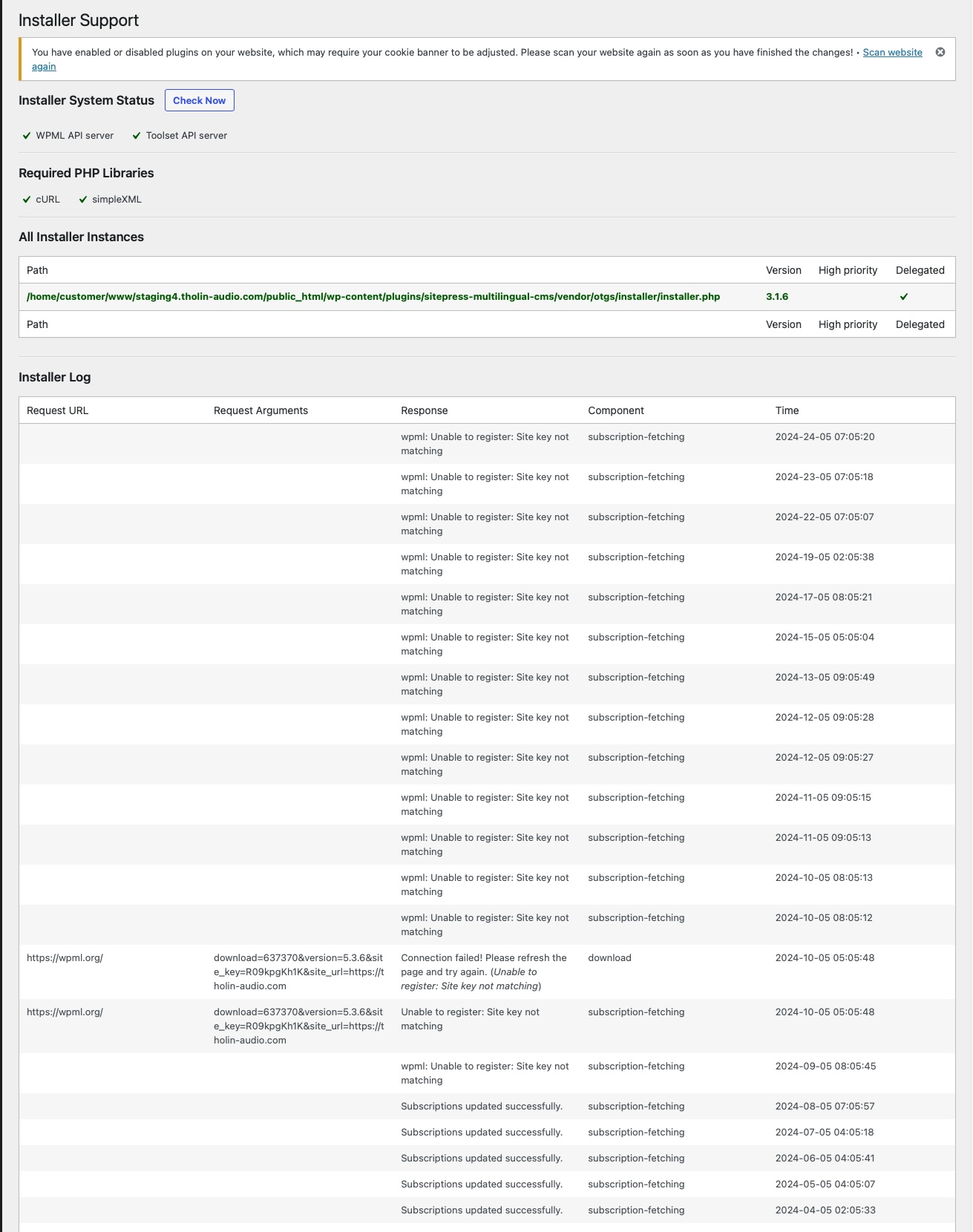
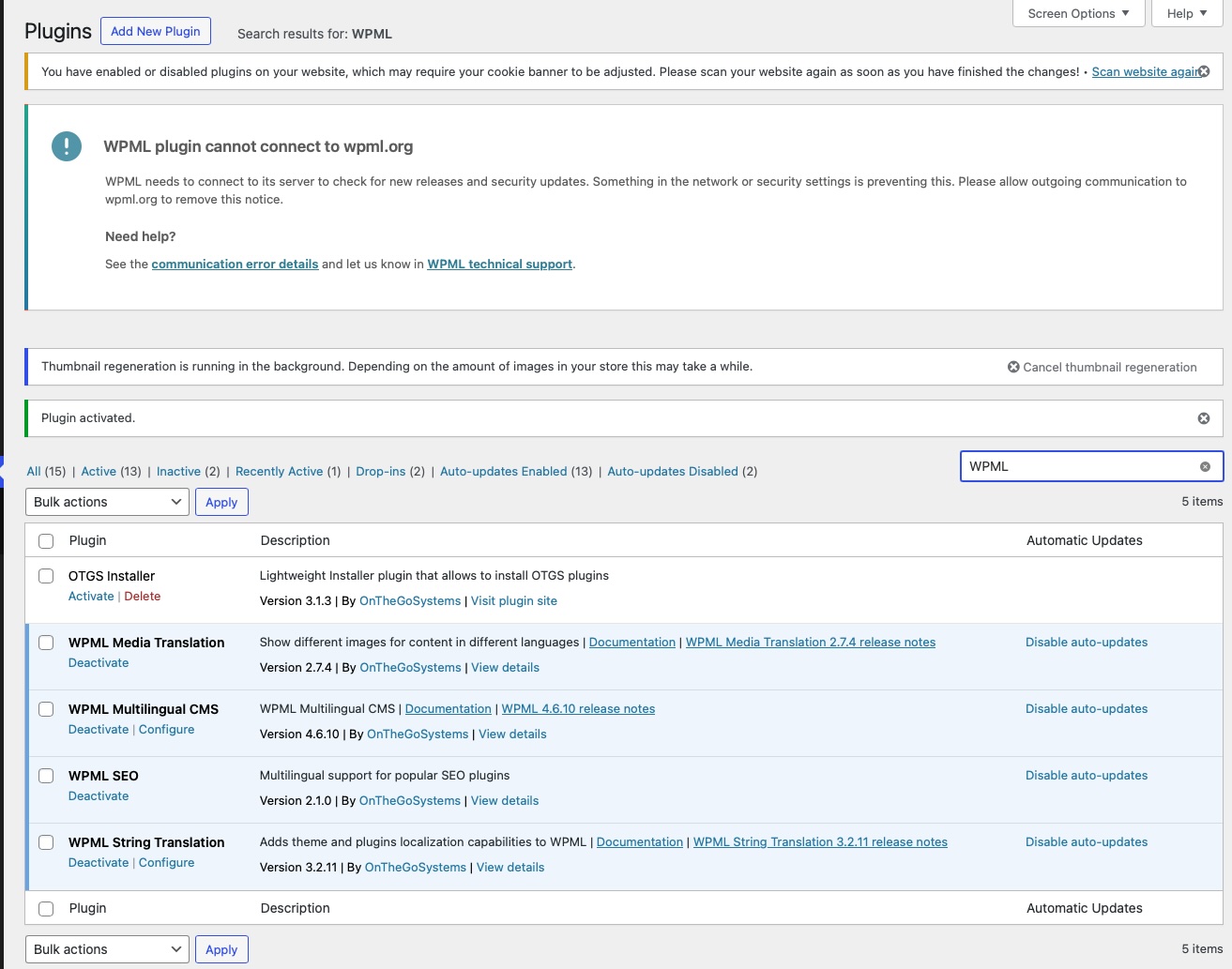
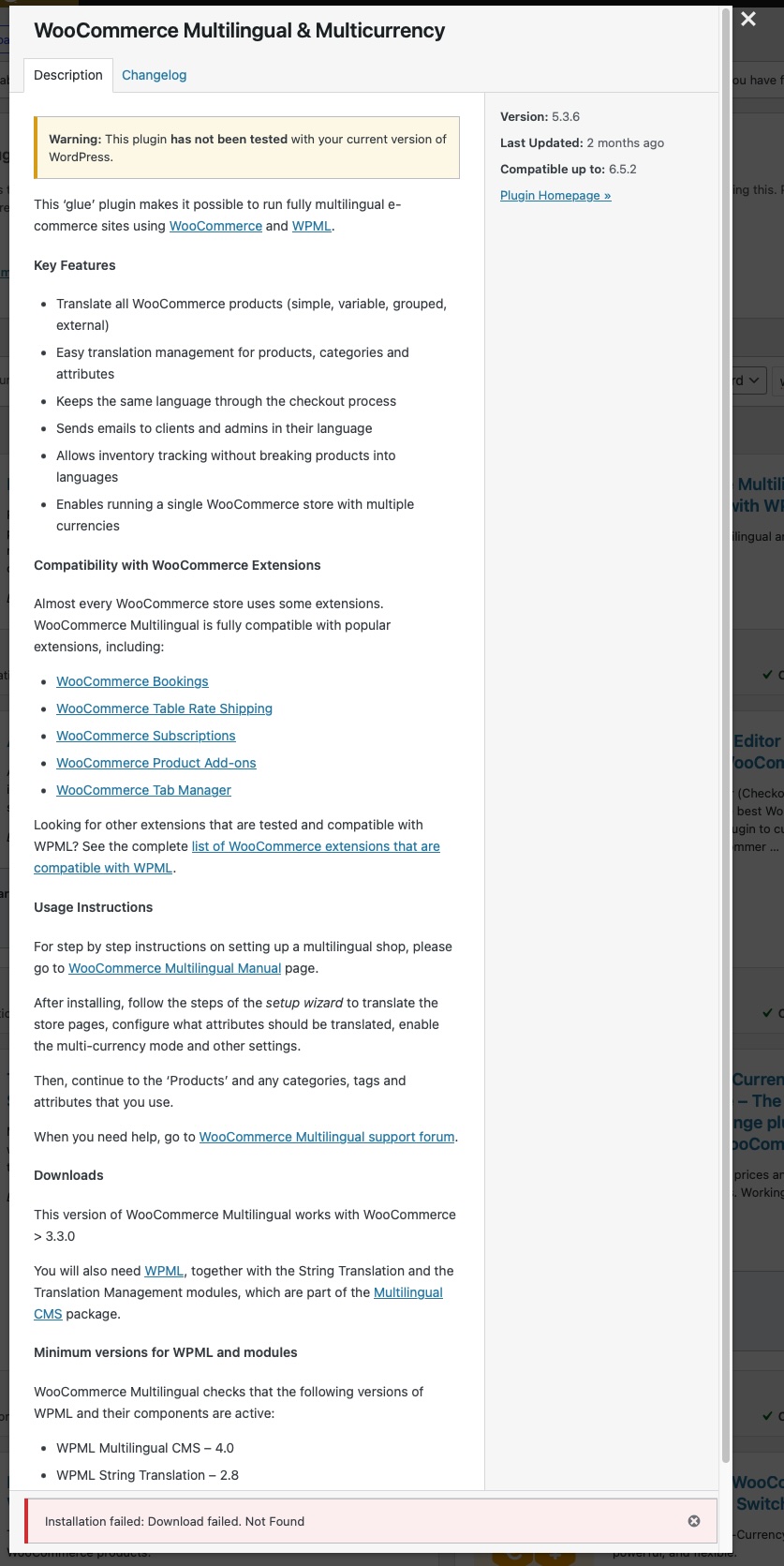
The client is unable to connect their staging site to WPML, activate the OTGS installer, or install certain WooCommerce plugins.
Solution:
If you're experiencing similar issues, we recommend you try the following steps:
1. Visit your WPML.org account.
2. Remove the current WPML key for the staging domain.
3. Generate a new WPML key for that domain.
4. Copy the new key.
5. Go to the backend of your staging WordPress site > Plugins > Add new > Commercial > UN-register WPML from the old key > then RE-register WPML with the new key.
This solution might be irrelevant if it's outdated or not applicable to your case. We highly recommend checking related known issues at https://wpml.org/known-issues/, verifying the version of the permanent fix, and confirming that you have installed the latest versions of themes and plugins. If the issue persists, please open a new support ticket.
This is the technical support forum for WPML - the multilingual WordPress plugin.
Everyone can read, but only WPML clients can post here. WPML team is replying on the forum 6 days per week, 22 hours per day.
This topic contains 1 reply, has 2 voices.
Last updated by 1 year, 10 months ago.
Assisted by: Mihai Apetrei.