
This is the technical support forum for WPML - the multilingual WordPress plugin.
Everyone can read, but only WPML clients can post here. WPML team is replying on the forum 6 days per week, 22 hours per day.
Tagged: Exception
This topic contains 26 replies, has 0 voices.
Last updated by ryanR-5 3 weeks, 5 days ago.
Assisted by: Bobby.
| Author | Posts |
|---|---|
| February 26, 2026 at 7:46 pm #17857919 | |
 ryanR-5 |
I want to use shortcode to display the language switcher in the secondary menu, on the left side of where the call or text portion is. I've tried adding a function to do that but nothing is working. I also can't figure out how to properly link the secondary language to the translation of the current page. I would think that's automatically applied. |
| March 2, 2026 at 2:37 pm #17865192 | |
|
ryanR-5 |
The redirect was added by the Redirection plugin which I didn't know was installed. I removed that, and the translations are working properly. I'm also trying to place the shortcode for the language switcher in the secondary top menu and nothing I do works. I've followed documentation for creating a filter to output the shortcode and can't get it to work. |
| March 2, 2026 at 8:02 pm #17866253 | |
|
ryanR-5 |
I'm using this function to enable shortcode in a menu I'm using the shortcode provided in the documentation to output it in the secondary menu but it's not showing. |
| March 2, 2026 at 8:36 pm #17866275 | |
 Bobby WPML Supporter since 04/2015 Languages: English (English ) Timezone: America/Los_Angeles (GMT-07:00) |
Thank you for updating me! For the shortcode. Where are you currently adding this within your theme? Also, please go to WPML->languages->Custom language switcher and ensure that option is enabled and configured. Let me know your results, please. |
| March 2, 2026 at 9:13 pm #17866322 | |
|
ryanR-5 |
I'm trying to place it in the secondary menu. Now there's a gap above the text or call area.  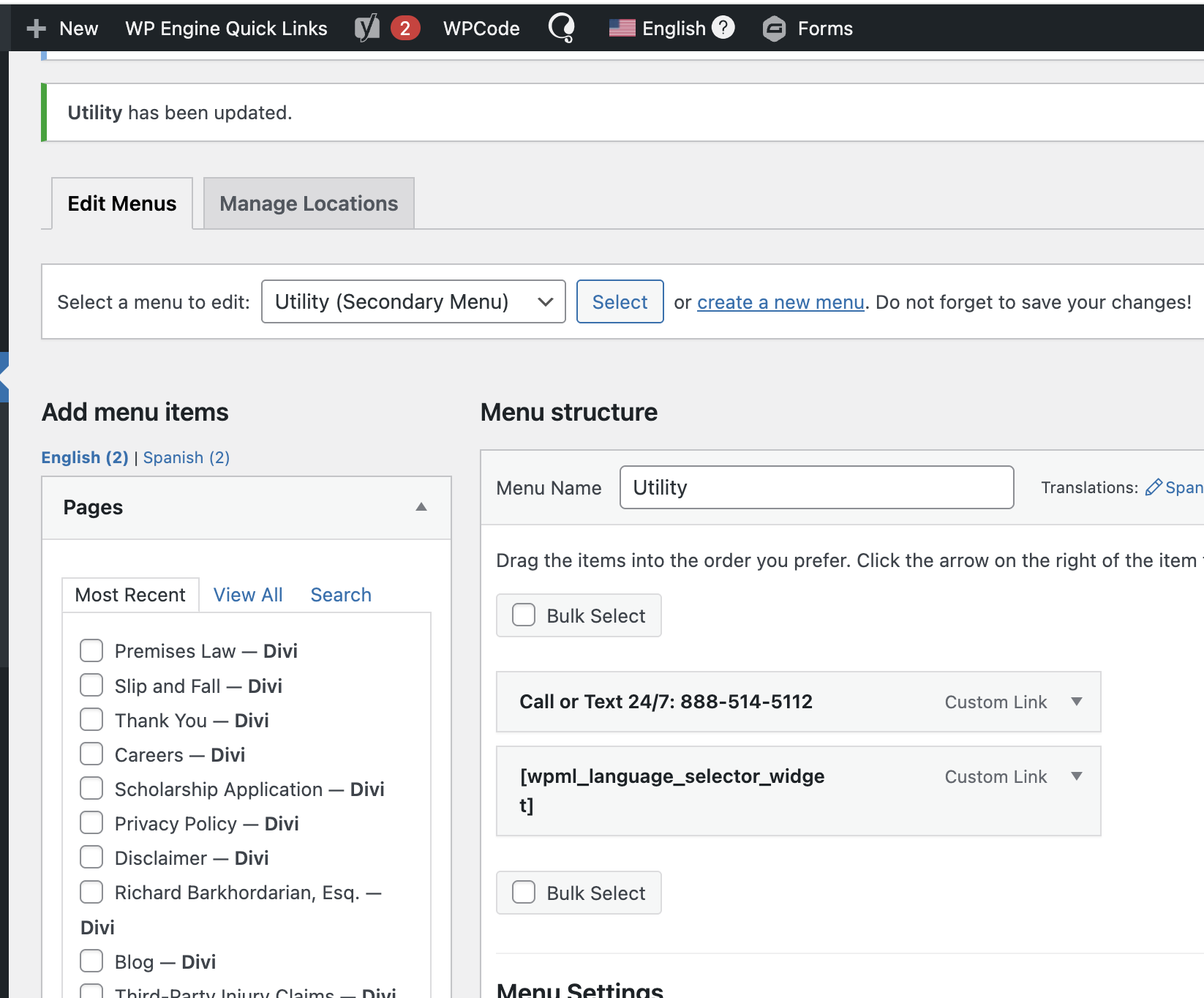 |
| March 3, 2026 at 7:18 am #17866792 | |
|
Bobby WPML Supporter since 04/2015 Languages: English (English ) Timezone: America/Los_Angeles (GMT-07:00) |
Thank you for the screenshot! Based on what you would like to achieve, setting this using PHP in the theme's function.php would most likely yield better results. Let me know your results, please. |
| March 3, 2026 at 2:24 pm #17868892 | |
|
ryanR-5 |
I added this PHP - do_action('wpml_add_language_selector'); and the attached screenshot is what happens, it outputs the shortcode but not the actual contents of the shortcode. 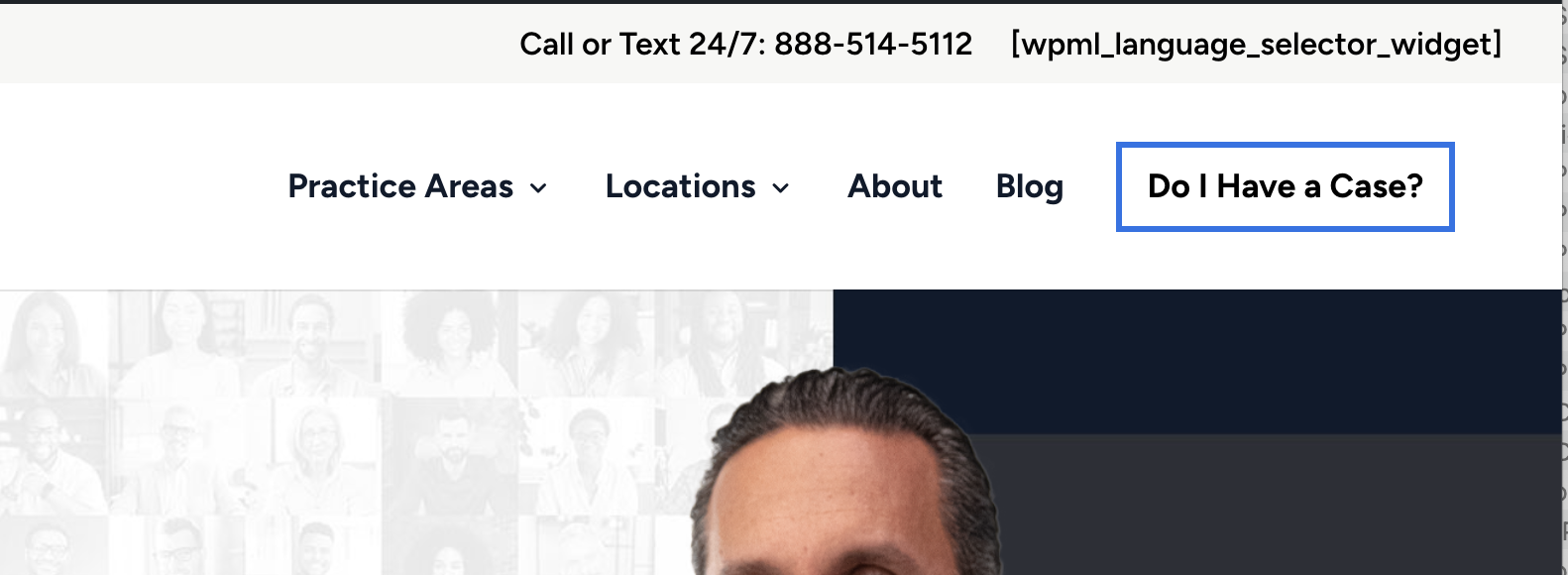 |
| March 3, 2026 at 8:02 pm #17870042 | |
|
Bobby WPML Supporter since 04/2015 Languages: English (English ) Timezone: America/Los_Angeles (GMT-07:00) |
The PHP you added is correct, do_action('wpml_add_language_selector'); Please go to Menus and remove the shortcode, then go to WPML->languages and activate the custom language switcher option. If that does not resolve the issue, please sahre with me where in the code you added the PHP and I have enabled the private field reply for us to take a closer look. I would like to request temporary access (wp-admin and FTP) to your site to test the issue. **Before we proceed It is necessary to take FULL BACKUP of your database and your website. Providing us with access, you agree that a backup has been taken ** I often use the Duplicator plugin for this purpose: http://wordpress.org/plugins/duplicator/ NOTE: If access to the live site is not possible and the staging site does not exist please provide me with a duplicator package created with the duplicator plugin. Thank you, |
| March 4, 2026 at 6:33 pm #17872800 | |
|
Bobby WPML Supporter since 04/2015 Languages: English (English ) Timezone: America/Los_Angeles (GMT-07:00) |
Hi Ryan, thank you for sharing that information, very helpful! This code needs to be added directly within the theme's php files in the correct location, adding it in the snippets plugins will not render correctly. the SFTP details are not working for me and I'm also not able to install a plugin like file manager to try doing it from the Ui. |
| March 4, 2026 at 7:59 pm #17872943 | |
|
ryanR-5 |
Am I not able to use the shortcode optoin? I would have to create a child theme so any code wouldn't be overwritten by theme updates |
| March 5, 2026 at 2:15 pm #17875279 | |
|
ryanR-5 |
I added do_action('wpml_add_language_selector'); to the functions.php file in the child theme I created. It doesn't seem to be making a difference. |
| March 5, 2026 at 6:47 pm #17876094 | |
|
ryanR-5 |
This is fixed. I found what I needed under the Menu language switcher option by adding a new location to place it. |






