Hello,
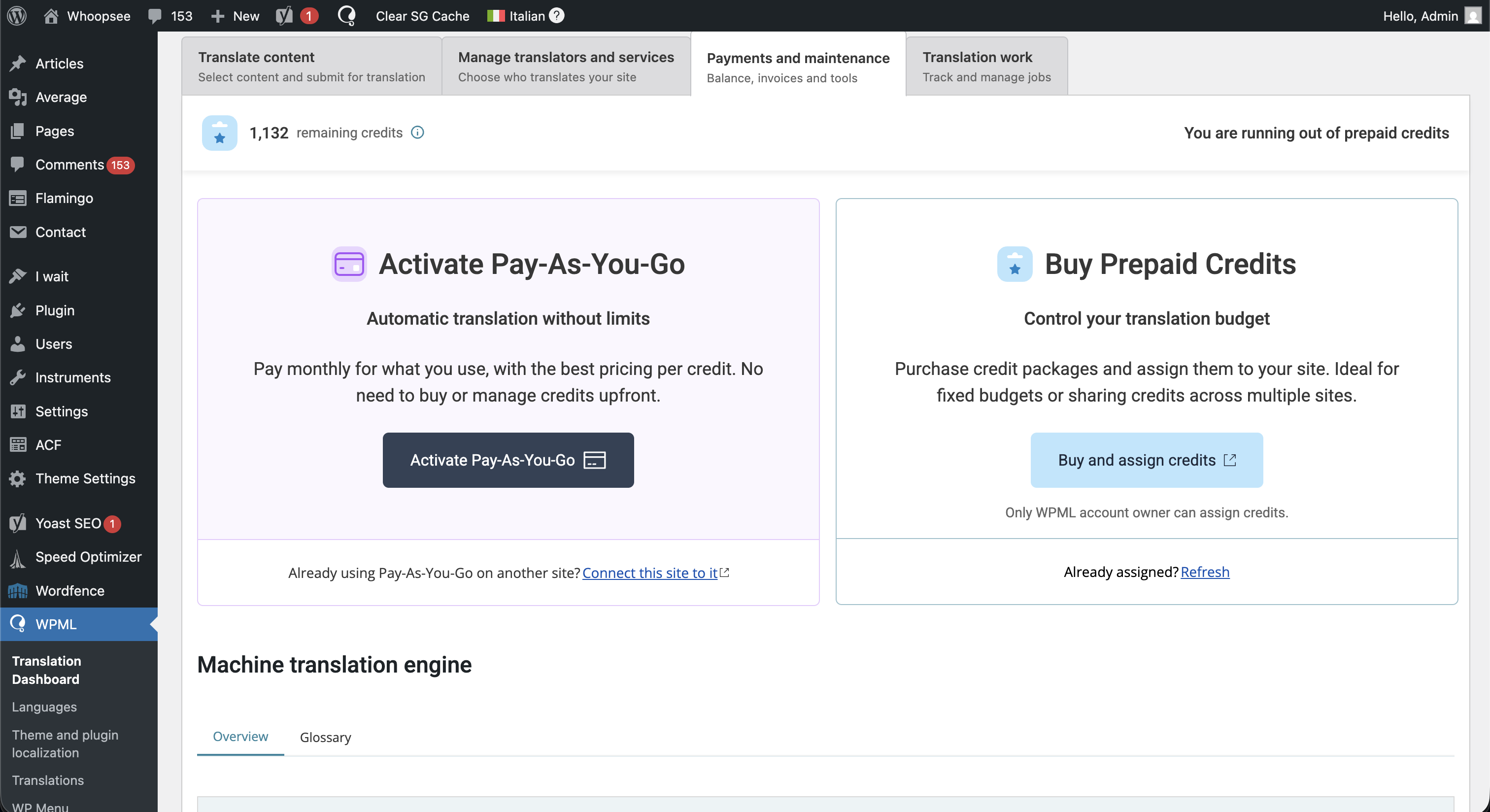
I need help, for this website hidden link I tried to switch to Pay-as-you-go but every time I get this message.
There was a problem connecting to automatic translation. Please check your internet connection and try again in a few minutes. If you continue to see this message, please contact our support team.
I tried on different devices and connection, but still get that error, could you please help me?
I’m Prosenjit from the WPML Development Team, and I’ll be happy to assist you.
Issues like the one you described usually happen when the site is having trouble connecting to our servers. Could you please try the following steps and check if they help?
First, please go to WPML → Support and scroll down to the Installer Support section.
Then:
- Click on Installer Support
- Click the Check Now button
- If everything is working correctly, you should see a green checkmark
- After that, please clear your site cache and browser cache
Once that is done, please check again and see whether the issue still persists.
If the issue is still happening, please share the following so I can investigate further:
-Go to WPML → Support
-Scroll down to Advanced Translation Editor
-Click on Error Logs
-Take a screenshot of the full Error Logs page, making sure all columns and log entries are visible
Please share that screenshot in your next reply, and I’ll check it and guide you on the next steps.
Let me know how it goes. I’ll be more than happy to help.
From the logs, I can see that the ATE service is unavailable. This usually means the communication between your site and the ATE server is being blocked somewhere in between.
I also noticed that security and caching plugins are installed on your site. Could you please check whether you have added any rules in the security plugin that may block certain internal or external communication, or whether there are any firewall rules on the server that could be affecting this?
If so, please temporarily remove those rules and test again.
If possible, I would also recommend temporarily disabling the Wordfence and Speed Optimizer plugins, then checking whether the issue still persists.
If the problem continues even after that, a closer inspection will be needed to identify the exact root cause.
In that case, please share access to your site with administrator privileges in your next reply so I can investigate further. I have enabled the private box for you, so you can securely share the access details there.
Looking forward to your response. I’m always here to help.
I checked the issue and was able to identify the root cause. It is related to your site’s special setup. Let me explain a bit more clearly:
Your public site URL is the root domain: hidden link
But the WordPress core is installed in a subdirectory: hidden link
In the Payment section, WPML was trying to load an endpoint that is frontend-facing and should ideally be generated from home_url(), because the public frontend of your site is served from the root (/), not from /wp.
On your site, this endpoint path: /wp/?wpml-app=ate-widget...
is not a valid or reliable frontend bootstrap path, while this one is: /?wpml-app=ate-widget...
Because of that, the endpoint was not loading correctly, which caused the Payment section to fail and display an error.
The good news is that I also found a workaround, and I’ve already applied it.
I updated the .htaccess file so that when this specific endpoint is requested with /wp in the URL, the server automatically redirects it to the non-/wp version. This ensures the endpoint loads correctly while leaving everything else unchanged.
The file updated was: public_html/.htaccess
After applying this workaround, the endpoint started loading correctly, and the Payment section now works as expected.
I hope this helps. Please feel free to let me know if you have any questions or need any clarification — I’ll be happy to help further.