Skip to content Skip to sidebar

This is the technical support forum for WPML - the multilingual WordPress plugin.

Everyone can read, but only WPML clients can post here. WPML team is replying on the forum 6 days per week, 22 hours per day.

Sun Mon Tue Wed Thu Fri Sat
- 9:00 – 12:00 9:00 – 12:00 9:00 – 12:00 9:00 – 12:00 9:00 – 12:00 -
- 13:00 – 18:00 13:00 – 18:00 13:00 – 18:00 13:00 – 18:00 13:00 – 18:00 -

Supporter timezone: Asia/Singapore (GMT+08:00)

This topic contains 0 reply, has 0 voices.

Last updated by Kor 11 months, 1 week ago.

Assisted by: Kor.

Author Posts
January 6, 2025 at 5:49 pm #16567276

monal-4

it workes now, I removed the alias

January 6, 2025 at 5:56 pm #16567339

Kor
WPML Supporter since 08/2022

Languages: English (English )

Timezone: Asia/Singapore (GMT+08:00)

It looks like to me your hosting provider cloned the Website to hidden link .

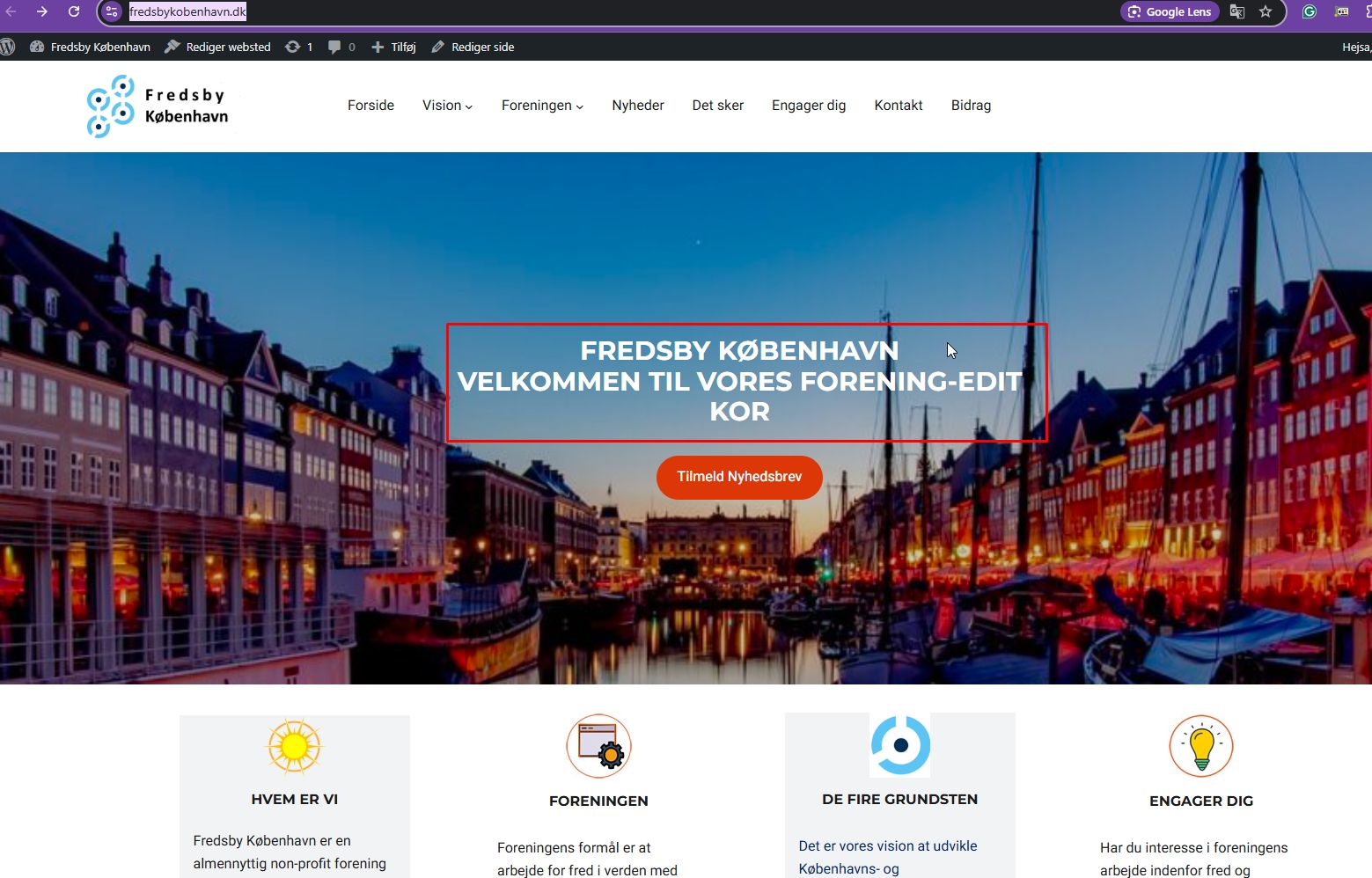
When I edited the title in hidden link as shown in the attached screenshot, the changes were not reflected on hidden link

I think your hosting provider misunderstood.

When I edit anything here hidden link , the changes should be visible on hidden link too.

Tell your domain provider to point hidden link to the server IP of hidden link and remove the clone Website for hidden link

Screenshot_151.jpg
January 6, 2025 at 8:44 pm #16567504

monal-4

I give up.

Provider doesn't know how to do it, neither do I

When the alias peacecitycopenhagen.com was on fredsbykobenhavn.dk, that site dissapeared. - I have to make two sites I think - cloned and then update both of them

I have spend so much time now to solve the problem - at least now

I know there is a solution because other of your clients solved it, but we cannot find out here how to do it.

Kind regards Mona

January 7, 2025 at 5:41 am #16567986

Kor
WPML Supporter since 08/2022

Languages: English (English )

Timezone: Asia/Singapore (GMT+08:00)

Thanks for your reply.

Are you able to share access to your domain dashboard so that I can make the adjustments for you? If you agree, I've enabled the private reply option for you to add the credentials. Please be advised that a backup should be prepared if anything happens or misconfiguration from my side.

January 8, 2025 at 11:29 am #16573020

Kor
WPML Supporter since 08/2022

Languages: English (English )

Timezone: Asia/Singapore (GMT+08:00)

Thanks for your patience. I'm checking with your domain provider now. We have configured the DNS configuration correctly but it's not working correctly.

January 8, 2025 at 11:39 am #16573046

monal-4

Did you get this answer from Simply

Yes it is not setup correct in our system now. Out custeomer have changed from how its needst to be setup so it will not be working now.

It needs to be setup as a domain alias before it will be abele to work.

And please don't change peacecitycopenhagen to a dns service, use peacecitycopenhagen.com

January 8, 2025 at 12:53 pm #16573418

monal-4

Are you still working on it or did you finish?

January 9, 2025 at 6:27 am #16576006

Kor
WPML Supporter since 08/2022

Languages: English (English )

Timezone: Asia/Singapore (GMT+08:00)

Thanks for your reply.

I'm still working with your domain provider via support chat. I will come back to you once I have a solution.

January 9, 2025 at 12:27 pm #16577670

monal-4

Oh, when I did not hear from you yesterday, I deleted your access to the simply.com dashboard. However it seemes that you still can work with the sites.

Did you get this message from Claus, Simply.com

"Hej Mona

It must be something in wordpress/WPML its setup to show the same content now."

and one more

"Hej Mona

I have create a file named test.php that show what domain name you are on.

hidden link
hidden link"

I don't know if he is right, there is something wrong inside the panel. In the Fredsbykobenhavn.dk panel with the Danish language on, some of the pages have 4 and 5 copies in English. (not translated - only the title)

kind regards mona

January 9, 2025 at 2:23 pm #16578268

Kor
WPML Supporter since 08/2022

Languages: English (English )

Timezone: Asia/Singapore (GMT+08:00)

Thanks for your reply.

It looks like to me your domain provider does not support the feature that we require to achieve different domain per language. Maybe you can consider moving to any of the hosting recommended by us here https://wpml.org/hosting-partner/

The contents here hidden link should be displaying the same contents as hidden link . Let me simplify what exactly we need to achieve this.

1. Website A hosted in a server with the IP address 1.2.3
2. Website A uses the domain name abc.com for English
3. You purchase a domain name abc.ar for Arabic.
4. Point abc.ar via DNS to Website A server IP address 1.2.3
5. When you open abc.ar, you will see the same contents as abc.com
6. Navigate to WPML > Language > Configure Different domain per language
7. Translate your contents.
8. Visiting abc.com will show english contents.
9. Visiting abc.ar will show arabic contents.

The topic ‘[Closed] to put the translation to another domain –’ is closed to new replies.