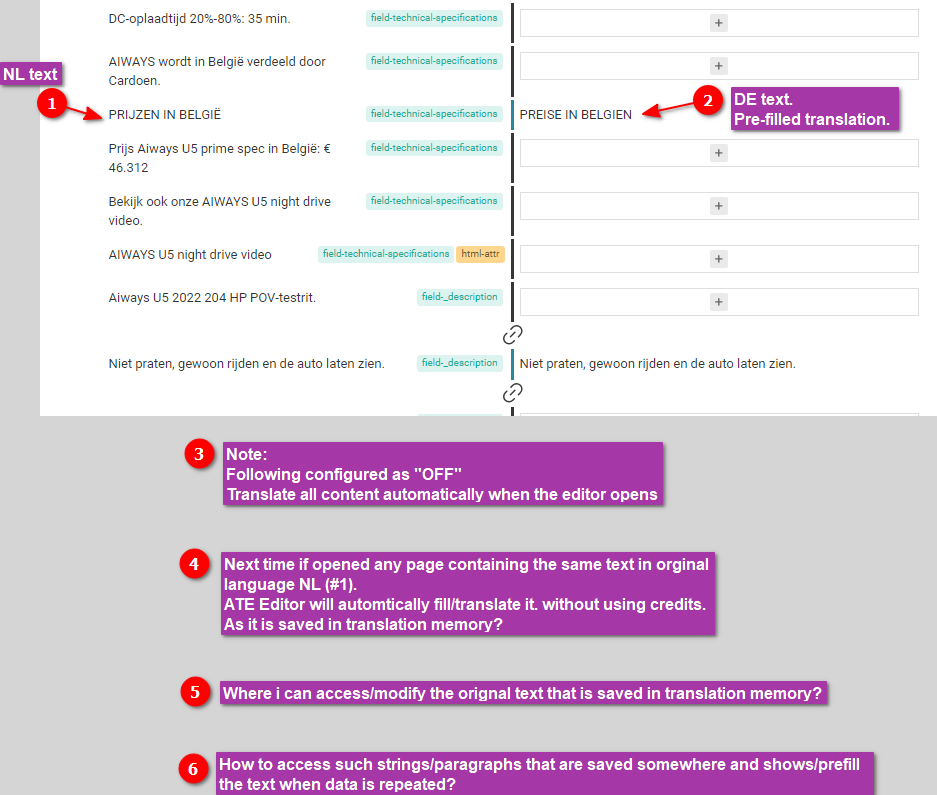
The problem is that some paragraphs are wrong translated and saved in the translation memory. Whenever I transl. a new page in ATE, it prefills the text with the wrong transl. (saved somewhere in the past).
The client also noticed that if he uses the Flash icon/button (Ctrl+M) to translate automatically using credits, the plugin shows the wrong/old/saved translation again, as a result, he needs to translate that text through the Google Translate site manually.
In short,
=>I want to see what is in the translation memory so that I can see where the mistakes are generated.
=> Is it an option to turn it off perhaps?
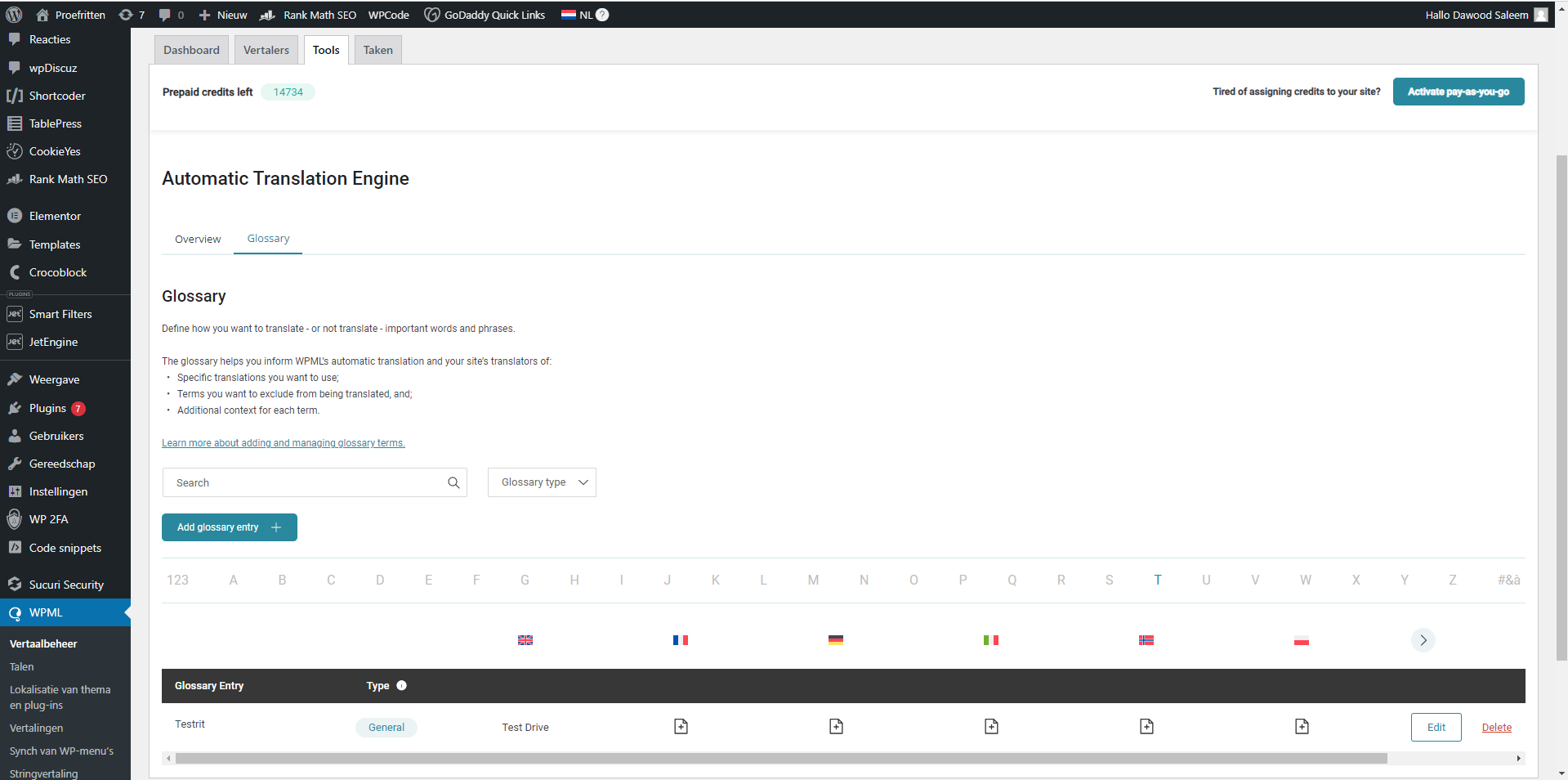
I checked the Glossary, there is only 1 entry in it.
I also searched the text with possible combinations in "String Translation" in all languages, but nothing relevant was found. (screenshot attached).
Languages: English (English )Spanish (Español )German (Deutsch )
Timezone: America/Lima (GMT-05:00)
Hello,
Usually, you would only need to edit the text on the auto-completed field and then save the segment, and complete the translation job to 100%. This should overwrite the translation memory for this segment.
Please give this a test.
Best regards
Andreas
The topic ‘[Closed] Translation Memory – Modify saved translations of paragraphs.’ is closed to new replies.