This thread is resolved. Here is a description of the problem and solution.
Problem:
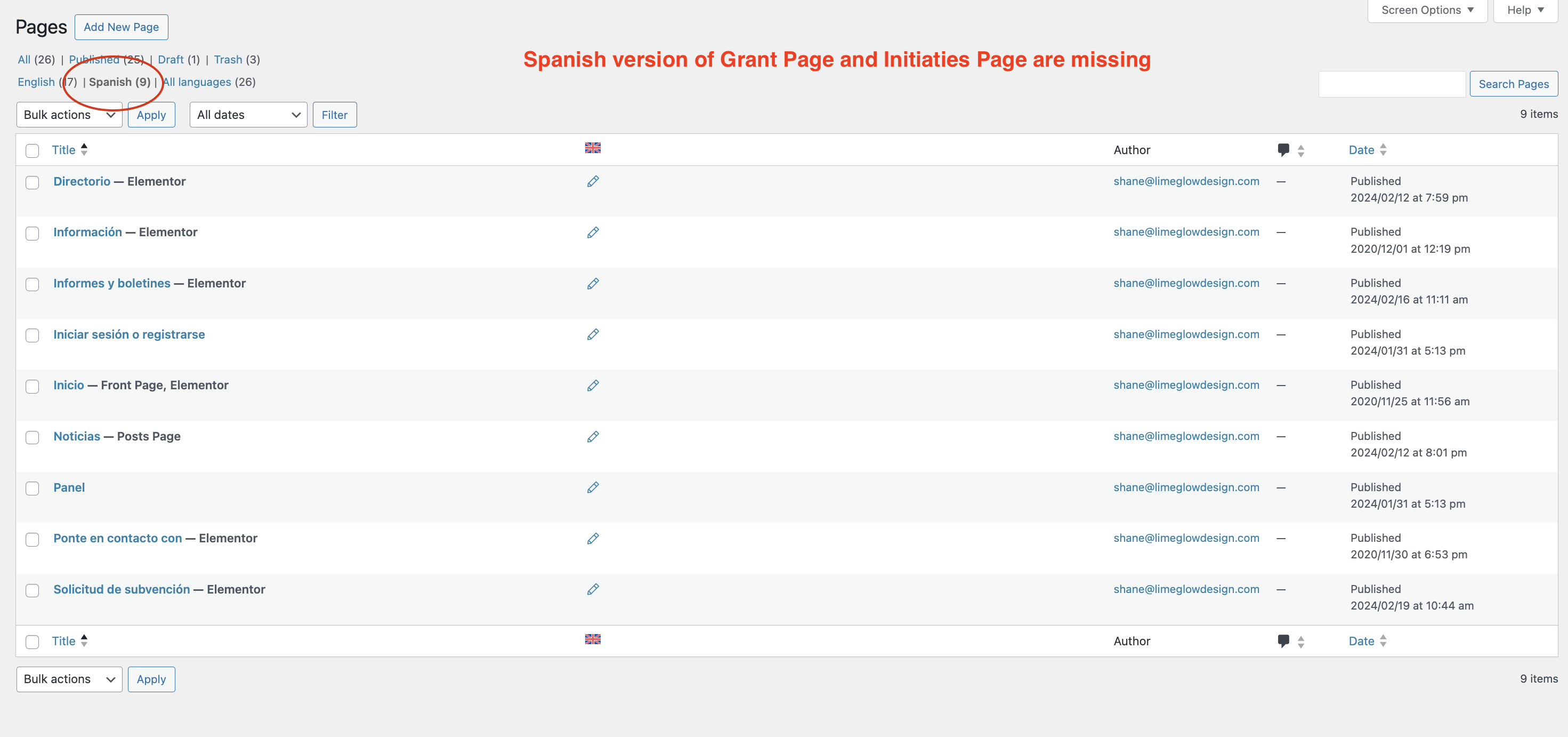
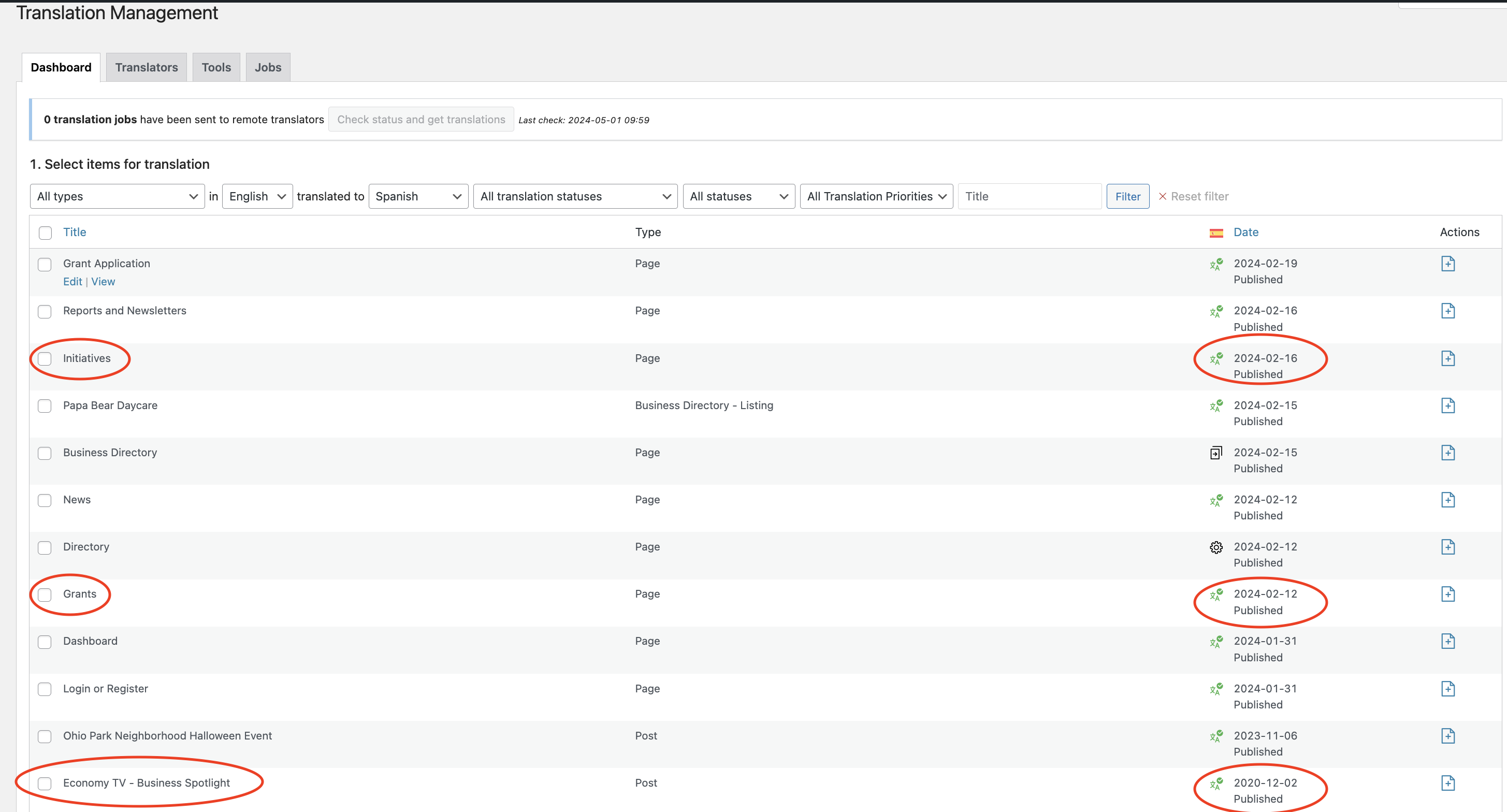
The client reported that three items (two pages and one post) that were translated are not showing up on the Spanish version of their site. Although marked as translated, the content was not visible when switching to the Spanish version.
Solution:
We suggested that the client checks the trash section of their website to see if the missing pages and post were accidentally placed there. If found in the trash, we advised the client to restore them and then check if the issue with the missing translations is resolved.
If you're experiencing a similar issue, we recommend checking your trash for any pages or posts that might have been mistakenly deleted. If you find the translated items there, simply restore them to resolve the issue.
Please note that this solution might not apply to your case, or it could be outdated. If after trying this step you still encounter problems, we highly recommend checking the related known issues, verifying the version of the permanent fix, and confirming that you have installed the latest versions of themes and plugins. If the issue persists, please do not hesitate to open a new support ticket with us.
This is the technical support forum for WPML - the multilingual WordPress plugin.
Everyone can read, but only WPML clients can post here. WPML team is replying on the forum 6 days per week, 22 hours per day.
This topic contains 1 reply, has 2 voices.
Last updated by 1 year, 12 months ago.
Assisted by: Bobby.