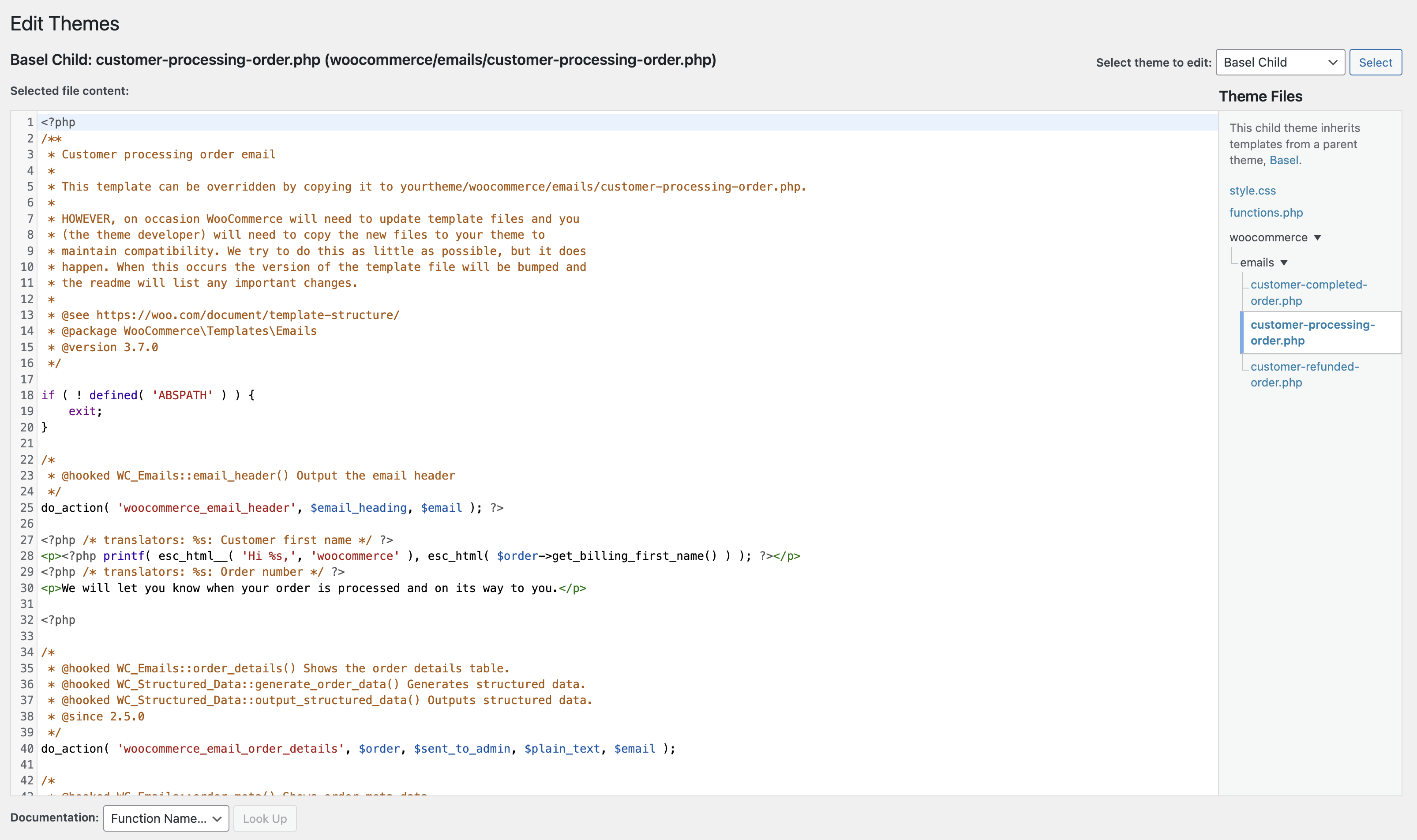
This thread is resolved. Here is a description of the problem and solution.
Problem: The client needs to set up WooCommerce confirmation emails to be sent in Croatian when a user makes an order on the Croatian version of their website.
Solution: First, we asked the client to clarify if they had directly changed the email template in WooCommerce or added a customization in their theme's functions.php file.
We then suggested that the client make the necessary changes and scan their theme for strings by going to WPML → Theme and plugins localization, selecting their theme, and scanning it.
The default language of the site rerunit.eu is English and the secondary is Croatian. I setup the WooCommerce confirmation emails, but I want to set it up in a way that when a user is visiting the Croatian version of the website and makes an order - the confirmation emails they receive are in Croatian and not English.
How to translate WooCommerce confirmation emails with WPML?
I tried playing around with FAQ solutions on WPML website such as adding the "<p><?php printf( _e( 'CUSTOM TEXT', 'woocommerce' ); ?></p>" line of code in .PHP file but that crashed my website, so I don't want to play around anymore and do more damage.
As I already wrote; I checked that documentation but did not manage to figure it out. I'm using custom-coded PHP emails because I changed some lines from the default templates.
Can you please explain a bit about this customization? I mean did you directly change the email template in WooCommerce or added a customization in your theme's functions.php (or another) file?
* Please note: To be able to achieve what you need it might require custom coding which is beyond the scope of this support forum, in such case we recommend that you check our contractors' page: https://wpml.org/contractors/.
Thank you for understanding and looking forward to your reply.
Can you try making the changes you need and then, scan your theme for the strings by going to WPML → Theme and plugins localization? Select your theme and scan it.
* You said that your website crashed before, did you get any error message or any notification related?
-------
It might not be related but according to your debug.info, the WP memory limit needs to be increased, WordPress uses 40Mb as default and the minimum requirements for WPML are 128 MB. (Kindly check this page: https://wpml.org/home/minimum-requirements/)
You can increase it by adding the following code in your wp-config.php file right before the line: /* That's all, stop editing! Happy publishing. */