This thread is resolved. Here is a description of the problem and solution.
Problem:
After upgrading to WPML Advanced Translation Editor and using Elementor Pro, the client found that links were not being translated as expected, despite settings indicating they should be.
Solution:
We recommend the following steps to ensure links are translated correctly:
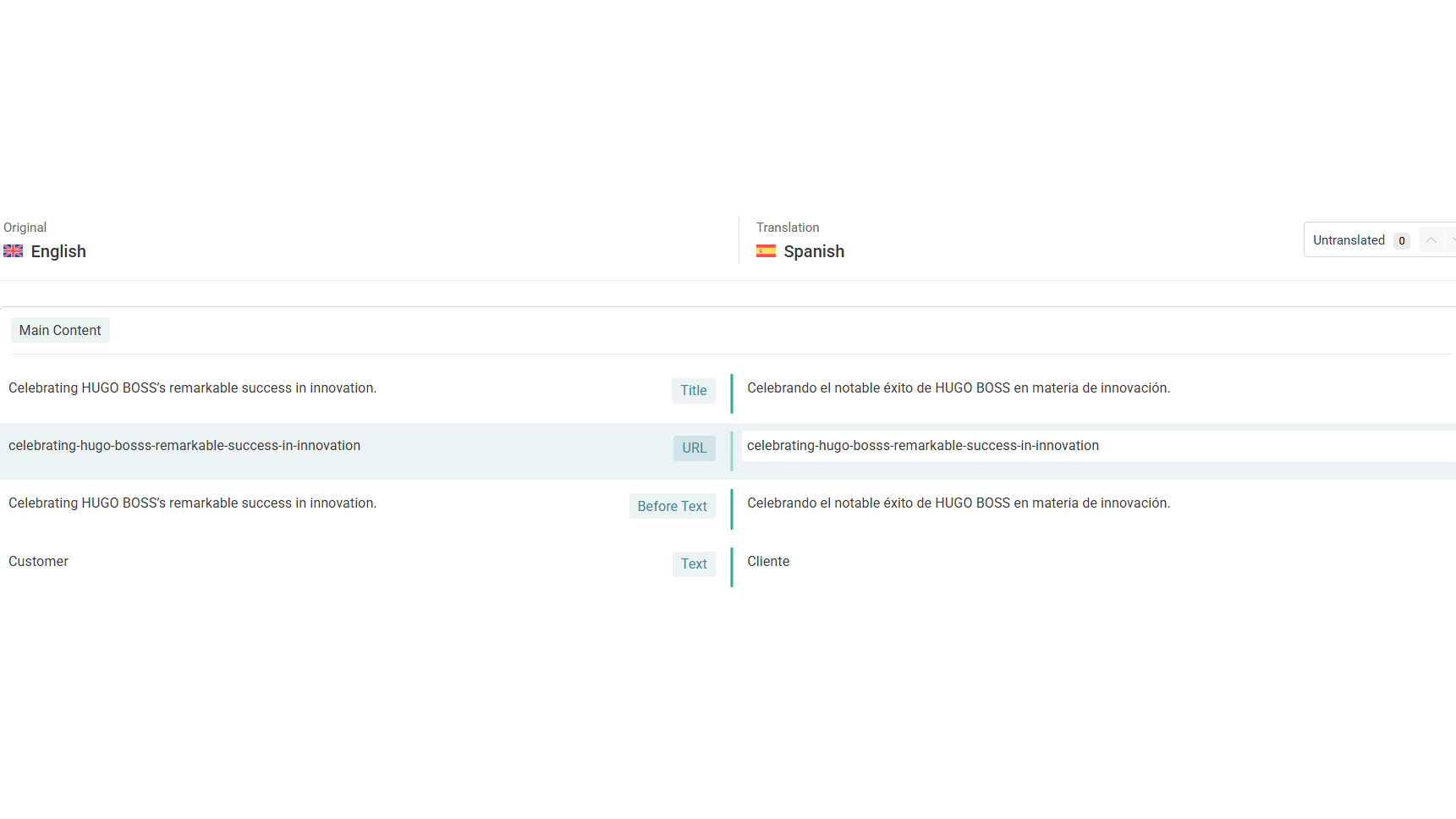
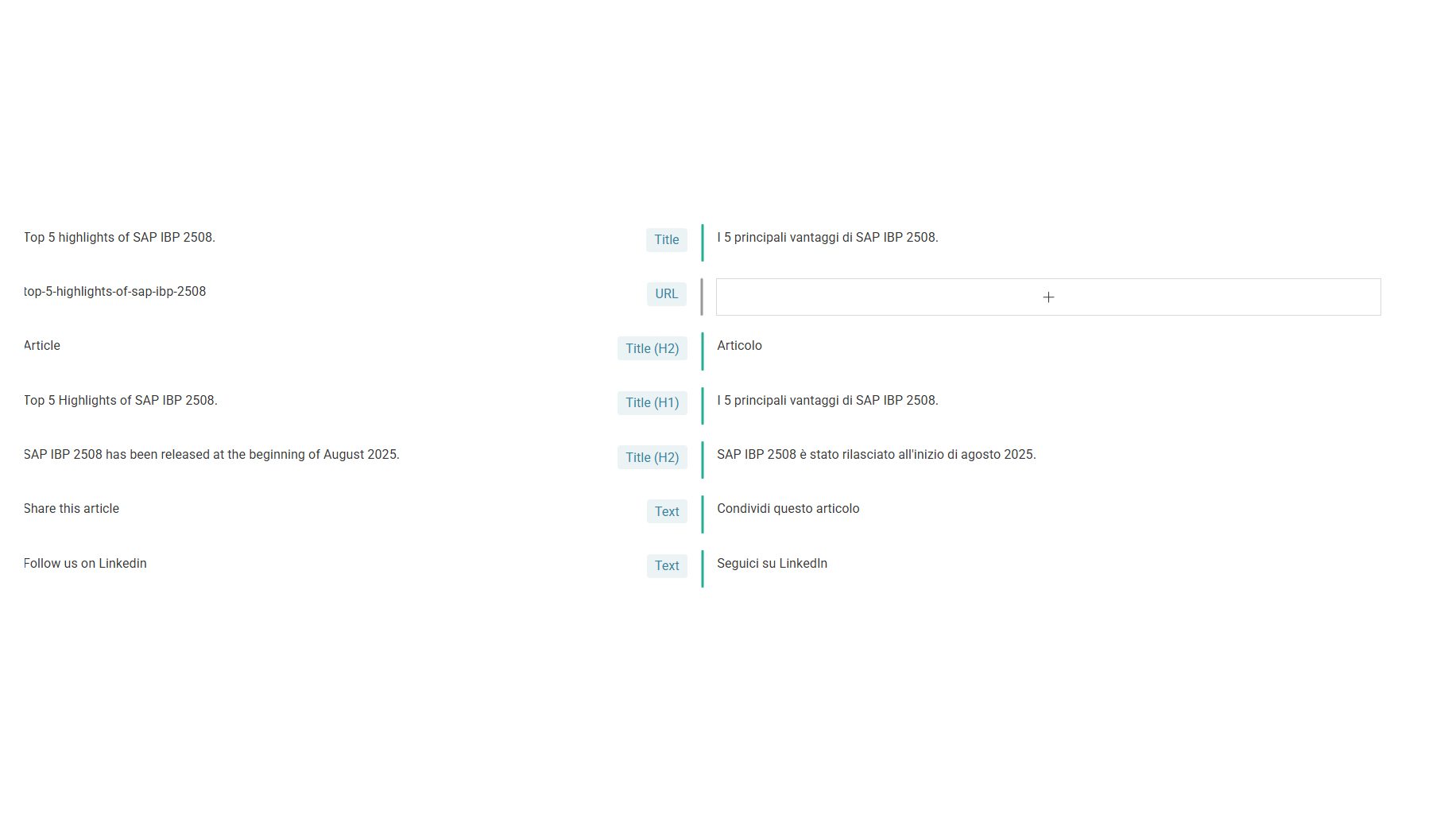
1. Review and Translate Links in Advanced Translation Editor:
* Go to the page or post containing the links you wish to translate in your original language.
* Edit it and send it for translation to the Advanced Translation Editor.
* Once in the ATE, internal links are usually automatically pointed to the language-appropriate version. You can still edit them if needed, as they will appear highlighted.
* For external links, use the search bar within the ATE to find and manually adjust them.
If this solution does not resolve your issue or seems outdated, we highly recommend checking related known issues at https://wpml.org/known-issues/, verifying the version of the permanent fix, and confirming that you have installed the latest versions of themes and plugins. If the problem persists, please open a new support ticket at WPML support forum.
This is the technical support forum for WPML - the multilingual WordPress plugin.
Everyone can read, but only WPML clients can post here. WPML team is replying on the forum 6 days per week, 22 hours per day.
This topic contains 2 replies, has 1 voice.
Last updated by 2 months ago.
Assisted by: Christopher Amirian.