We are experiencing an issue with WPML Automatic Translation (ATE) on our WordPress site.
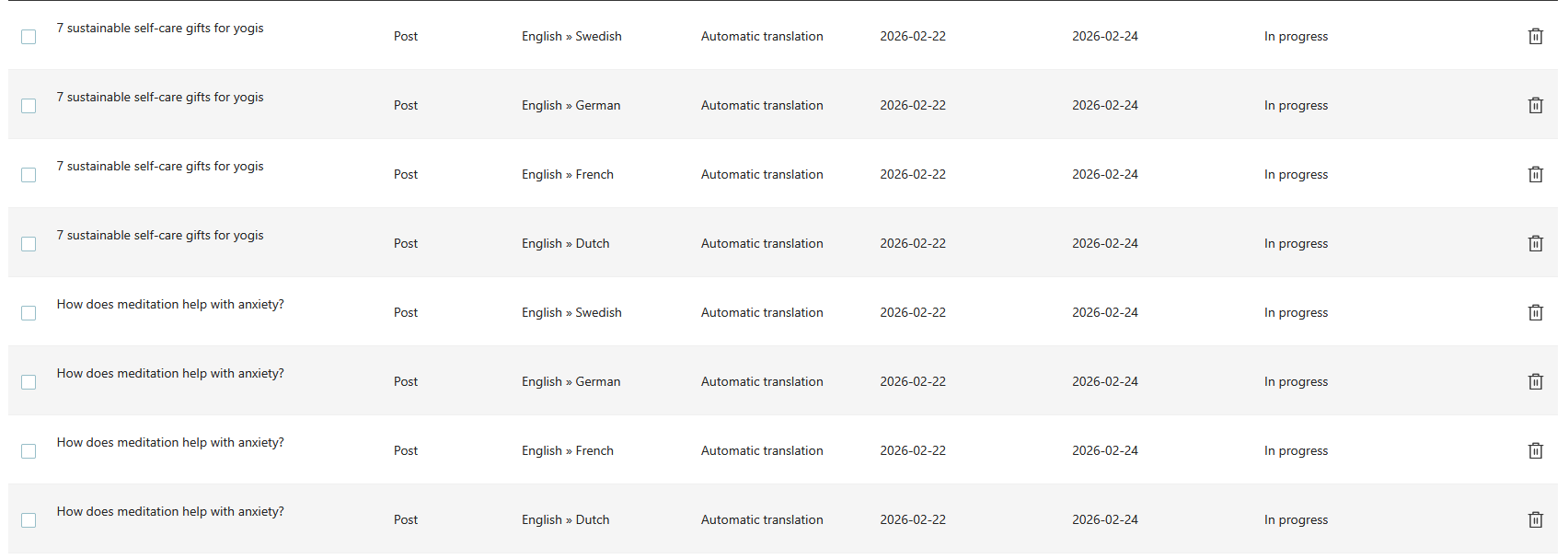
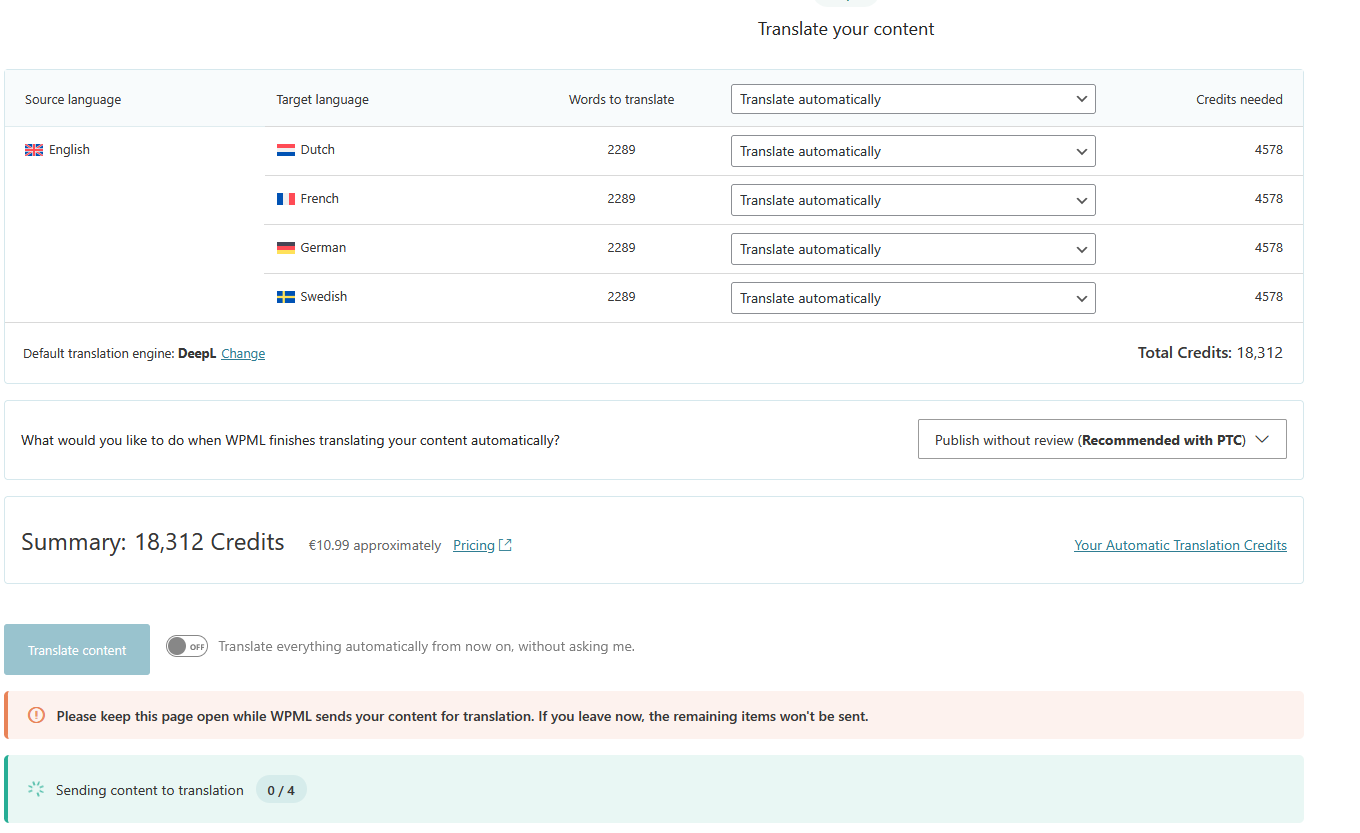
Two blog posts were sent for automatic translation (English -> Dutch, French, German, Swedish):
• "How does meditation help with anxiety?"
• "7 sustainable self-care gifts for yogis"
The jobs remain in status "In progress" and do not complete.
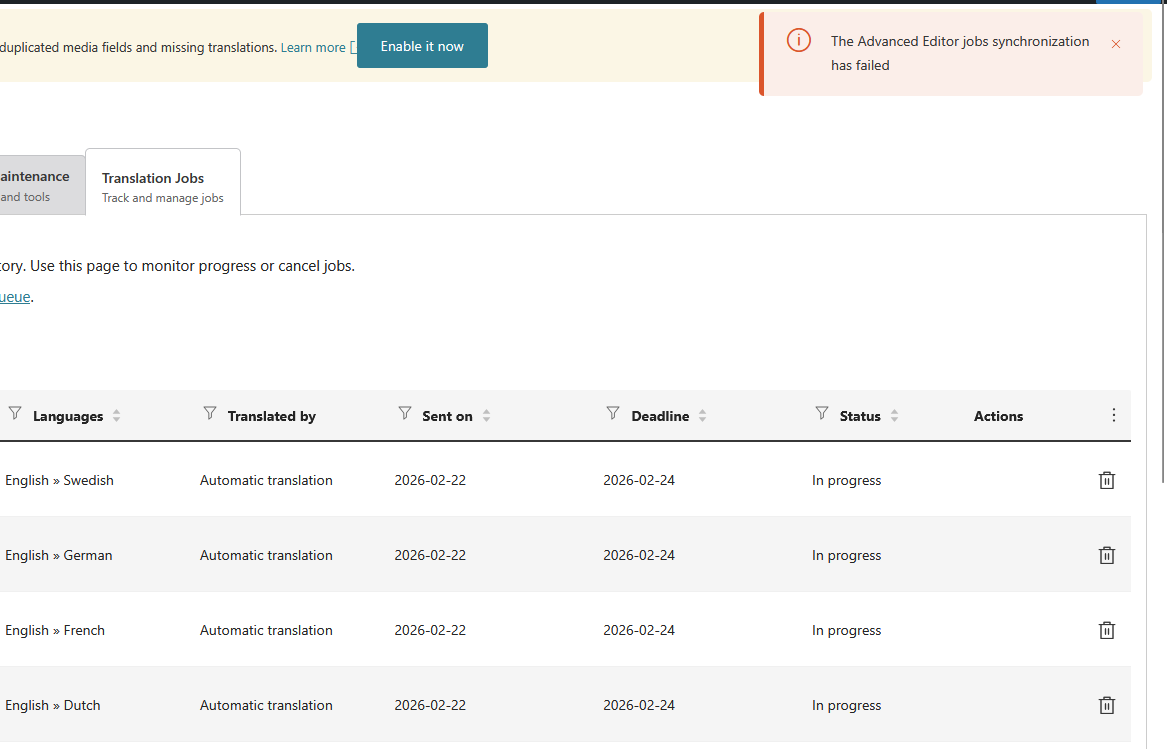
We are also seeing the following error in Translation Jobs:
"The Advanced Editor jobs synchronization has failed."
What we have already done:
• Deleted all stuck translation jobs
• Re-saved the original English posts
• Resent them for automatic translation
• Cleared WPML cache
• Synchronized local job IDs with ATE
• Synchronized translators and translation services
• Fixed WPML tables (Troubleshooting)
• Removed ghost entries from translation tables
• Cleared site cache and object cache
The issue persists and new jobs immediately get stuck in "In progress" with the same synchronization error.
Additional details:
• Automatic translation engine: DeepL
• Sufficient translation credits available
• WPML and related plugins are up to date (no pending updates except ACF Multilingual which was updated)
• The problem affects multiple languages
• The issue occurs even when sending a single language for translation
Please advise what could be causing the ATE synchronization failure and how we can resolve it.
If needed, we can provide:
• WPML debug information
• Site Health status
• Server details
Languages: English (English )Vietnamese (Vietnamese )
Timezone: Asia/Ho_Chi_Minh (GMT+07:00)
Hi Nodira,
I'm Long from the WPML Development team, I'm happy to help you with this issue.
I check the translation of those posts on our server and see that they are translated but not delivered to your site completely. When I try to re-deliver the translation of the post "How does meditation help with anxiety?" from English > Dutch (en > nl), it is delivered as well. Can you please recheck the status of this translation on your site and see if it has the status "Completed"?
You can go to the Jobs tab in WPML > Translation Management or post listing page /wp-admin/edit.php and recheck the status.