Thank you for checking and for your previous fixes.
I have an important update after further testing on LIVE:
Initially, the issue appeared to affect only the Home and Biography pages. However, I’ve now confirmed that Elementor shows a white screen on all pages, not just those two.
Key observations:
Elementor loads a white screen on all pages
This also happens when using Elementor Safe Mode
In Safe Mode, the editor keeps loading and does not render, with the notice that not all plugins could be deactivated
I did not save or change anything during these tests
So at this point, this appears to be a site-wide Elementor editor loading issue, not page-specific and not content-related. It seems related to a plugin / integration / server-side context rather than individual translation relationships.
I wanted to share this update before proceeding further, as it may help point the investigation in the right direction.
I checked again, but unfortunately Elementor is still not loading on LIVE.
The editor shows a white screen on all pages, so I’m unable to edit or test the pages at the moment.
Since Elementor does not load (also earlier in Safe Mode), I haven’t flushed caches or made further changes.
Sorry for the late reply due to the weekend. Please try logging in with the provided account in a different browser and check whether the issue persists.
I’d like to clarify the situation, as a clear pattern has emerged.
Before your previous fix, only two pages (Home and Biography) were not syncing Elementor source changes into WPML.
After the fixes applied while working on those pages:
Elementor editing temporarily stopped working (white screen),
and once that was resolved, the situation worsened.
At this point, Elementor works again, but WPML no longer detects Elementor source changes on any page. All pages are now effectively detached at source-change level.
So this is no longer a page-specific issue, but a global WPML–Elementor synchronization problem that escalated after the last fixes.
I have not performed any resets or manual relinking. Elementor content saves correctly; WPML simply does not pick up changes anymore.
It seems the underlying WPML–Elementor sync may need to be reinitialized, as previous editor toggles did not resolve the issue. Could you please restore a stable WPML–Elementor sync state (for example by reinitializing the integration or repairing the translation tables), so source changes are detected again?
I think I now have a complete and accurate picture of the issue, including where my workflow diverges from what you show in your video.
After editing and publishing a Dutch (source) page in Elementor, WPML does not reliably detect the source-language change. This causes the translation status to become inconsistent across the site.
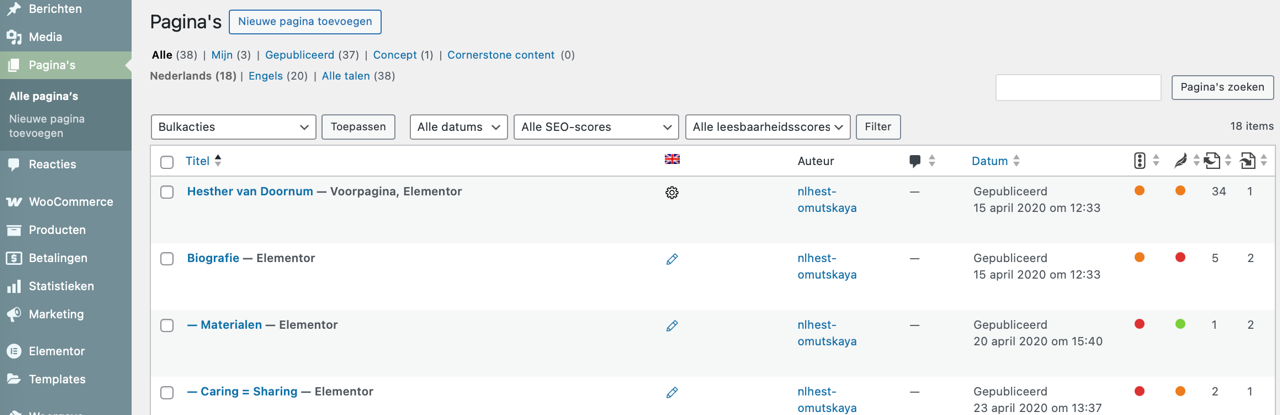
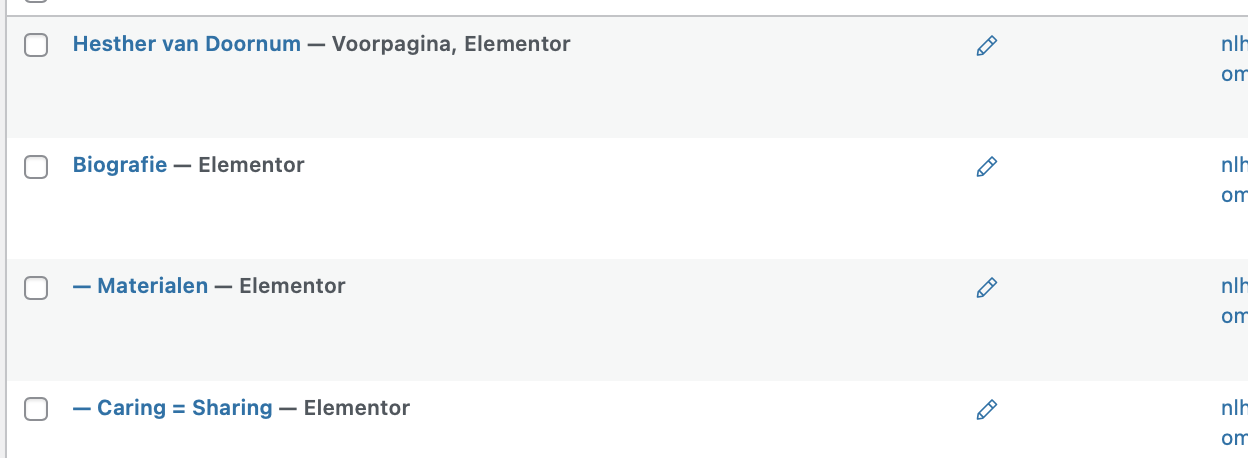
The most visible symptom is in the Pages overview, which is where I normally manage translation updates. After making changes to a Dutch page, I do not see any translation update indicators there (such as the circular update / pencil icons). In other words, the overview does not reflect that the English translation is outdated, so the central NL → EN update workflow is effectively broken.
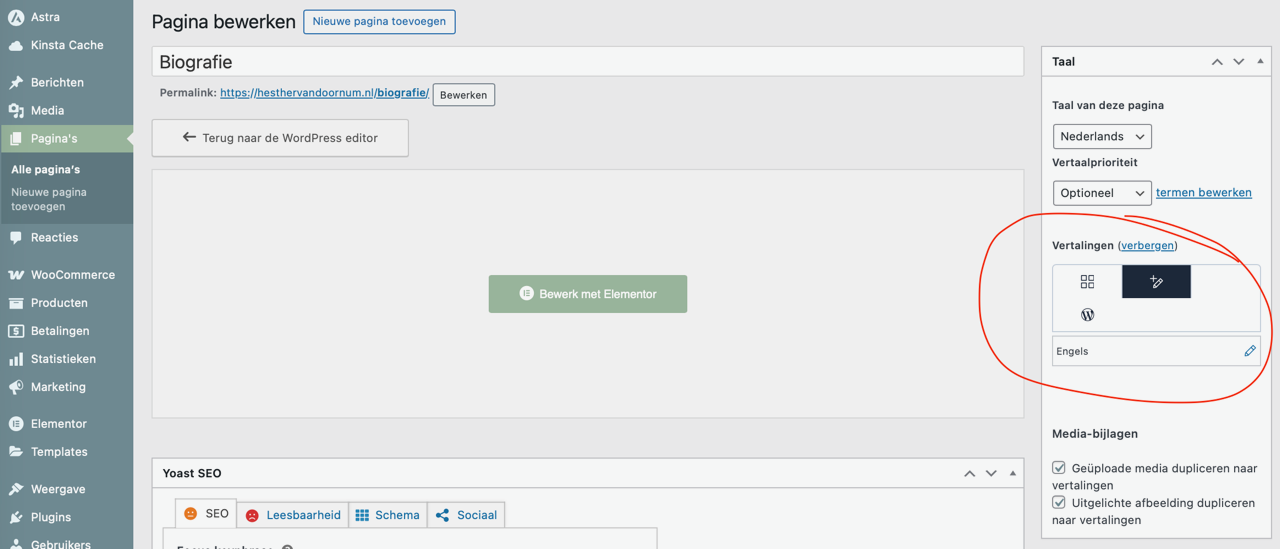
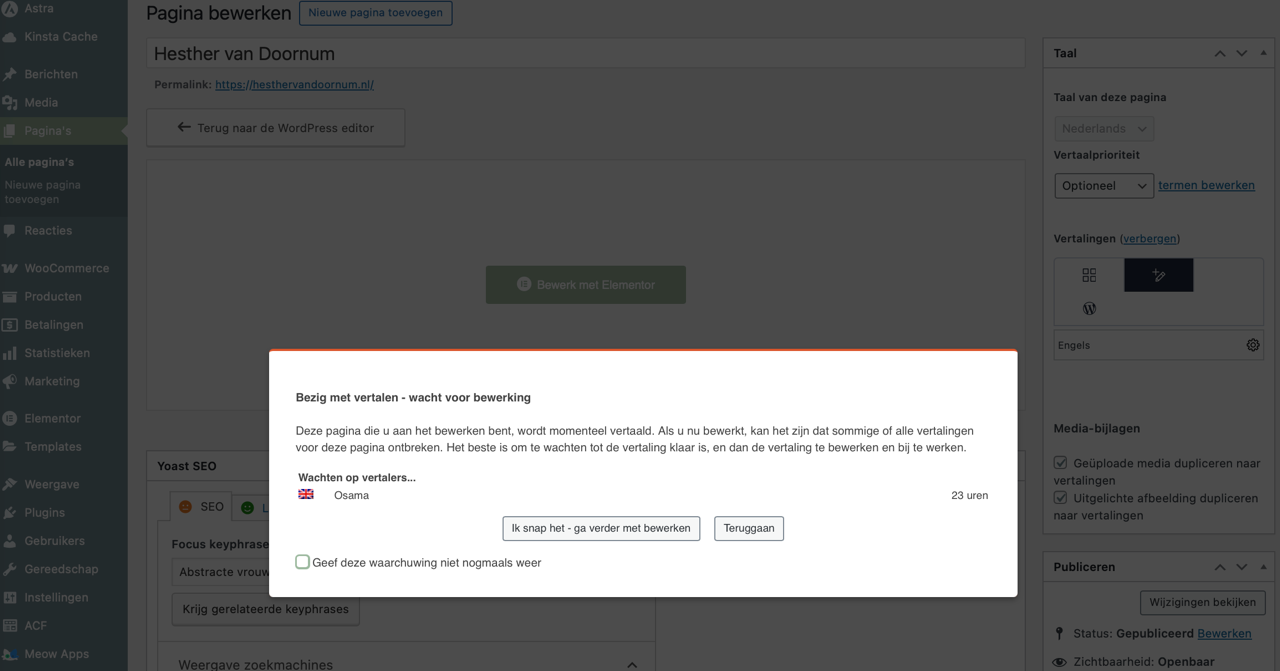
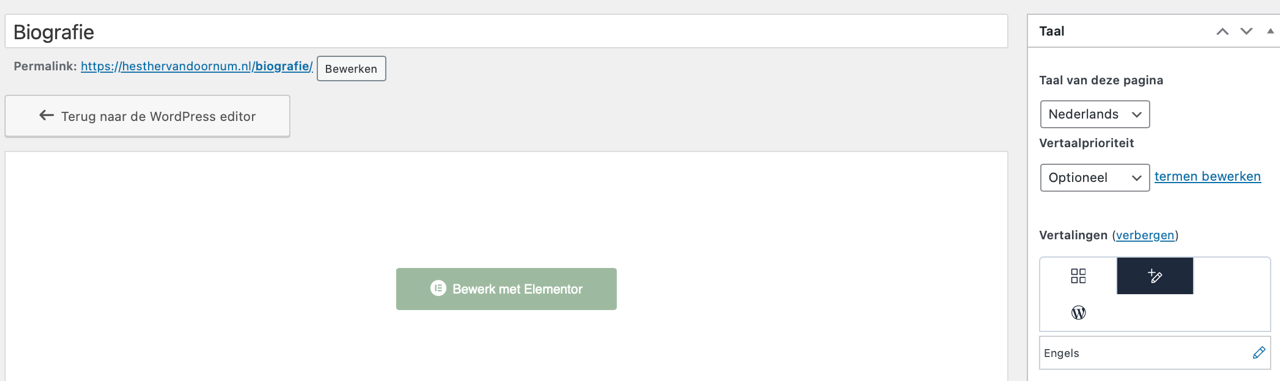
On some pages (for example Home and Biography), the English translation does show an editable pencil when opening the page itself, and the WPML Translation Editor can be accessed. However, even on those pages (Home) WPML still displays warnings like “translation in progress – please wait before editing”, which indicates that a translation job is still active or stuck in the background. These pages are therefore only partially editable, not fully clean.
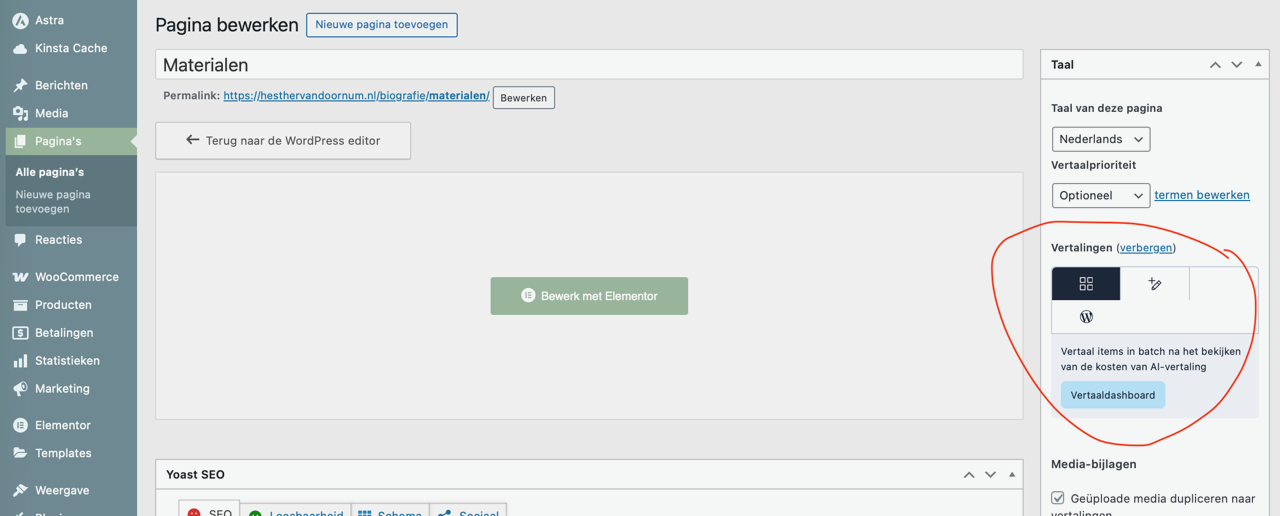
On most other pages, the situation is more restrictive. The English translation shows a gear icon with the message “English translation assigned to local translator”, and direct editing is fully blocked. These pages appear to be locked into the Translation Dashboard / translation job workflow, even though there is no visible or manageable active job.
In practice, this means that different WPML translation workflows are active simultaneously on the same site:
– some pages allow limited direct editing but still have a background translation lock
– other pages are fully stuck in an assigned translation job state
Because of this, automatic change detection from NL → EN does not work reliably, translation statuses are not synchronized (especially in the Pages overview), and editing behavior can vary per page and sometimes per browser session.
All evidence points to stuck or legacy translation jobs and/or editor states at database level, rather than a cache, browser, or user workflow issue.
You already have access to the live site. If helpful, you could compare the translation status and editor/workflow configuration of Home versus another page such as Materials to clearly see the difference in behavior and job state.
I have attached a few screenshots showing:
– the missing update indicators in the Pages overview
– a page with an editable pencil but an active “translation in progress” warning
– a page locked with the “assigned to local translator” status
Please let me know if you need any additional details or specific steps to reproduce this.
The pages may appear to work at first glance (the frontend updates correctly), but the issue is still present at the WPML workflow level.
Example page: Biography (Dutch source page)
I just edited the Dutch Biography page and added a small change (“TEST 123”).
The change is immediately visible on the frontend, so the page itself updates correctly.
However, after publishing the Dutch page:
– the Translation Dashboard does not show any update
– the Pages overview does not show a “needs update” indicator
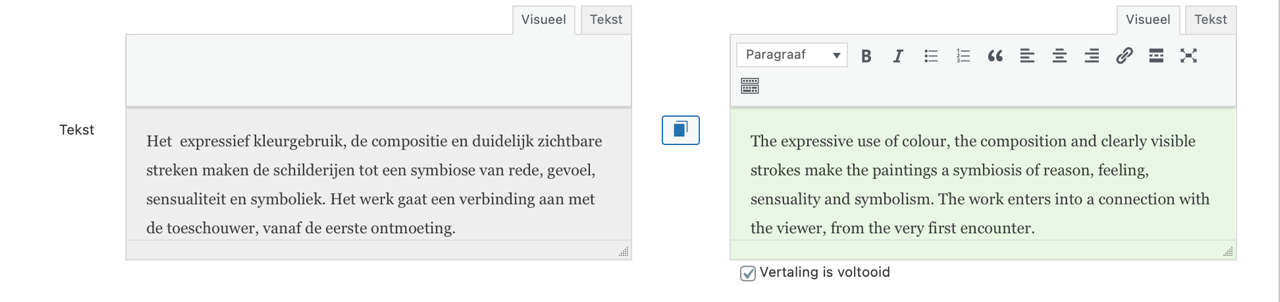
– the WPML Translation Editor does not receive the updated Dutch source content
In other words, WPML does not detect or propagate the source-language change, even though the page itself updates correctly.
This is the core issue: the NL → EN change-detection and status synchronization step is broken, so translations are never flagged as outdated and cannot be updated via the normal workflow.
I’ve attached screenshots showing:
– the frontend change
– the unchanged Translation Dashboard
– the unchanged status in the Pages overview and editor
Please let me know if you’d like me to test another page, but this behavior is consistent across pages.