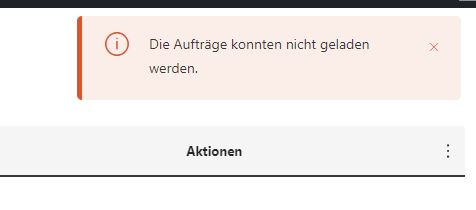
I understand the issue you're having. We deployed an update for ATE yesterday, and the problem you encountered could be due to browser caches. Could you please clear your Site and browser's caches and cookies properly, perform a hard refresh (you can find instructions here: hidden link), and then check again? This may resolve the issue.
Let me know how it goes. I will be happy to help if you need further assistance.
Glad to hear that the editor loaded properly after following the suggestions.
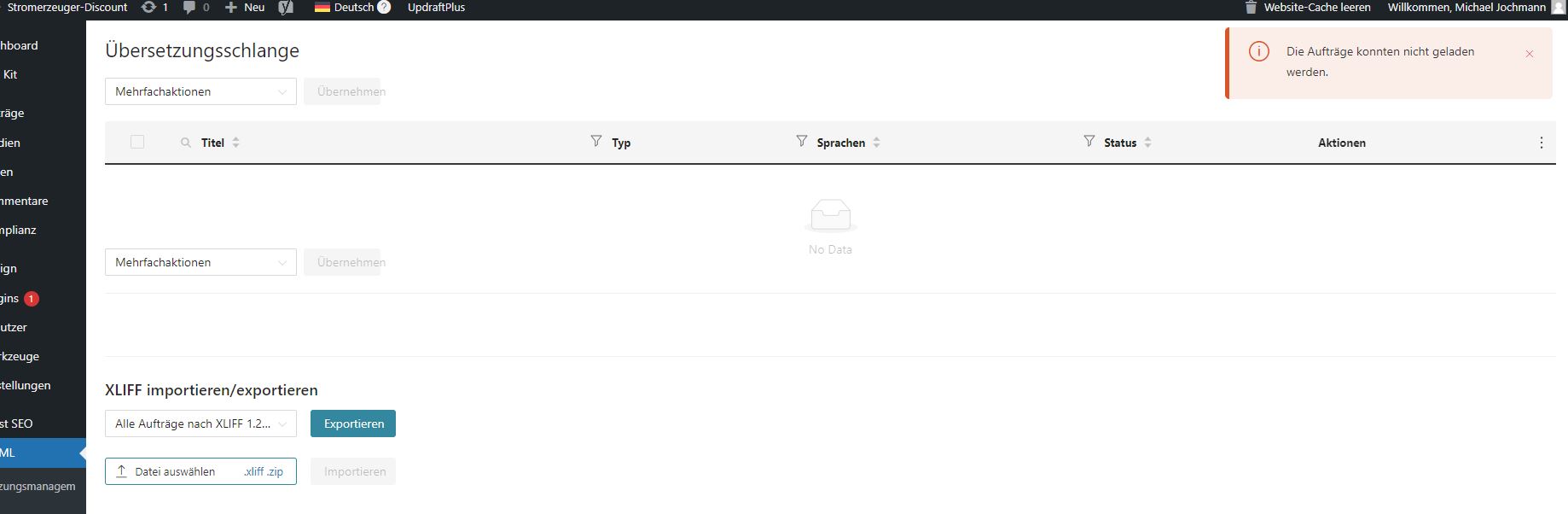
Regarding the issue with the Translation queue - I noticed from the WPML Debug Info that the WordPress Memory limit allocated to your site is below the recommended level (40M). We typically advise setting at least 128MB, though 256MB is preferable. Could you please increase the WP Memory Limit by following the instructions in this guide: https://wpml.org/faq/checklist-before-opening-a-ticket-in-wpml-support/#how-to-increase-your-sites-memory-limit?
After increasing the memory limit, please clear the caches on both your site and browser, and then add a translation job from "WPML > Translation Management" to the Translation queue. Once this is done, check the Translation queue again to see if the issue persists.
Please let me know the update. I will be happy to help if you need further assistance in this matter.
Best regards,
Prosenjit
The topic ‘[Closed] Advanced Translator not loading, Translation page has no data’ is closed to new replies.