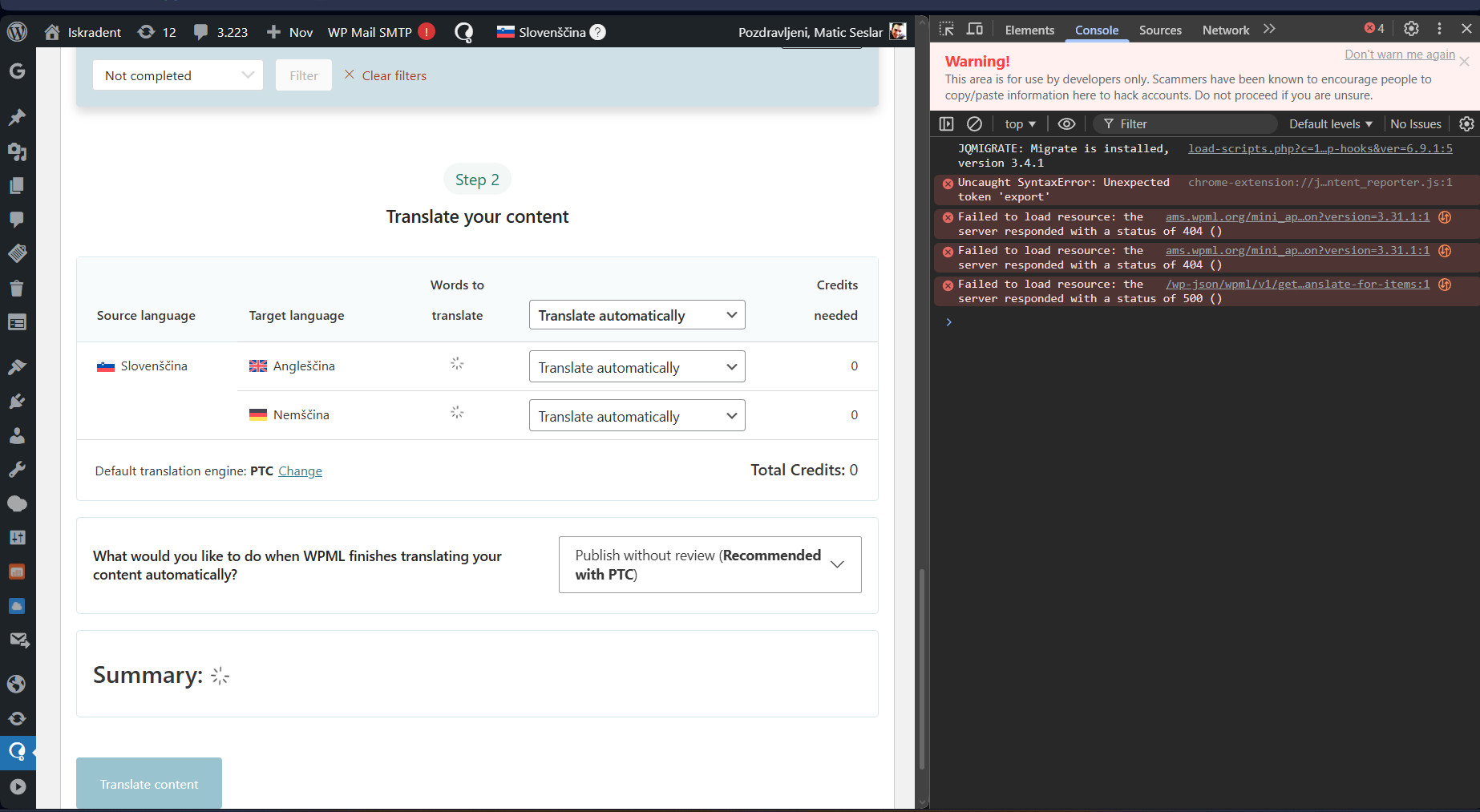
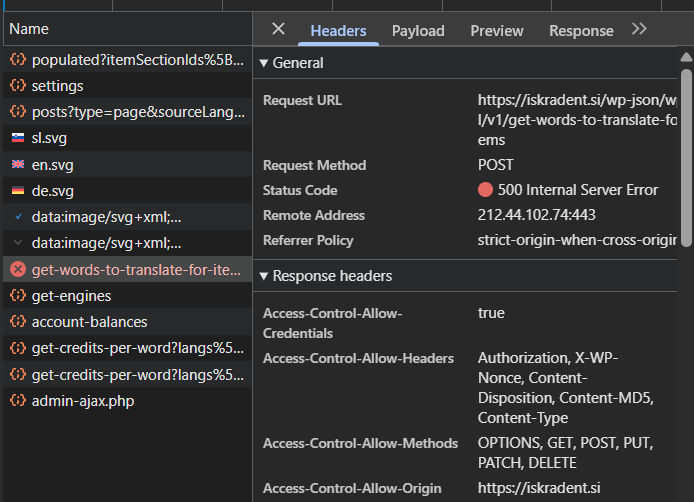
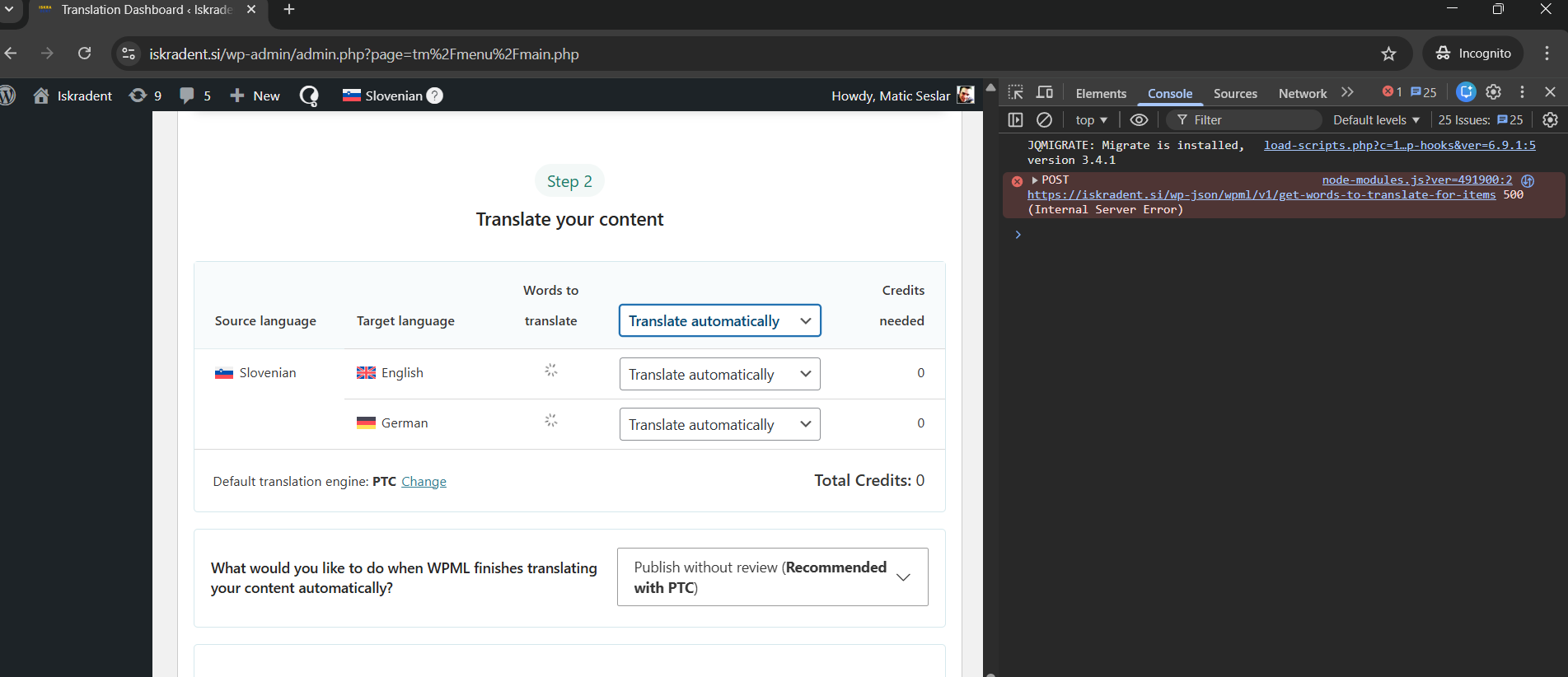
Thanks for the screenshot — the console shows two key problems:
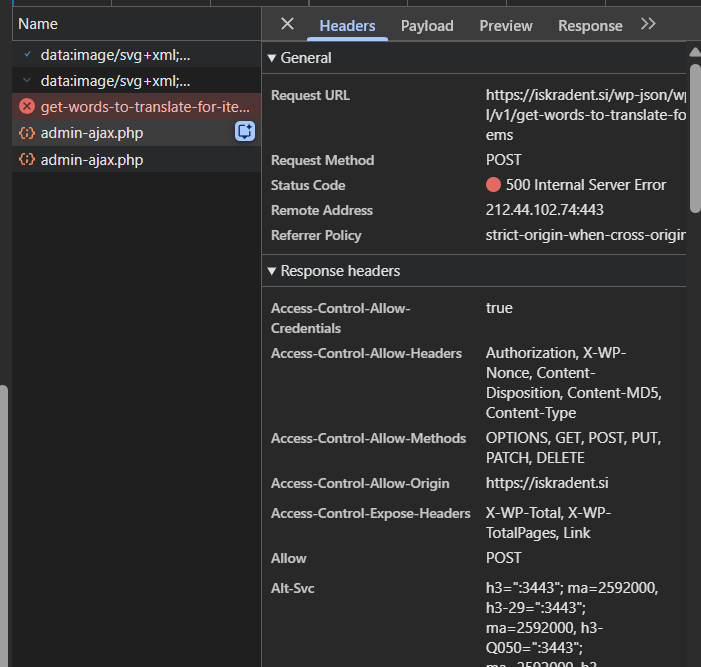
A 500 error on your site’s WPML REST endpoint:
/wp-json/wpml/v1/get_translate_for_items
(server-side issue).
404s loading WPML mini-app assets from
ams.wpml.org
(connectivity/caching/adblock/WAF issue).
Please try the following.
❌ Please make a full website backup before proceeding ❌
Solution A — Fix the REST API / 500 error (most important)
Please open this URL in a new browser tab (while logged in as an admin) and tell me what you see (valid JSON vs error):
<em><u>hidden link</u></em>
Go to Settings → Permalinks and click Save Changes (no changes needed).
Temporarily disable any security/firewall features (Wordfence / Sucuri / iThemes / Cloudflare WAF / hosting WAF) and test again.
If you have access to server logs, check the PHP error log at the exact moment you reproduce the issue. A 500 usually means a PHP fatal error or a WAF/mod_security rule is blocking the request.
Solution B — Ensure WPML services are reachable (ams.wpml.org 404)
Go to WPML → Support → Installer Support and click Check now.
If anything fails, ask your hosting provider to allowlist these domains (outbound and not blocked by proxy/WAF):
wpml.org
,
cdn.wpml.org
,
api.wpml.org
,
api.toolset.com
,
ams.wpml.org
If you use Cloudflare (or similar), temporarily test with it bypassed / disabled to see if the problem disappears.
Solution C — Rule out cache/minify/JS interference
Temporarily disable any optimization features that combine/minify JS/CSS (Autoptimize, WP Rocket, LiteSpeed optimizations, Cloudflare minify, etc.).
Test again in an incognito window with all extensions disabled (especially adblock/privacy extensions).
If it starts working, re-enable optimizations one by one and exclude WPML admin pages from JS minification/combining.
Minimal setup test (quick isolation)
❌ Please make a full website backup before proceeding ❌
Switch temporarily to a default theme like Twenty Twenty-Four / Twenty Twenty-Five.
Try automatic translation again.
If it works in this minimal setup, we’ll re-enable plugins one-by-one to find the conflict. If it still fails, it strongly points to server/WAF/REST/connectivity.
I tried everything except for the last one. It all passed. Backups of the site are done every day. Can I give you access to the site and you can check on your end?
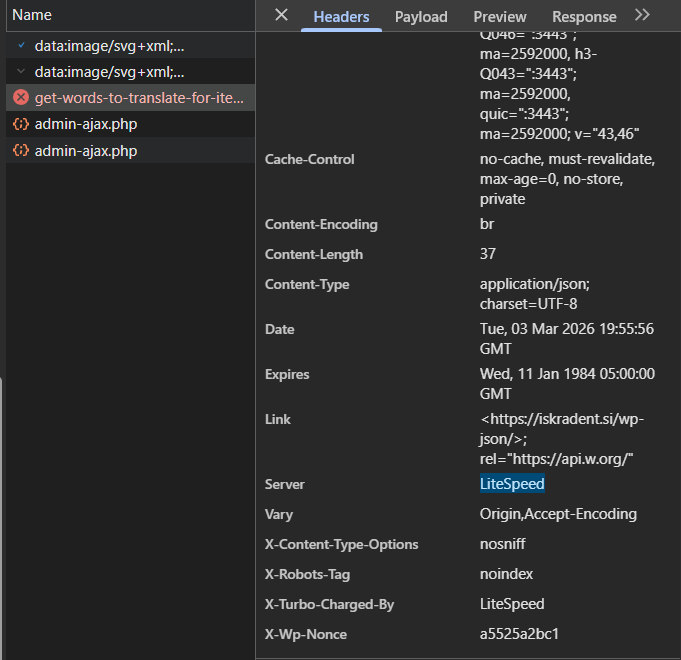
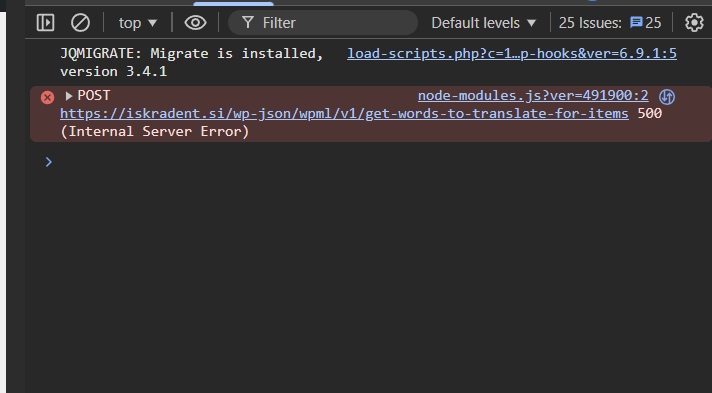
ok I managed to get it down to just this error. The problem is I don't have Lightspeed in my Cpanel enabled nor do I have a plugin for lightspeed in wordpress. What can I do?
I would like to request temporary access (wp-admin and FTP) to your site to test the issue.
(preferably to a test site where the problem has been replicated if possible)
**Before we proceed It is necessary to take FULL BACKUP of your database and your website. Providing us with access, you agree that a backup has been taken **
I often use the Duplicator plugin for this purpose: http://wordpress.org/plugins/duplicator/
You will find the needed fields for this below the comment area when you log in to leave your next reply.
The information you enter is private which means only you and I have access to it.
NOTE: If access to the live site is not possible and the staging site does not exist please provide me with a duplicator package created with the duplicator plugin.
It looks like the issue is being triggered by a timeout on Maximum Execution.
Please increase the PHP Time Limit to 90 or 120 and let me know your results hidden link
[07-Apr-2026 06:20:14 UTC] PHP Fatal error: Maximum execution time of 30 seconds exceeded in /home/iskradent/public_html/wp-includes/class-wp-object-cache.php on line 145
[07-Apr-2026 08:09:52 UTC] PHP Fatal error: Maximum execution time of 30 seconds exceeded in /home/iskradent/public_html/wp-includes/formatting.php on line 2707
[07-Apr-2026 09:04:07 UTC] PHP Fatal error: Maximum execution time of 30 seconds exceeded in /home/iskradent/public_html/wp-includes/class-wp-hook.php on line 328
There is also another log related to PHPMailer.php however, let's tackle the php time limit first.