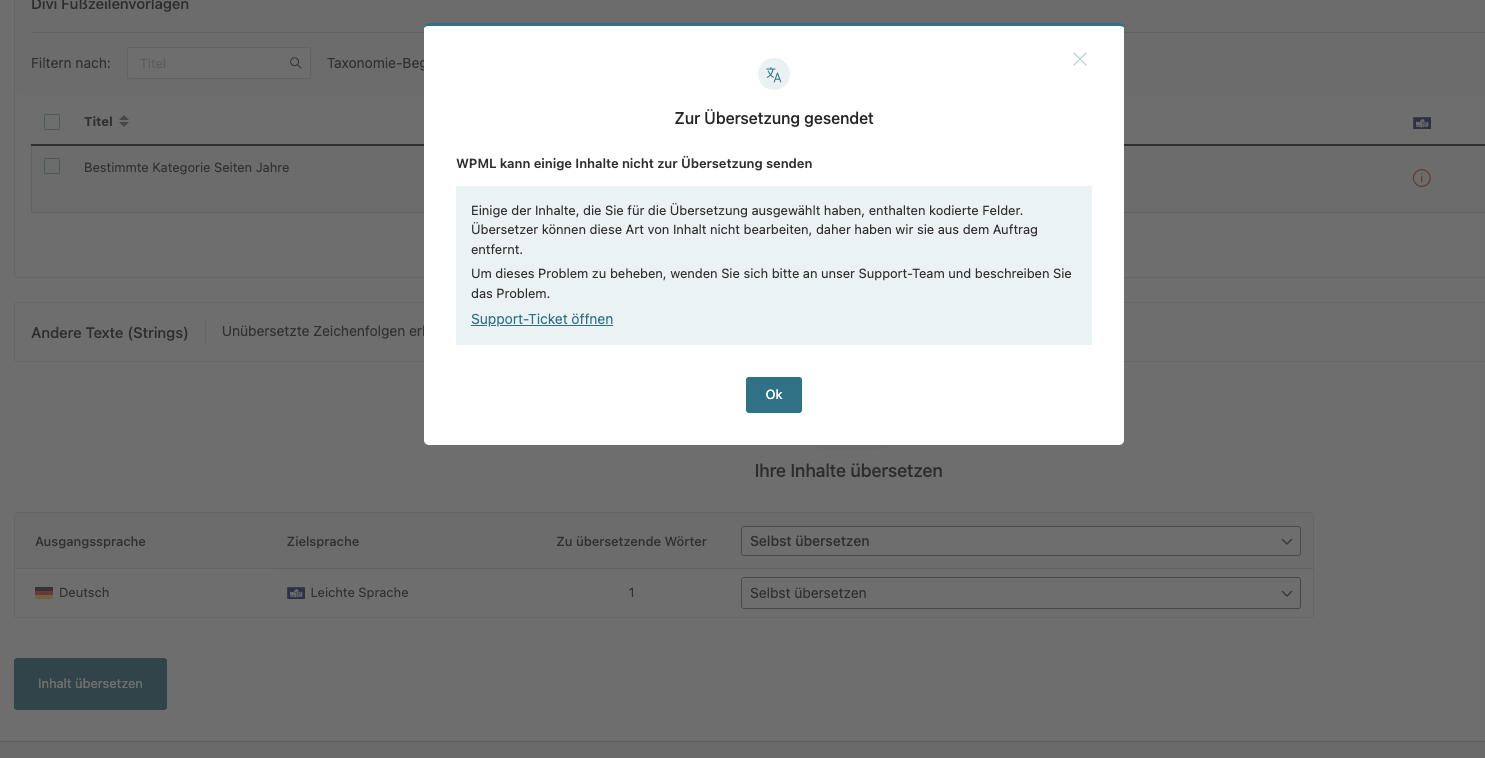
I created a divi builder template for specific category pages using the divi module "Heading" with a Prefix Text. When I try to send this to translation, I get an error message, saying I should contact support. When I remove the heading module, it works fine... I need the heading module though because my H1 is relative depending on the category and I need the prefix text to make it more readable (my categories are years like 2024, 2025 etc. and I want the H1 to say Photos 2024 etc.).
Thank you for contacting WPML Support. Could you please try to follow the below steps and let me know how it goes:
1. The current WP Memory Limit on your site is 40MB. The WP memory limit needs to be increased, it's different from PHP memory. PHP memory is fine but WordPress uses 40MB as default in your site. The minimum requirements for WPML are 128MB: https://wpml.org/home/minimum-requirements/
Please add this line to your wp-config.php file to increase WP memory, wp-config.php file is located in the root of your WP install:
You can add it anywhere in your file. I recommend placing it right before the following line:
/* That's all, stop editing! Happy blogging. */
2. Open the default language Divi category template in Edit mode.
3. Make a small change, for example, add a space or + sign in template title.
4. Save the template.
5. Now, please remove that small change that did in step #2.
6. Update the template again.
7. Now, please send the template for translation from WPML >> Translation Dashboard page and see if this resolves the issue.
Kindly let me know the results,
Thank you
The topic ‘[Closed] I can’t send a Divi Builder Theme Layout to the Translation’ is closed to new replies.