Skip to content Skip to sidebar

This thread is resolved. Here is a description of the problem and solution.

Problem:
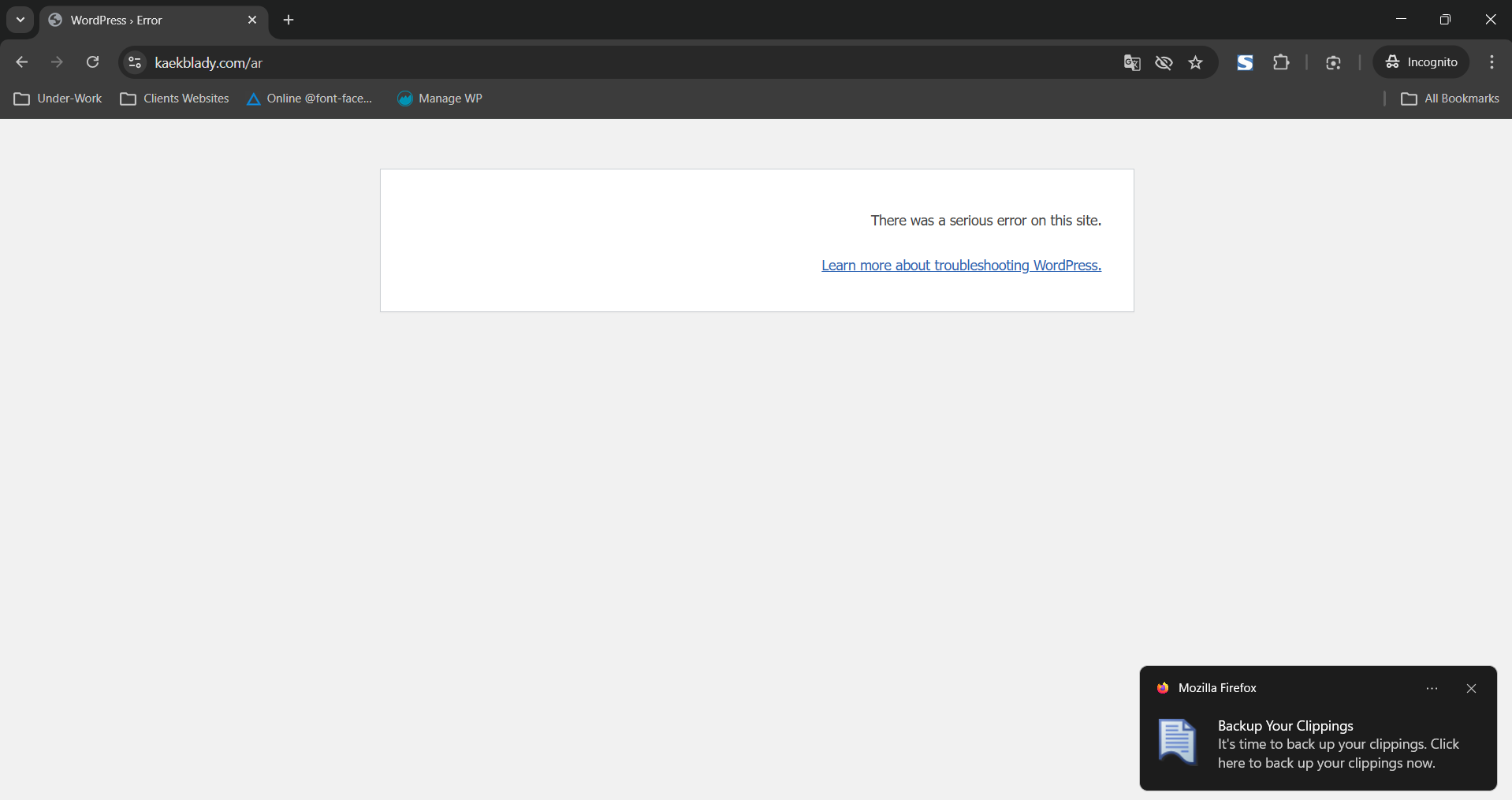
You are experiencing issues with your website not working in the Arabic version after enabling the automatic translation feature and deleting duplicate products.
Solution:
We recommend enabling WordPress debugging to identify the root cause of the issue. Here are the steps you should follow:
1. Edit your wp-config.php file to enable debugging. Insert the following lines before the comment /* That's all, stop editing! Happy publishing. */:

define( 'WP_DEBUG', true );
define( 'WP_DEBUG_LOG', true );
define( 'WP_DEBUG_DISPLAY', false );

2. Replicate the error by performing the actions that led to the issue.
3. Check the debug.log file located in the /wp-content/debug.log for any WPML-related errors.
4. Copy and paste the full error message here for further analysis.

If this solution does not resolve your issue or seems irrelevant due to being outdated or not applicable to your case, we highly recommend checking related known issues at https://wpml.org/known-issues/, verifying the version of the permanent fix, and confirming that you have installed the latest versions of themes and plugins. If further assistance is needed, please open a new support ticket at WPML support forum.

This is the technical support forum for WPML - the multilingual WordPress plugin.

Everyone can read, but only WPML clients can post here. WPML team is replying on the forum 6 days per week, 22 hours per day.

Tagged: 

This topic contains 4 replies, has 0 voices.

Last updated by Andrey 1 month, 1 week ago.

Assisted by: Andrey.

Author Posts
March 10, 2026 at 7:22 pm #17886955

baraA

there were some duplicates products on my sute in the Secondary Language (AR). I enabled the automatic trasnlation feature and deleted the duplicate products and my website now doesnt work on the AR version.

March 10, 2026 at 10:58 pm #17887226

Andrey
WPML Supporter since 06/2013

Languages: English (English ) Russian (Русский )

Timezone: Europe/Kyiv (GMT+03:00)

Thank you for contacting WPML support.

To better understand your situation, could you please enable debugging, replicate the issue, and share the full error message from your debug.log file?

Here are the steps:
1. Enable WordPress debugging by editing your wp-config.php file. Add (or modify, if these lines already exist) the following lines before the comment /* That's all, stop editing! Happy publishing. */:

define( 'WP_DEBUG', true );
define( 'WP_DEBUG_LOG', true );
define( 'WP_DEBUG_DISPLAY', false );

2. Replicate the error.
3. Check the debug.log file (located in the /wp-content/debug.log) for any WPML-related errors.
4. Copy and paste the full error message here.

March 11, 2026 at 5:36 am #17887372

baraA

You took too long to respond. So I had to restore my website from a backup. There is no problem now but i noticed it happend because i turned on the automatic translation option.

March 11, 2026 at 5:39 am #17887375
baraA

But I added a new ticket which was closed without me getting a response. Which is this

"
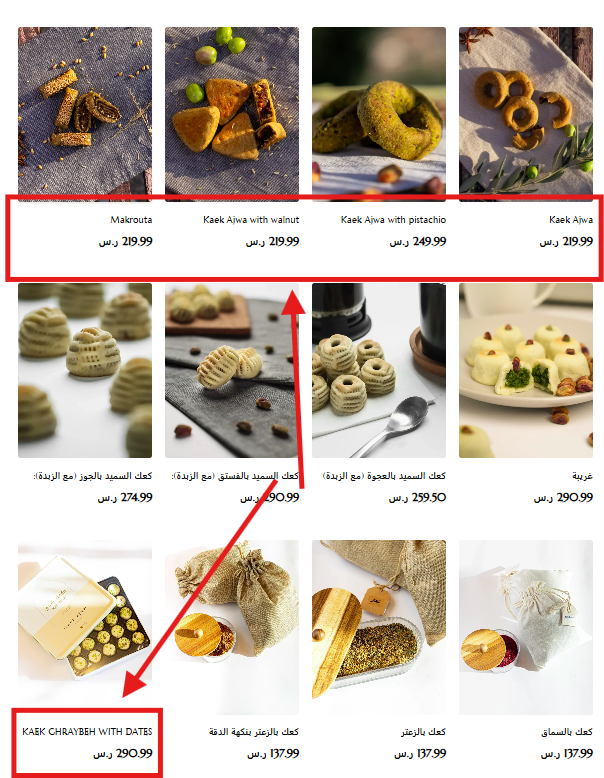
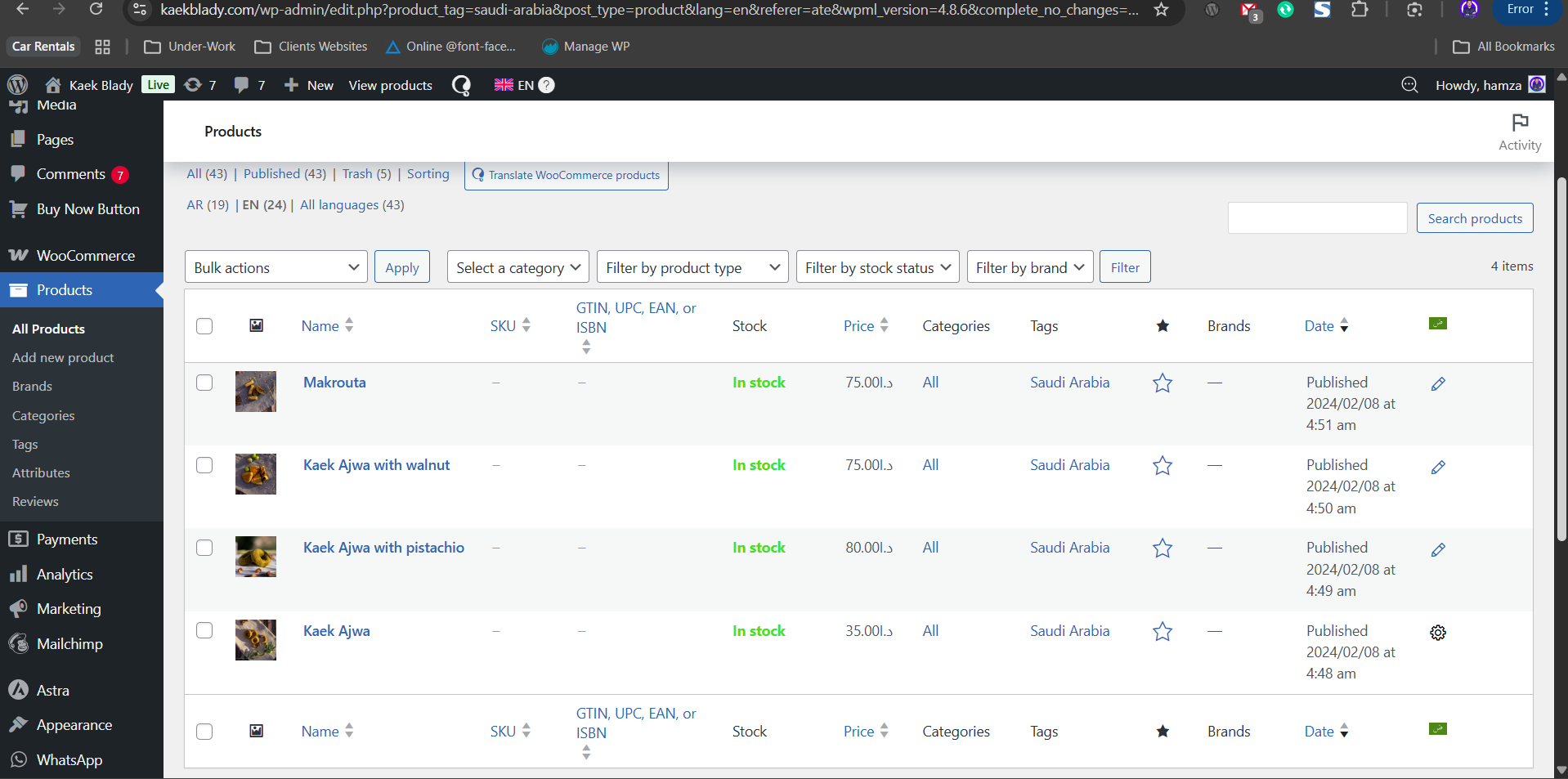
I uploaded new products in the primary language EN but they dont reflect in the Secondary Language AR. I dont want to be doing this manually each time i upload something And also now im trying to tranlaste my new added products in arabic but it doesnt work. Even though i have added there translations in the backend. See the link.

------- Make Sure You Are Viewing the website from Saudi Location (VPN) ---------
hidden link

Relevant screenshots have been added (The wordpress backend have been searched within the categoyr so these 4 products have the problem they show exactly as is even in the Arabic version. While they should show in arabic tranlsation as you can see i have already added there translations in the backend.)

"

New threads created by Andrey and linked to this one are listed below:

https://wpml.org/forums/topic/split-added-products-in-arabic-but-it-doesnt-work/

Screenshot 2026-03-10 223542.png
Screenshot 2026-03-10 223644.png
Screenshot 2026-03-10 223705.png
March 11, 2026 at 11:05 am #17888332

Andrey
WPML Supporter since 06/2013

Languages: English (English ) Russian (Русский )

Timezone: Europe/Kyiv (GMT+03:00)

Thank you for your feedback.

If the error appears again, please feel free to open a new support ticket and we will be happy to assist you further.

To keep everything organized and ensure each question receives the attention it deserves, I’ve created a new support ticket for a new question. I will assist you there: https://wpml.org/forums/topic/split-added-products-in-arabic-but-it-doesnt-work/