Home›Support›English Support›[Resolved] Post Category languages cannot be set after migration from Polylang
[Resolved] Post Category languages cannot be set after migration from Polylang
This thread is resolved. Here is a description of the problem and solution.
Problem: You are experiencing issues setting languages for existing post categories after migrating from Polylang to WPML. Specifically, you encounter an error 'Category not updated' and notice that a duplicate category with a different URL is created. Solution: The root of the problem was that the original language for the category was set as Dutch (nl) in the database, and the Swedish and Norwegian blog categories were translations of this Dutch category, all sharing the same Translation ID (TRID). English had a different TRID, which caused the issue. We resolved this by changing the English category's TRID to match the others, linking all relevant categories correctly. If you have other categories that need similar adjustments, we recommend checking the TRID settings in your database.
If this solution does not apply to your case, or if it seems outdated, please visit our known issues page and verify that you have installed the latest versions of themes and plugins. If the problem persists, we highly recommend opening a new support ticket at our support forum.
This is the technical support forum for WPML - the multilingual WordPress plugin.
Everyone can read, but only WPML clients can post here. WPML team is replying on the forum 6 days per week, 22 hours per day.
Background of the issue:
I am trying to set languages for existing post categories after migrating my site from using Polylang to WPML. I want to ensure that when translating posts from English to Swedish, the correct post category is applied.
Symptoms:
I get the error 'Category not updated.' when trying to set languages for post categories. Additionally, a duplicate category is created with a URL like '/sv/blog-2/...'.
Questions:
How can I set languages for existing post categories after migrating from Polylang?
Why is a duplicate category being created with a different URL?
I would like to request temporary access (wp-admin and FTP) to your site to take better look at the issue. You will find the needed fields for this below the comment area when you log in to leave your next reply. The information you will enter is private which means only you and I can see and have access to it.
Our Debugging Procedures
I will be checking various settings in the backend to see if the issue can be resolved. Although I won't be making changes that affect the live site, it is still good practice to backup the site before providing us access. In the event that we do need to debug the site further, I will duplicate the site and work in a separate, local development environment to avoid affecting the live site.
- Please make a backup of site files and database before providing us access.
- If you do not see the wp-admin/FTP fields this means your post & website login details will be made PUBLIC. DO NOT post your website details unless you see the required wp-admin/FTP fields. If you do not, please ask me to enable the private box. The private box looks like this: hidden link
Thanks so much for providing access, I can see what you are referring to. Can you give me permission to install the Adminer plugin? This will allow me to look at the database so I can check and see if there is a duplicate category with the same TRID that may be preventing the translation to set correctly. I'll remove the plugin once I am done. Thanks!
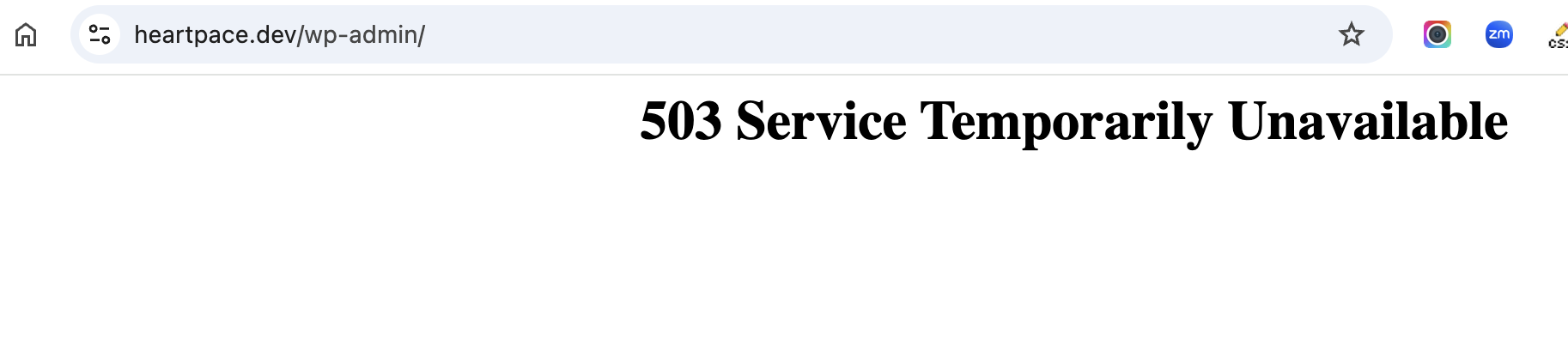
When I try to access your site to troubleshoot, I am getting a 503 error. Please see attached screenshot and let me know when the site is back up and I'll continue looking into this.
The site is loading now but the credentials no longer work. Can you check the previous credentials and update your previous post if needed so I can login? Thanks.
The issue here is that the category original language is set as nl in the database. The Swedish and Norwegian blog categories are translations of Dutch and all have the same TRID (Translation ID). English had a separate TRID, so i changed it to match the others and now they are all linked. The problem was trying to translate from English to Swedish, when Swedish was already set as a translation of Dutch.
Are there other categories that you need me to take a look at?
Thank you, I think I understand. I've made a few updates on the live site, and the categories seem to be connected properly.
However, now it seems a different problem popped up (possibly due to this fix, it didn't happen before) when I do this:
- Go to Translation Management
- Choose Source Language: 'Swedish' translated to: 'English', 'Not Completed' -> Filter
- Scroll down a bit to Posts and check a post for translation
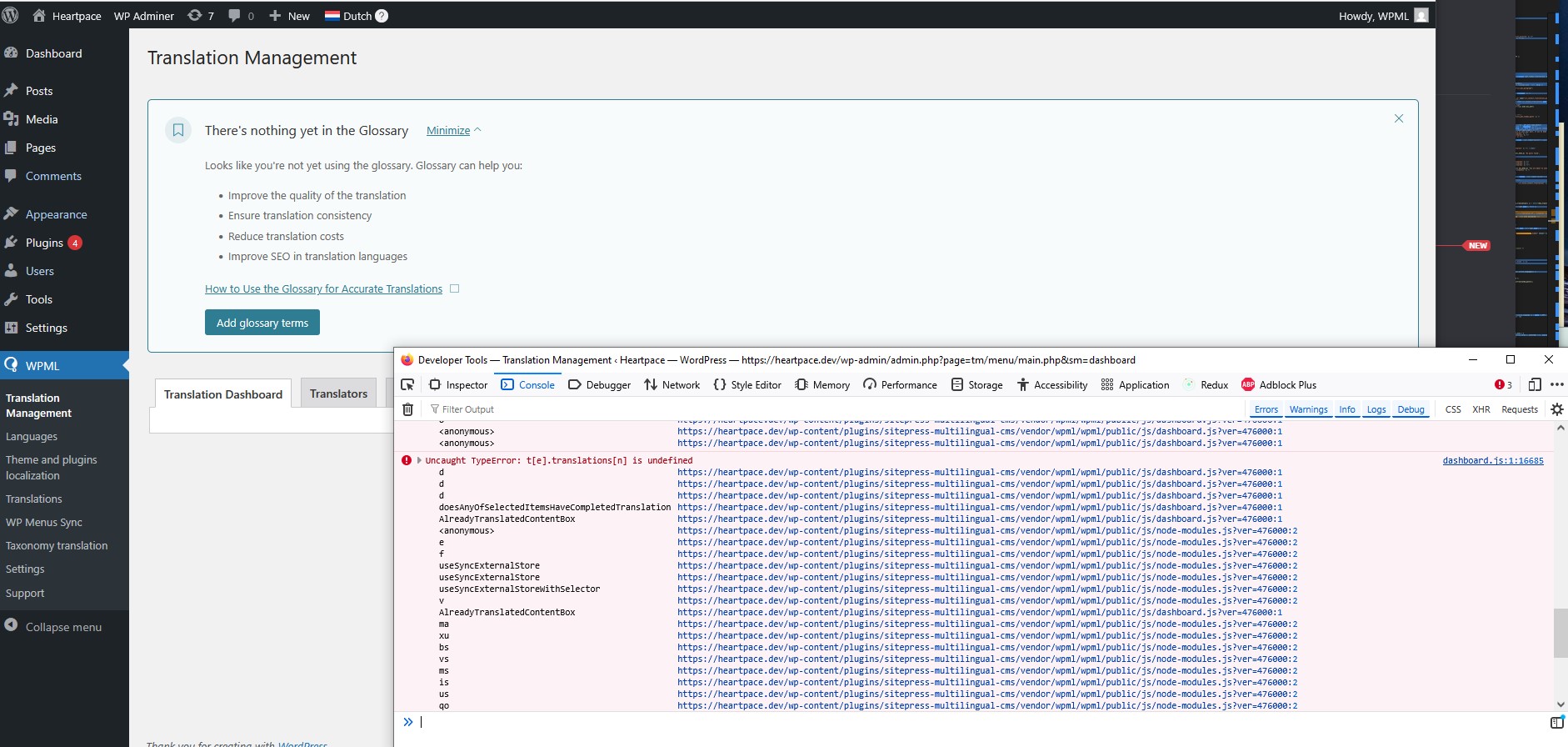
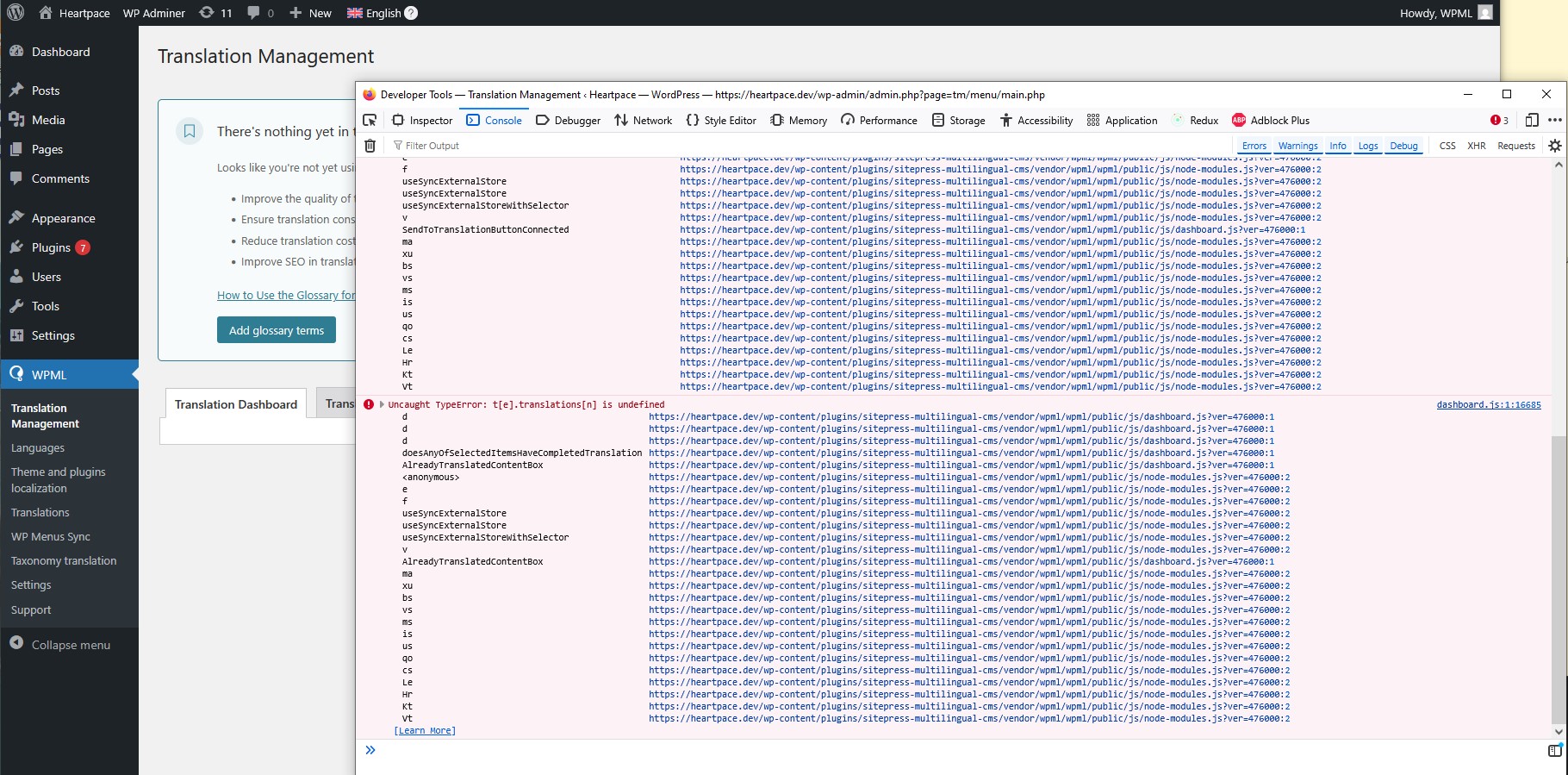
At this point, almost the entire interface disappears and there's an error in the browser console.
Just to elaborate a bit, this functionality is very important to us because (while the main site language is English) we have a lot of posts that are written and published only in Swedish. So we want to translate them to other languages from Swedish.
Hi there, please take a look at the video I just created. I logged in and went to the translation management dashboard, chose Swedish translated to English and status not completed, but I did not get any errors. hidden link
Can you please review the video and make sure I am doing the same steps that you did when you saw the error?
Yes, you did the same steps, except the last one -> Scroll and check a post for translation.
The bug happens when I mark anything in the list.
Here's a video from my side: hidden link
However, now that I went to record this, I noticed it seems to happen only on Mozilla Firefox, while Chome works fine.
So I'm not sure if you want to go on and look further into it. Using Chrome is fine for me, though it should still probably work on any modern browser.
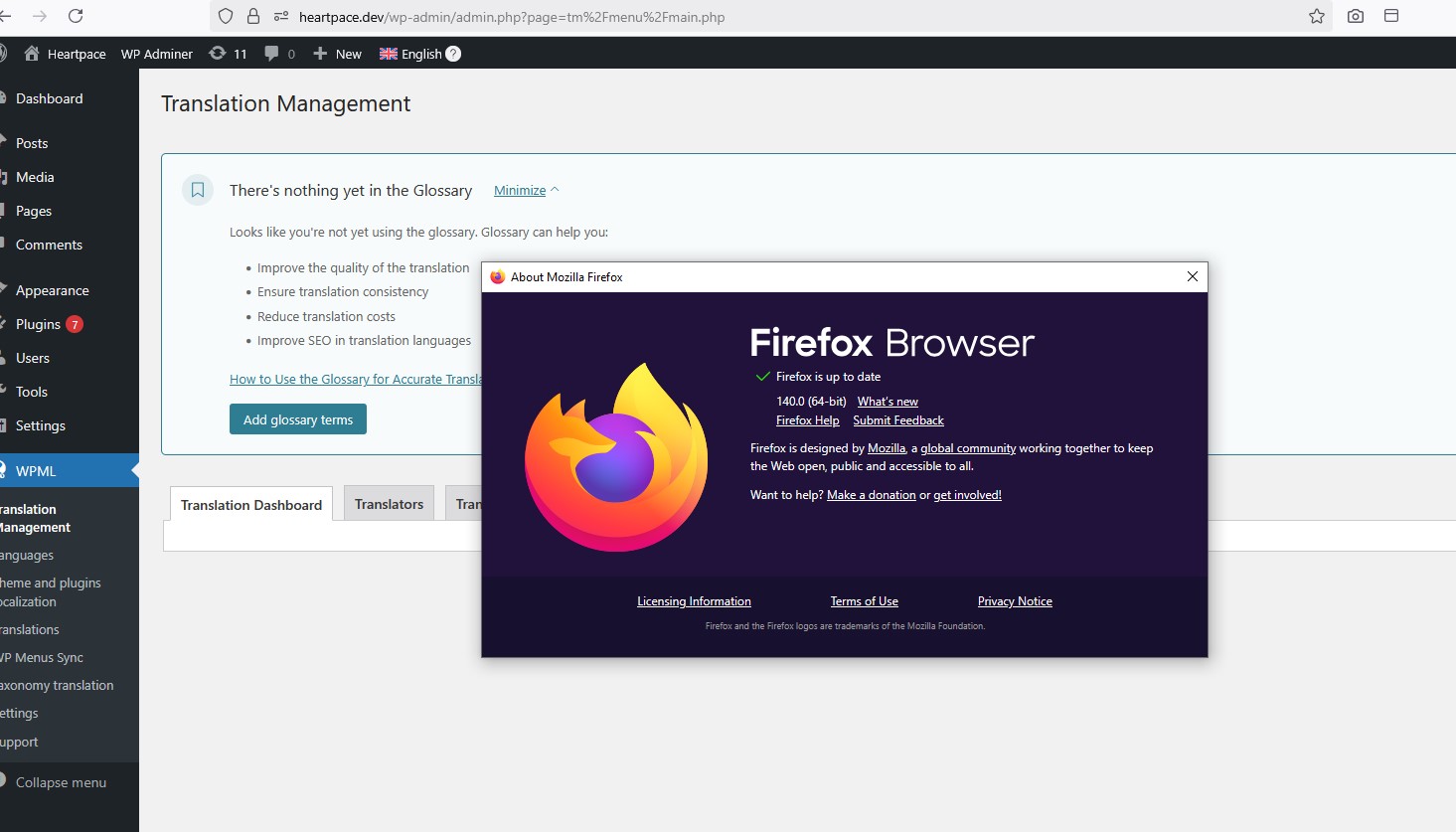
I just tested in both Firefox and Safari, and made sure to select a post, but I'm not able to reproduce the issue. Please make sure your Firefox browser is up to date and check the browser console to see if there are any errors.
Thanks for the screenshot. The issue you're seeing (t[e].translations[n] is undefined) appears to be specific to your Firefox browser. We've tested the same page in Firefox and Chrome on our end and were unable to reproduce the error.
To resolve this on your end, please try the following steps:
1. Clear the site cache in Firefox:
2. Right-click anywhere on the page and click Inspect.
3. Go to the Application tab → Under Storage, click Clear Site Data.
4. Then refresh the page.
Alternatively, try opening the Translation Management page in a private/incognito window.
If you’re using any browser extensions like ad blockers or script blockers, try disabling them temporarily and refreshing the page.
Let us know if the issue persists after trying those steps.