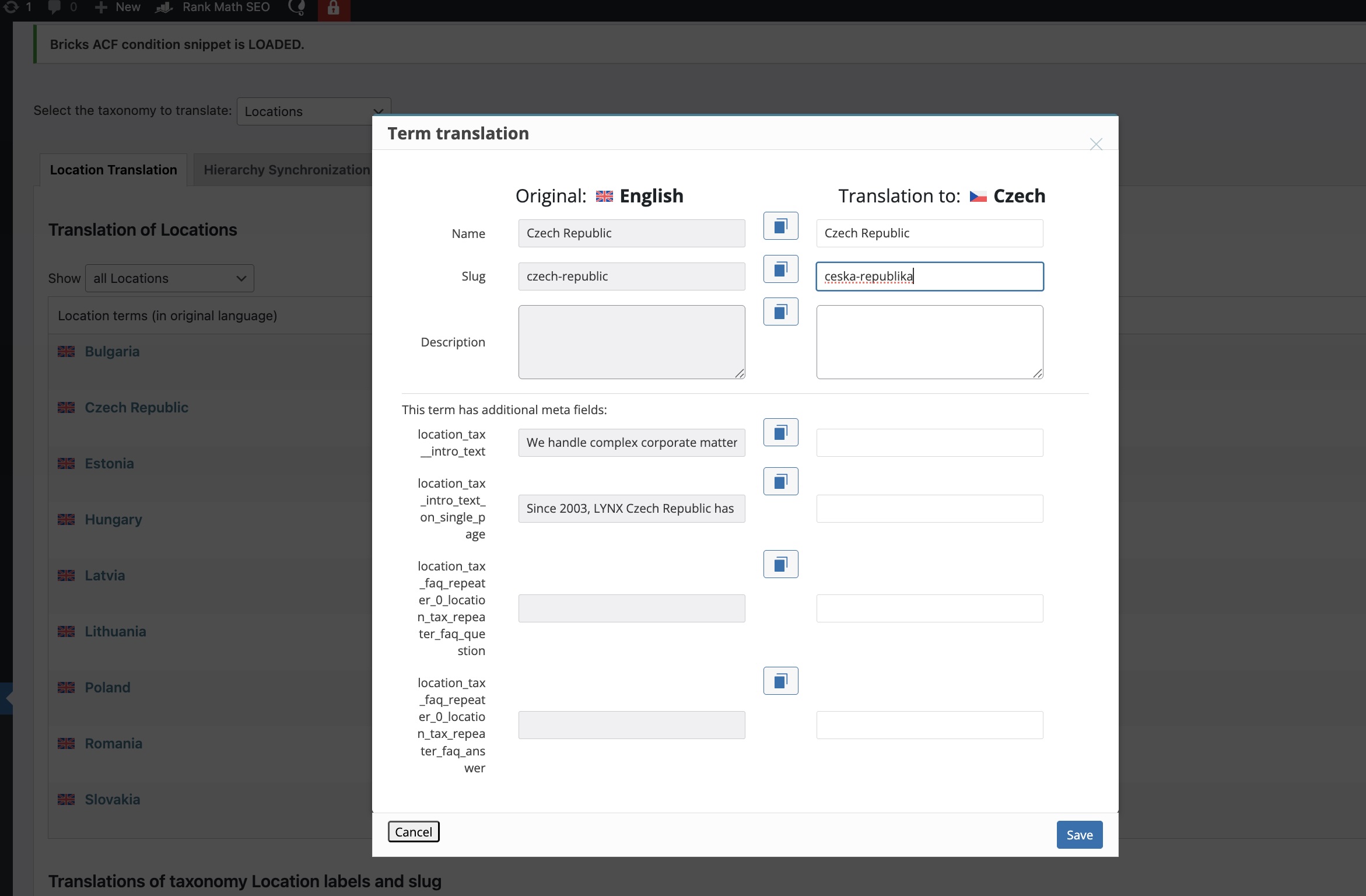
Hi, I am unable to update acf custom locations taxonomy terms slugs. For excample taxonomy slug of Czech Republic should be ceska-republika and I am not able to change from czech-republic to ceska-republika. Any hints on this?
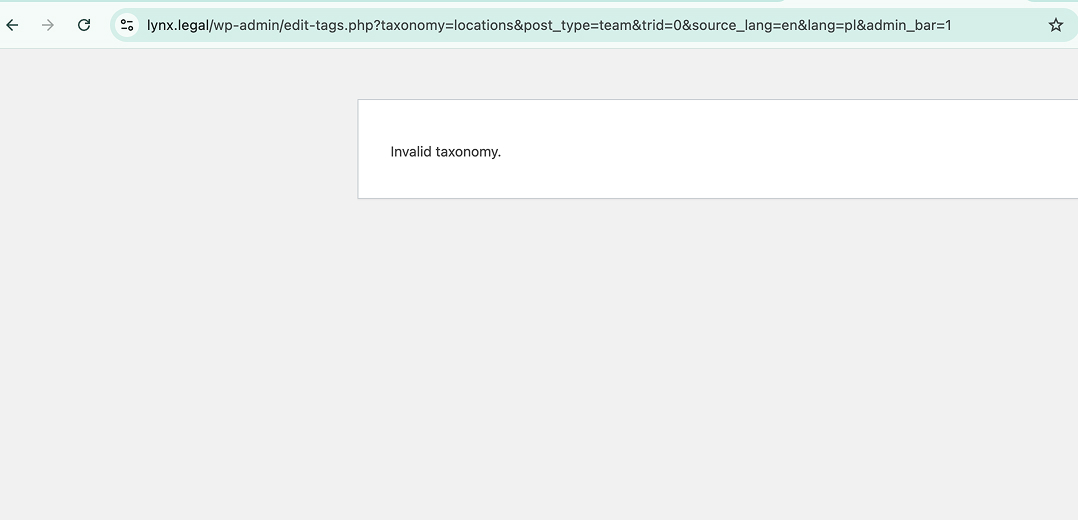
And there is issue when we click on "Polish" or any other that is not English or all Languages on category section, we got invalid taxonomy, can you inestigate this?
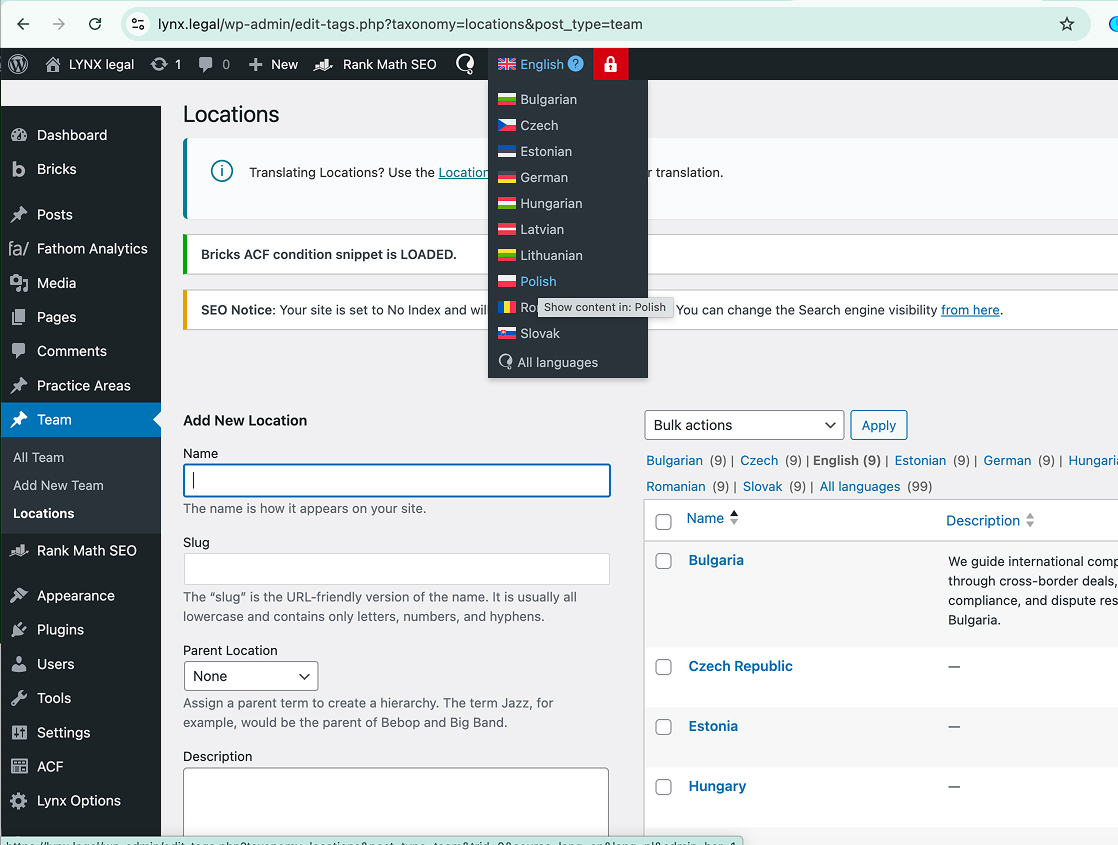
With all plugins other than WPML and ACF deactivated, I am able to see the translated slug at WPML -> Taxonomy Translation -> Locations. I also can change languages when going to Teams -> Locations and switching to another language, such as at this link: hidden link
At this point, I will begin activating the other plugins a few at a time to see when the issue comes back and I will report back what I find.
Okay, I started to activate plugins and the issue returned with the invalid taxonomies, so I deactivated but the error was still there. Next, I updated the Bricks parent theme. After doing that, I no longer see Locations under Team. I also opened up ACF -> Taxonomies and there are none there. Did you have the taxonomies registered in the parent theme?
I'll activate all plugins again but you may need to restore the backup. Since this happened, I think it will be best moving forward to get a copy of your site so I don't interrupt your live site. I can send instructions to migrate your site there, unless you were able to set up a staging site with your hosting company. Let me know if you want me to set up a cloudways site and send the migration instructions.
Actually, I realized that I was in a different language in the backend and that's why Locations didn't show up under Bulgarain in the Teams menu. It returned when I got back to English. I'm going to further troubleshoot.
Okay, I resolved the issue with the invalid taxonomy message by duplicating the Locations taxonomy to other languages. The Bulgarian taxonomy translation had been sent to the trash. Restoring that resolved the error on that page. I also can now see that the correct translation is saved for ceska-republika in WPML -> Taxonomy Translations.
Just saw your reply, so I will stop investigating. If you need any further assistance please don't hesitate to open up a new chat or ticket and we will be happy to help further.