Skip to content Skip to sidebar

This is the technical support forum for WPML - the multilingual WordPress plugin.

Everyone can read, but only WPML clients can post here. WPML team is replying on the forum 6 days per week, 22 hours per day.

Sun Mon Tue Wed Thu Fri Sat
- - 9:00 – 18:00 9:00 – 18:00 9:00 – 18:00 9:00 – 18:00 9:00 – 18:00
- - - - - - -

Supporter timezone: America/Lima (GMT-05:00)

This topic contains 3 replies, has 0 voices.

Last updated by Andreas W. 2 months, 2 weeks ago.

Assisted by: Andreas W..

Author Posts
October 24, 2025 at 7:06 am #17514900

michaelR-151

Background of the issue:
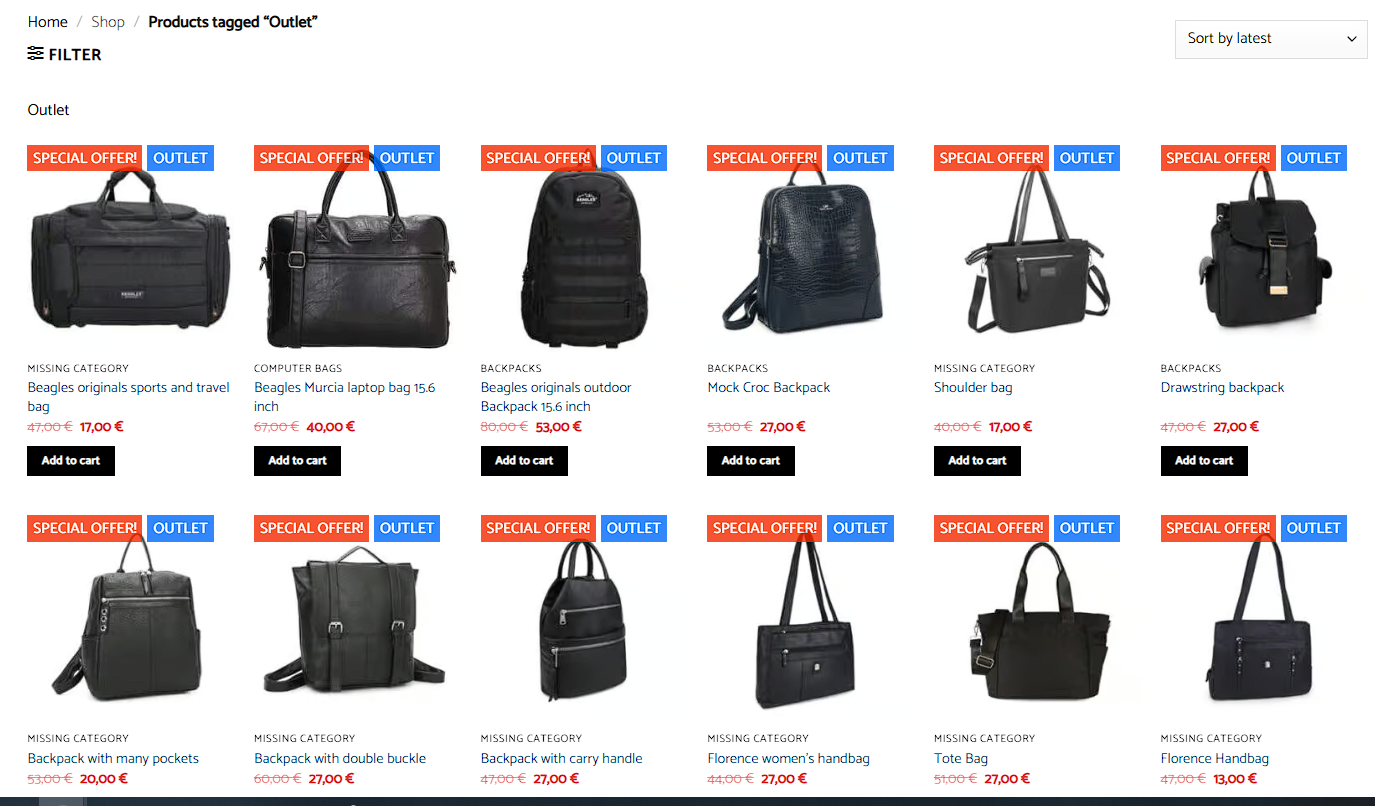
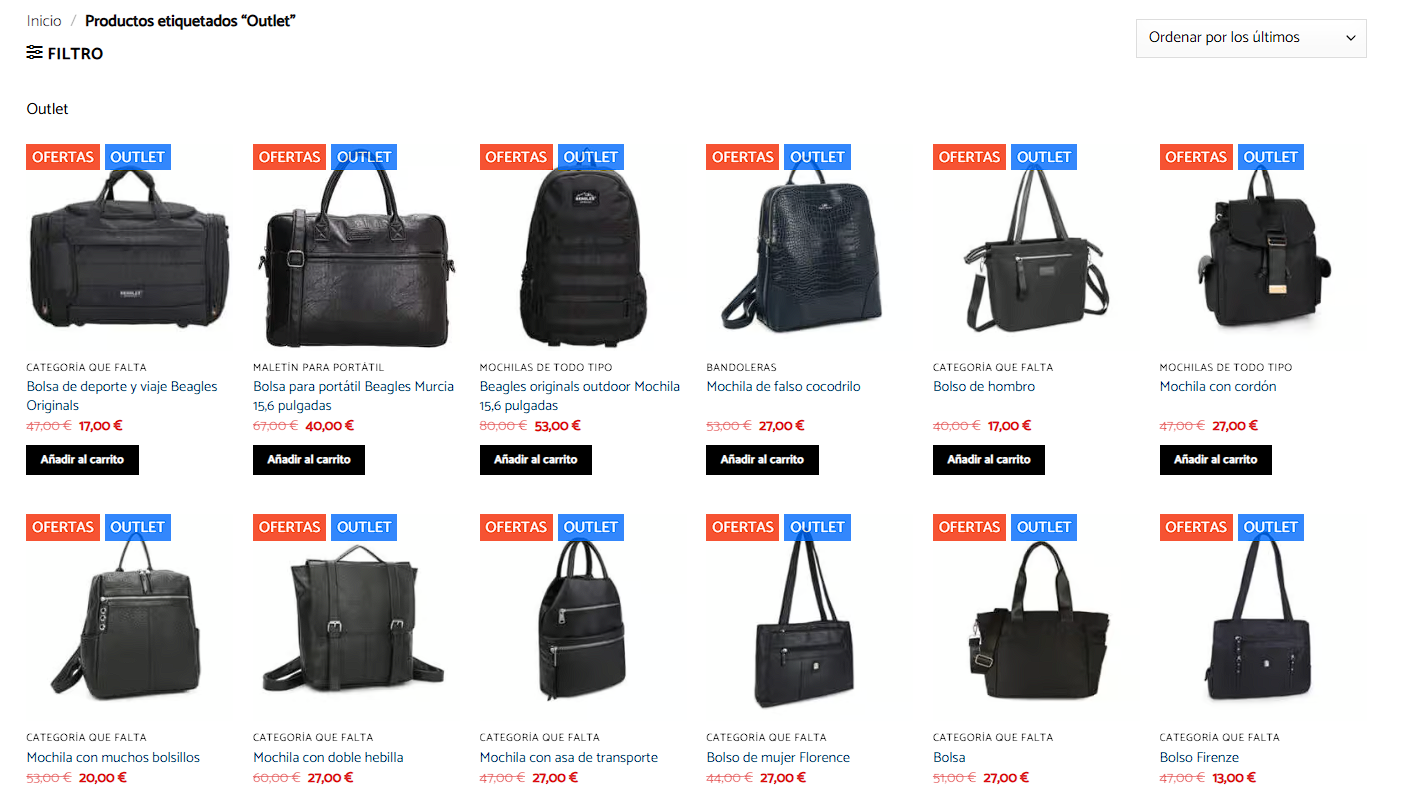
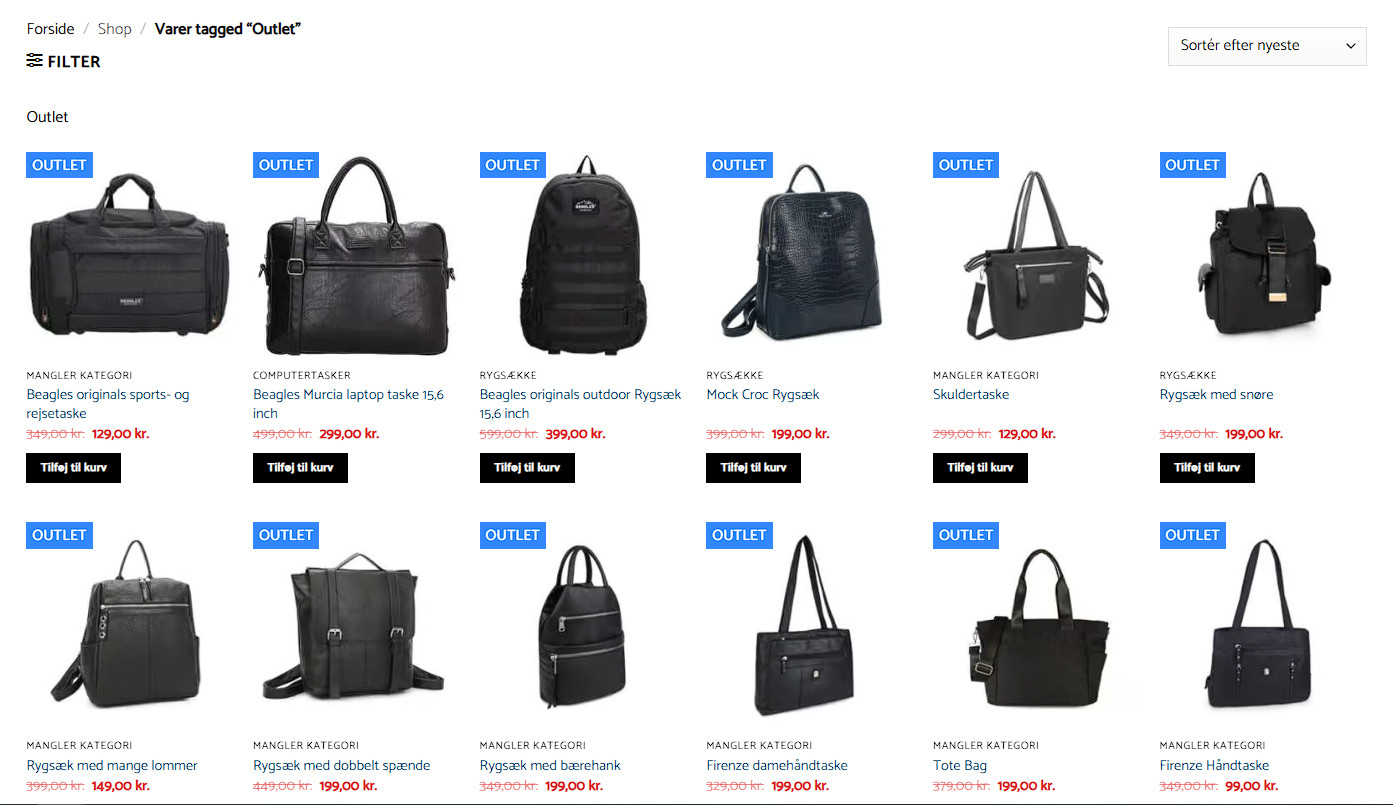
I am trying to use WPML to keep 3 sites in 3 languages in sync so they look the same. Here is a link to a page where the issue can be seen: hidden link

Symptoms:
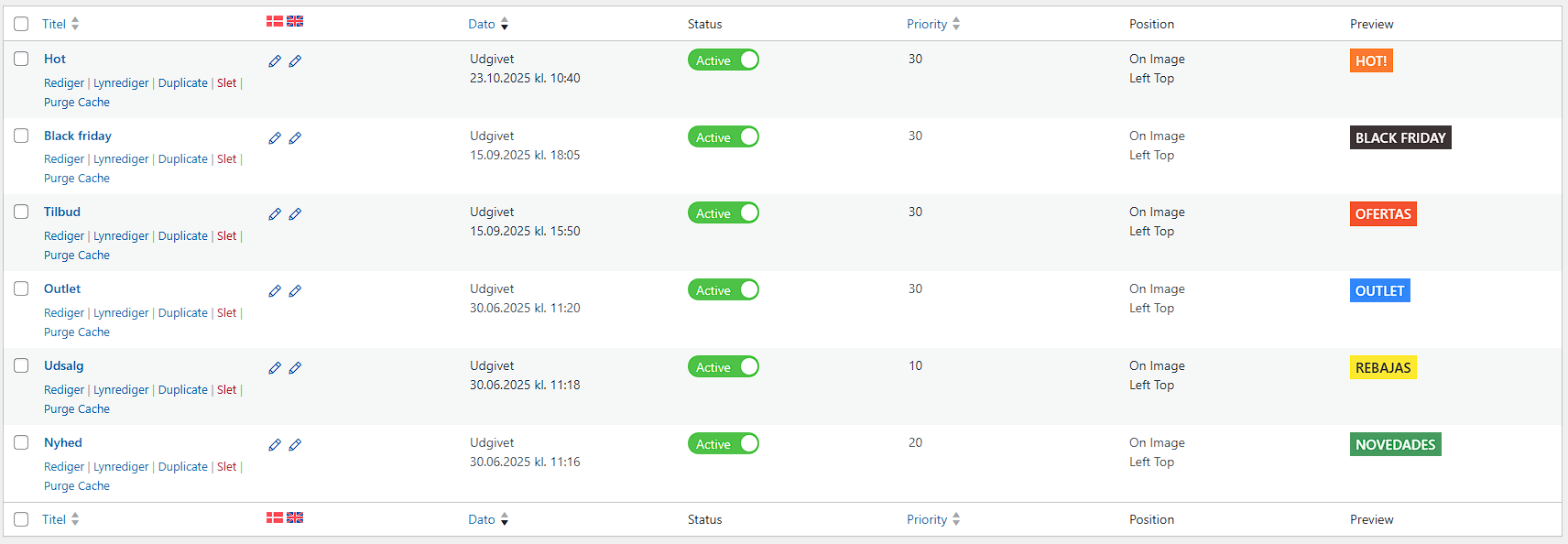
Tags seem to be out of sync for the 2 secondary languages. I expected the 3 sites to always be in sync and not have support cases.

Questions:
Why are the tags out of sync for the secondary languages?
How can I ensure the sites remain in sync across all languages?

October 24, 2025 at 10:55 pm #17517969

Andreas W.
WPML Supporter since 12/2018

Languages: English (English ) Spanish (Español ) German (Deutsch )

Timezone: America/Lima (GMT-05:00)

Hello,

I am not sure if you have followed the suggestions of the AI agent, which is why I am asking for confirmation:

If you make a change to an original product, you will need to update its translation.

Example:
If you update the English translation for this product, does it solve the issue?
hidden link

Does this solve the issue?

---

If this does not solve the issue:

Are you translating the products using the WPML Translation Editor?

Do you see any configuration issues at WooCommerce > WooCommerce Multilingual & Multi-Currency > Status?

Best regards
Andreas

October 26, 2025 at 7:35 pm #17519844

michaelR-151

Hi.

Thank you.

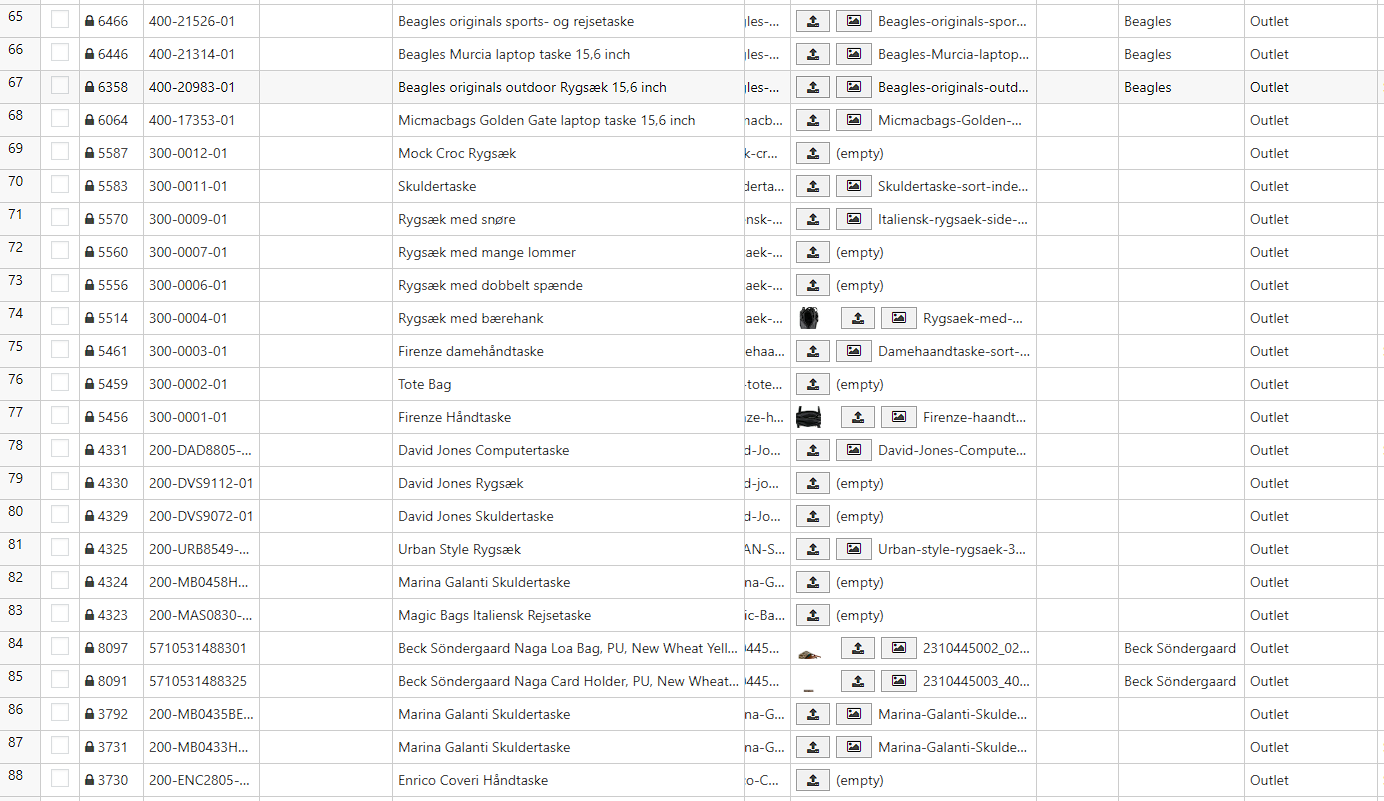
In this case I did not change text in the items, but what I do is change item tags on the items of the primary language.

I do that with WP Sheeteditor ( manually add and delete tags on items and save) and I do that with PHP scripts (night batch jobs runs scripts that changes fore exapmle old items to "Ooutlet" items via tags.

Does WPML not catch suchs changes and sync them? I guees this scenario is normal for a webshop, items are changing all the time in price, discount and tags as time changes and market changes. Item texts are seldom changed.

Looking forward to hear from you.

Regards Michael

October 26, 2025 at 7:47 pm #17519850

Andreas W.
WPML Supporter since 12/2018

Languages: English (English ) Spanish (Español ) German (Deutsch )

Timezone: America/Lima (GMT-05:00)

WPML relies on WordPress's save_post action to update the translation status. Each translation needs to be updated after the original content has changed.

Does it solve the issue if you edit one of the original products, save the product, and then update the translation?

The topic ‘[Closed] Tags seem to be out of sync.’ is closed to new replies.