[Resolved] Translated content not showing in advanced translation editor
This thread is resolved. Here is a description of the problem and solution.
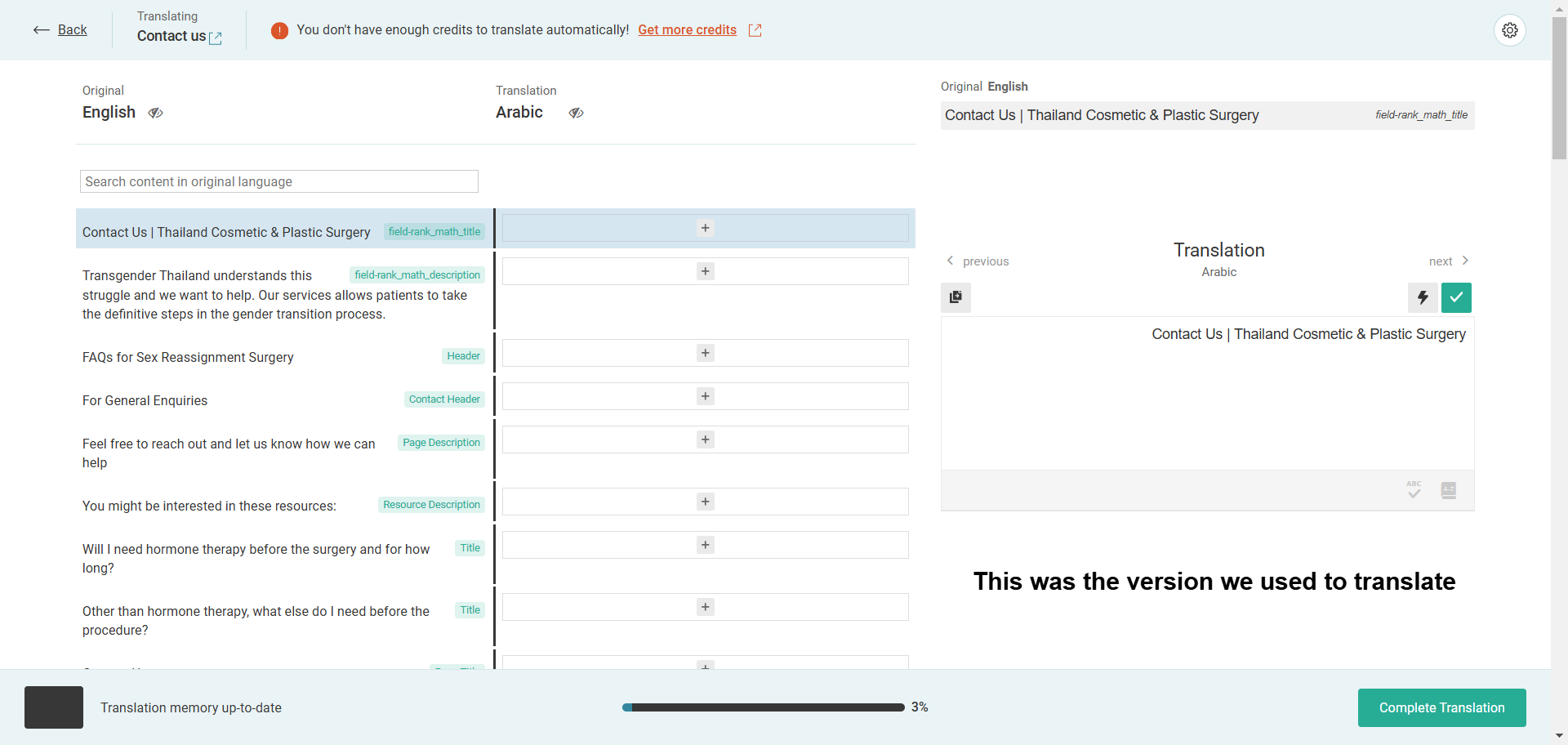
Problem: You are trying to update content on your site using WPML, but the old translated content is not showing in the Advanced Translation Editor (ATE), although it appears on the frontend.
Solution: If you previously used the Classic Translation Editor (CTE) for adding or editing translations, this might be the cause. Content translated in CTE or imported will not be available in ATE if you switch the editor settings. To resolve this, you need to either continue using CTE or re-translate the content in ATE to utilize its translation memory features for future updates. Additionally, ensure that any translations you complete are 100% finished to be saved in the Translation Memory, allowing for subsequent updates.
Please note that translations done in CTE or the WordPress editor are stored in your site's database, and Translation Memory does not keep track of these translations.
If this solution does not apply to your case, or if it seems outdated, we recommend opening a new support ticket. We also advise checking related known issues at https://wpml.org/known-issues/, verifying the version of the permanent fix, and confirming that you have installed the latest versions of themes and plugins. For further assistance, please visit our support forum.
This is the technical support forum for WPML - the multilingual WordPress plugin.
Everyone can read, but only WPML clients can post here. WPML team is replying on the forum 6 days per week, 22 hours per day.
Background of the issue:
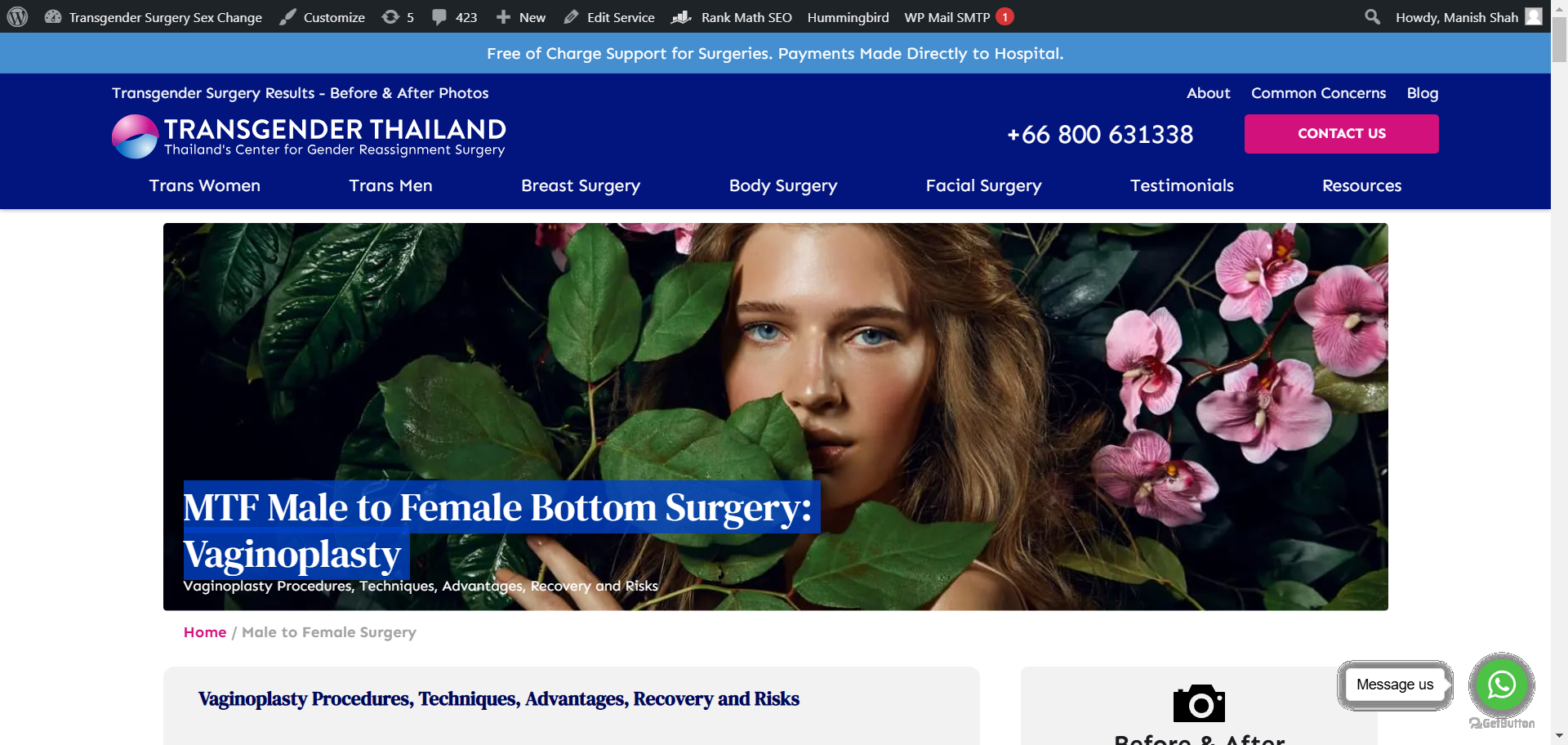
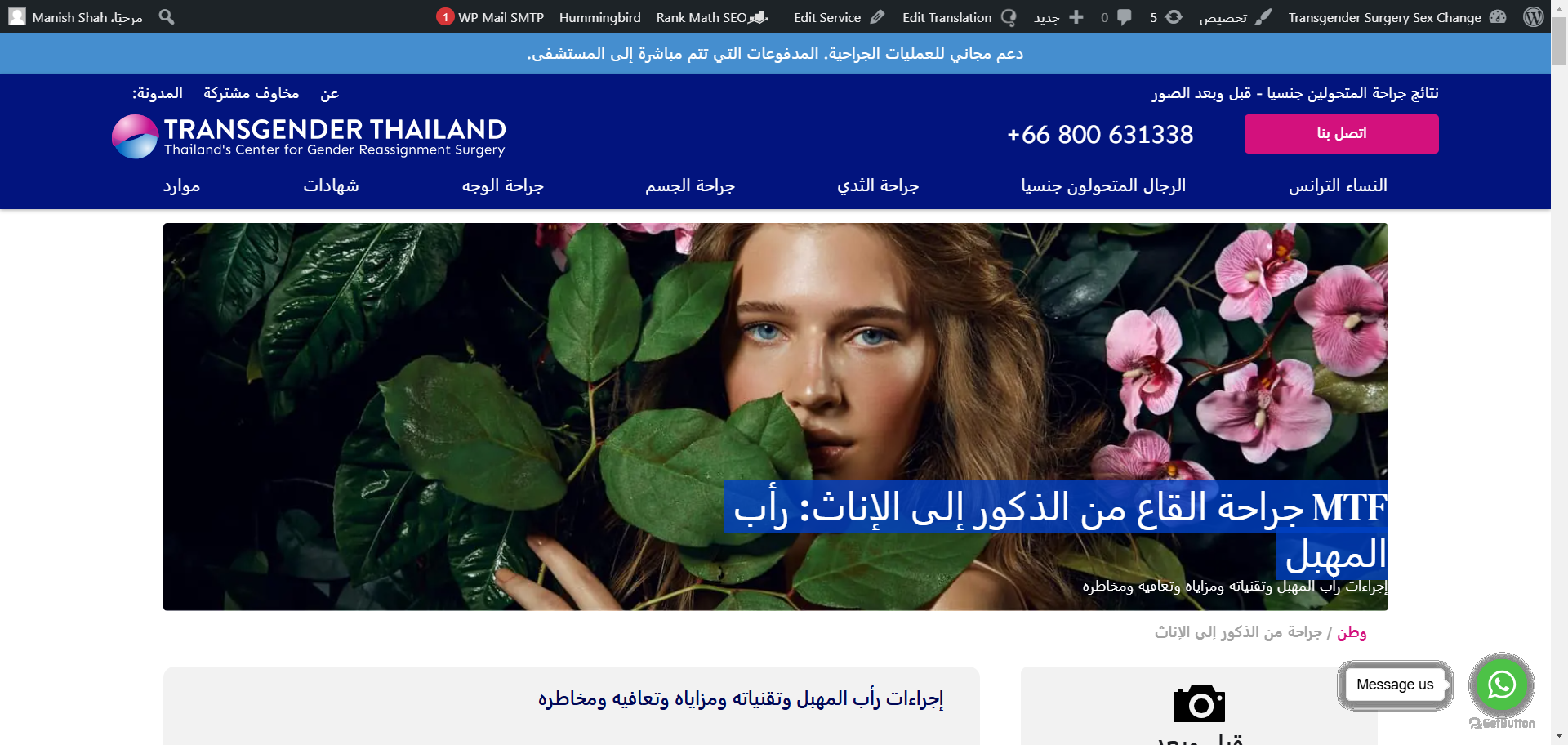
I am trying to update the content on my site hidden link using WPML. The old translated content is not showing in the advanced translation editor, although it appears on the frontend.
Symptoms:
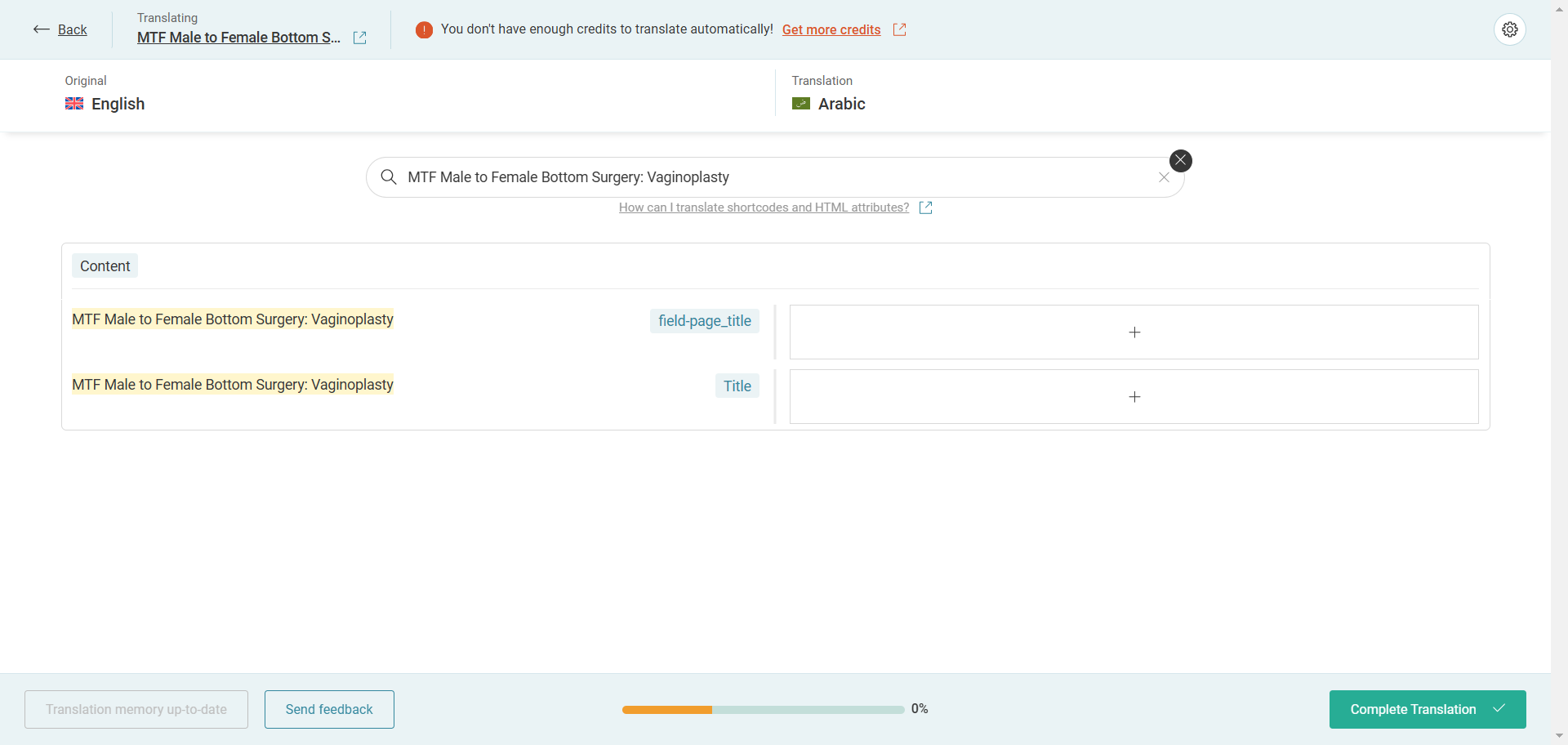
The advanced translation editor does not display the old translated content, preventing updates unless I re-translate the whole page.
Questions:
Why is the old translated content not showing in the advanced translation editor?
How can I update the content without re-translating the whole page?
I've escalated the matter to our 2nd tier team for further investigation, after creating an "All in one WP migration" site package (which is currently being downloaded - please do not remove it).
Our team found that perhaps you previously used Classic Translation Editor for adding/editing the translations, is that correct?
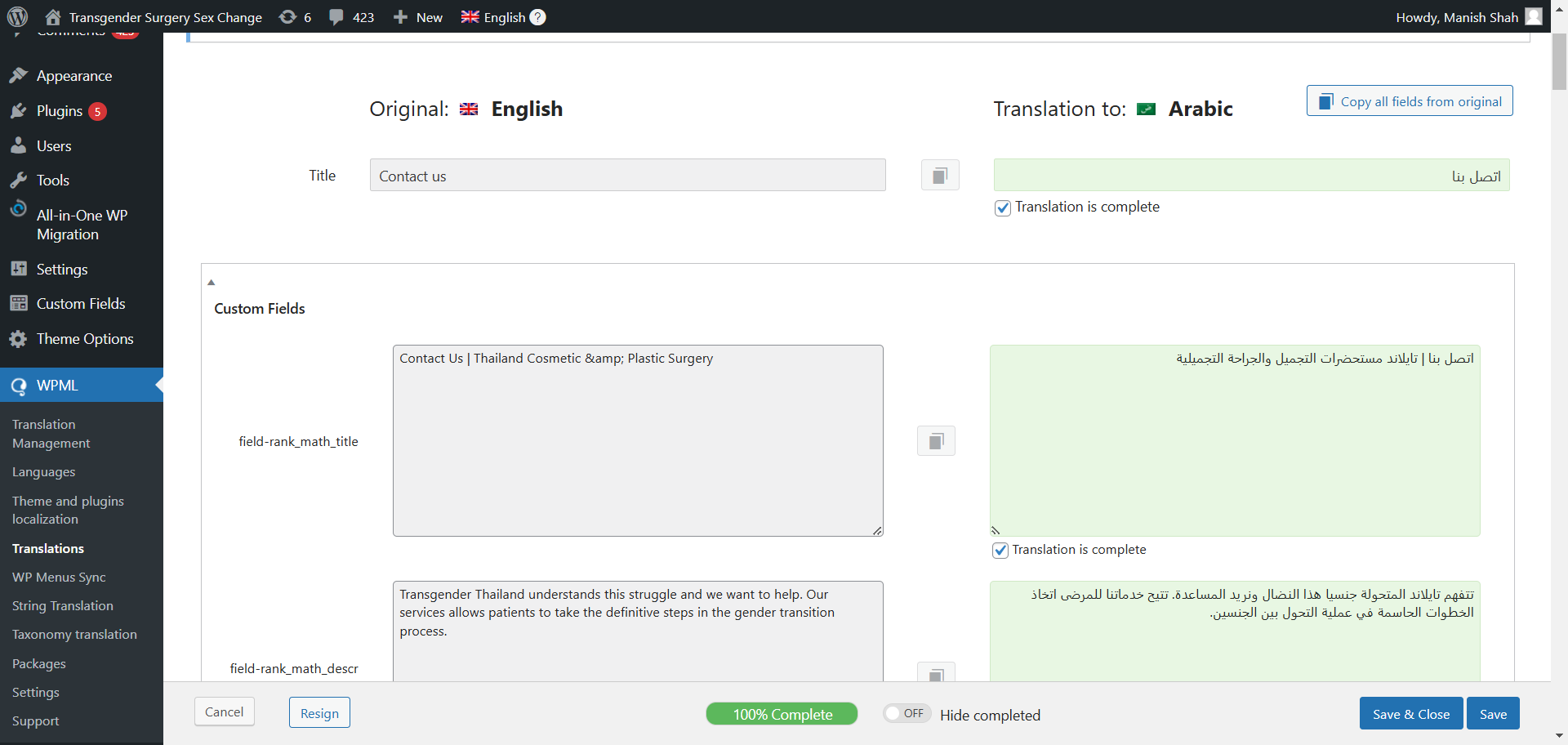
Because if I change WPML settings for existing content to use CTE, I can see translations in the CTE, although not fully completed (perhaps there have been changes later on).
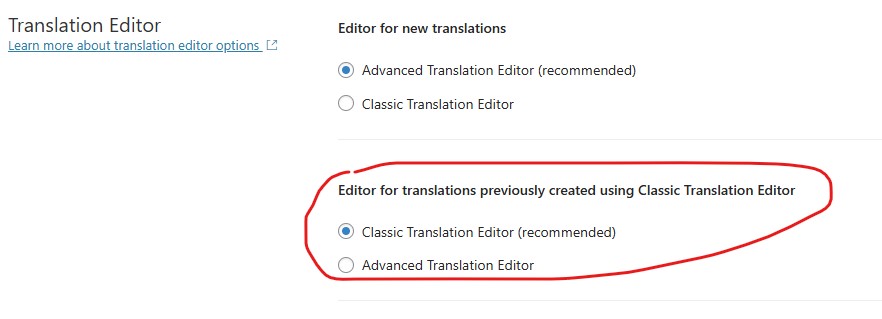
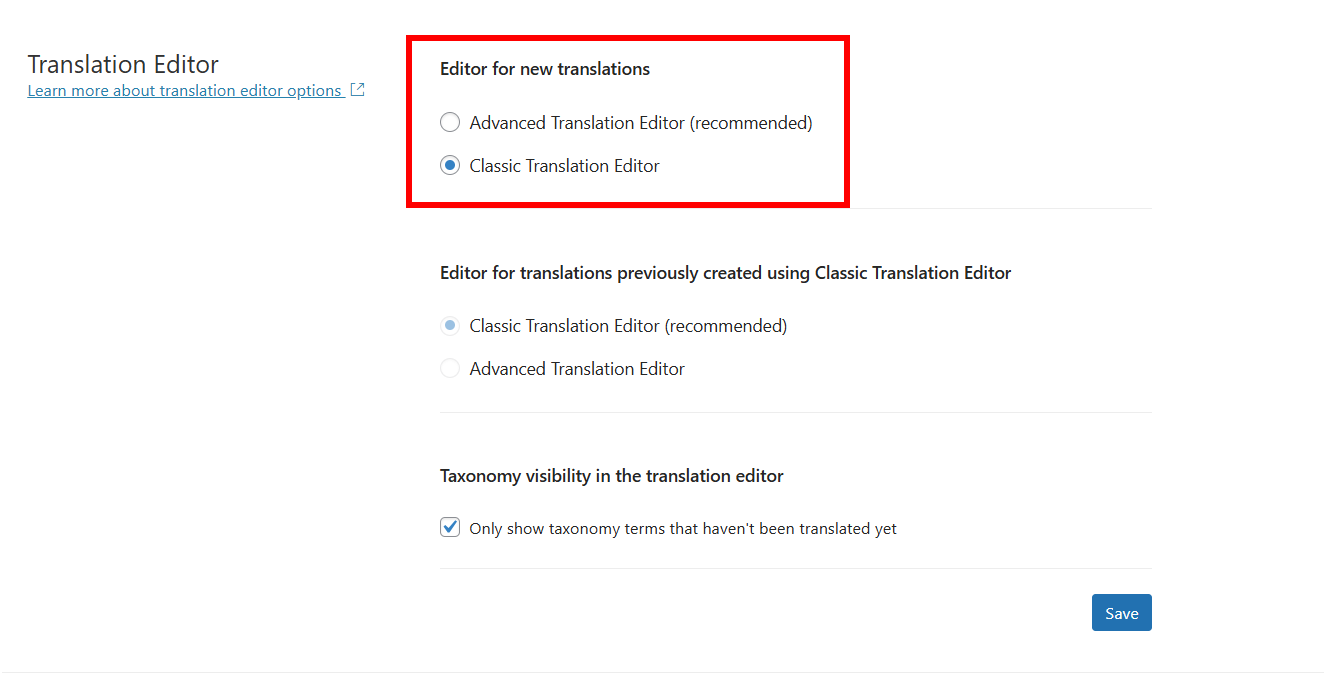
If that's the case, please note that content translated in different editor or imported will not be available in ATE (Advanced Translation Editor). So if now you change the Translation Editor setting for "Editor for translations previously created using Classic Translation Editor", to ATE, you'll have to translate the content again in ATE. That's when ATE 'll be able to keep track of the translation memory and later updates in the translation 'll be possible in the ATE.
Please also note, that if you use CTE or WordPress editor, all the translations are stored in your own DB in your site. WPML has no track of such translations.
No, I clearly remember we used ATE, not classic but it isn't the same as it's now. I can see in ATE setting to use "Previous version" which was the editor that we used but when I use it still doesn't show the translations.
Anyway, the current setting "Editor for translations previously created using Classic Translation Editor" didn't work, but if I use "Editor for new translations" to Classic Editor then I can see the translation texts in it. You can check with "Contact" page.
And we had used Automatic Translation from "Translation Management".
Our team investigated in much detail and found that the jobs created for your content previously are from an old time (early 2023). At that time it wasn't necessary to complete the translation to 100% and that's why no translation memory was saved.
That's the reason you don't see when you try to edit/update the translation now for an existing content.
So looks like, you'll have to translate the content once-again and complete it to 100% (so it is saved in Translation Memory). And then you'll be able to continue updating the translation whenever you want (as you've already noted).
Yes, that's from early 2023. But I remember we couldn't save the translation until it's 100% and we have completed to 100% even if it was same as English content to make 100%.
We can't afford to translate again if that's the case.
Maybe we should use CTE as it was showing the translations.
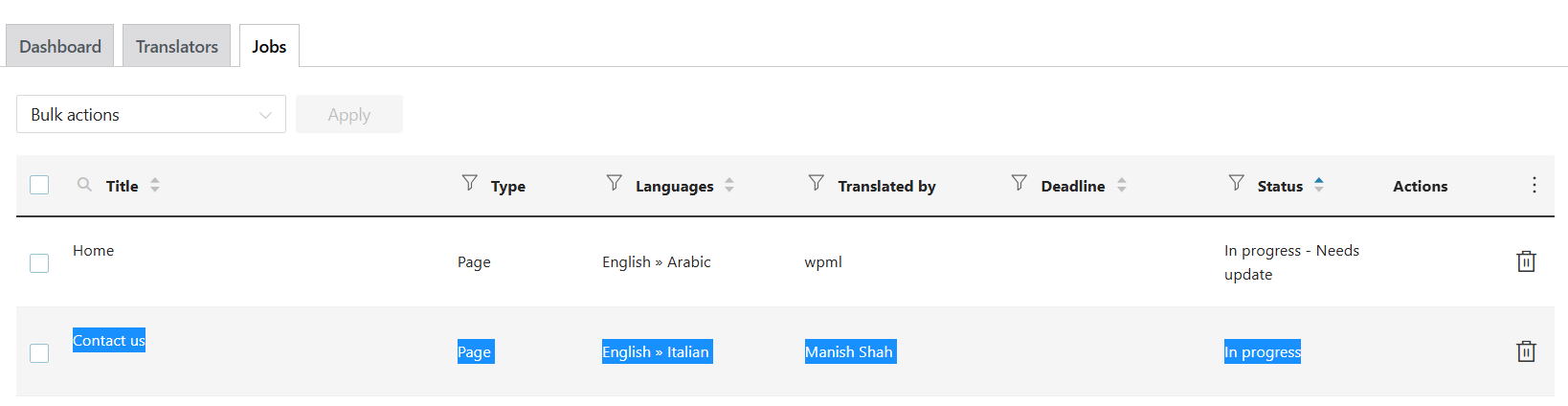
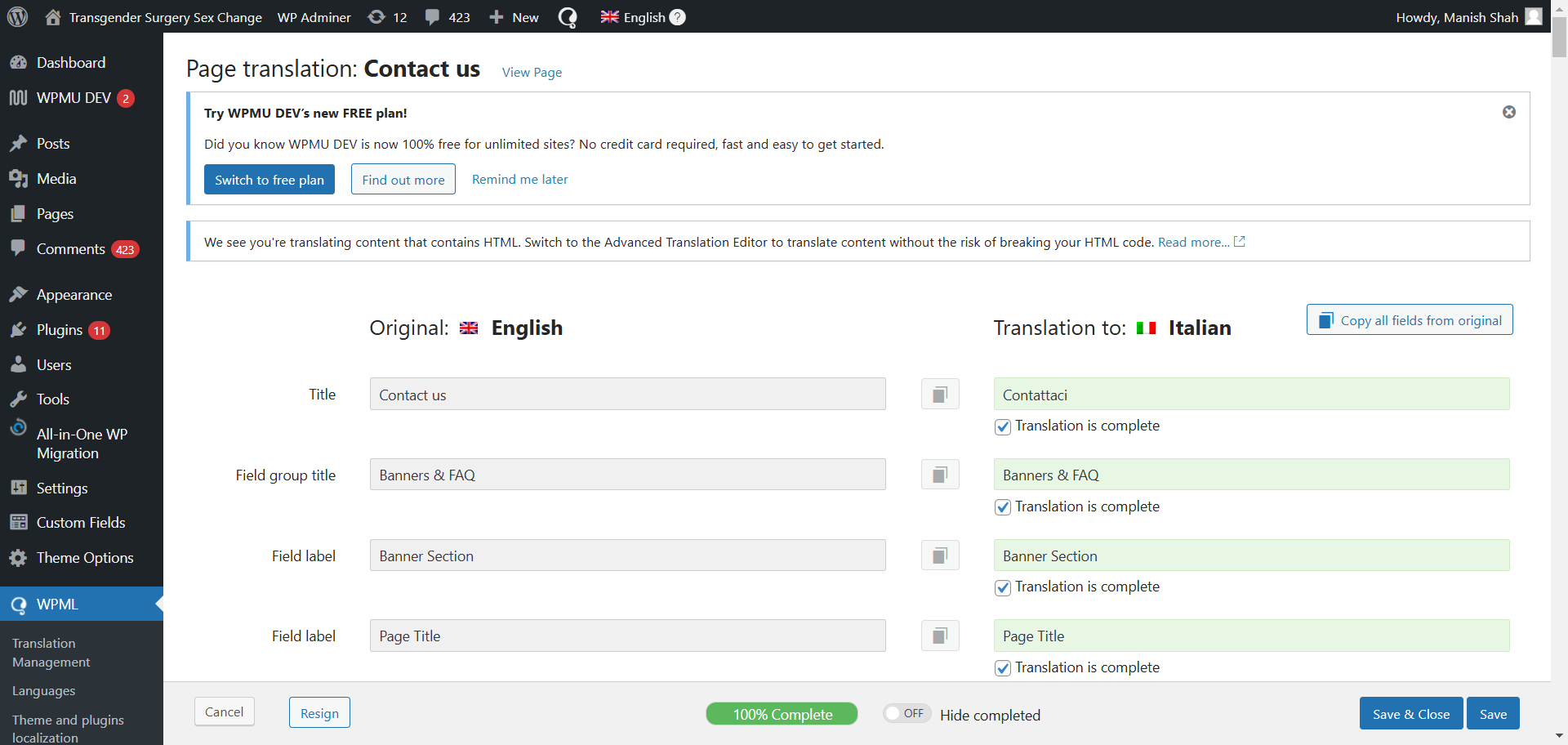
How does CTE works? I have added a text and completed translation from CTE but it doesn't show in translated content. I can see it in "Jobs" and it shows "In progress", how to make it complete?
CTE works the same way as ATE but of course all translations are saved in your own site's database. You also need to make the translation 100% completed (a progress bar is shown at bottom of the editor) to consider it complete.
Can you share the screenshot and page link where it is happening? So I can then take a look if needed.
I checked Contact Us page for Italian which I could see was in progress but as soon as I clicked the save and close in the CTE, it was completed.
I then added another line of text to the page, using default language and updated the Italian translation. I also updated French translation and it was completed in first try.
I've recorded my screen to show the both cases: hidden link
I'll recommend clearing the cache of your browser and check again. It'd be great if you can record your screen, so I can check the process for an understanding.