Background of the issue:
I am trying to translate a few pages on my site hidden link using WPML. I want to publish these translations with only the page name, SEO title, Meta description, and slug, without any body text. I have tried both the advanced and classic editors, and I have adjusted the PHP settings as suggested in the FAQ.
Symptoms:
I cannot complete translations using the advanced editor, as it does not allow publishing unless fully translated, and I am stuck at 90% completion. The classic editor shows code instead of text in most boxes, making it impossible to translate or mark as complete.
Questions:
Is there a way to set WPML so that the translation is done in the classic WP editor?
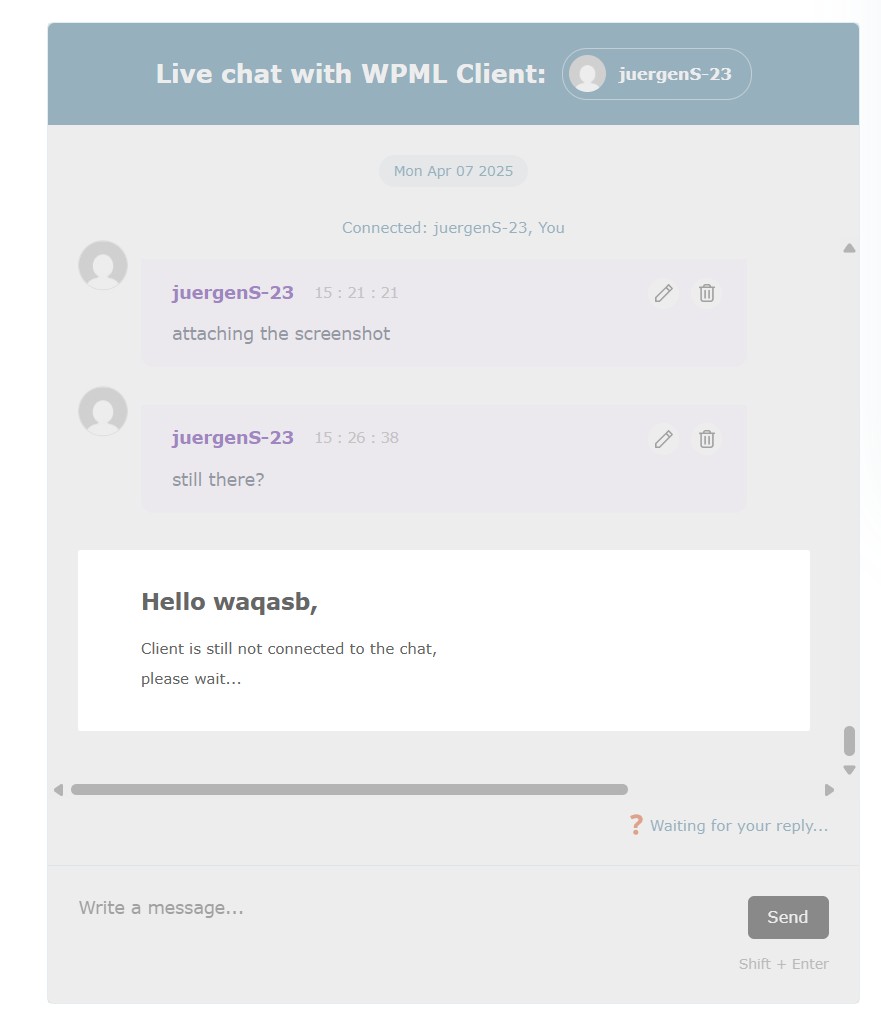
Looks like you got disconnected and I've tried reloading chat several times and waited accordingly (see attached) and moved to this ticket for our support to follow up.
Meanwhile one of my colleagues attends this ticket, my last message was about your screenshot that, you need to complete the translation to 100% for the changes to take effect on the frontend. Incomplete translation isn't updated on the frontend.
Alternatively, you can use WordPress editor to create a translation, link to original and publish the page. This way you can have different structure and content in translations.
Regards.
The topic ‘[Closed] advanced editor, unable to complete a translation’ is closed to new replies.