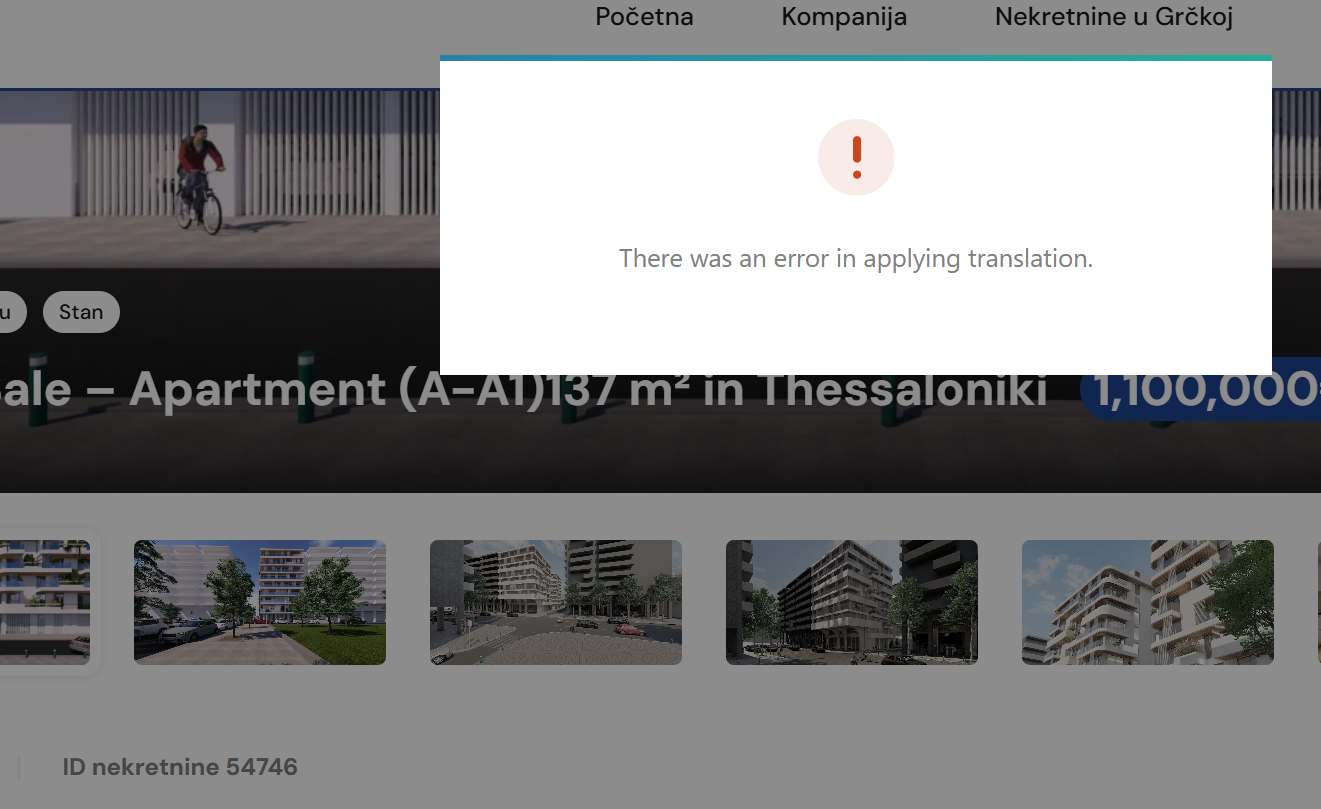
This thread is resolved. Here is a description of the problem and solution.
Problem:
You are trying to update a translation on your site and encounter an error.
Solution:
1. Navigate to your Dashboard > Pages.
2. Open the edit screen of the original page. Look for a pencil, circle, or gear icon in the sidebar options under the "Languages" section.
3. Make a minor change, such as adding an extra blank space at the end of a sentence or paragraph.
4. Save the changes. You should see a circular arrow beside the links for the second language, indicating that an update is required.
5. Edit the translation again and ensure it is saved up to 100% translated.
If the problem persists, we recommend you ensure your site is backed up and then provide us with the URL, User, and Password of your WordPress dashboard by setting your next reply as private. This will help us further diagnose and resolve the issue.
Please note that this solution might be outdated or not applicable to your specific case. We highly recommend checking related known issues at https://wpml.org/known-issues/, verifying the version of the permanent fix, and confirming that you have installed the latest versions of themes and plugins. If this does not resolve your issue, please open a new support ticket.
This is the technical support forum for WPML - the multilingual WordPress plugin.
Everyone can read, but only WPML clients can post here. WPML team is replying on the forum 6 days per week, 22 hours per day.
This topic contains 1 replies, has 0 voices.
Last updated by 3 months, 2 weeks ago.
Assisted by: Christopher Amirian.