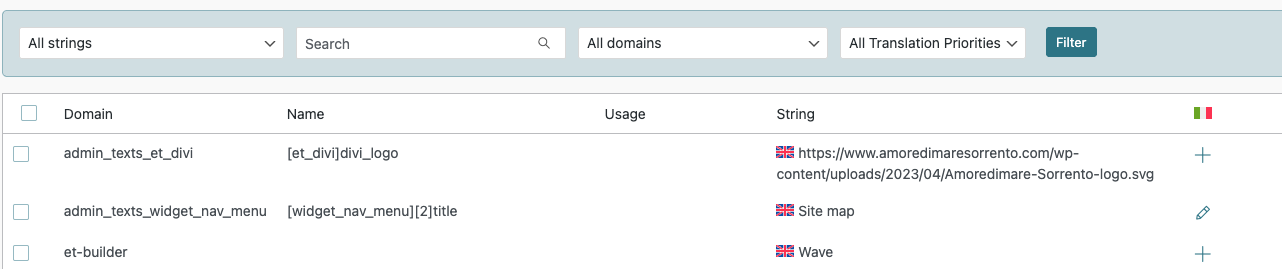
There is an issue with the database. It may be to a migration workflow where the db NULLs were interpreted as zeroes.
If you run this query, you'll note that the file has 0 where it should have NULLs.
SELECT * FROM `wp_icl_strings` WHERE `id`=48;
I deleted the row and after that, the logo URL string appeared in WPML > String translated, I translated it and it worked.
Can you give it a try in your site? Confirm the DB prefix before running the queries.
❌ Please make a full website backup before proceeding ❌
If it's too complex, I can do it for you if you allow me to install the Adminer plugin and make sure to have a DB backup that you can restore if needed. Also let me know the URL that of the Italian logo.
From the Divi settings, I changed the logo to a different image, then back to the correct one. Now both languages show the correct logo.
Despite the temporary fix, in the backend I'm still unable to change these strings and in Admin Texts Translations [et_divi]divi_logo still appear Registered and locked. It would be great to be able to edit it by myself in the future in case I need it.