I was not receiving a reply in chat so I moved the chat into a forum ticket to follow up.
Could you please make sure have followed the below steps:
1. Please go to WPML >> Settings > Translated documents options section and enable the “Copy from original language if translation language uses encoded URLs” as you can see in the attached screenshot.
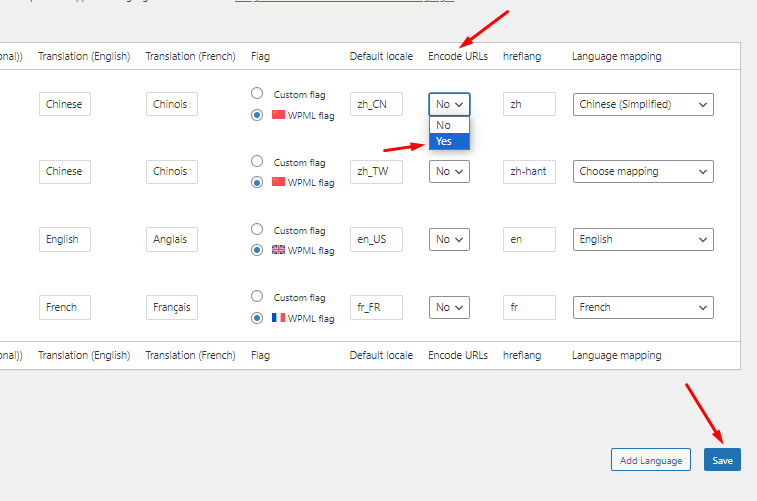
2. Please go to WPML >> Languages page and click on the “Edit languages” link and make sure to choose the Encode URLs to “Yes” to that language in which you want to copy the slug as you can see in the attached screenshots.
3. After that when you try to add/update the translated page it will copy the slug from default language pages.
If the issue persists, please try the below procedure:
1. Please open the default language page in Edit mode.
2. Make a small change, for example, add a space or + sign in your page/post title.
3. Update the page by pressing the “Update” button.
4. Now, please remove that small change that did in step #2.
5. Update the page again.
6. Now, please try to open the translated page in WPML Translation Editor and make sure the translation is 100% complete and press the complete button.
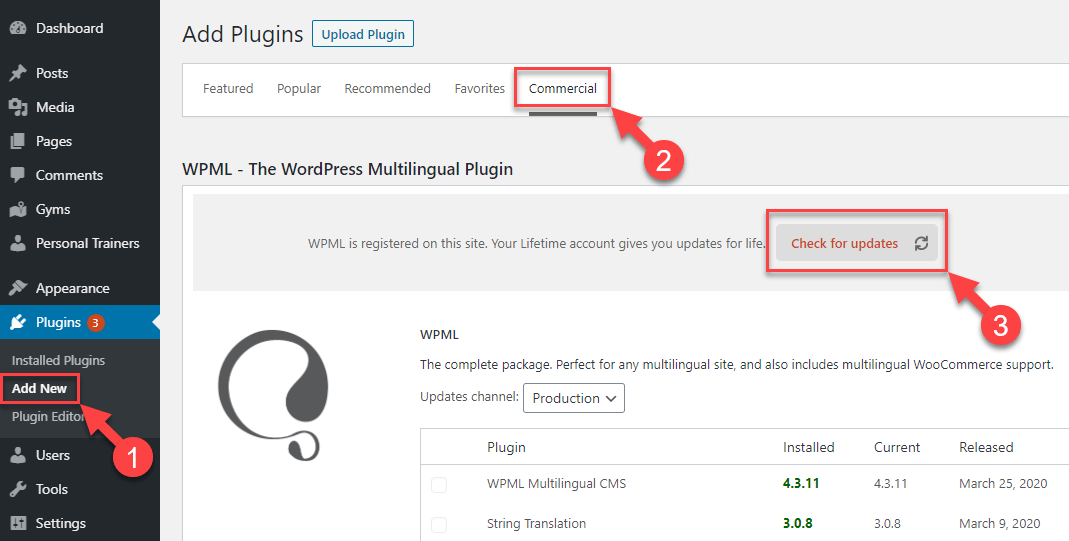
3. Please make sure you are using the latest version of theme and other plugins on your site.
4. If the issue persists, kindly provide the following:
4.1. An example page link where I can see/debug the issue.
4.2. Temporary access to your site (WP-Admin and FTP login info, preferably for a staging site) so I can look into the setup and debug the issue.
I’ve enabled a private input box for your next reply.
=== Please backup your database and website ===
✙ I would additionally need your permission to deactivate and reactivate Plugins and the Theme and to change configurations on the site. This is also a reason the backup is really important.
Thanks for sharing the login details. I’ve reviewed the site settings and checked a few random pages, and it appears that the page slugs are no longer translating, they remain the same as in the default language. Here are a few examples I found:
Default: hidden link
Chinese: hidden link
Default: hidden link
Chinese: hidden link
Default: hidden link
Chinese: hidden link
Could you please try clearing your browser cache and let me know if the issue persists? Alternatively, feel free to share specific page links where you’re encountering issues, and I’ll investigate further.
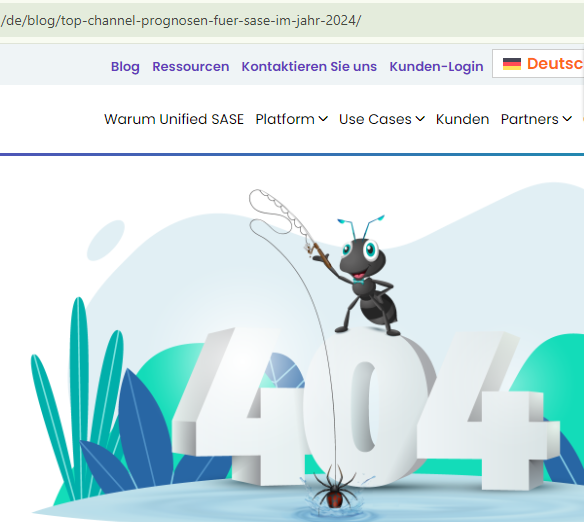
Thank you for sharing the link. I visited the URL you provided: hidden link, but it returned a 404 error.
So, I navigated to the Posts >> All Posts page, searched for the term “Top,” and found the following URL: hidden link
I then visited the German version, which appears to have the same slug as the English version: hidden link
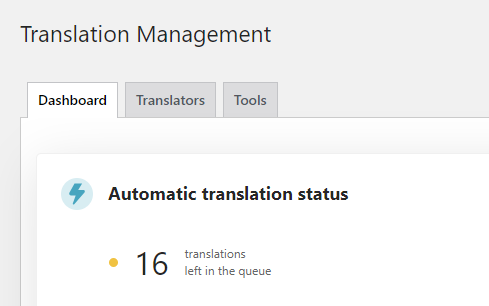
It seems that the "Translate Everything Automatically" process is still in progress on your site, and this process might be updating the slugs based on the new settings.
I recommend allowing this process to complete. If you encounter any issues afterward, please let me know, and I’ll be happy to investigate further.
Thank you
The topic ‘[Closed] url also translating which i don't want’ is closed to new replies.