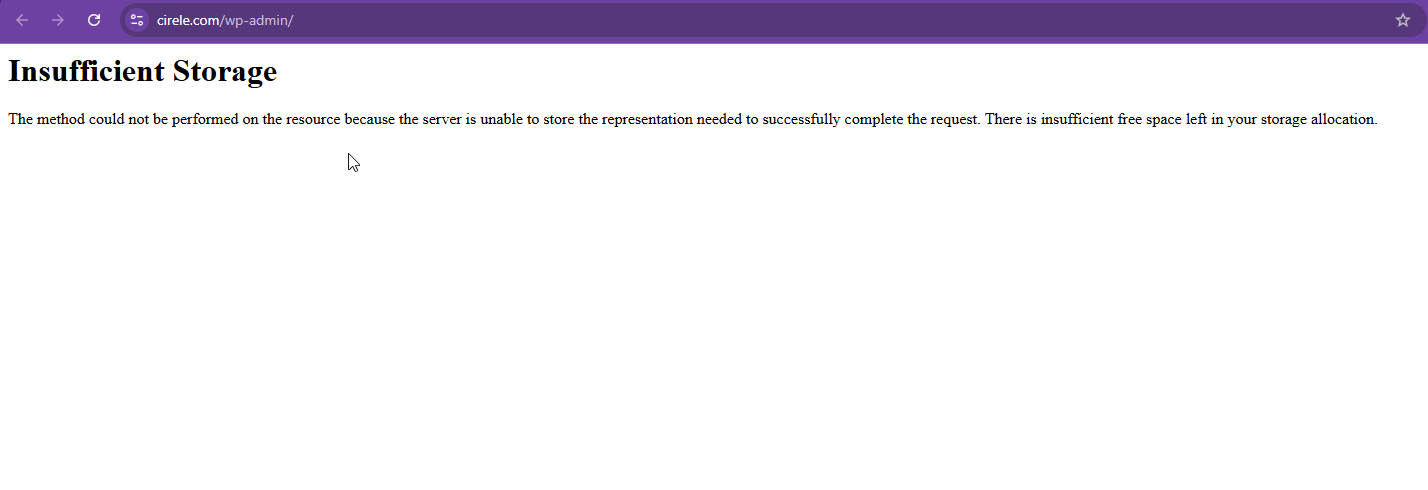
When I activate WPML on my website the website isn't working anymore and I get 507 errors. I don't know why and how. I did not do any updates the last week.
Thanks for your reply. Based on your responses, it appears that you've completed the basic troubleshooting steps.
I will require temporary access (WP-Admin and FTP) to a test site where the problem has been replicated, if possible. This will enable me to provide better assistance and determine if any configurations need to be modified.
Please note that it is important to have a backup for security purposes and to prevent any potential data loss. You can use the UpdraftPlus plugin (https://wordpress.org/plugins/updraftplus/) to fulfill your backup requirements.
Your upcoming reply will be treated with confidentiality and will only be visible to you and me.
✙ To resolve the issue, I may need your consent to deactivate and reactivate plugins and the theme, as well as make configuration changes on the site if necessary. This emphasizes the significance of having a backup.
Thanks for your reply. I can see the issue when I visit your login Website login page. Referring to the error message, it says "Insufficient Storage -The method could not be performed on the resource because the server is unable to store the representation needed to successfully complete the request. There is insufficient free space left in your storage allocation."
Could you please ask your hosting provider to assign more storage to your server? Then, recheck to see if the issue is resolved.
The topic ‘[Closed] When WPML is activated I get an error 507’ is closed to new replies.