This thread is resolved. Here is a description of the problem and solution.
Problem: You are experiencing intermittent 404 errors on translated pages of your website, particularly on mobile devices. The issue temporarily resolves when purging the cache using the Cloudways Breeze plugin but reoccurs. Your site was running on an outdated version of WPML, which you have updated, and you have also followed troubleshooting steps without resolving the issue. Solution: We recommend updating your PHP and MySQL to the latest supported versions as outdated versions might be contributing to the issue. Since you are using an Apache server, try implementing the workaround suggested in this documentation. If the problem persists, it might be related to a known issue with .htaccess being overwritten.
Please note that this solution might be irrelevant if it's outdated or not applicable to your specific case. We highly recommend checking related known issues at https://wpml.org/known-issues/, verifying the version of the permanent fix, and confirming that you have installed the latest versions of themes and plugins. If the issue continues, please open a new support ticket with us for further assistance at WPML support forum.
This is the technical support forum for WPML - the multilingual WordPress plugin.
Everyone can read, but only WPML clients can post here. WPML team is replying on the forum 6 days per week, 22 hours per day.
Hi, I desperately need some assistance, I have been banging my head against the wall for a week trying to solve a 404 error I am getting sometimes on translated pages. It had been mostly appearing on dialogo-americas.com/es/, although now I only notice it on dialogo-americas.com/pt-br/, and it occurs on mobile most of the time. For some reason the error clears when I purge the cache on the site using the cloudways breeze plugin, but only momentarily. I have it setup to clear automatically every minute, which is keeping it mostly functional but it still returns a 404 at times.
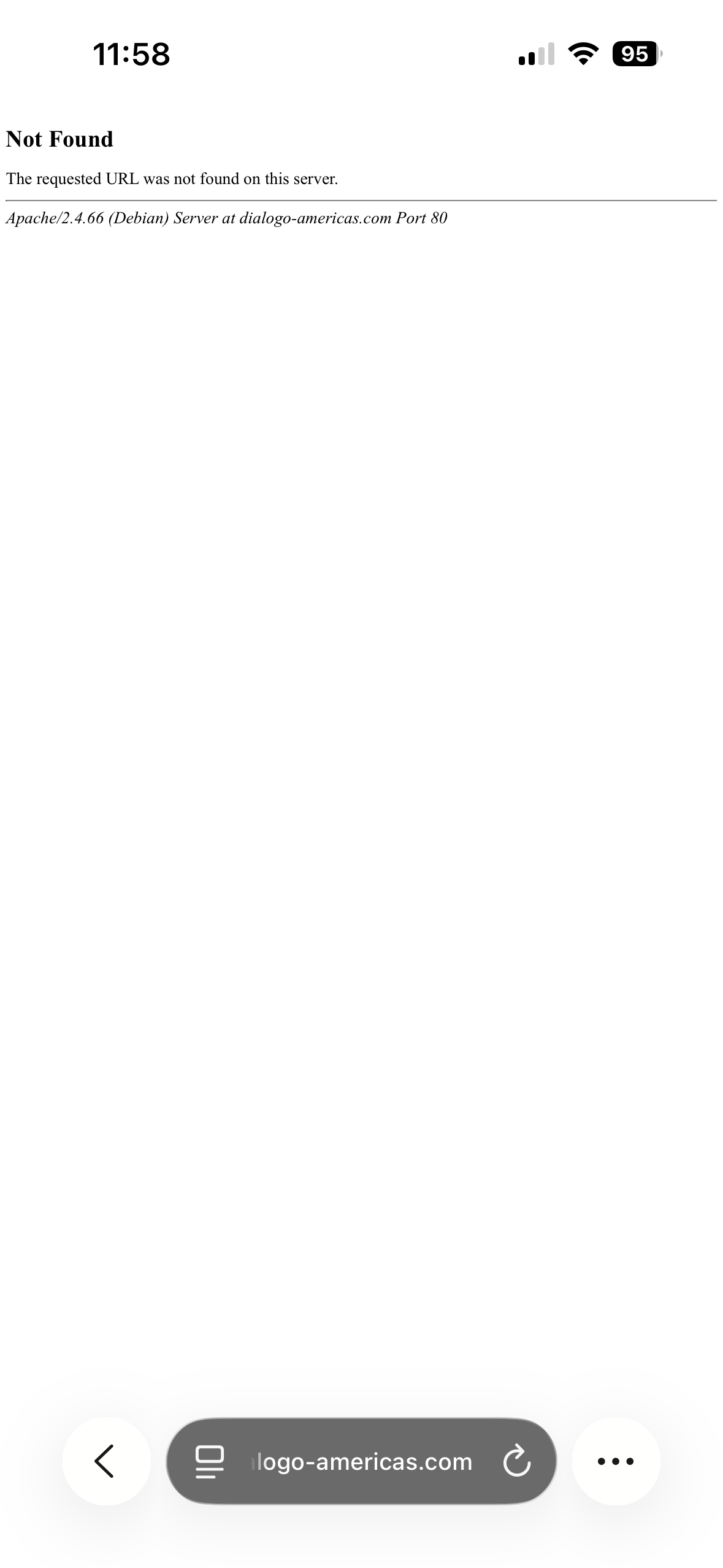
After updating and troubleshooting I am still getting the error and I don't know what else to try at this point. I've reached out to cloudways support as well but they haven't been able to help me as of yet. I uploaded a photo of the 404 page when visiting dialogo-americas.com/pt-br/ on mobile. Thank you so much for your time.
Thank you for the resources! Sorry for the delay, I didn't see the response. I won't be able to test if that is the error occurring by plugin deactivation as suggested in the link because I'm unable to replicate the error in the staging environment, but I will try the quick workaround by adding the suggested code to the functions.php file on the live site during lower usage times to see if it fixes the issue.
I would also suggest enabling the debug.log file to see if there's anything in it when the error occurs. To enable debugging, add these lines to your wp-config.php file:
So far, the fix appears to be working. I haven't seen any issues since I edited the functions file. I'll debug in the future, if it comes up again. Thank you for your help!