Home›Support›English Support›[Resolved] ACF clones with repeaters inside do not show up for translation in ATE/Translation Dashboard
[Resolved] ACF clones with repeaters inside do not show up for translation in ATE/Translation Dashboard
This thread is resolved. Here is a description of the problem and solution.
Problem: The client has a WPML website with many ACF groups, including clones with repeaters inside. Despite setting translation preferences correctly, many fields set to 'Translate' do not appear in the Advanced Translation Editor (ATE) or get translated automatically via the Translation Dashboard. Solution: The issue was due to clone fields used multiple times on a single page where some inner fields had the same name, set to seamless without a field name prefix. This caused problems with translating specific sections. The solution involved: 1. Activating an inactive field group. 2. Synchronizing field translation preferences with JSON using the ACF tools. 3. Resaving the original homepage and its translations. For detailed steps on setting translation preferences for ACF fields and synchronizing them with WPML, visit WPML documentation.
If this solution does not resolve your issue, or if it seems outdated or irrelevant to your case, we highly recommend checking related known issues at https://wpml.org/known-issues/, verifying the version of the permanent fix, and confirming that you have installed the latest versions of themes and plugins. If needed, please open a new support ticket at WPML support forum.
This is the technical support forum for WPML - the multilingual WordPress plugin.
Everyone can read, but only WPML clients can post here. WPML team is replying on the forum 6 days per week, 22 hours per day.
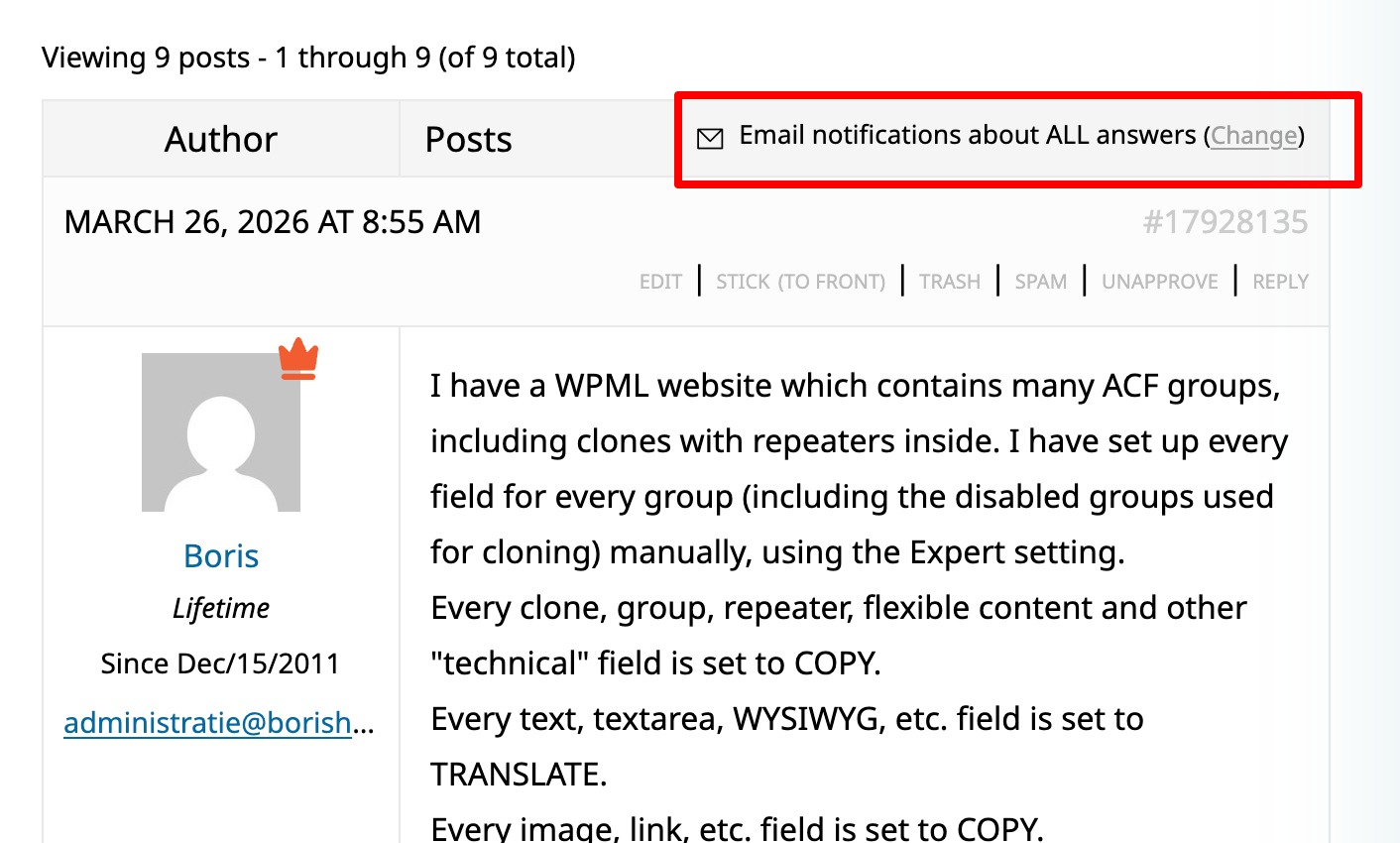
I have a WPML website which contains many ACF groups, including clones with repeaters inside. I have set up every field for every group (including the disabled groups used for cloning) manually, using the Expert setting.
Every clone, group, repeater, flexible content and other "technical" field is set to COPY.
Every text, textarea, WYSIWYG, etc. field is set to TRANSLATE.
Every image, link, etc. field is set to COPY.
Many of these fields set to Translate do not show up in the ATE for translation, nor are they translated automatically via the Translation Dashboard.
I have managed to translate a few via the ATE by making a change to the content in the default language (German) (automatic translation via dashboard still failed because "the content has not changed".
I need to get all of these relevant fields present into the Translation dashboard and into the ATE for translation. Can you help me get this fixed?
Thank you for contacting WPML support. I'd be happy to assist you on this issue.
You mentioned, "I have managed to translate a few via the ATE by making a change to the content in the default language (German)." Just to confirm—does this mean the issue no longer occurs after you update the page once in the original language?
Could you please share a few page links where the fields are missing? If possible, include screenshots as well, as that would help speed up the debugging process.
To debug this issue further, I would need to check your site settings once, for this I would need temporary access (wp-admin and ftp) to your site.
So could you please provide me with those details, you will find the needed fields for this below the comment area when you log in to leave your next reply. hidden link
I can see the issue, To get a better understanding, I suggest sharing a backup of your wp-content folder and your database. You can zip the files and send them to me via Google Drive. With these, I can set up a local copy of your site and take a closer look at the issue.
I’d like to inform you that this issue has been escalated to our second-tier support team. I will keep you updated as soon as I receive any further feedback.
don't you think I set those preferences with the utmost care? I am a very experienced WPML consultant, not someone who tries WPML for the first time.
It's quite clear to me at this point, that the issue is with the naming of the ACF fields and the fact that they are cloned inside repeaters inside clones. I think this causes the issues. I have been able to resolve a number of setting prefix labels on all the clone fields, but not all. This will take manual adjustment so the field names are unique.
I would like to know what changes second tier has made exactly on the live system I provide you access to. Because I was under the impression that you were now working on the duplicate I sent. I want to know because I've been doing a lot of troubleshooting and changing in the settings yesterday, and I was under the impression I was the only one working on the system.
The issues was not with the translation preferences set, it will with synchronizing the preferences with JSON, which you are using. The field translations preferences was set correct but it wasn't in sync in the json so the issue was appearing.
The following steps were performed by the 2nd tier supporter, I am pasting the exact steps shared by them:
- Checked the Builder field group: hidden link
- Checked the Module : Features group: hidden link
- It was inactive and was using Expert mode (but the translation preferences were correct)
- Set it to active
- Since you are using using JSON, I went to the ACF tools and synchronized once.
We have concluded that the issue lies with the fact that there are clone fields used multiple times on a single page where some of the inner fields have the same field name (set to seamless & no field name prefix added).
This is what causes the issues we are having translating specific sections.
Thank you for your help, it is clear now that no more WPML issues exist on the website.