daniaM
Background of the issue: hidden link
Symptoms:
Questions:
daniaM
I am trying to translate my website, hidden link
Christopher Amirian WPML Supporter since 07/2020
Languages:
English (English )
Timezone:
Asia/Yerevan (GMT+04:00)
Hi,
Welcome to WPML support. I will answer this ticket before it is assigned to one of my colleagues.
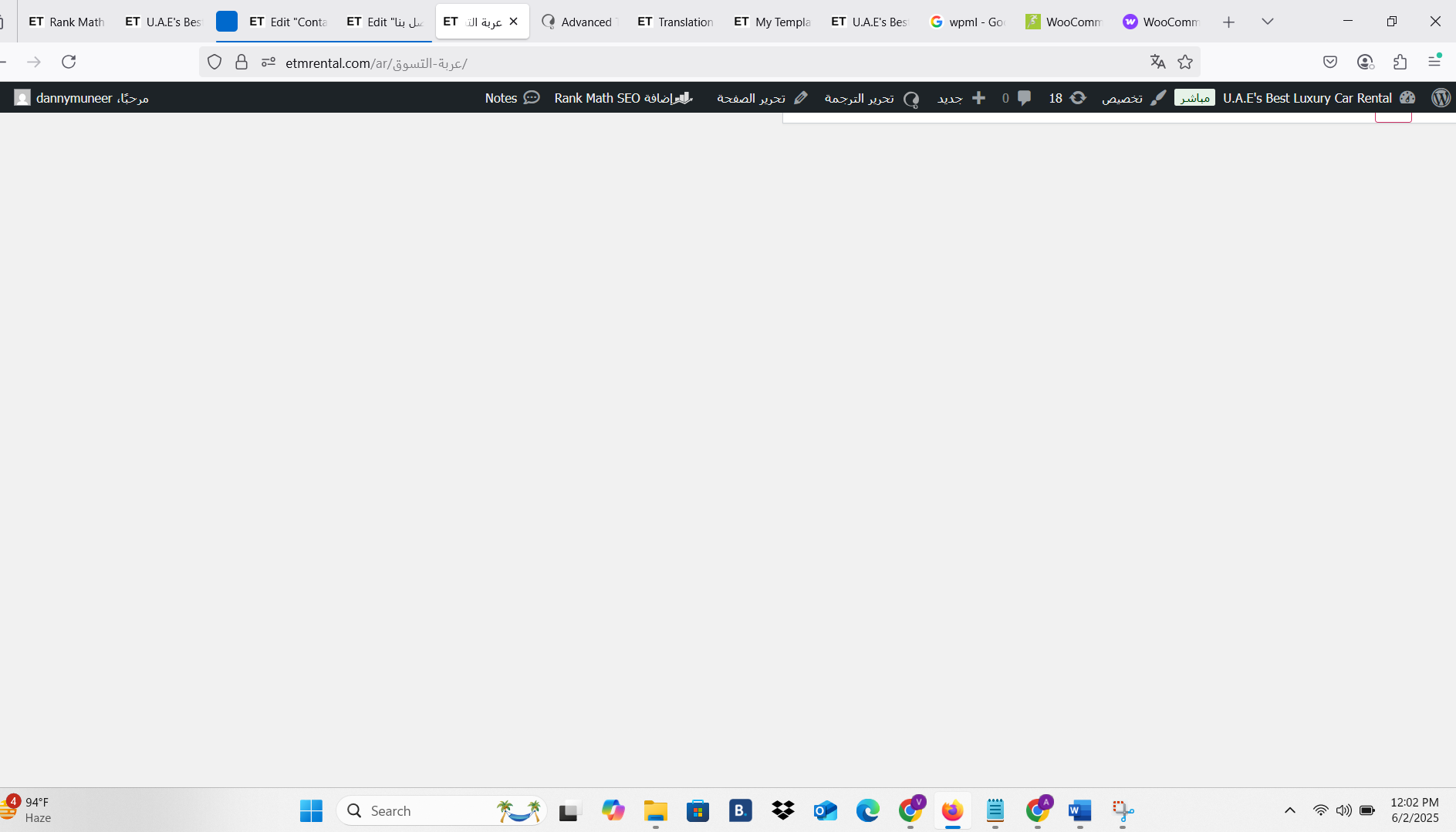
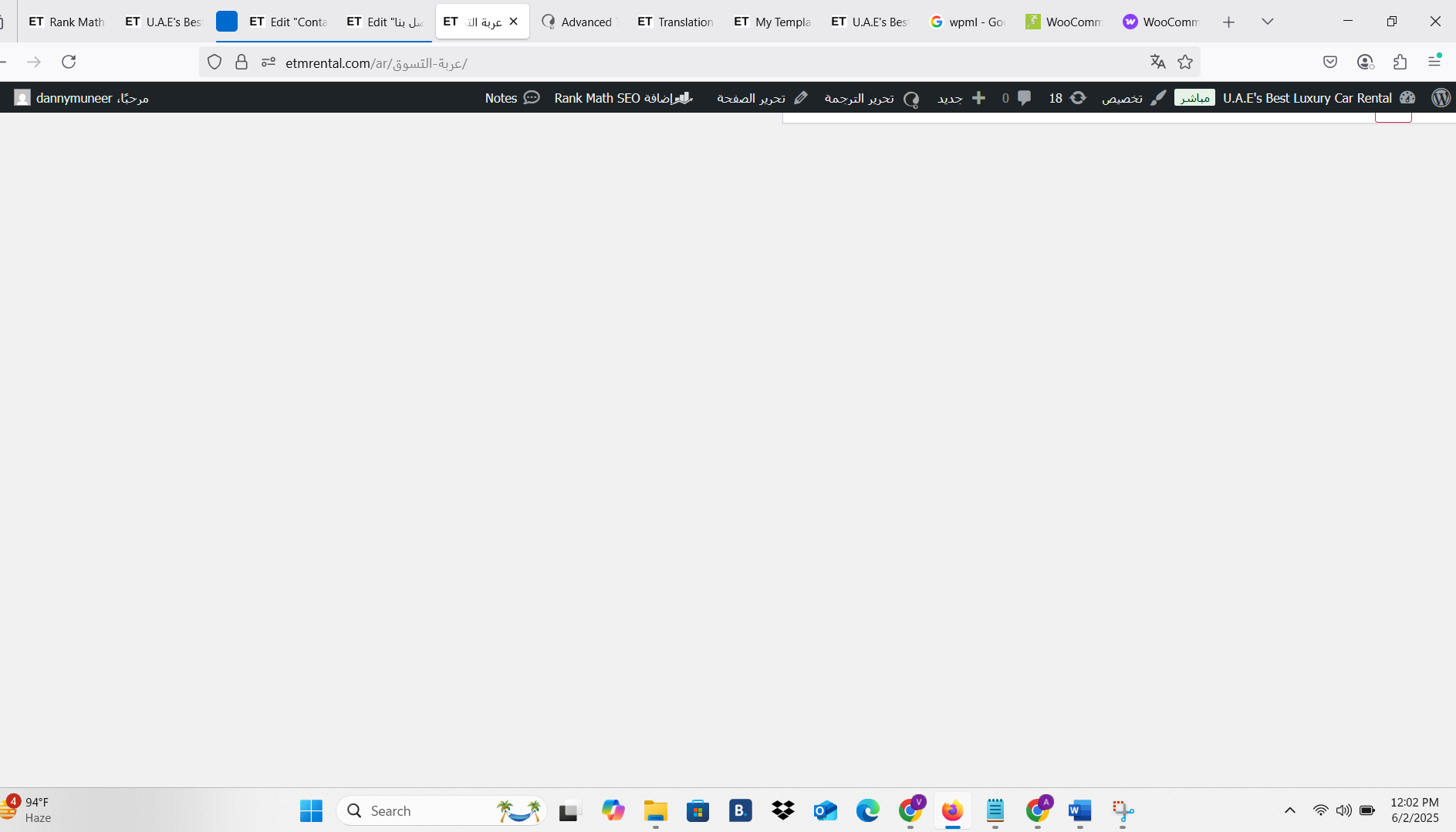
The white screen on your Arabic page could be caused by a PHP error or memory issue. Here are some steps to diagnose and fix it:
Enable WordPress Debugging:
In your wp-config.php, enable debugging to reveal the actual error:
define('WP_DEBUG', true);
define('WP_DEBUG_LOG', true);
define('WP_DEBUG_DISPLAY', false);
Then visit the Arabic page again and check the /wp-content/debug.log file.
Check Memory Limit:
The minimum requirement is 128M but I suggest that you increase it to 512M: https://wpml.org/home/minimum-requirements/
You can add this by adding the code below to "wp-config.php" file of your WordPress installation root folder:
/** Memory Limit */
define('WP_MEMORY_LIMIT', '512M');
define( 'WP_MAX_MEMORY_LIMIT', '512M' );
Please add the code above the line below:
/* That's all, stop editing! Happy blogging. */
Translation credits are not refunded once consumed — even if the translations were applied to pages or templates you later delete for more information:
https://wpml.org/purchase/refunds/
Thanks.