Background of the issue:
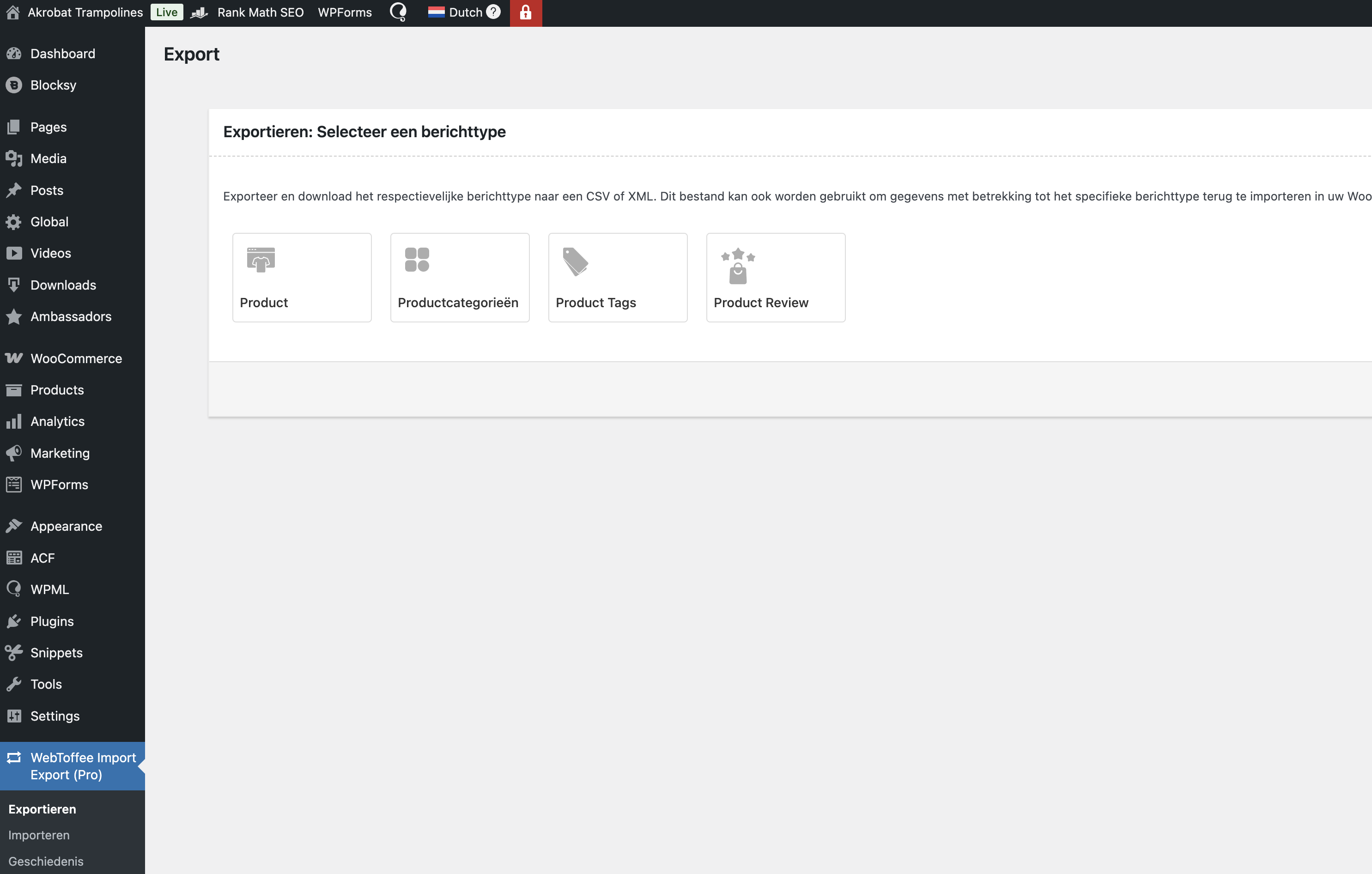
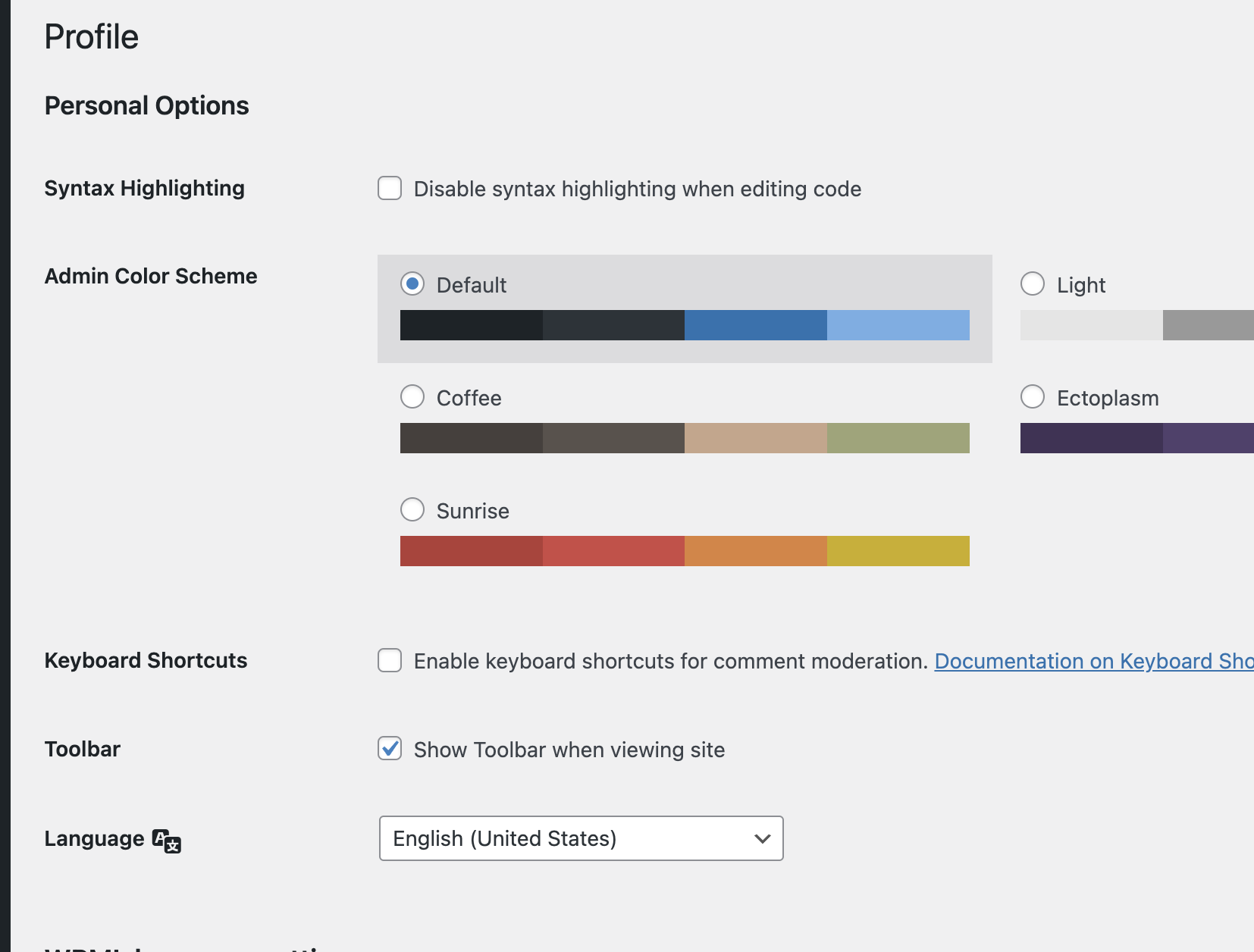
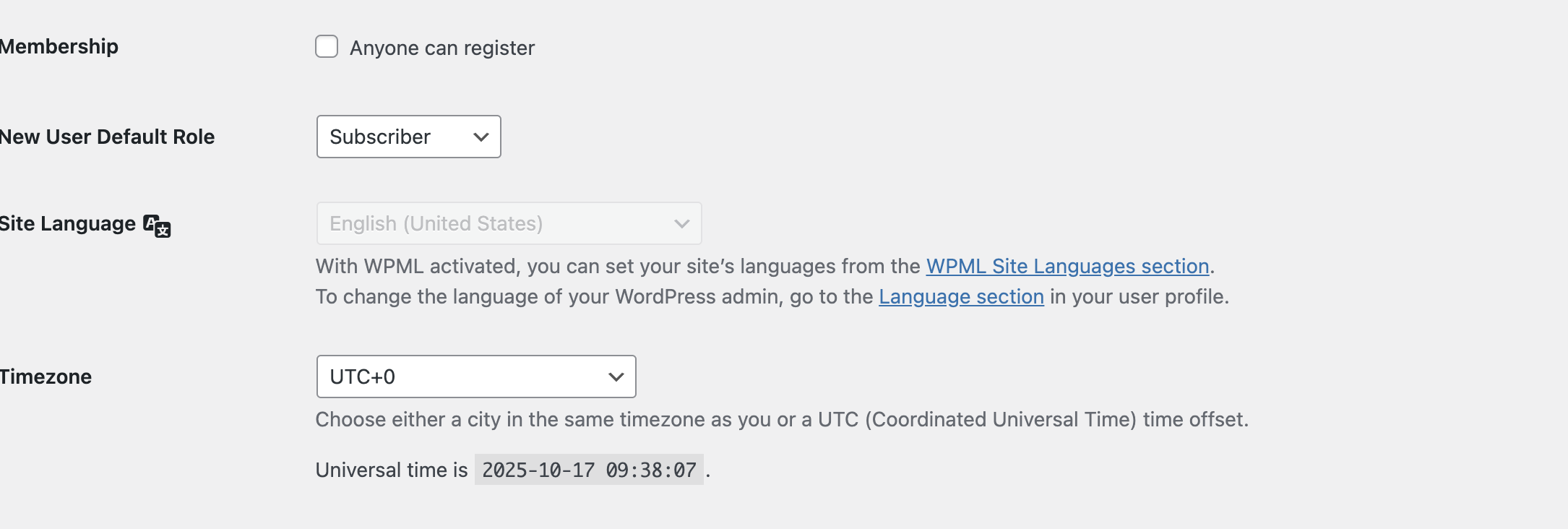
I am running a multilingual site with WPML where Dutch (NL) is the main language and German (DE) is secondary. I’ve set the Site Language in WordPress to English and also set my user profile to English. I expected the entire backend to switch to English.
Symptoms:
The backend still appears partly in Dutch. WPML itself correctly shows in English, but many other plugins (like WebToffee Import/Export, WooCommerce, Blocksy, etc.) still load Dutch strings or mixed languages.
Questions:
Is there any known conflict or method in WPML to force the entire admin (including third-party plugins) to always use English, even when the main site language is Dutch?
Thanks for your reply. I will require temporary access (WP-Admin and FTP) to a test site where the problem has been replicated, if possible. This will enable me to provide better assistance and determine if any configurations need to be modified.
Please note that it is important to have a backup for security purposes and to prevent any potential data loss. You can use the UpdraftPlus plugin (https://wordpress.org/plugins/updraftplus/) to fulfill your backup requirements.
Your upcoming reply will be treated with confidentiality and will only be visible to you and me.
✙ To resolve the issue, I may need your consent to deactivate and reactivate plugins and the theme, as well as make configuration changes on the site if necessary. This emphasizes the significance of having a backup.
Hi maybe I should create a Sandbox-setup for you to access via the Wrodpress admin? Or do you really also need access to the FTP? - I can fix that also. Just asking.
Thanks for your reply. Yes, please create a staging site and share the credentials with me. Please make sure to have a backup of everything you shared.
The topic ‘[Closed] Backend language not fully switching to English’ is closed to new replies.