Hello,
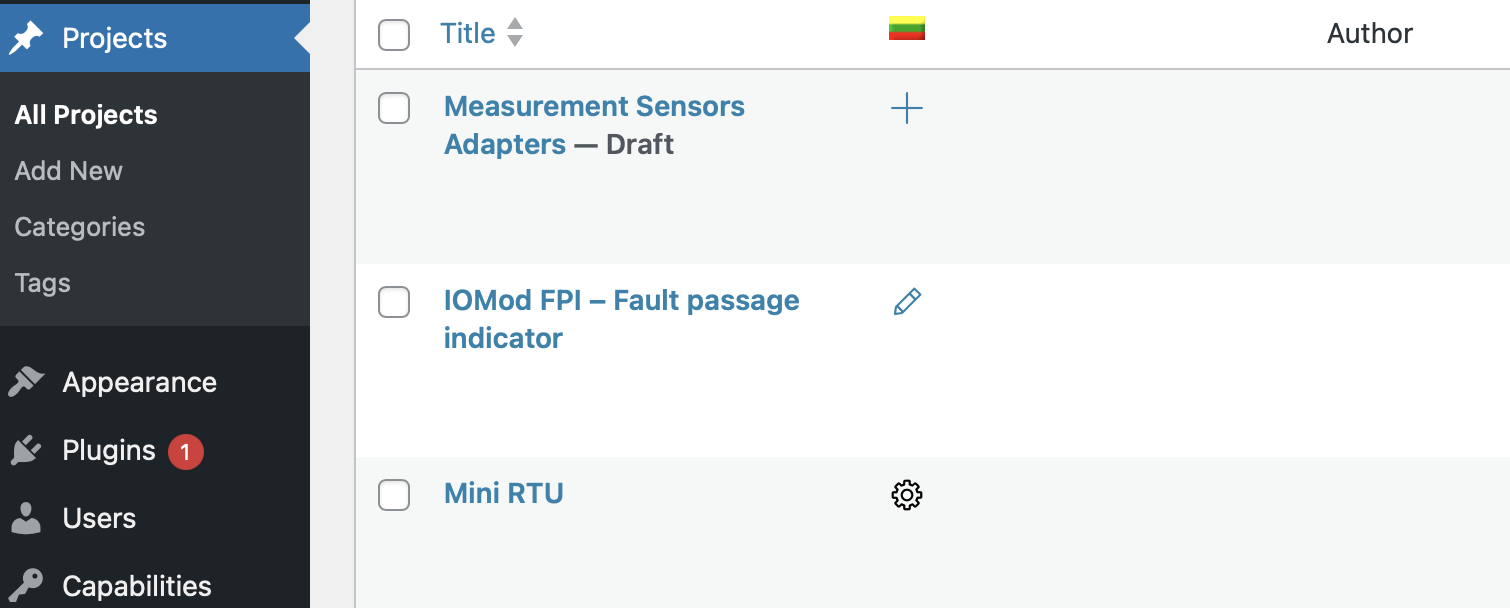
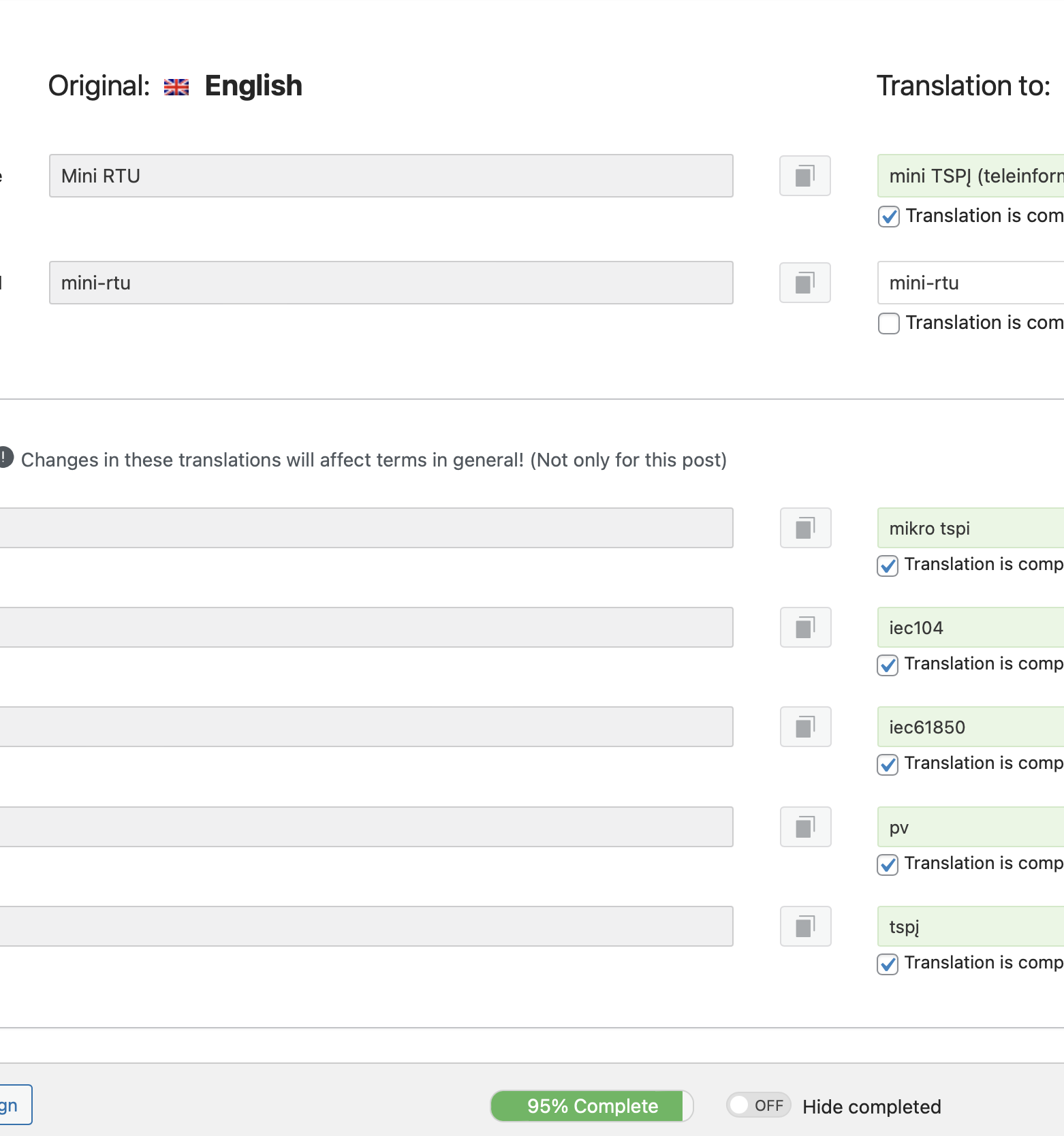
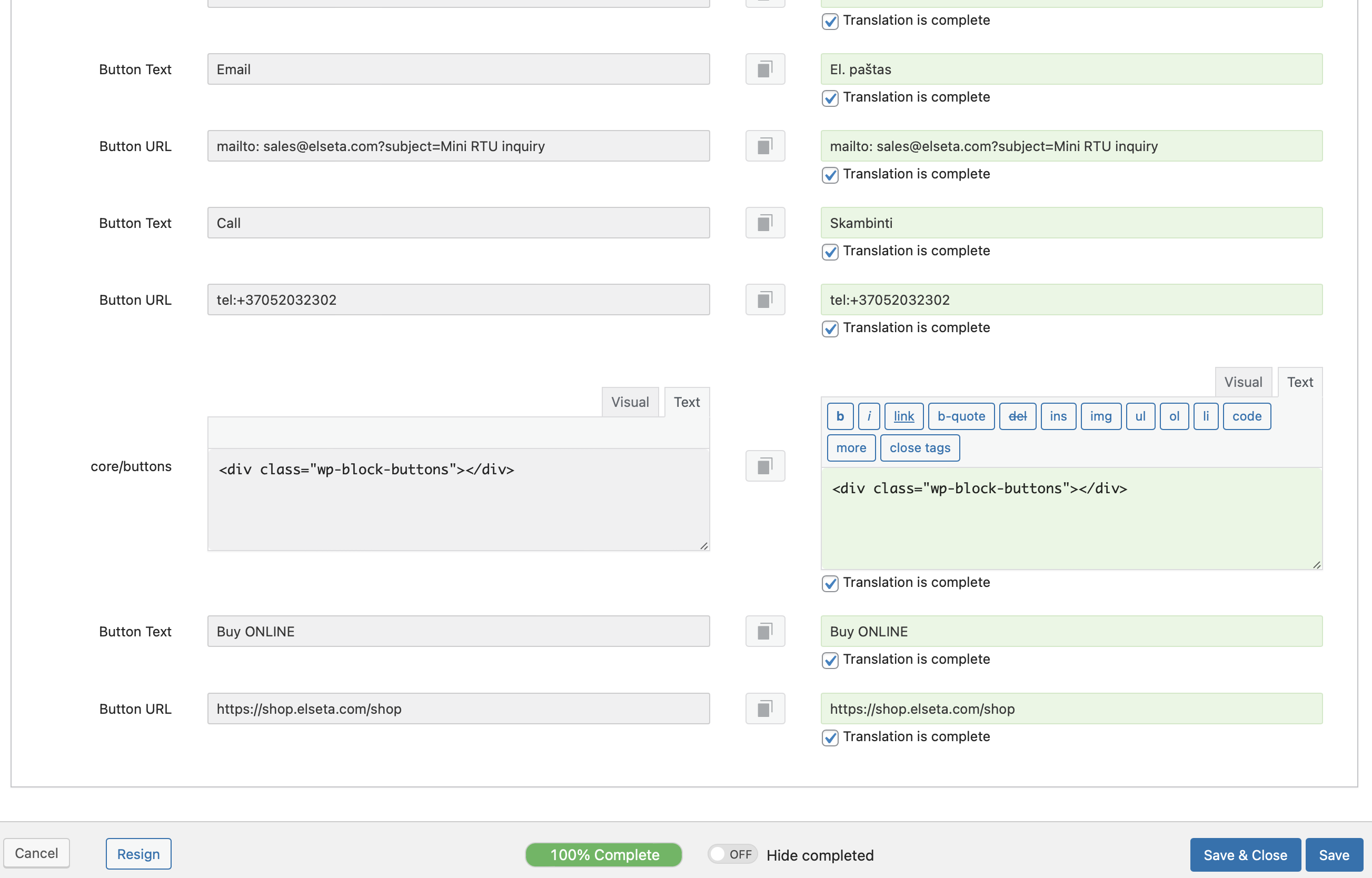
I am doing translation into LT language. Filled in all the fields, it shows 100% translated. Then click save and close. The translation is not saved. And when I reopen, the translation level keeps showing 95%.
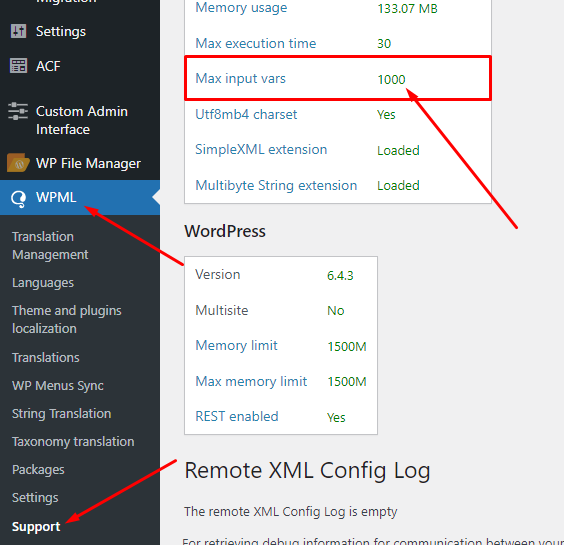
Thank you for contacting WPML Support. This issue usually happens when the Max input vars value is not enough to save the entire page fields as you can see here: hidden link
To fix this issue issue, please increase MaxInputVars to 20000 or more. For this, please try to set this variable in your php.ini:
You may need to contact your hosting provider to set them. You can confirm the updated value from WPML >> Support page as you can see in the attached screenshot.
After increasing the value, please try the below procedure:
1. Please open the default language page in Edit mode.
2. Make a small change, for example, add a space or + sign in your page/post title.
3. Update the page by pressing the “Update” button.
4. Now, please remove that small change that did in step #2.
5. Update the page again.
6. Now, please try to open the translated page in WPML Translation Editor and make sure the translation is 100% complete and press the Save & Close button.
Please let me know the results,
Thank you
The topic ‘[Closed] Dont save translated content’ is closed to new replies.