Background of the issue:
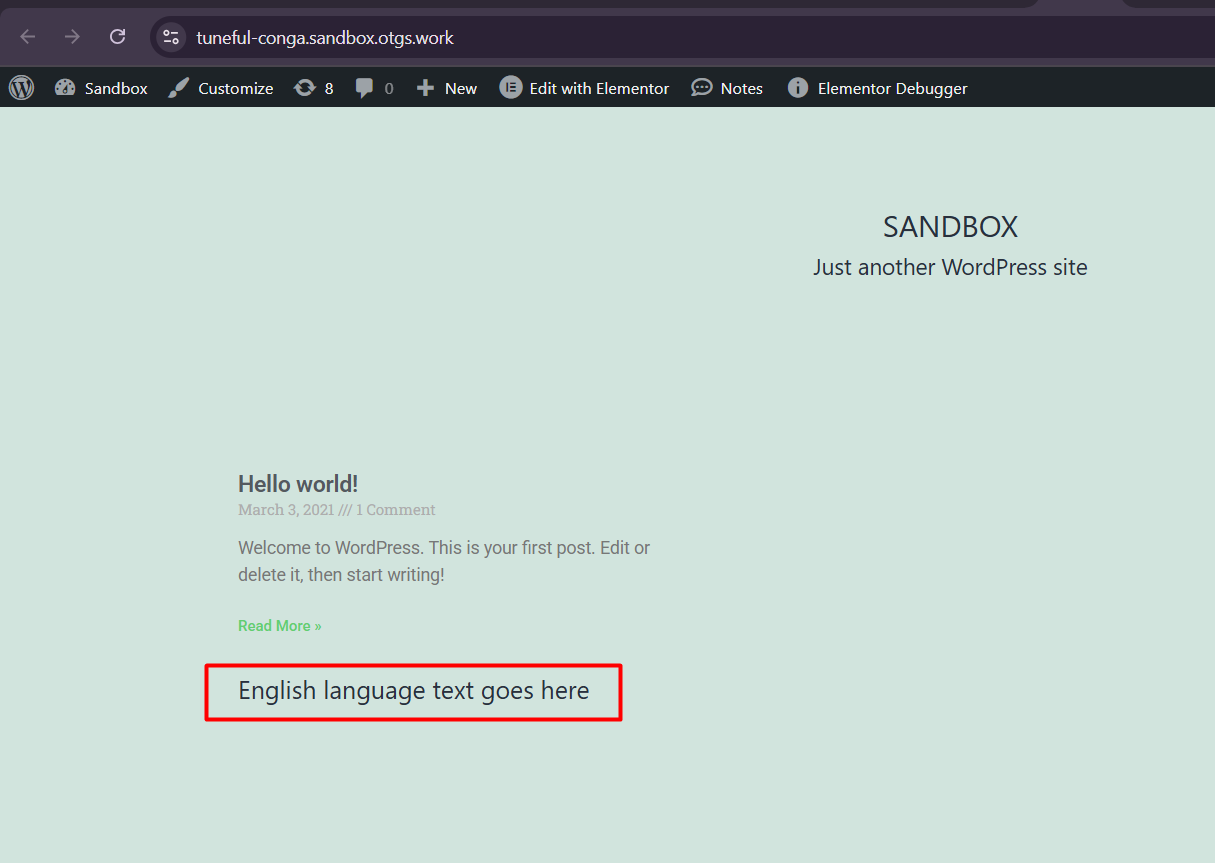
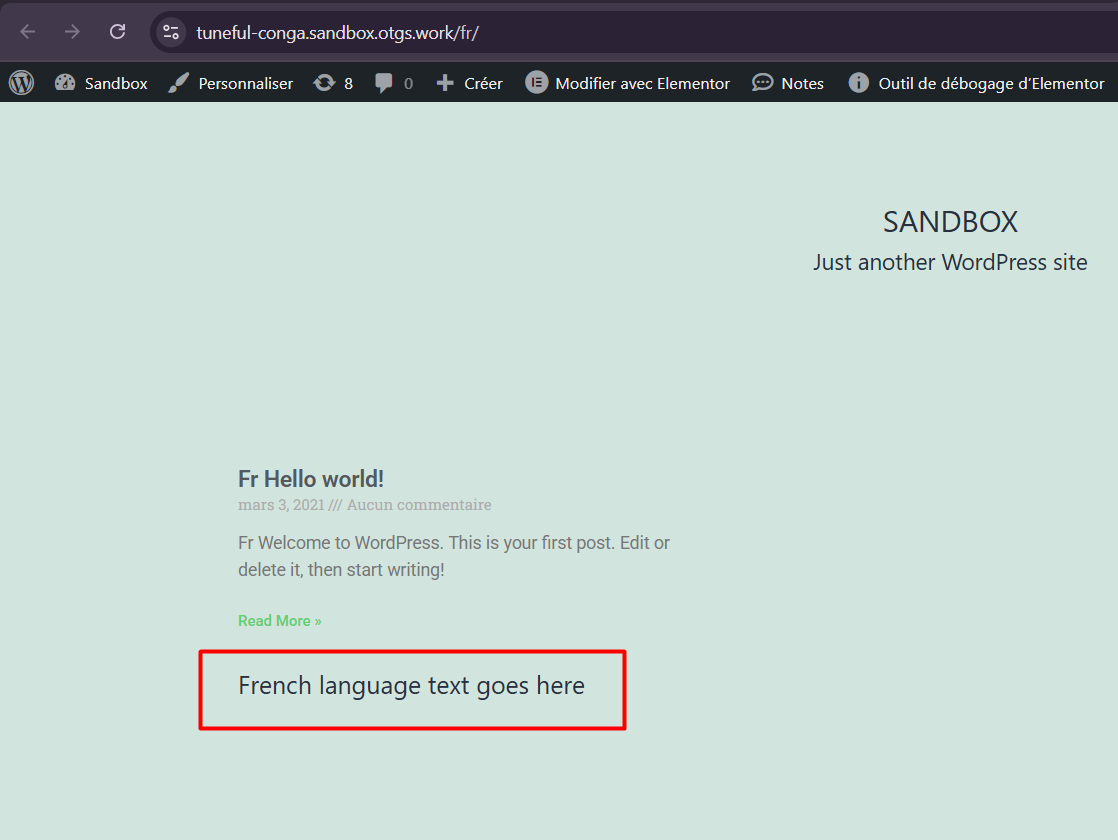
I am developing a site and using a Theme Builder 'Archive' template with Elementor. I want to translate the Text Widgets within this template without creating separate translation copies of the template. I want to use one template for all languages, with translatable elements.
Symptoms:
I am unable to register the Text Widgets inside the Theme Builder 'Archive' template for translation.
Questions:
How can I translate Text Widgets inside a Theme Builder 'Archive' template without creating separate translation copies?
Trying to get static text strings (Text widgets, button text, forms, etc) inside ELementor Pro to translate WITHOUT creating duplicate Templates has been a nightmare and I must give WPML a bug thumbs down at this stage due to its failure to register strings after many attempts and following precise instructions.
I'm at a loss on how to get this to work, but now considering duplicating my templates as needed, which I am dreading, as maintenance in having duplicate templates just for language creates a much more cumbersome site.
Unless you can quickly identify why my static strings are not being registered for translation within several hours we will need to change our approach.
This has become very expensive for us. I feel WPML has made a lot of promises but is badly in need of thorough testing within the Elementor Pro and JetEngine environments.
Please respond as quickly as possible if you can help get this working without me having to spend many more hours following a tedious list of steps and setting tweaks.
Thank you for contacting WPML Support. I completely understand your frustration, and I’m sorry for the time this has already taken. I’ll do my best to help you get this sorted quickly.
Just to clarify, anything added inside Elementor (like Text Widgets, Buttons, or Forms) can only be translated through WPML’s Translation Editor or the default WordPress Editor, as explained here: https://wpml.org/documentation/plugins-compatibility/elementor/
Alternatively, you can create a custom shortcode in your theme’s PHP file and wrap those texts with the gettext( __() ) function. This way, the strings will appear in WPML >> String Translation, and you can then use the shortcode inside your Elementor template. This approach might help you keep a single template for all languages.
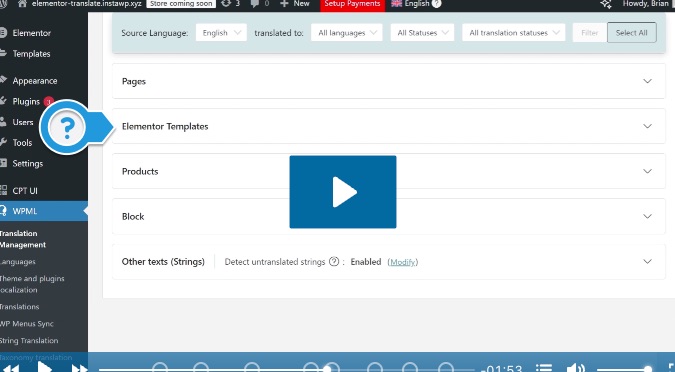
Thanks for the reply. The first video above shows A section called 'Elementor Temp'ates'. I do not see this. Is there a configuration required for this?
Are you able to explain carefully how it is possible to use only one version of an Elementor Template for all languages, with the static elements translatable?
I don't want to add records for each string in the functions.php file. Instead, I simply wish to see the static strings that exist in Elementor templates translatable, and appear in the Translation Strings page. I have selected the domains "Elementor". "Elementor Pro" and the "Hello template" but the strings are not appearing.
By default, static text added directly inside Elementor widgets isn’t automatically registered for translation unless the template itself is translated using WPML’s Translation Editor or default WP Editor. Scanning the theme or Elementor plugin won’t detect those strings because they’re stored in the database, not in the PHP files.
The only ways to make them translatable are:
1. Translate the template using WPML’s Translation Editor as mentioned in our doc, or
2. Use shortcodes (so WPML can register them in String Translation).
Elementor currently doesn’t expose static text from templates for translation in WPML >> String Translation, and this is a known limitation.
You may try to achieve it using custom code, but that would be beyond our support scope, in that case, you might consider hiring a developer for a tailored solution.
Thank you for your understanding and cooperation
The topic ‘[Closed] How to Translate Elementor Text Widgets inside Theme Builder Template’ is closed to new replies.