Background of the issue:
I'm finishing the translation of our website using WPML. The main task left is media translations. I've added media translations to our WordPress environment and started translating through settings.
Symptoms:
Media translations don't seem to work. The translated version does not show the images. The German version shows the wrong result, while the Dutch version shows the correct images.
Questions:
Can you assist in finalizing the media translation steps?
While one of my teammates handles your ticket, I will provide you with initial troubleshooting steps.
Do I correctly understand that you have run the media settings in WPML → Settings → Media Translation? If not, you can try to do so. But make sure to take a complete backup first.
If this doesn't help, we just released a new version of WPML 4.8. Please update your WPML plugin and add-ons to the latest version to benefit from the most recent bug fixes and improvements. This may not necessarily solve your problem; however, we need to work with the newest code available to troubleshoot the issue most effectively.
You can check the latest released versions under "My Account -> Downloads" on this site.
If you do not see the updates, you might need to click the "Check for updates" button in Plugins → Add New → Commercial tab.
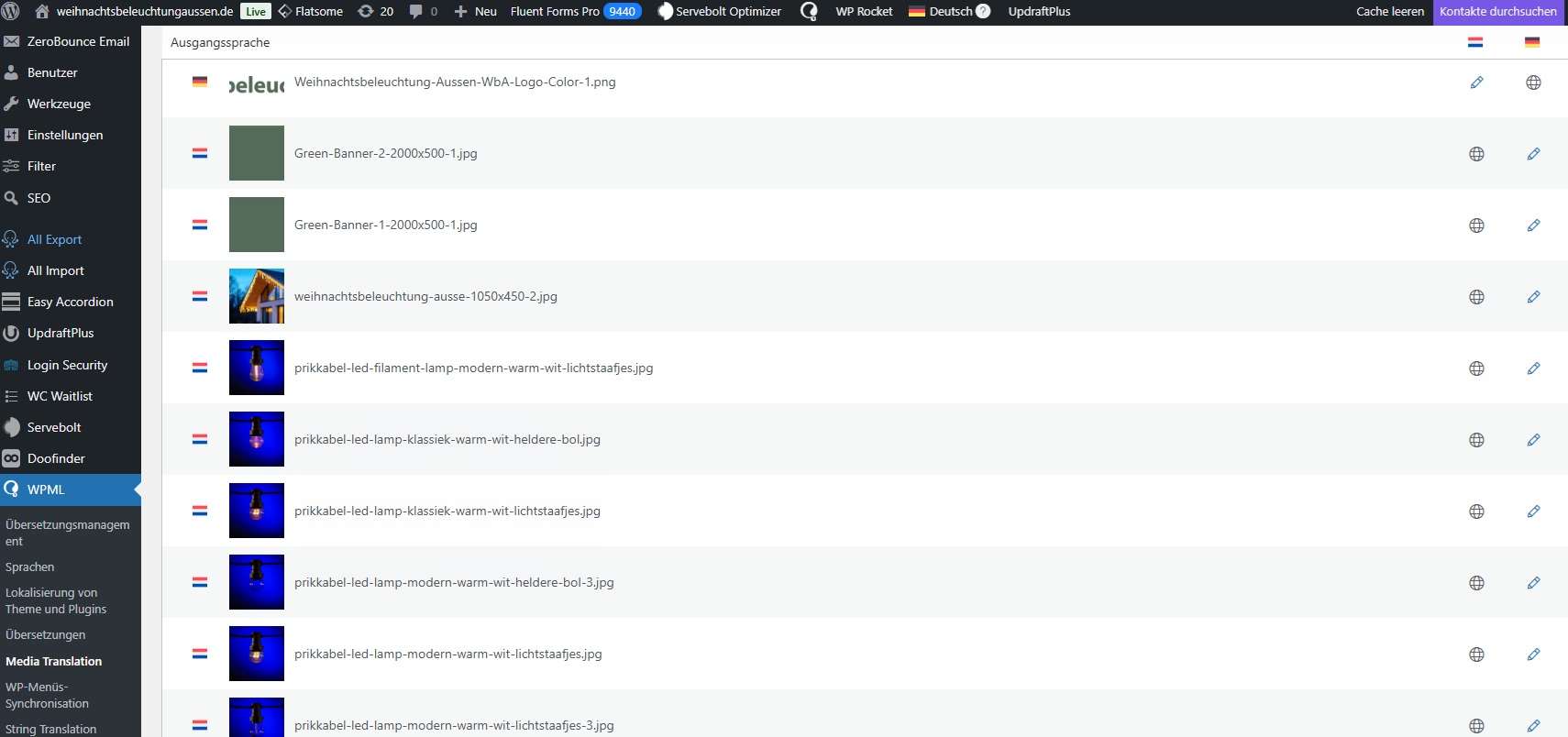
I have downloaded the new otg installer. It says the media should now translate automatically. Ive checked settings and the media translator plugin. where can I see the results?
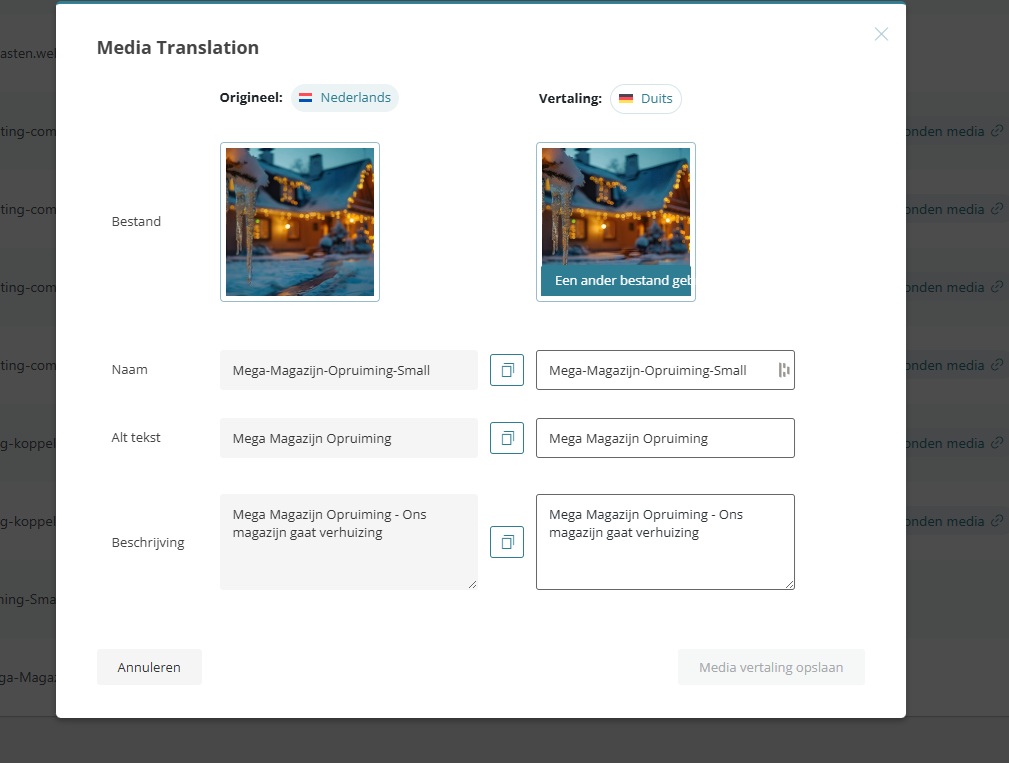
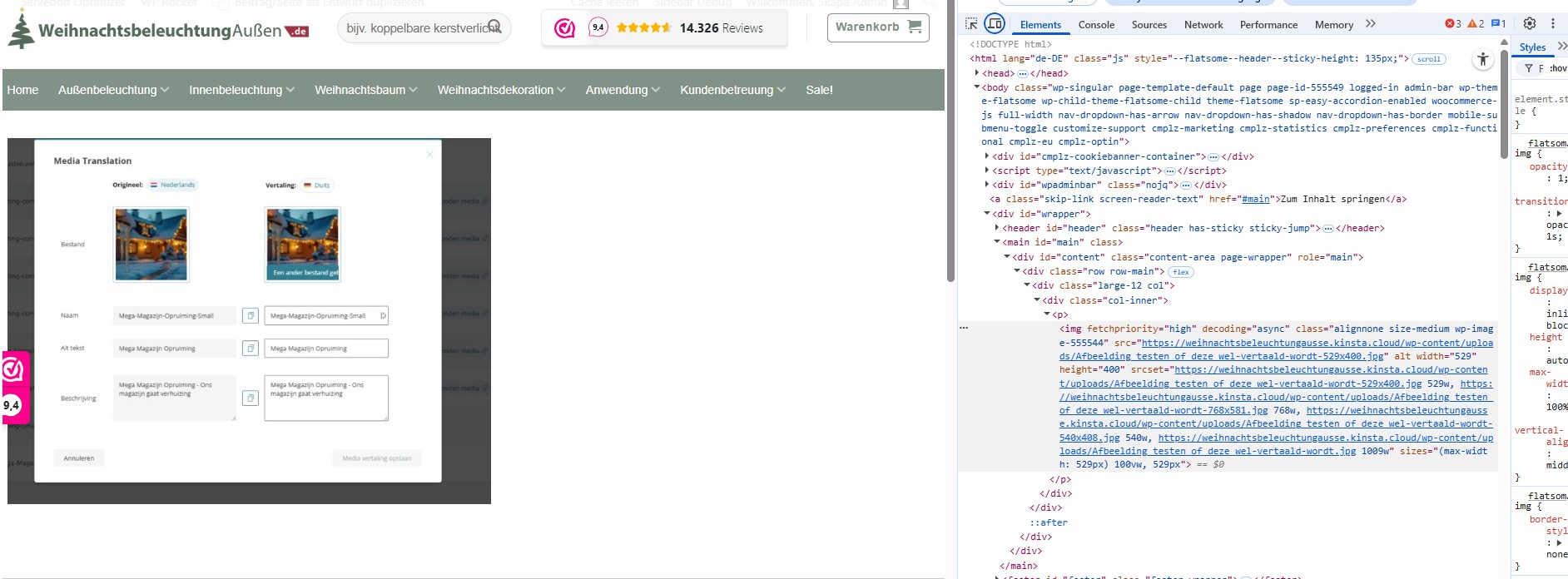
the example still shows Dutch input and Dutch output instead of German.
I have downloaded the new version in which media translations should go automatically, where can I see the results, because in the example below it still is Dutch > Dutch.
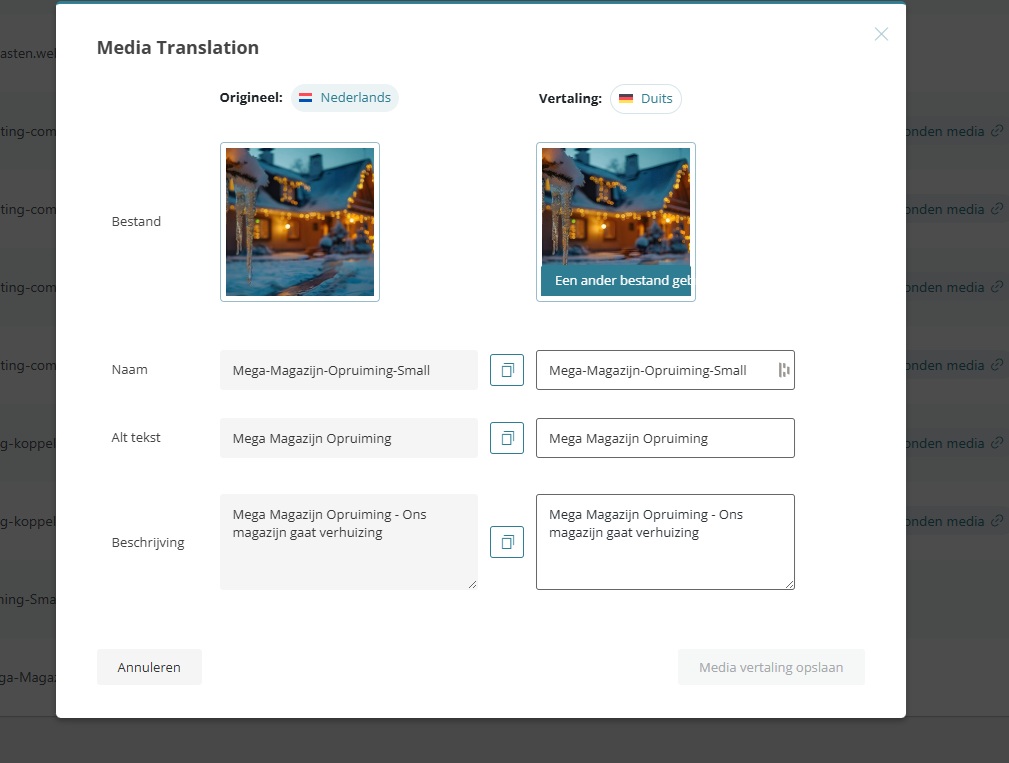
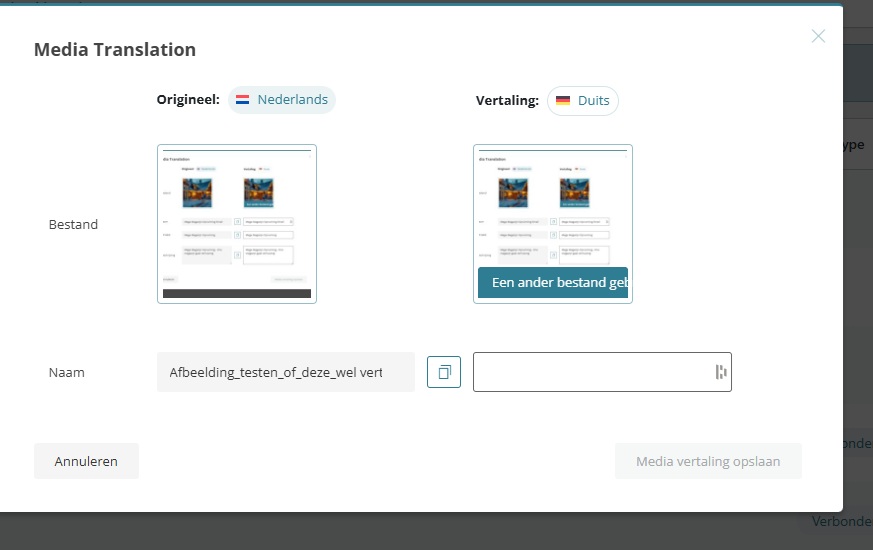
Ive uploaded a new media. This is the media ive uploaded, By the + it seems like it does not translate automatically.
This is the page where it should end up;
hidden link
Its not perfectly clear to me if it should translate automatically or not.
Furthermore;
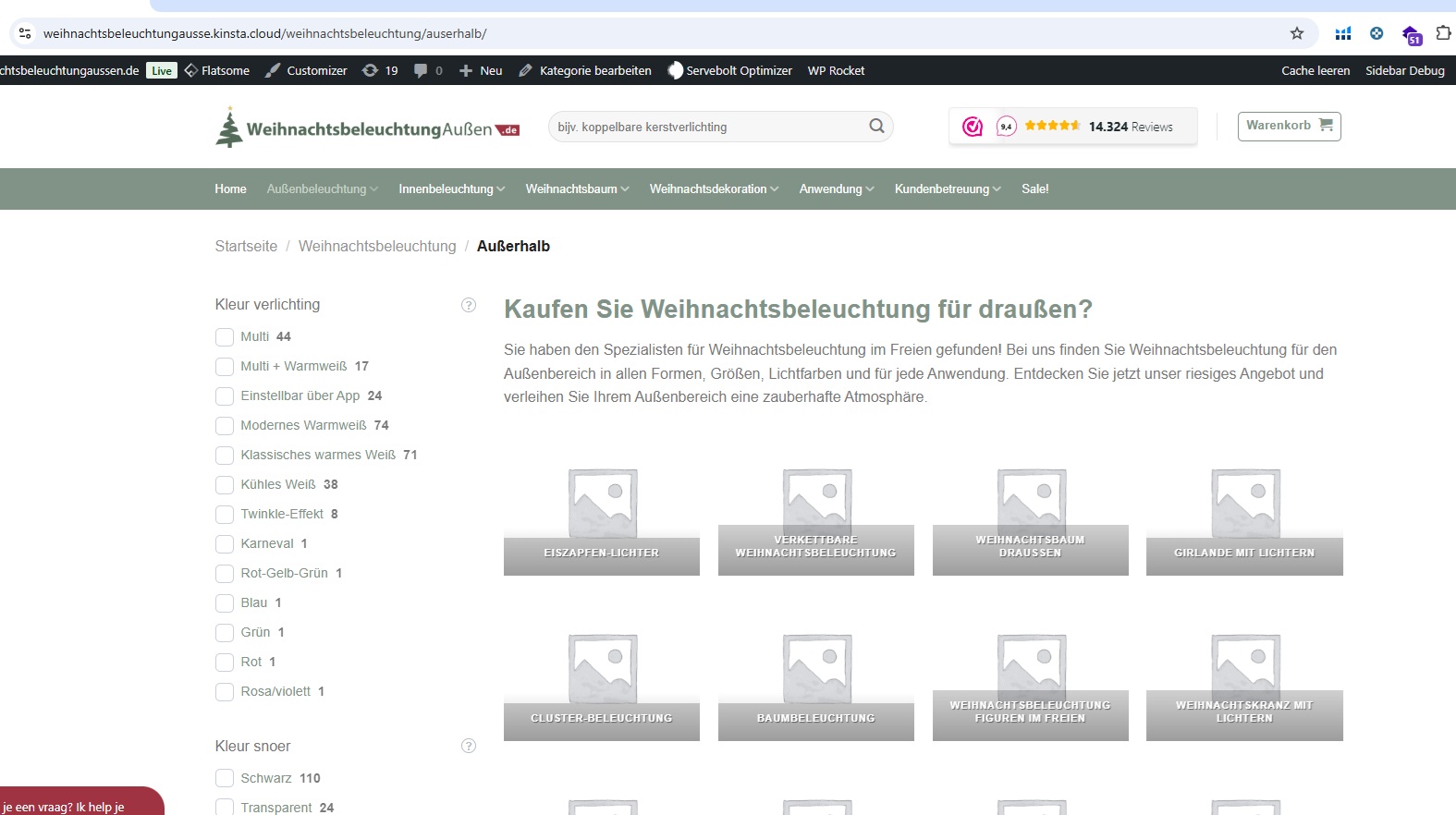
German: WRONG hidden link
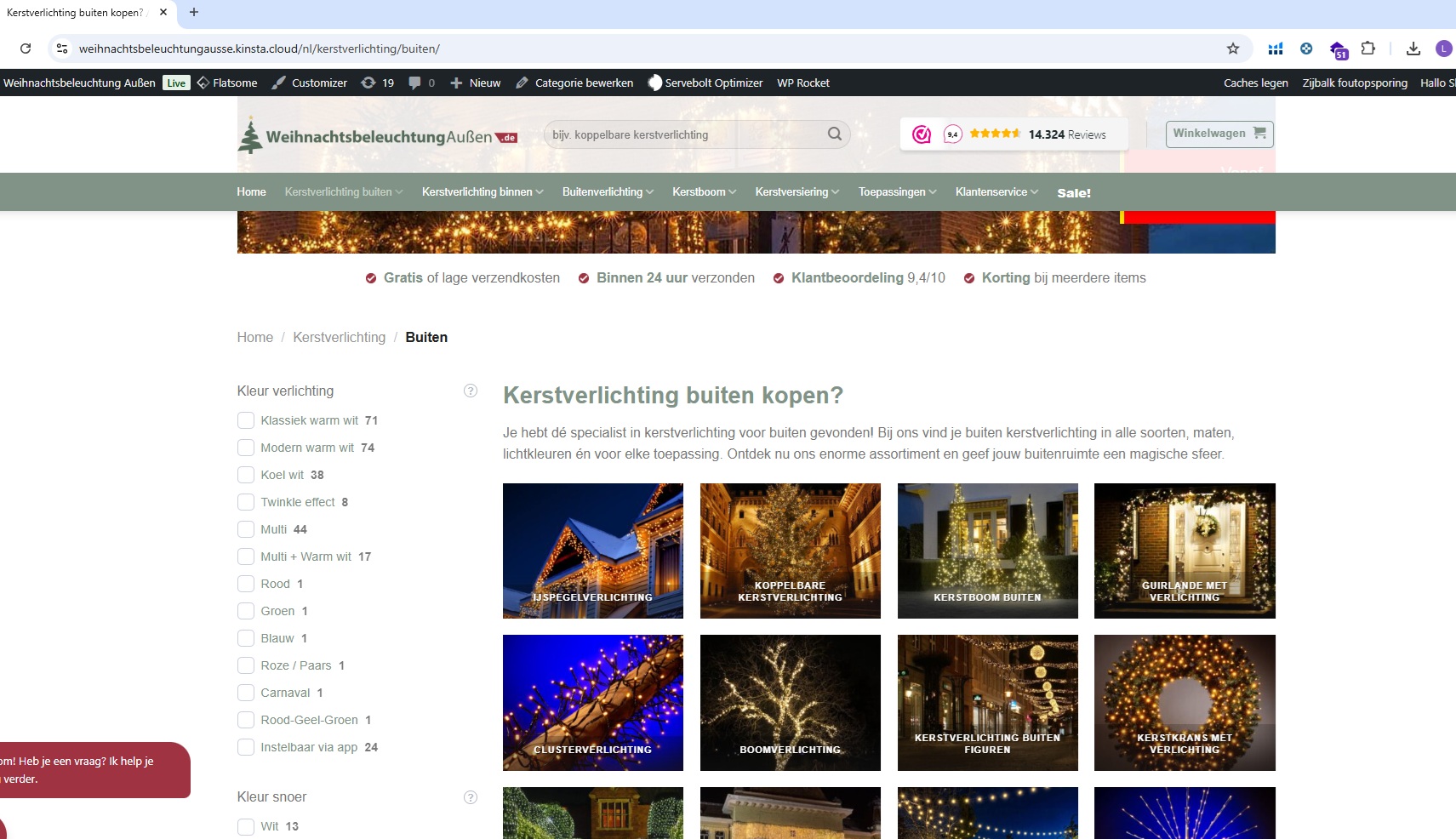
Dutch: CORRECT hidden link
On this page; the german version does not automatically get the media, while the dutch version does. Which is strange and should also get the same images basically
Let's backtrack for a second to ensure that we are both on the same page in case some misunderstanding of how this feature is supposed to work.
The notice that you are most likely referring to is:
New in WPML 4.8 - Automatic image and media detection
WPML can now automatically detect what types of texts (alt, caption, title) your images use. Enable this option to avoid duplicate fields in the translation editor and missing translations for your images.
This feature should work as expected and these are also the steps on how to make the media translations work.
You will also notice in the above doucmentaiton that you can use WPML Media Translation add-on plugin (shown in your screenshot) to use different media per language, but it is not required for a standard translation which can be done by translating the page that includes the media in question. You should simply just have to translate the page and the editor will detect the media and it's content.
Try this please with the following sandbox that I have enabled the feature on:
1. Login to our sandbox hidden link
2. Go to pages and add a test page (name it TEST client or anything else)
3. In the page add a media , upload a new one and add a title or alt, etc.
4. Publish
5. Go to WPML->translation management->and send it for automatic translation, you will notice that it will detect and translate the media items.
I have done this with my own test and it seems to work ok.
I have tried and tested the sandbox and it seems to work. A part of my media (in our account) is translated. Part is not, should I conclude that when the media is not translated, it is not part of a page?
Also could you please come back to the second part of the question?
See:
Furthermore;
German: WRONG hidden link
Dutch: CORRECT hidden link
On this page; the german version does not automatically get the media, while the dutch version does. Which is strange and should also get the same images basically