This thread is resolved. Here is a description of the problem and solution.
Problem: The client installed WPML on their development site and production site but encountered errors related to the WordPress REST API not being enabled or not responding correctly. Solution: We recommend checking the WordPress REST API's availability and ensuring it is enabled. For detailed steps on how to troubleshoot and resolve issues related to the WordPress REST API with WPML, please follow the suggestions in this support thread.
If this solution does not apply to your case, or if it seems outdated, we highly recommend checking related known issues at https://wpml.org/known-issues/, verifying the version of the permanent fix, and confirming that you have installed the latest versions of themes and plugins. Should you need further assistance, please do not hesitate to open a new support ticket or visit our support forum.
This is the technical support forum for WPML - the multilingual WordPress plugin.
Everyone can read, but only WPML clients can post here. WPML team is replying on the forum 6 days per week, 22 hours per day.
Background of the issue:
I installed WPML on a development site called hidden link. I am experiencing issues on both my production site easy-reg.ch and the development site.
Symptoms:
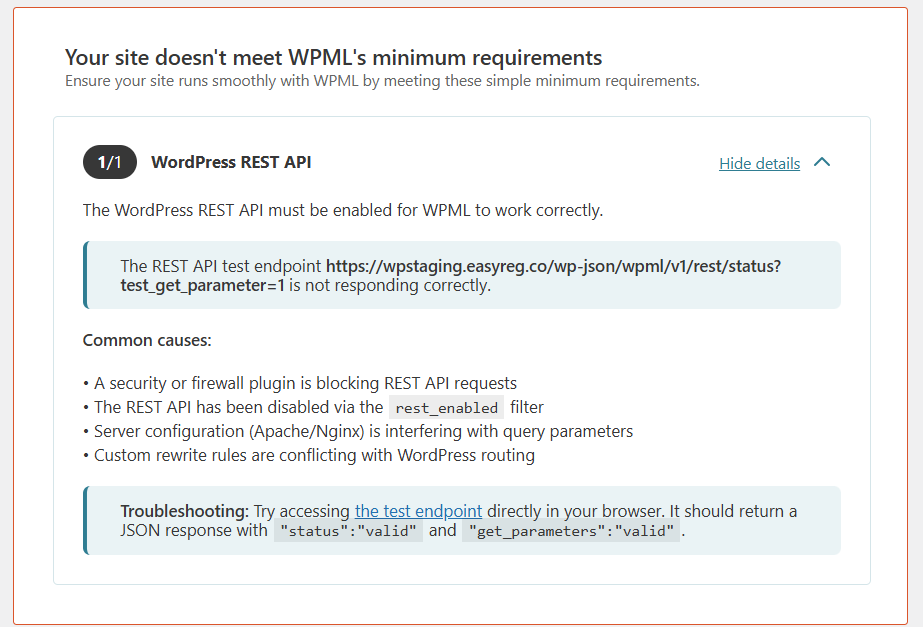
In easy-reg.ch, the error is: 'The WordPress REST API must be enabled for WPML to work correctly. Ensure the REST API endpoint hidden link is reachable and that the WordPress REST API is enabled.' In the development site hidden link, the error is: 'The WordPress REST API must be enabled for WPML to work correctly. The REST API test endpoint hidden link is not responding correctly.'
Thank you for contacting WPML Support. It seems you are facing the known issue which is already reported to our developers and the workaround is also given. Could you please take a backup of your site and follow the suggested workaround from this errata: https://wpml.org/errata/warning-about-wordpress-rest-api-if-non-authenticated-requests-blocked/ and see if this resolves the issue.
Thank you for the reply. I see this issue will be fixed with WPML 4.8.2 version, correct?
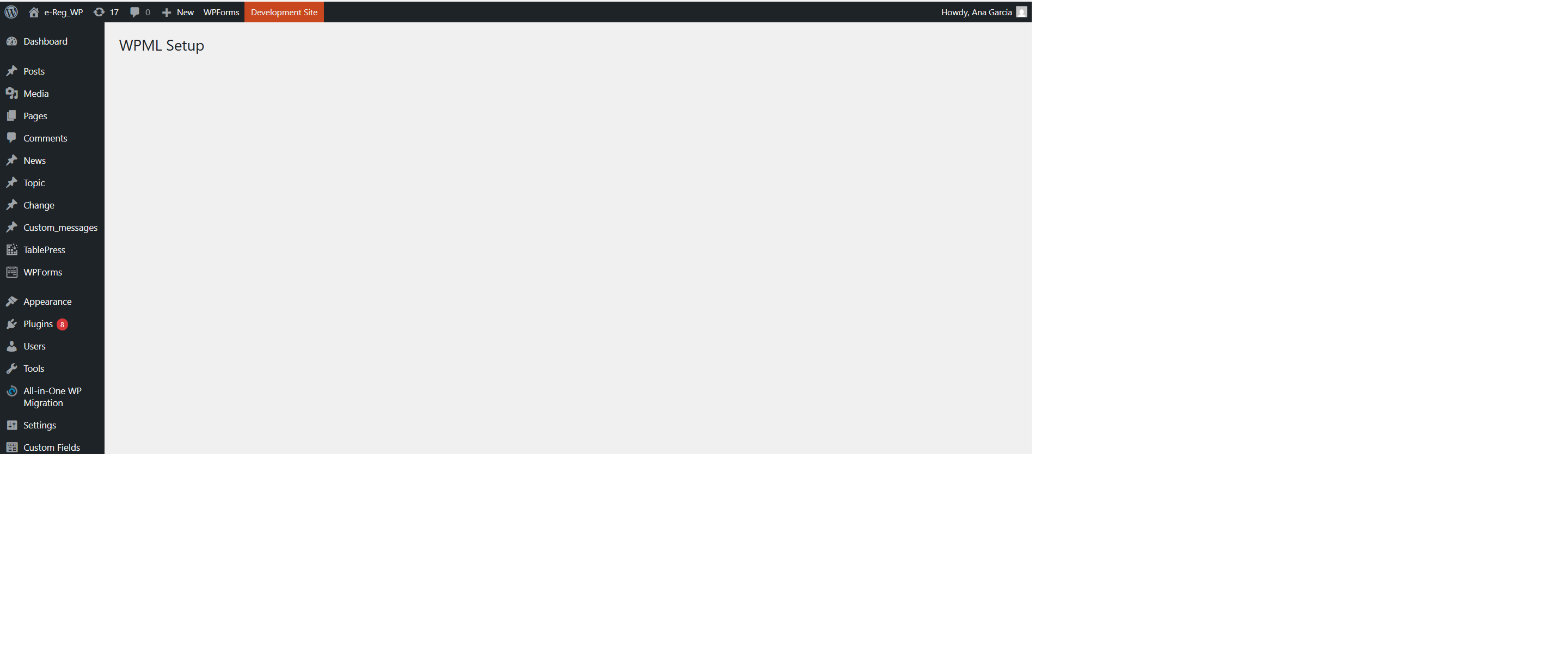
At that time will then be possible to set my site up? Currently we cannot configure it and start with the translations (see screenshot attached to this message).
I actually have the Version 4.8.3 installed and the issue still appears.
Thanks for the update, yes indeed, it should work fine with WPML v4.8.3. It seems something went wrong during the WPML installation. If it’s a new site with no translated content, you can reset WPML and set it up again.
To do so:
=== Please backup your database and website ===
- Please go to WPML >> Support >> Troubleshooting (the link is at the bottom of the support page). >> There, click on “Reset and deactivate WPML” >> then Delete the plugin.
- After deleting all WPML data and WPML-related plugins then please install WPML plugins again and I hope now you will not face any issues.
The issue still appears. I removed every plugin related to WPML, installed the otgs-installer-plugin.3.1.14 twice and the Setup screen is still empty.
I tried to installed the sitepress-multilingual-cms.4.8.4 but a message saying tha the link has expired appears each time.
How should I then proceed?
The REST API test endpoint hidden link is correct (see screenshot attached).
Could it be related to our VPN and any internal firewall?
Thanks for trying the above steps. To take a closer look at this issue, please provide temporary access (WP-Admin and FTP Login info) to your site (preferably staging site), so that I can look into your setup and debug the issue.
Your next answer will be private, meaning only you and I can access it.
=== Please backup your database and website ===
✙ I would need your permission to deactivate and reactivate Plugins and the Theme and to change configurations on the site. This is also a reason the backup is essential.
We have now a new issue and there is absolutly no help in your support system.
When we install the plugin, we get now this error ( see attached) : Plugin could not be activated because it triggered a fatal error.
We downloaded the latest version from your website and it's still not working.
Thank you,
New threads created by Noman and linked to this one are listed below: