This thread is resolved. Here is a description of the problem and solution.
Problem:
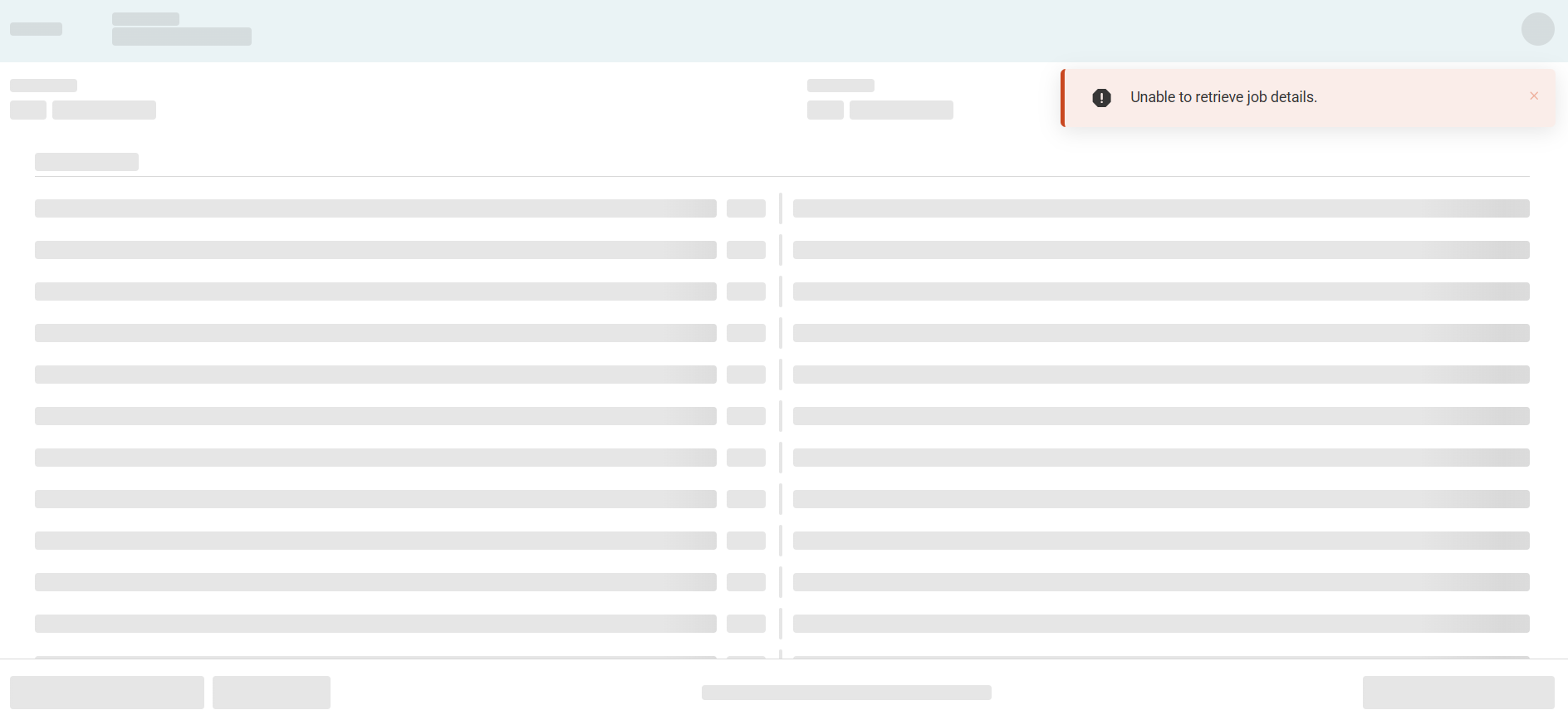
experiencing an issue where the Translations Screen in WPML displayed the message 'Jobs could not be loaded' and did not show any translation jobs. The screen for String Translations indicated 'Waiting for Translator' and did not allow editing of pending translations.
Solution:
The issue was caused by a conflict with another plugin. Deactivating non WPML plugins resolved the issue.
This is the technical support forum for WPML - the multilingual WordPress plugin.
Everyone can read, but only WPML clients can post here. WPML team is replying on the forum 6 days per week, 22 hours per day.
experiencing an issue where the Translations Screen in WPML displayed the message 'Jobs could not be loaded' and did not show any translation jobs. The screen for String Translations indicated 'Waiting for Translator' and did not allow editing of pending translations.
after long investigation and activating plugin one by one, the issue disappears for all strings except the main header 937146 and its strings,
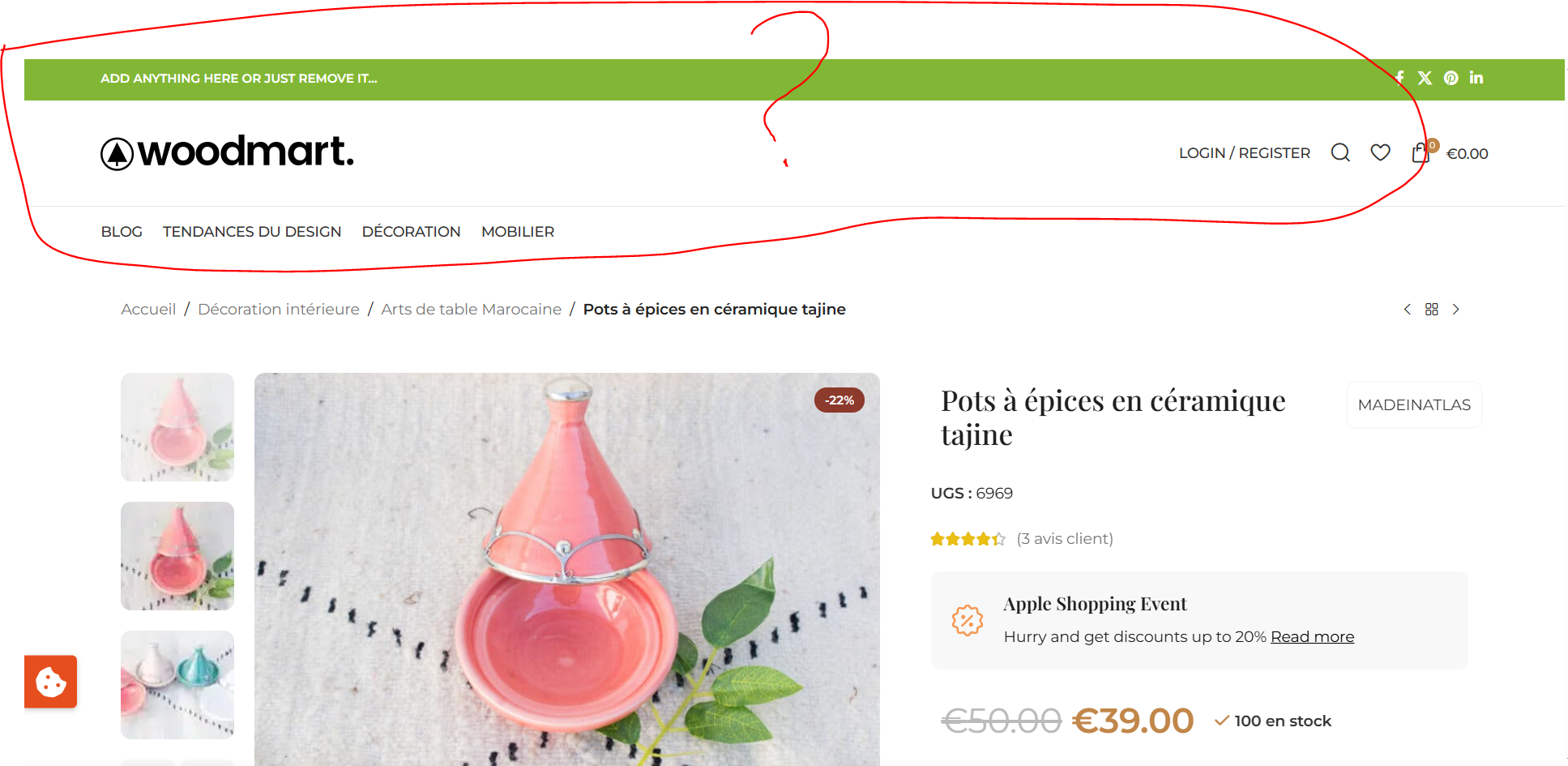
here is 2 screenshot first one for admin text header 937146
and second for one of this strings when i tried to translate it, but the default woodmart header persist, i have clear all cache cloudflare/ object cache pro/ cloudways, but no way
take for example the product: hidden link this is the right header
I would like to request temporary access (wp-admin and FTP) to your site to take better look at the issue. You will find the needed fields for this below the comment area when you log in to leave your next reply. The information you will enter is private which means only you and I can see and have access to it.
Our Debugging Procedures
I will be checking various settings in the backend to see if the issue can be resolved. Although I won't be making changes that affect the live site, it is still good practice to backup the site before providing us access. In the event that we do need to debug the site further, I will duplicate the site and work in a separate, local development environment to avoid affecting the live site.
- Please make a backup of site files and database before providing us access.
- If you do not see the wp-admin/FTP fields this means your post & website login details will be made PUBLIC. DO NOT post your website details unless you see the required wp-admin/FTP fields. If you do not, please ask me to enable the private box. The private box looks like this: hidden link