
This is the technical support forum for WPML - the multilingual WordPress plugin.
Everyone can read, but only WPML clients can post here. WPML team is replying on the forum 6 days per week, 22 hours per day.
Tagged: Exception
| Author | Posts |
|---|---|
| January 6, 2026 at 8:53 pm #17707863 | |
 joyceV-6 |
Hello!! I have an English default site. The secondary language is Spanish. 2- changing to the Spanish menu and having it stay Spanish. 3- If I have a custom Spanish menu, I'm assuming that all links need to be custom as well correct? 4 - I translated the Home page and it only translated the top half. I'm assuming that its because it was built in Divi and there are many sections? Many thanks for your help. WP ENGINE: Joyce    |
| January 6, 2026 at 11:20 pm #17708024 | |
|
joyceV-6 |
Hello again Lauren, So I attempted to translate the homepage and no bueno. hidden link It said it was completed but don't see it and I don't see an edit translation. Any ideas? login: |
| January 6, 2026 at 11:44 pm #17708032 | |
|
joyceV-6 |
Hello! How do I delete the links below each product? Joyce 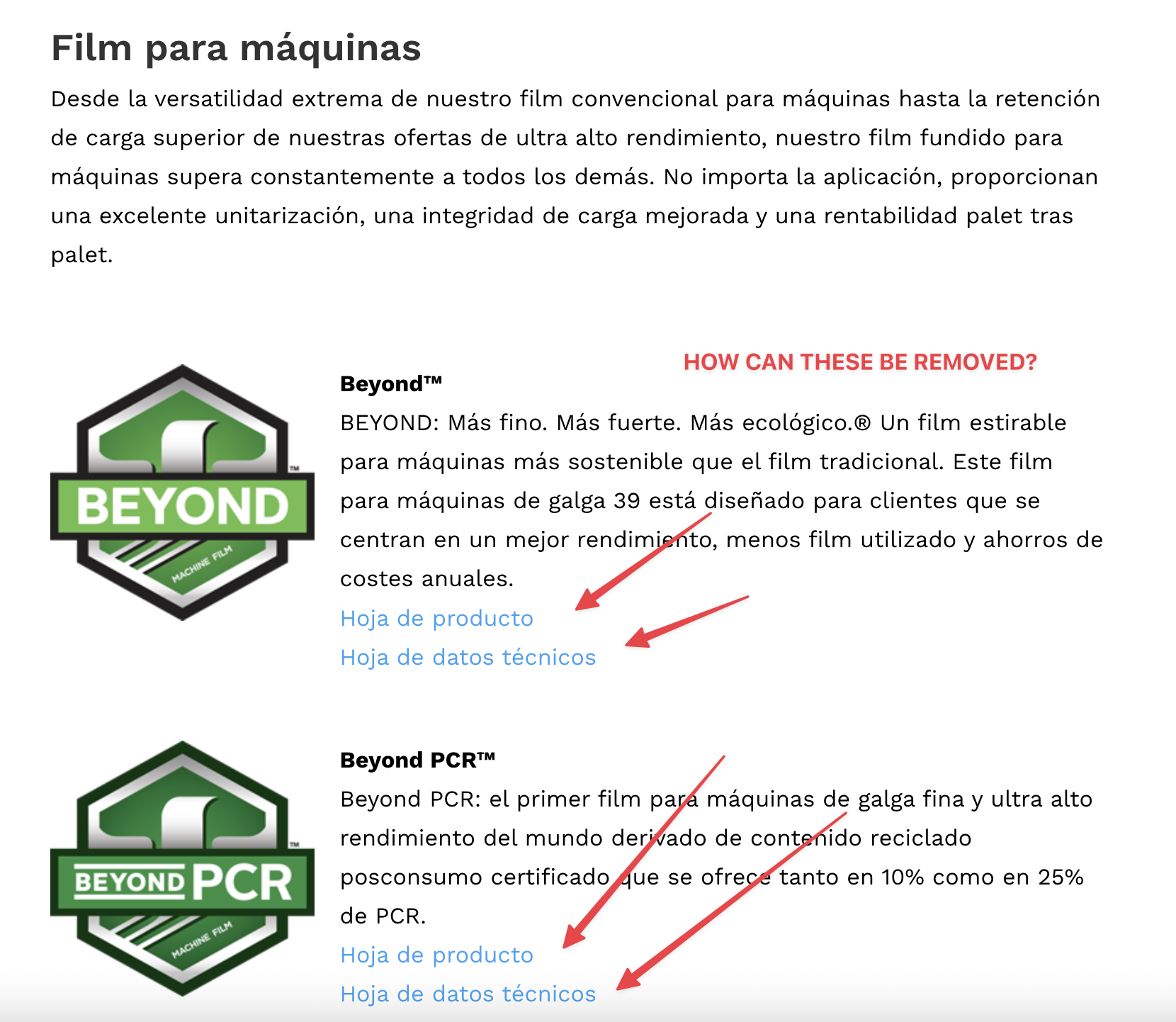 |
| January 7, 2026 at 12:09 am #17708064 | |
 Lauren WPML Supporter since 10/2015 Languages: English (English ) Timezone: America/New_York (GMT-05:00) |
I just checked the homepage and I see content on the Spanish version, it's just not translated. Do you see translated content in the Translation Editor? As for those links, those don't look like they are coming from WPML. How are you inserting the links in the original language, in English? I have marked the next reply as private in case you want to share credentials so that I can login and see if I can find where these links are added. |
| January 7, 2026 at 5:42 pm #17710455 | |
|
joyceV-6 |
Hello -I'm hoping to get this resolved. Otherwise I will create a manual homepage in Spanish. I did try today and for some reason it disappeared. Maybe you were editing the site? |
| January 7, 2026 at 7:04 pm #17710594 | |
|
Lauren WPML Supporter since 10/2015 Languages: English (English ) Timezone: America/New_York (GMT-05:00) |
I am also no longer seeing the correct page on the frontend, but the content looks like it's loading in the backend when viewing the Spanish page using Divi editor. So I saved the page from the Divi Editor, and now I see the content on the frontend and the translations. However, this is not expected and you should be able ot use the WPML editor. I see that your Divi theme needs an update, and that you have a child theme. Since this is a dev site, would it be possible to update Divi and switch the theme to main Divi and allow me to run some additional tests? I'd also like to test deactivating non WPML plugins to see if there could be some conflict happening some where. Let me know if that's okay to test. |
| January 8, 2026 at 12:58 am #17710942 | |
|
joyceV-6 |
Hi Lauren, I ended up manually recreating the Spanish Homepage, so at this point I don't need any assistence. New issue that we need to fix please: hidden link We need to remove all the links on this page. Thank you!   |
| January 8, 2026 at 6:38 pm #17714077 | |
|
Lauren WPML Supporter since 10/2015 Languages: English (English ) Timezone: America/New_York (GMT-05:00) |
Hi Joyce, In order to remove the links completely, you should edit the page in the original language and remove the links from there. Then, update the translation and those link fields should be gone. If you only want to remove the links from the secondary language, you will need to edit the translated page manually, using the Divi Builder. That's the only way to have different elements per language. Please let me know if you need any further assistance and I will be happy to help. |


