This thread is resolved. Here is a description of the problem and solution.
Problem:
You are trying to translate your custom theme (child of Neve theme) to different languages using .po/.mo files. After adding _e() functions to your strings in the child theme for detection, you now want to use your .po/.mo files to translate in bulk without using the WPML interface on wp-admin.
Solution:
We recommend using the import feature of WPML for translating your custom theme in bulk. Here are the steps you should follow:
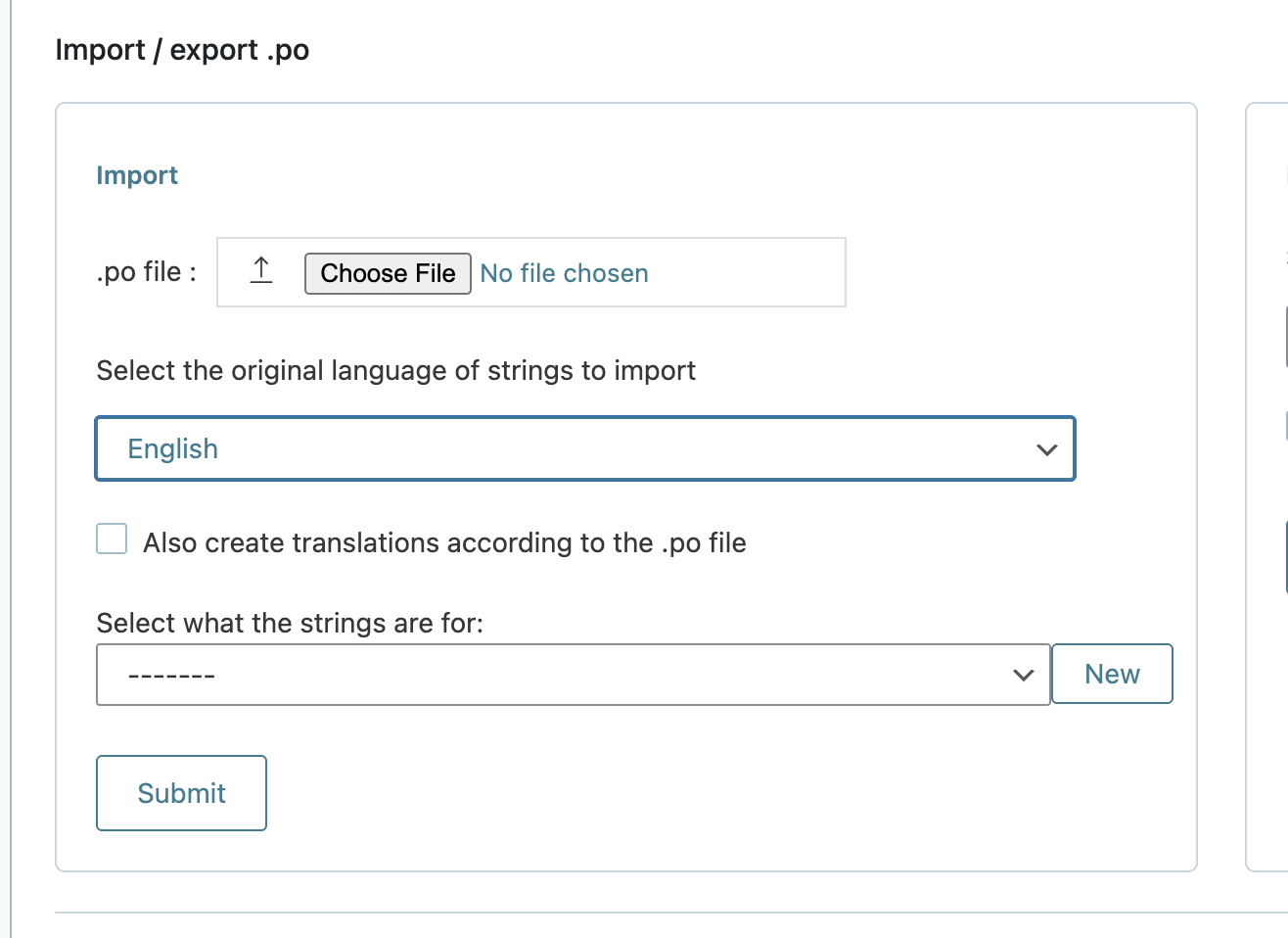
1. Go to your WordPress Dashboard > WPML > String Translation.
2. Scroll down and expand the Import/Export .PO option.
3. Choose your .po file.
4. Select which language it is intended for.
5. Select the proper text domain that you used in your child theme within the
_e()
function.
6. Import the strings.
Please note that this solution might be irrelevant if it's outdated or not applicable to your case. We highly recommend checking related known issues at https://wpml.org/known-issues/, verifying the version of the permanent fix, and confirming that you have installed the latest versions of themes and plugins. If this does not resolve your issue, please open a new support ticket at WPML support forum.
This is the technical support forum for WPML - the multilingual WordPress plugin.
Everyone can read, but only WPML clients can post here. WPML team is replying on the forum 6 days per week, 22 hours per day.
This topic contains 1 replies, has 0 voices.
Last updated by 4 days, 9 hours ago.
Assisted by: Christopher Amirian.