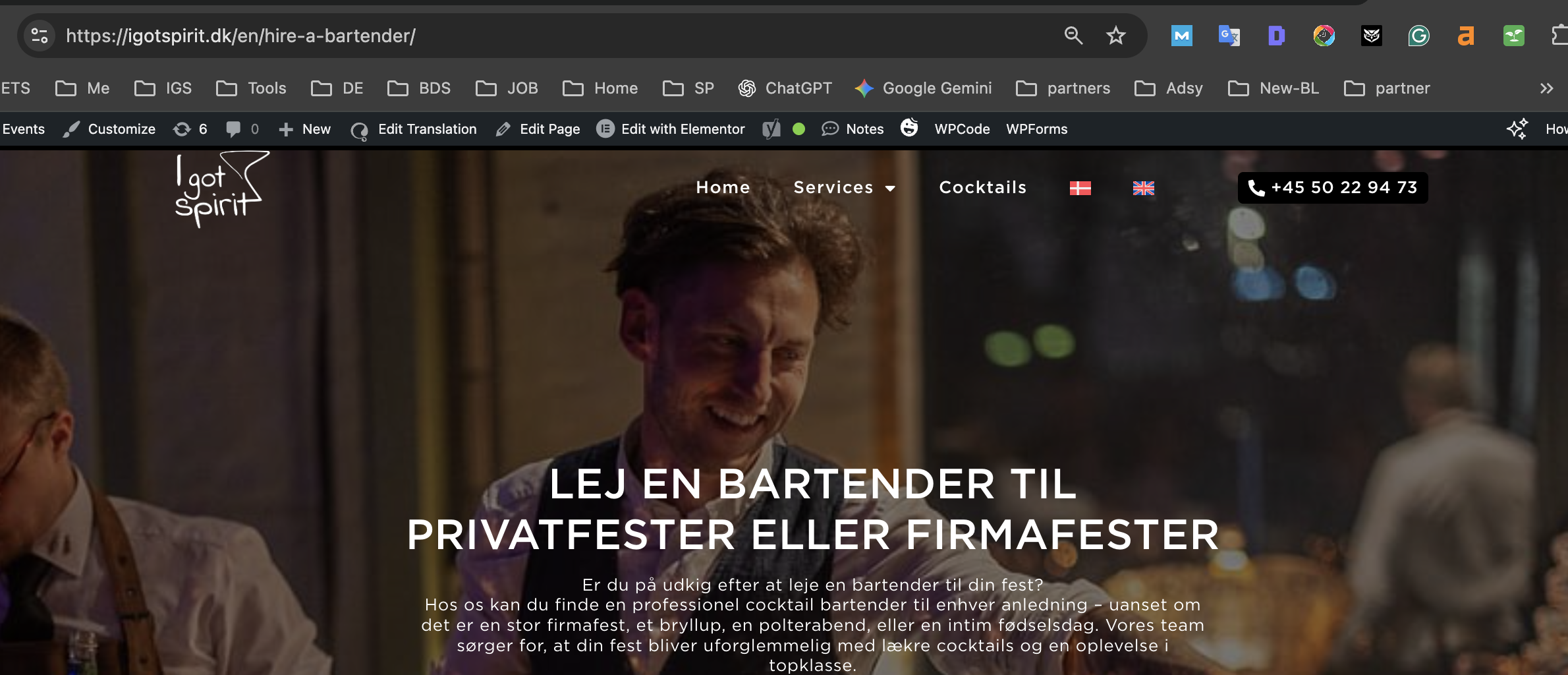
I’m facing a critical issue when translating Elementor pages using the Advanced Translation Editor (ATE). The translation is completed successfully in ATE, but the translated content does not display on the front-end. Only the URL, menus, and language switcher change — the actual page content remains in the original language.
This happens even though:
ATE status is “Completed”
The translated page is “Published”
The language switcher works correctly
The URL switches to the translated version (/en/...)
Menus and theme strings are translated
The page is built entirely with Elementor
When trying to edit the EN version using “Edit Page” or “Edit with Elementor”, WPML redirects me back to the original language page (DA) and shows a warning:
“Edits you are about to make will be lost. You are about to edit this translation using the WordPress editor. Any changes you make will be lost the next time you send this page for translation.”
This makes it impossible to apply or adjust the translation coming from ATE on Elementor-built pages.
I would really appreciate it if you could guide me on how to solve this issue.
Thanks for your patience. I did not get any replies from your end, so I've converted the chat into a ticket here so that we can follow up.
I can see the issue with the untranslated version here hidden link in English.
I will require temporary access (WP-Admin and FTP) to a test site where the problem has been replicated, if possible. This will enable me to provide better assistance and determine if any configurations need to be modified.
Please note that it is important to have a backup for security purposes and to prevent any potential data loss. You can use the UpdraftPlus plugin (https://wordpress.org/plugins/updraftplus/) to fulfill your backup requirements.
Your upcoming reply will be treated with confidentiality and will only be visible to you and me.
✙ To resolve the issue, I may need your consent to deactivate and reactivate plugins and the theme, as well as make configuration changes on the site if necessary. This emphasizes the significance of having a backup.