This thread is resolved. Here is a description of the problem and solution.
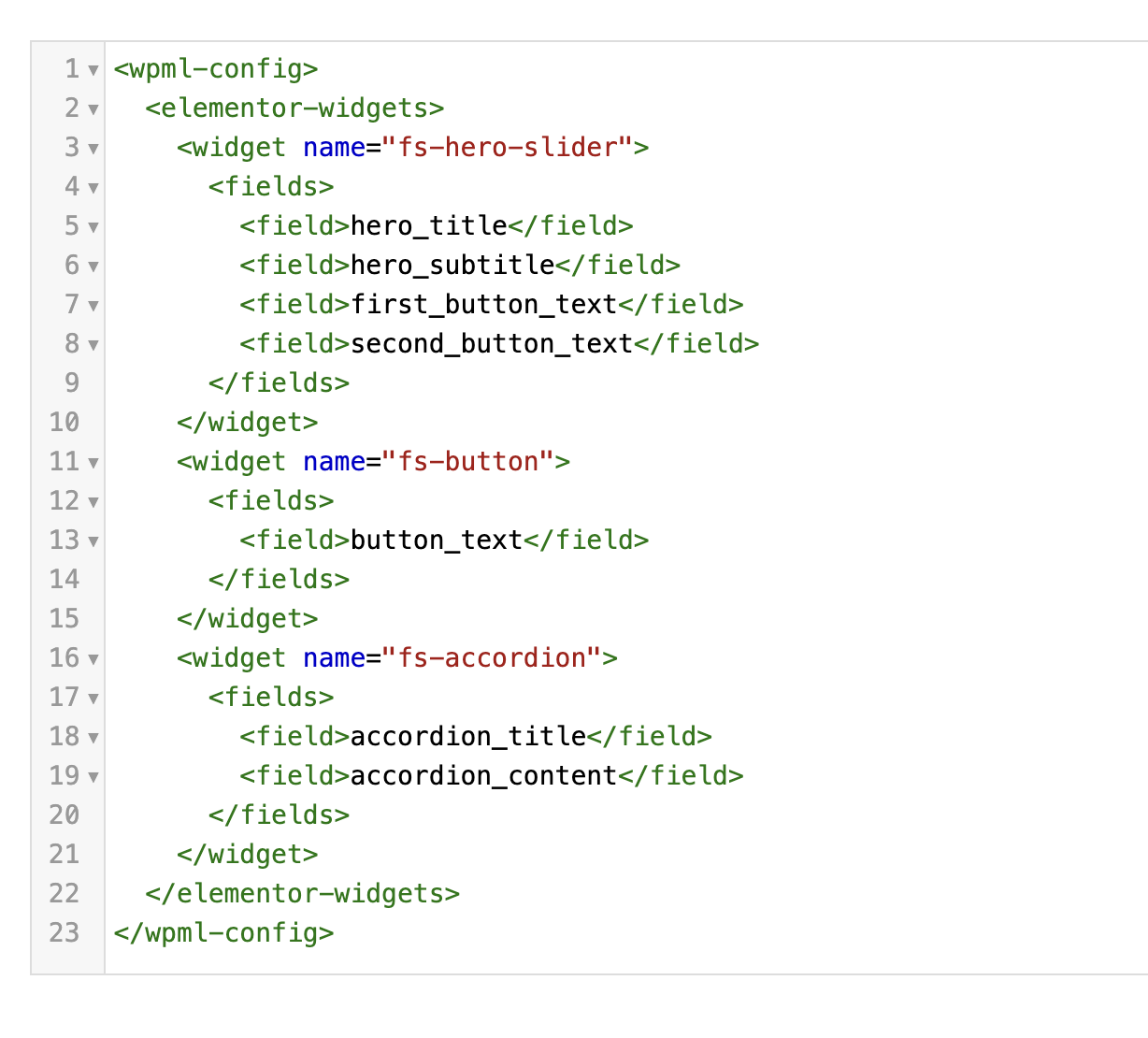
Problem: You are trying to auto-translate an Elementor page with custom created widgets using WPML. Despite adding a custom XML configuration for the widgets and updating strings, the widgets are not being translated. Solution: We recommend updating your custom XML configuration as follows:
You can add this configuration in WPML -> Settings -> Custom XML Configuration.
If this solution does not resolve your issue or seems irrelevant due to being outdated or not applicable to your case, we highly recommend checking related known issues at https://wpml.org/known-issues/, verifying the version of the permanent fix, and confirming that you have installed the latest versions of themes and plugins. If further assistance is needed, please open a new support ticket at WPML support forum.
This is the technical support forum for WPML - the multilingual WordPress plugin.
Everyone can read, but only WPML clients can post here. WPML team is replying on the forum 6 days per week, 22 hours per day.
<b>Background of the issue: </b>
I'm trying to auto translate an Elementor page with custom created widgets using WPML. I've added a custom XML configuration for the widgets, but it's not working. The widgets are not being translated even after updating strings.
<b>Symptoms: </b>
No translations found from the custom created widgets after adding custom XML configuration and updating strings.
<b>Questions: </b>
What am I doing wrong with the custom XML configuration for translating widgets?
Why are the custom widgets not being translated even after updating strings?
To ensure the quickest and most accurate support, please provide your debug information so I can look at some of your configurations. We have an excellent article on how to locate it here: https://wpml.org/faq/provide-debug-information-faster-support/.
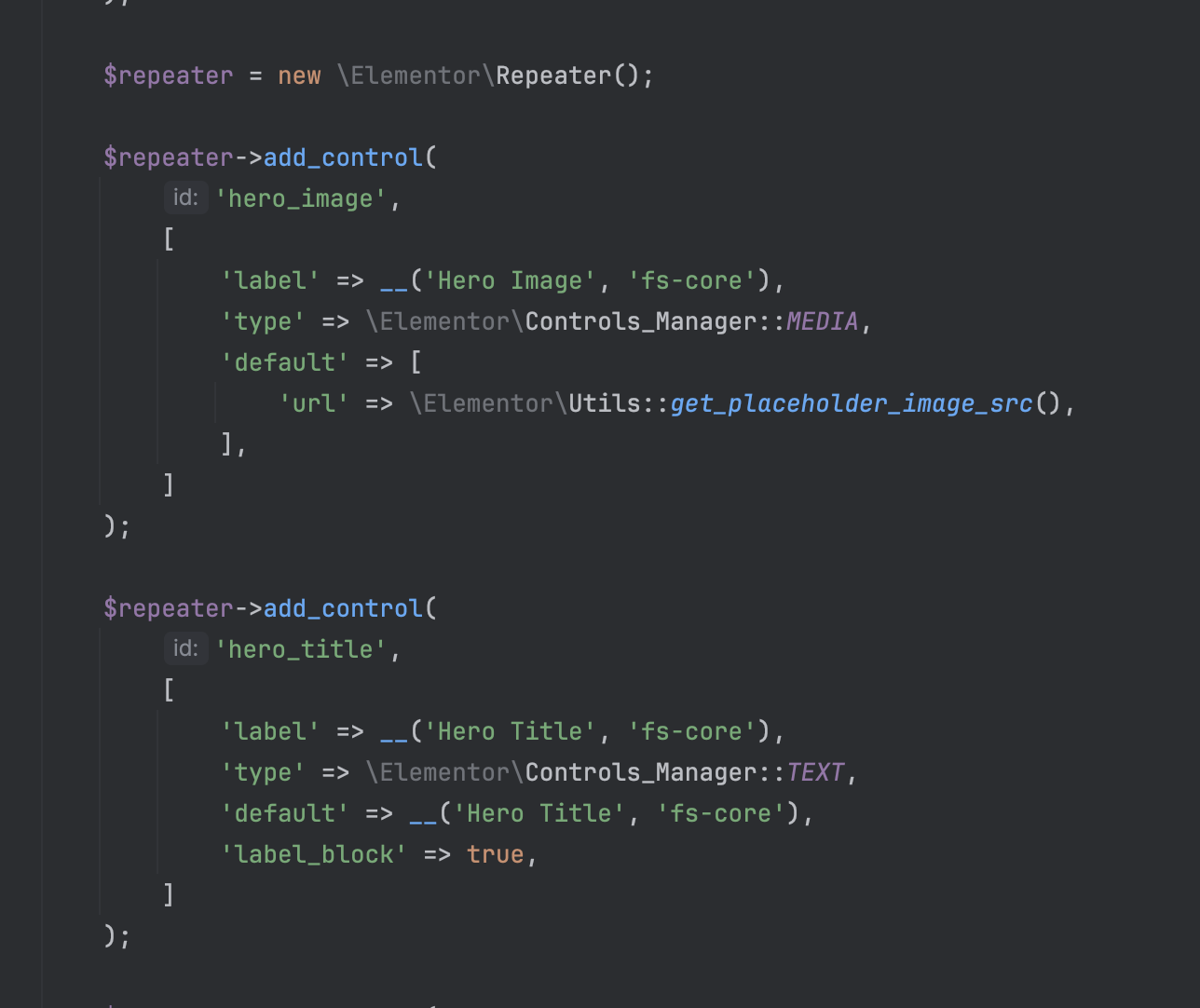
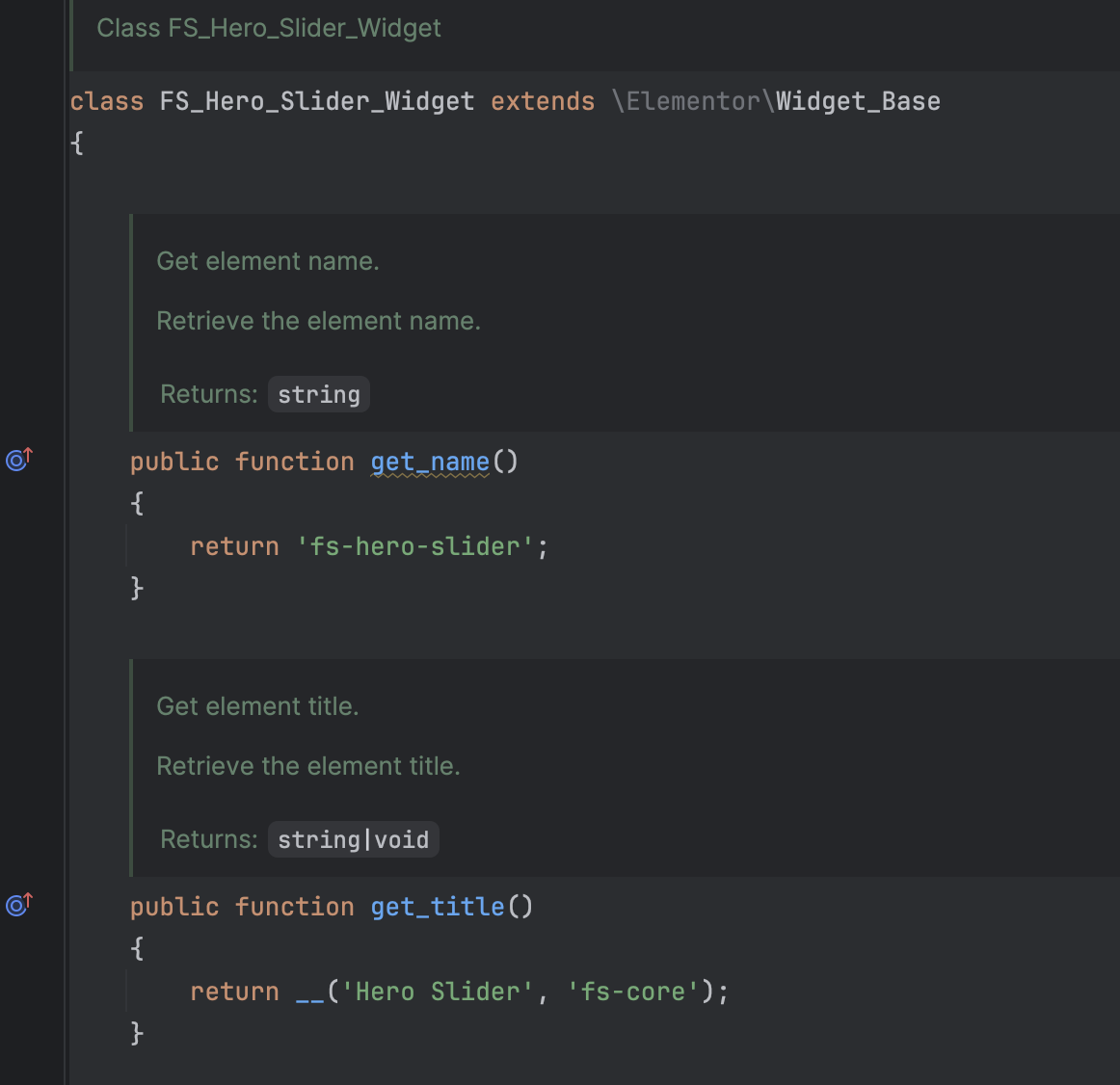
Where are the custom widgets coming from? An Elementor add-on? Which one? Custom code? Can you share it?
This theme is not in our compatibility list, however, it doesn't necessarily imply that it is not compatible, just that our team has not tested it yet.
On the other hand, on the theme sales page, they claim to be compatible with WPML. I suggest raising the issue with them too.
Anyway, I'd like to take a look at the issue 🙂
I created a clean installation of WordPress, WPML, and all necessary WPML add-ons.
You can access the WordPress dashboard using the link below: hidden link
Kindly follow the steps below:
- Don't restore your site there.
- Install the Levre theme
- Try to replicate the issue with minimal steps.
- Then let me know the steps to see the problem and reproduce it.
Thanks, it worked! Now I have problem with template hidden link
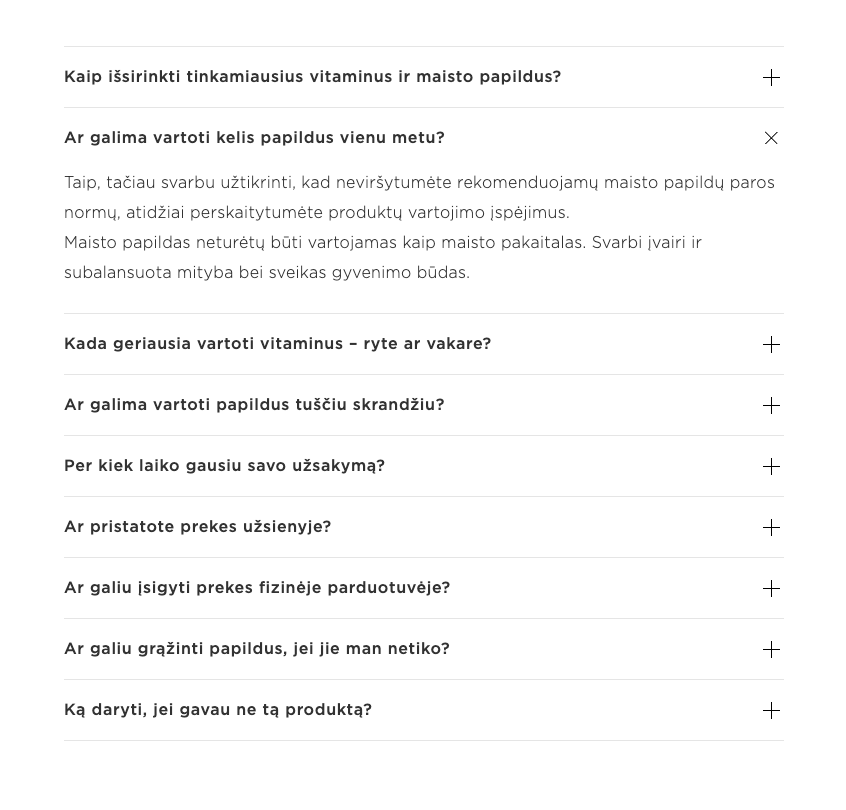
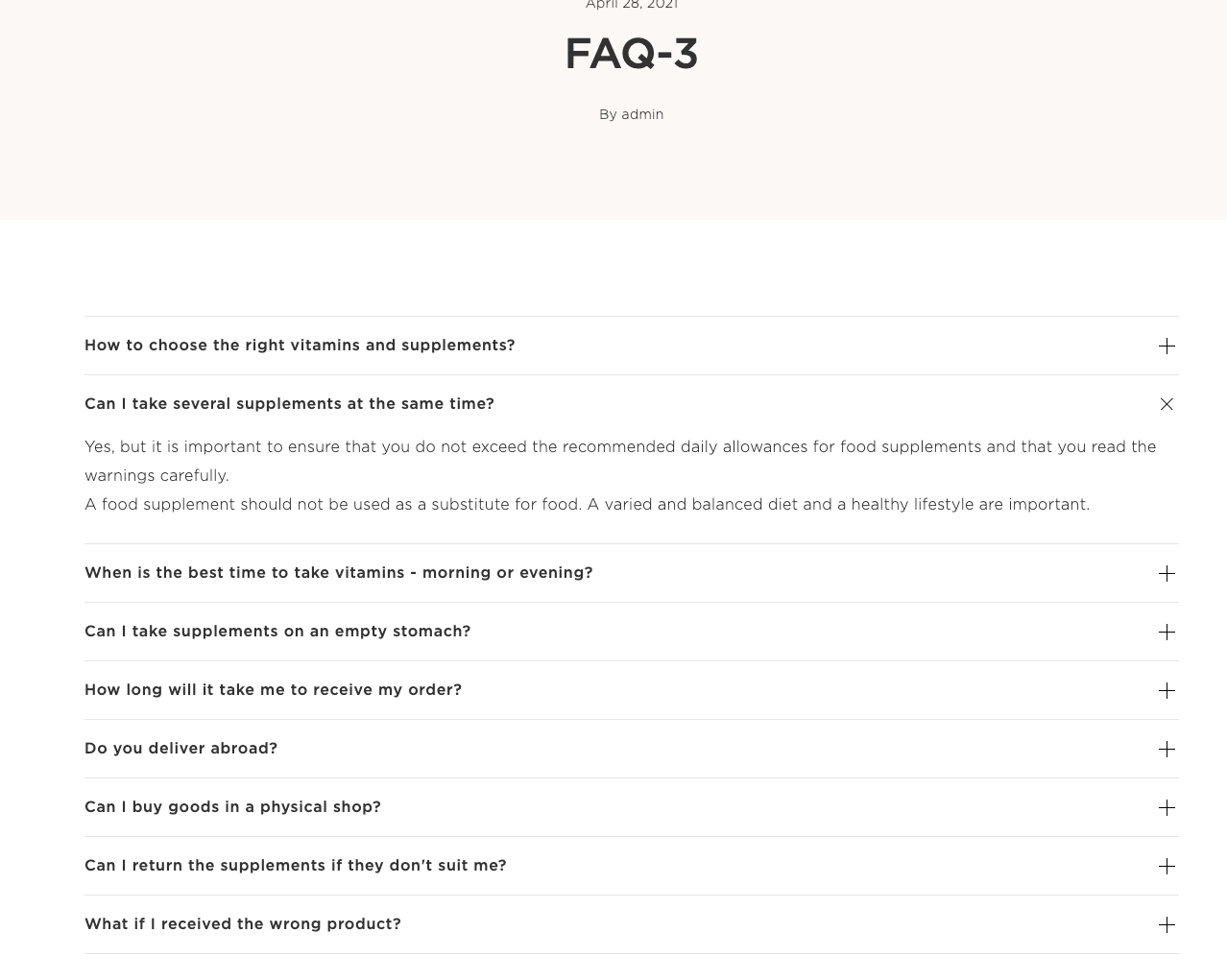
Accordion is used as template. I've modified xml and now it's translated in WPML translation editor (screenshot attached), but when I change language in website, this block/template is not being translated. Just other blocks. Can you help me with that?
New threads created by Otto and linked to this one are listed below: