[Resolved] WPML Editor doesn't update after article modification
This thread is resolved. Here is a description of the problem and solution.
Problem: The client is unable to update translations in the WPML Editor after modifying an article with Elementor. Additionally, the Elementor header is not showing after translation. The client has tried clearing the cache and making minor modifications, but these steps did not resolve the issue. Solution: We recommend the following steps to address the issue: 1. Edit the post in the default language. 2. Make an edit and update it. 3. Purge the SG cache and WP Rocket cache. 4. Update the translation using the translation editor.
If this solution does not resolve your issue, or if it seems outdated or irrelevant to your case, we highly recommend checking related known issues at https://wpml.org/known-issues/, verifying the version of the permanent fix, and confirming that you have installed the latest versions of themes and plugins. If problems persist, please open a new support ticket at WPML support forum for further assistance.
This is the technical support forum for WPML - the multilingual WordPress plugin.
Everyone can read, but only WPML clients can post here. WPML team is replying on the forum 6 days per week, 22 hours per day.
Background of the issue:
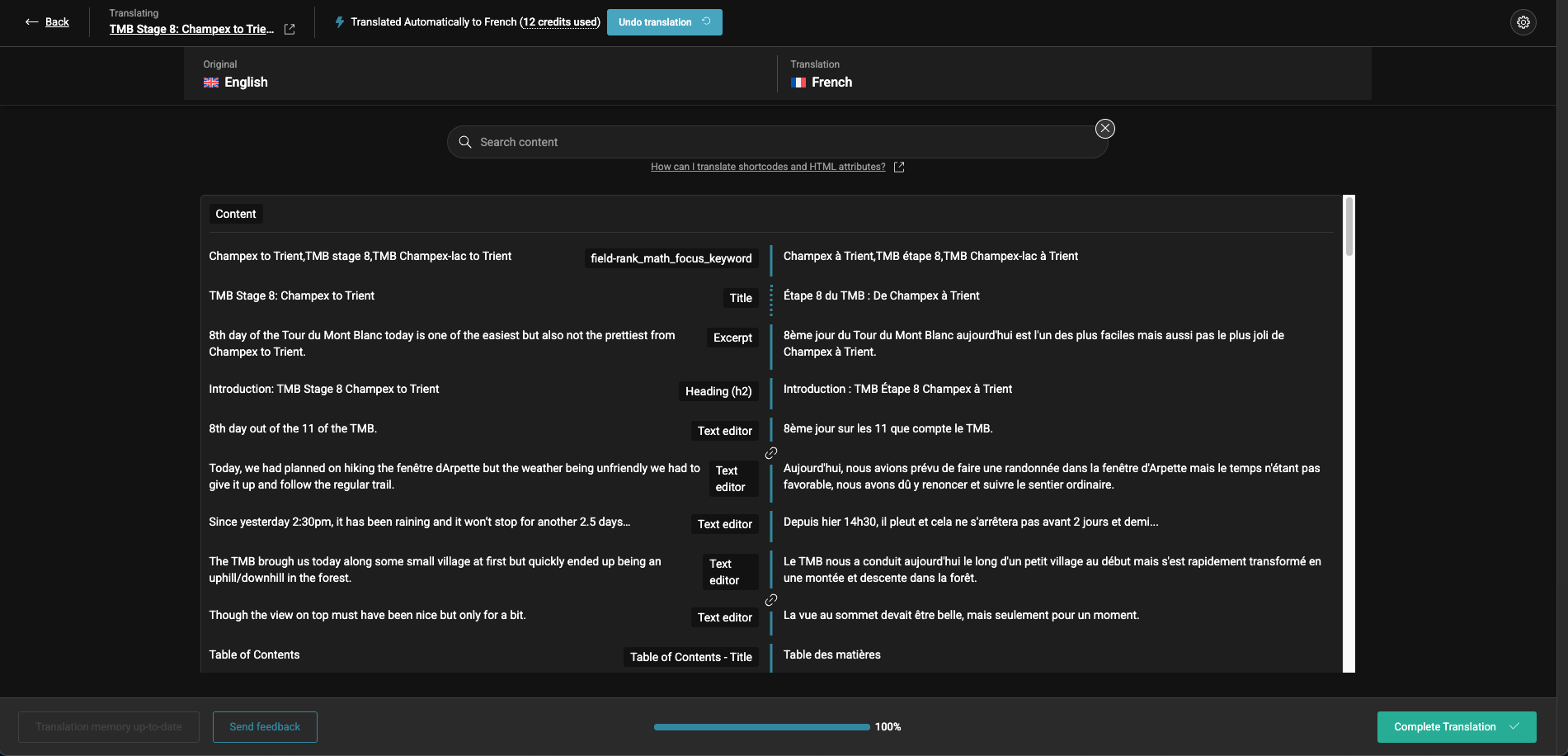
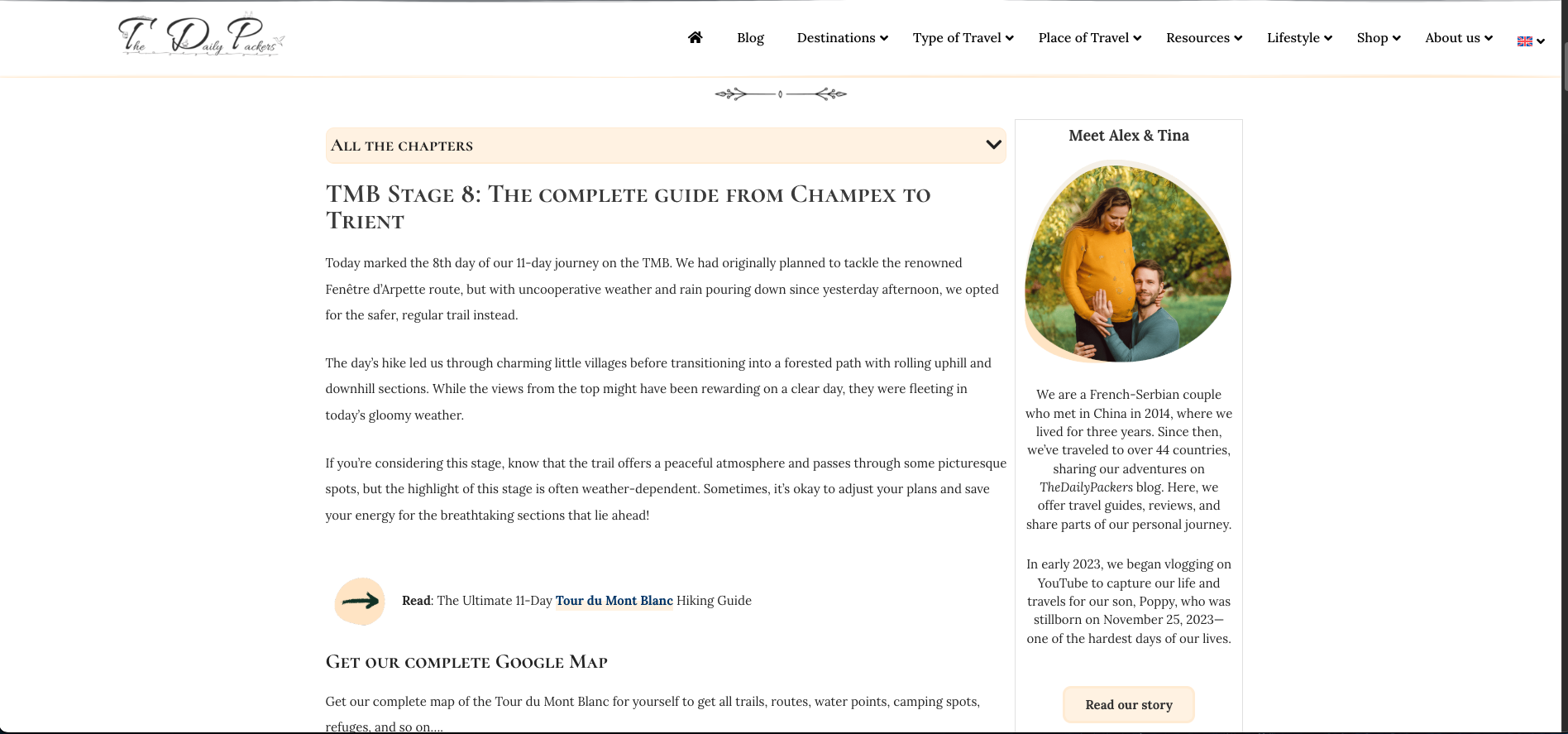
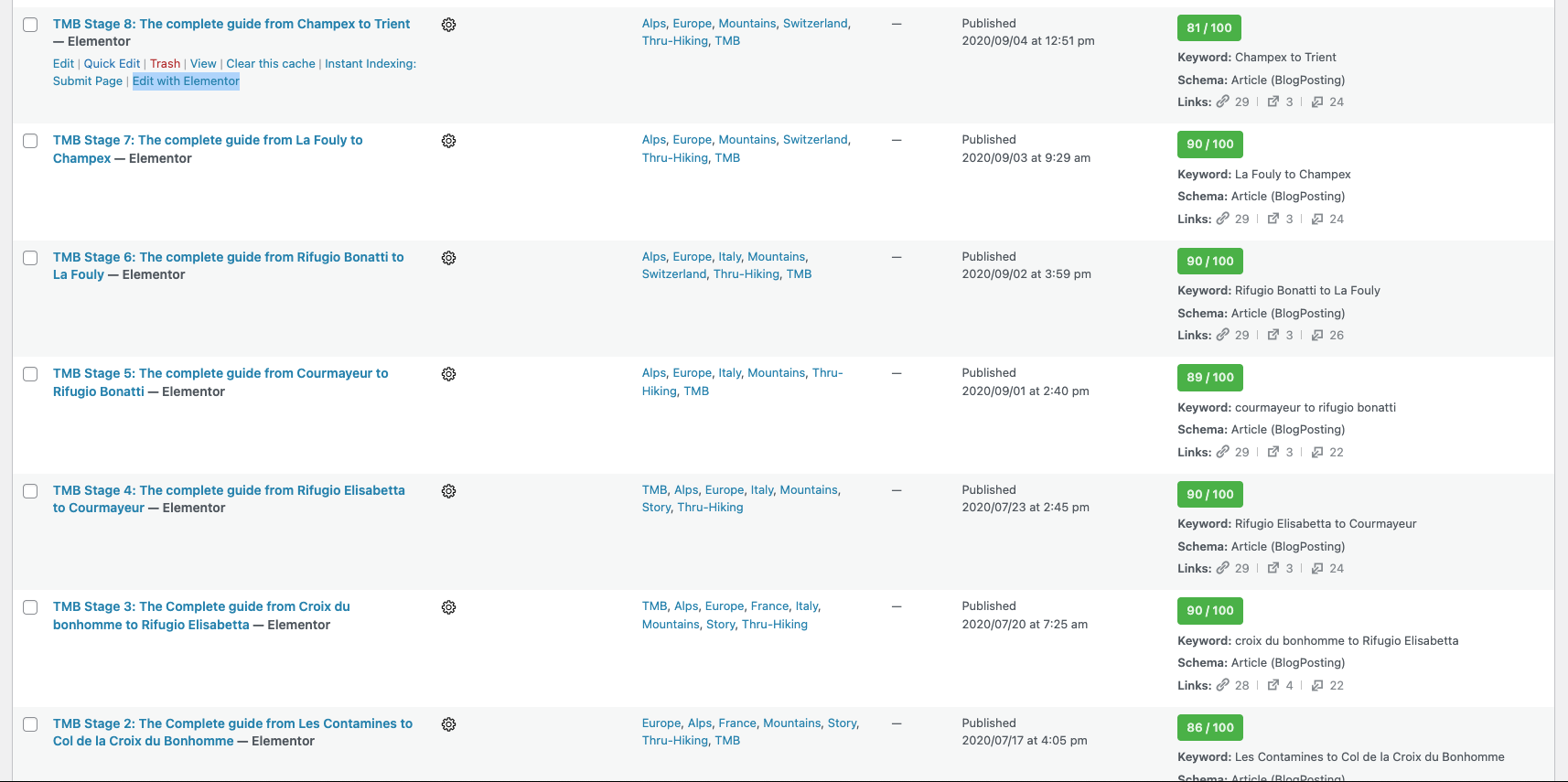
I am trying to update an article using the Elementor editor and then update the translation using the WPML editor. However, the translation doesn't update, and a gear icon appears. I have tried clearing the cache in WPML troubleshooting, made a small modification in the article, and translated it again, but it didn't work. I have been experiencing multiple issues with the translated content. Recent changes include moving from WPML BETA plugin to production ones, hosting migration to SiteGround, adding the Cloudflare plugin, and installing a new image optimizer (EWWW). The issue was already happening before I installed this plugin. Link to a page where the issue can be seen: hidden link
Symptoms:
WPML Editor doesn't update after article modification. A gear icon appears. Elementor header not showing after translation.
Questions:
Why doesn't the WPML Editor update after modifying an article with Elementor?
How can I resolve the issue of the Elementor header not showing after translation?
Thanks for contacting WPML forums support. I'll be glad to help you today.
First of all, sorry for the late reply; it was due to a higher workload.
I would need to look closely at your site, so I would need to request temporary access (WP-Admin and FTP) Preferably to a test site where the problem has been replicated.
Your answer will be private, meaning only you and I can access it.
❌ Please backup your database and website ❌
✙ I need your permission to deactivate and reactivate the plugins and themes and change site configurations. This is also why the backup is critical.
✙ I also need your permission to take a local copy of your site to debug the issue without affecting your live site.
I must say that I am surprised because I tried many times and it didn't work. Even after clearing the WPML cache.
I just tried updating 2 articles and it worked. However, the same thing happened a couple of days ago.
However a few days ago, the error appeared, and I couldn't translate, I contacted your support, then it worked for 1 day and then it blocked again.
The only difference since was that:
- I switched the page URL from "Auto-generate from the title (default)" to "Translate (this will include the slug in the translation and not create it automatically from the title)"
- Removed some backup files from the database
I will try updating a few other articles to see what's happening. And I will let you know if the problem appears again.
I am sorry but there is something not working correctly. It works with you, not with me.
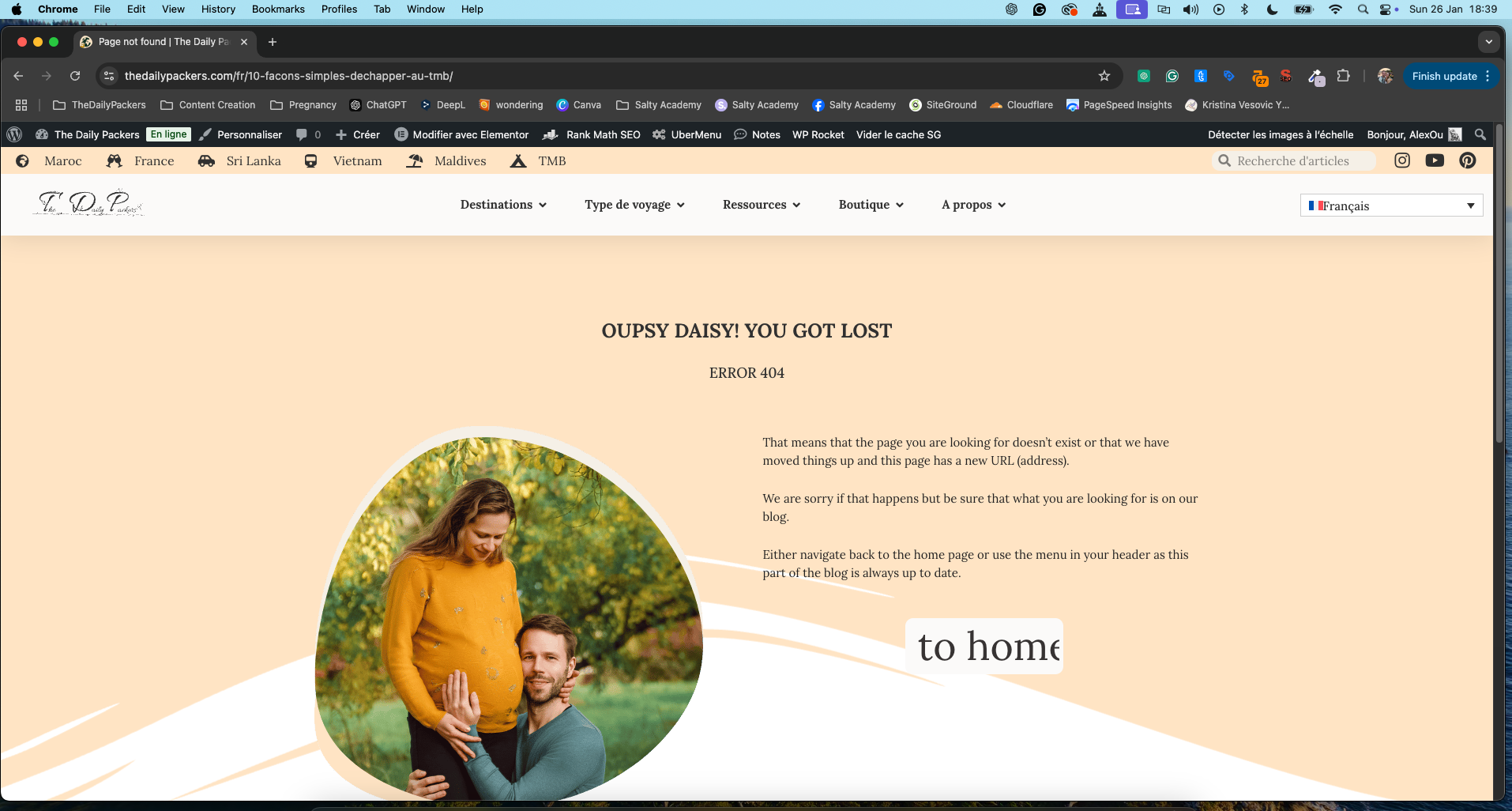
Also, I checked the page again and the French translation was showing a 404 error. I then went back to the WPML editor and saw that the URL was missing but that the rest was updated. Added the same URL as it was before, saved and it worked.
However, I am concerned because there must be an error or a bug somewhere.
What did you do exactly to make the WPML editor update to the new translation?
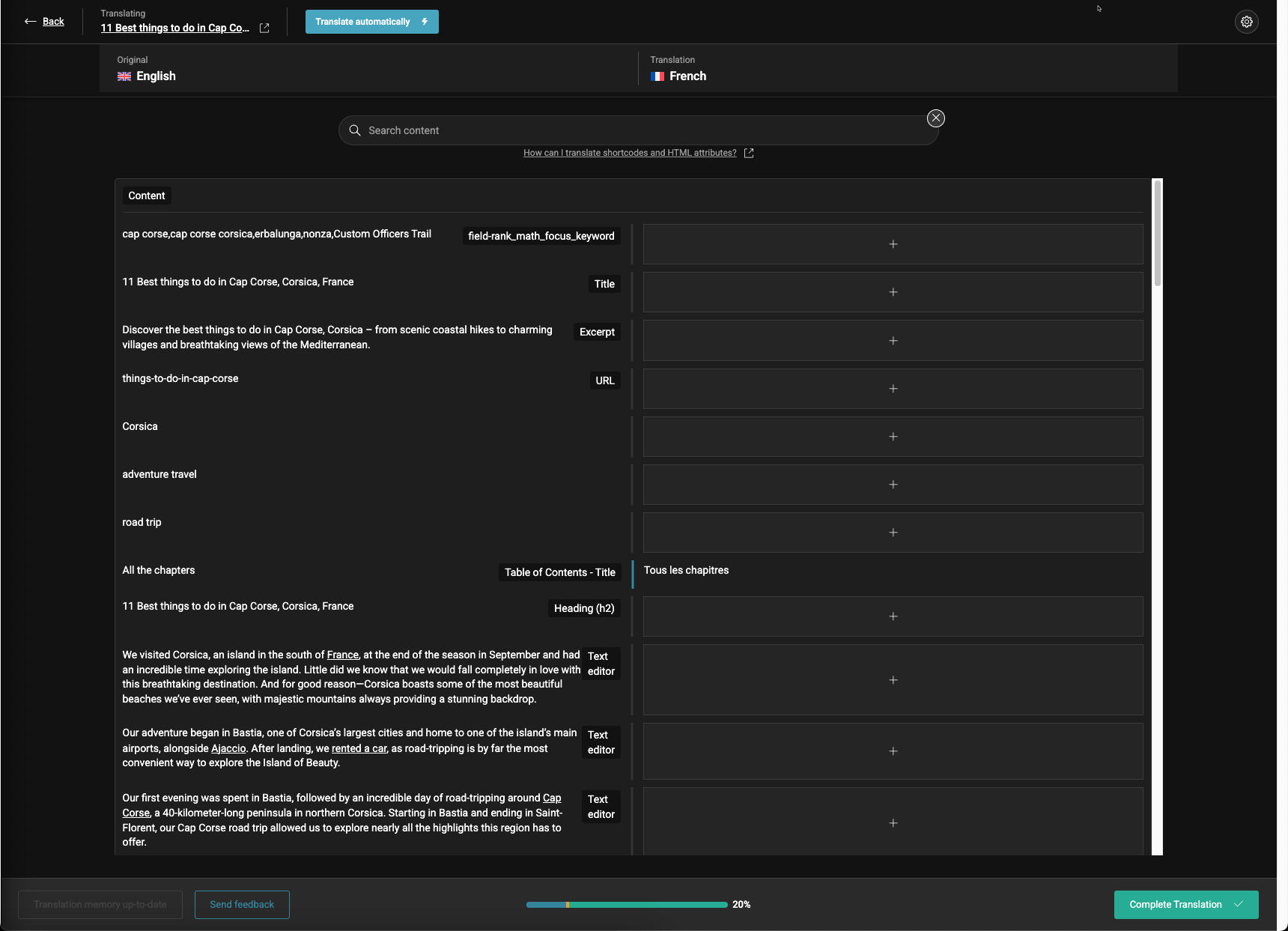
Thanks for the video. I see the same issue on your site. In order to check if the problem happened due to our translation server, I opened the translation job directly from our server, and it worked correctly. (Kindly check the attached screenshot)
Please deactivate all caching and security plugins on your site. Then, disconnect the DNS (Cloudflare) to test whether the editor will open correctly.
I deactivated all caching and security plugins:
- Cloudflare
- SG Security Optimizer
- SG Speed Optimizer
- WP Rocket
I also tried clearing all cache from the WPML support page.
On Cloudflare, I have 2 WAF rules, one is the whitelist of WPRocket, and the other is a challenge wp-admin against bots. I tried deactivating the latter.
After that, I am still at the same point, it doesn't work.
I went into the "Advanced Translation Editor Error Logs" and saw various errors such as:
- 2025/01/16 8:13:00 AM ATE Server Communication
- 2025/01/15 9:38:12 AM ATE Server Communication
after a bunch of those, we are back in 2024.
I reactivated the plugins as my site heavily relies on them for performance.
It has been 4 years since I have been using WPML and so far, there never was any issue. And lately, it is one after the other.